Productivity
Tips to help you get more done and make the most of your time.

Start Here · 1:46
How to Copy Text from Paper with Live Text on iPhone
By app
 1:46
How to Copy Text from Paper with Live Text on iPhone
 Camera · 18 Nov
 2:41
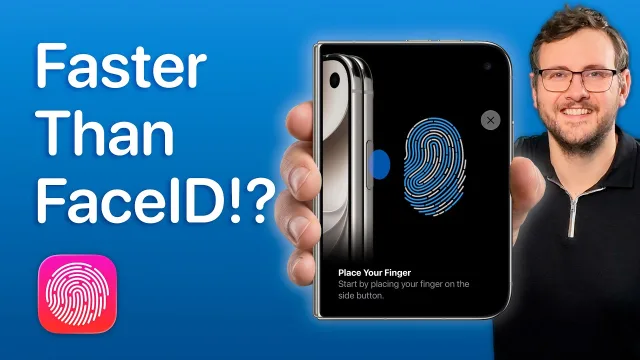
How to Speed Up Touch ID on iPhone Duo

 3:56
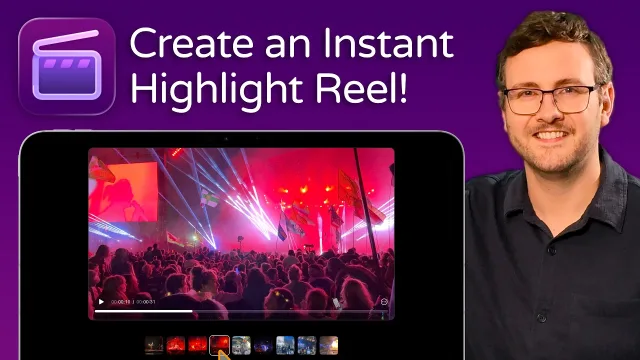
Use Montage Maker in Final Cut Pro for iPad

 1:50
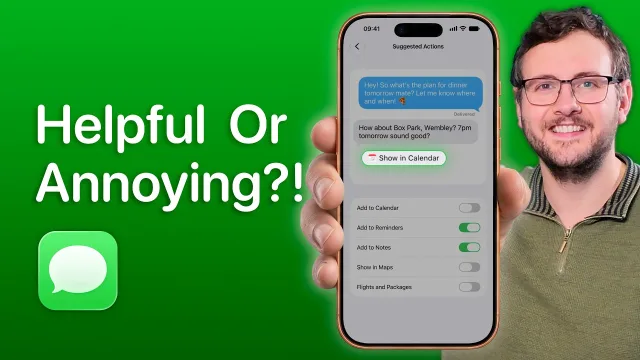
Use and Turn Off Suggested Actions in iPhone Messages

 2:46
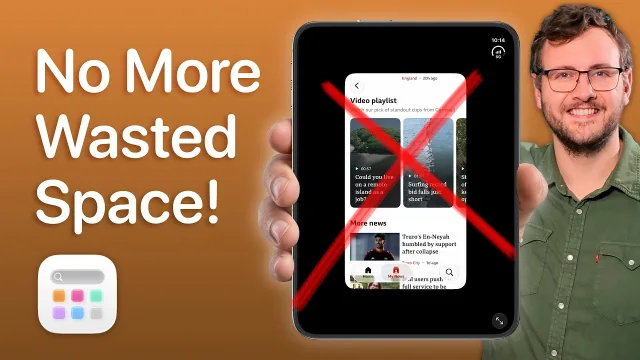
How to Fix Black Bars on Apps on iPhone Duo
 Home Screen · 11 Nov
 2:06
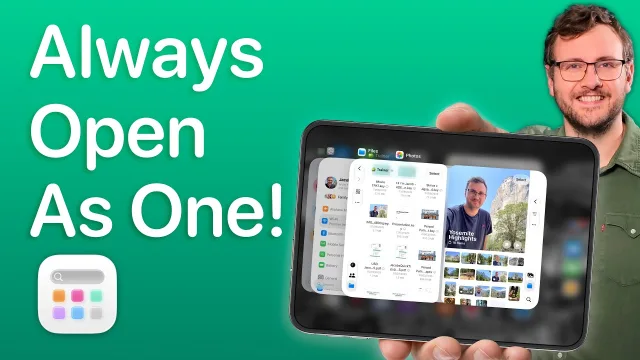
How to Use Split Screen and App Pairs on iPhone Duo
Home Screen · 4 Nov
 1:46
Check Food Nutrition with Siri Camera Mode on iPhone
Camera · 3 Nov
 2:04
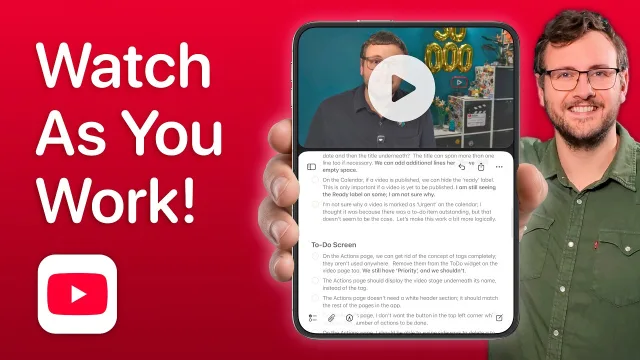
How to Use Picture in Picture on iPhone Duo
 YouTube · 29 Oct
 1:54
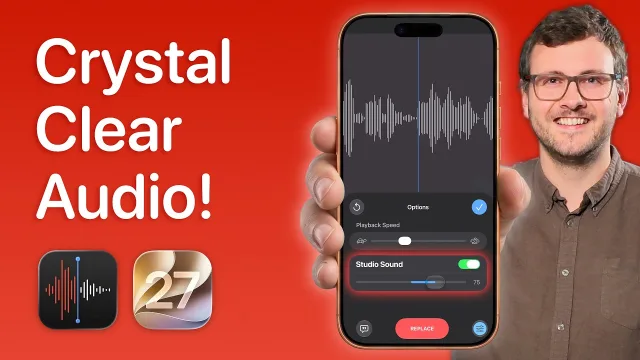
Remove Background Noise in Voice Memos with Studio Sound
 Voice Memos · 20 Oct
 1:19
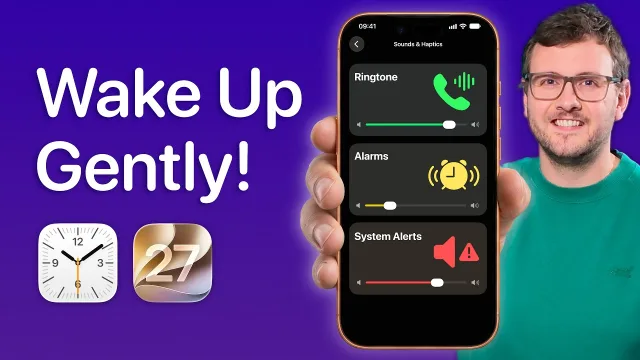
How to Set Alarm Volume Separately on iPhone in iOS 27

 2:16
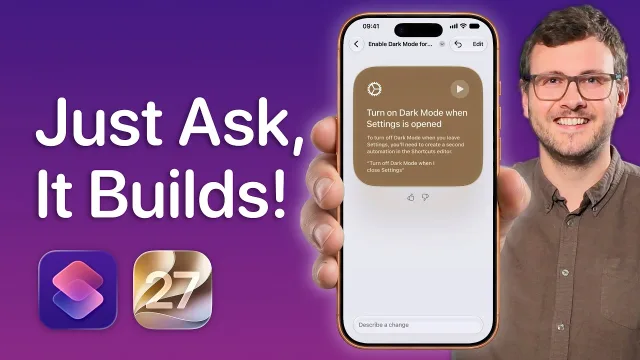
Create Shortcuts with Apple Intelligence in iOS 27

 2:24
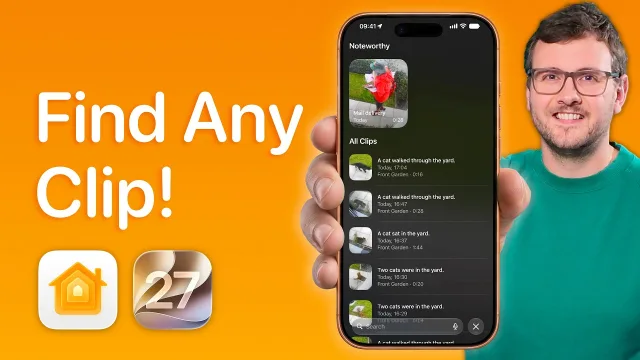
Search Home Camera Footage with Apple Intelligence in iOS 27

 1:41
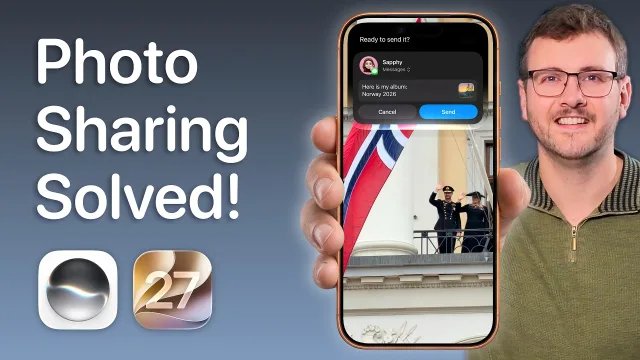
Create Shared Photo Albums with Siri AI in iOS 27

 1:40
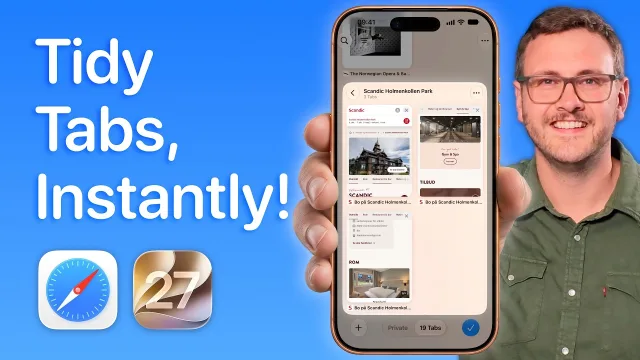
Organise Safari Tabs Automatically into Topics in iOS 27

 1:59
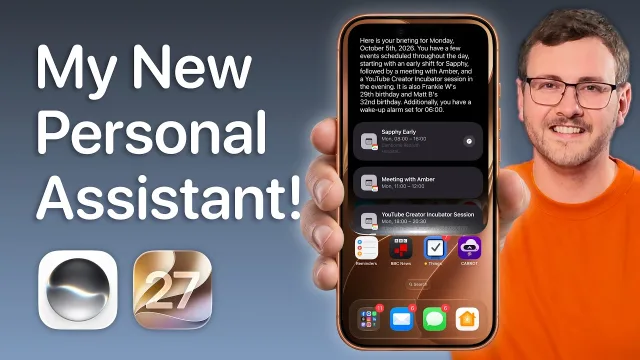
How to Use Siri AI as a Personal Assistant in iOS 27
 2:37
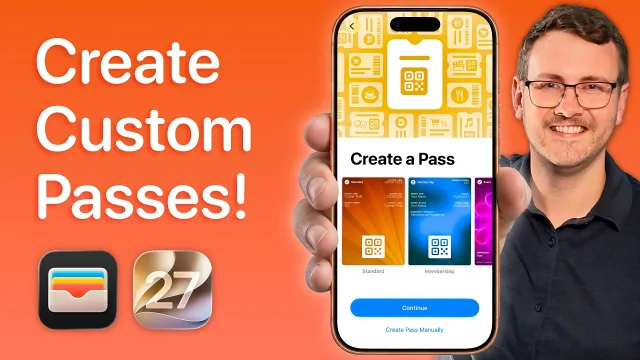
How to Create a Pass in Apple Wallet in iOS 27
 Wallet · 30 Sept
 1:33
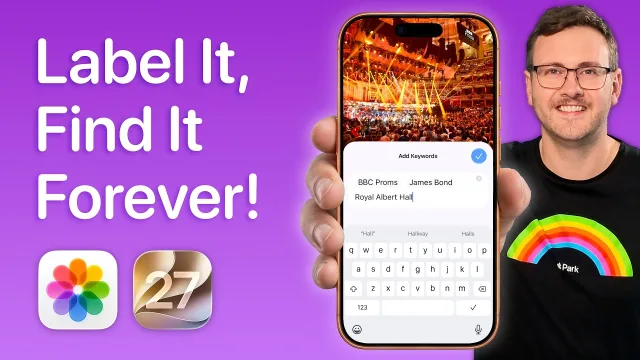
How to Add Keywords to Photos in iOS 27

 1:22
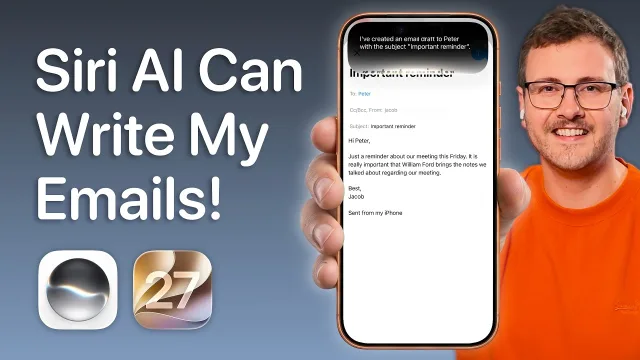
Write and Send Emails with Write with Siri in iOS 27
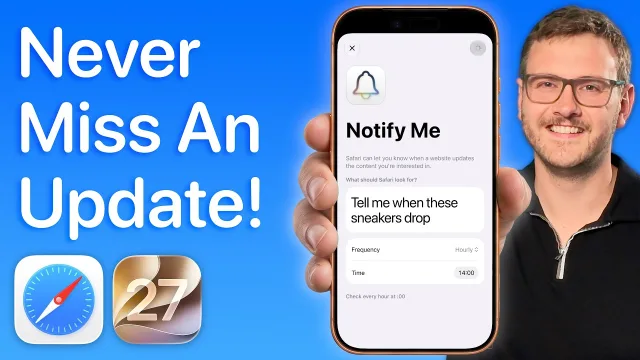 1:54
Get Webpage Update Alerts with Notify Me in Safari
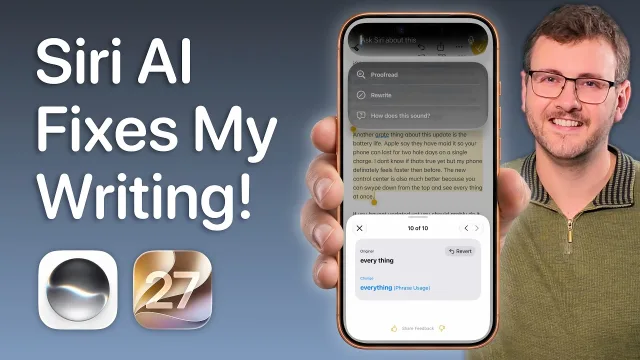 1:22
Proofread Your Writing with Siri AI in iOS 27
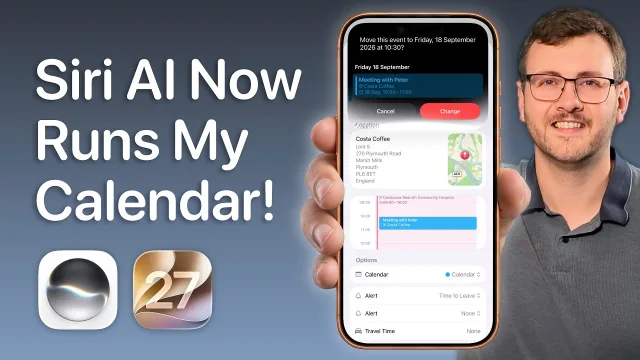 1:37
Create Calendar Events with Siri AI in iOS 27
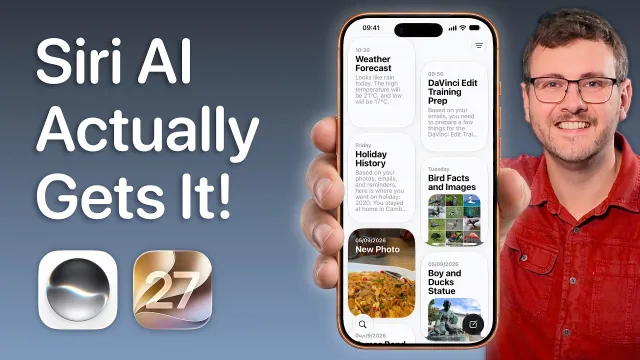 2:04
A Tour of the New Siri App in iOS 27
 0:53
Where to Find Notifications in iOS 27
 Lock Screen · 14 Sept
 1:57
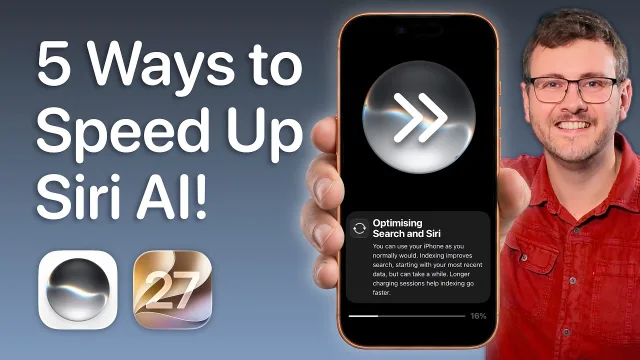
How to Fix “Optimising Search and Siri” in iOS 27
 1:50
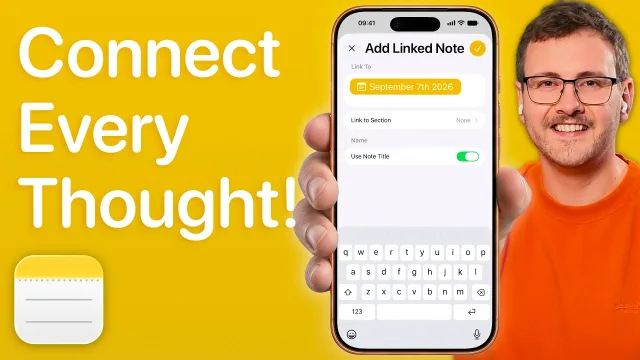
How to Link Notes Together on Your iPhone

 1:16
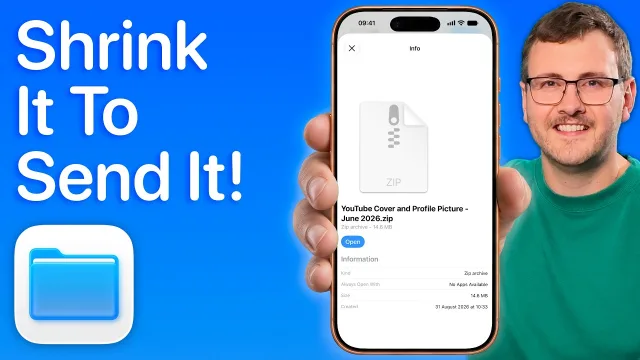
Zip and Unzip Files in the Files App on iPhone
 Files · 3 Sept
 2:01
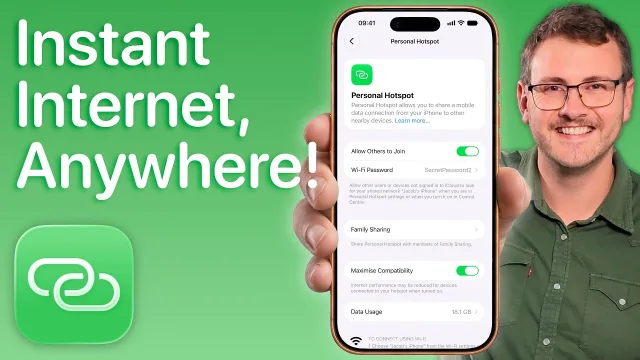
How to Use Personal Hotspot on iPhone
 1:47
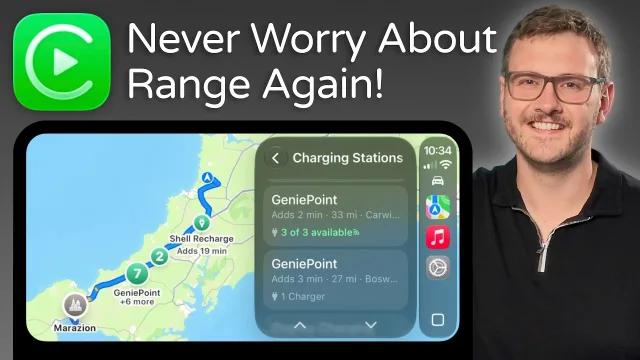
Find EV Chargers on Your Route with Apple Maps in CarPlay
 Maps · 31 Aug
 1:31
How to Mute Notifications for an App on Your iPhone
 1:51
How to Set Up a Shared Album in Photos on iPhone
 0:53
Schedule a Text with Send Later in Messages on iPhone
 1:32
How to Rearrange CarPlay Apps from Your iPhone
 0:40
Mute a Group Chat with Hide Alerts in Messages
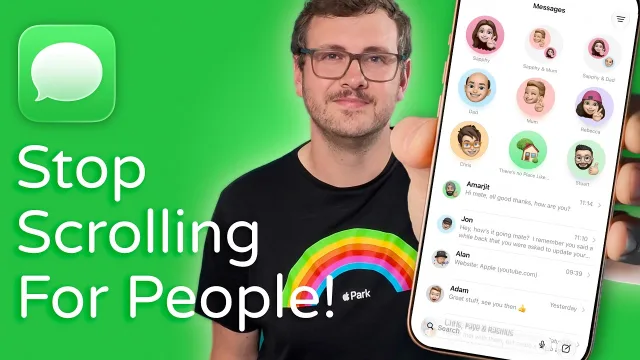 0:48
How to Pin Conversations in Messages on iPhone
 1:34
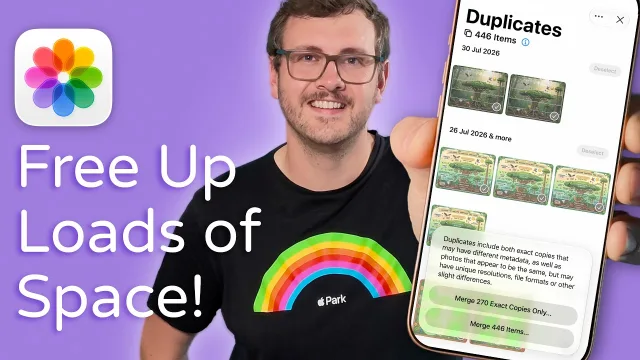
Merge Duplicate Photos to Free Up iPhone Storage
 1:31
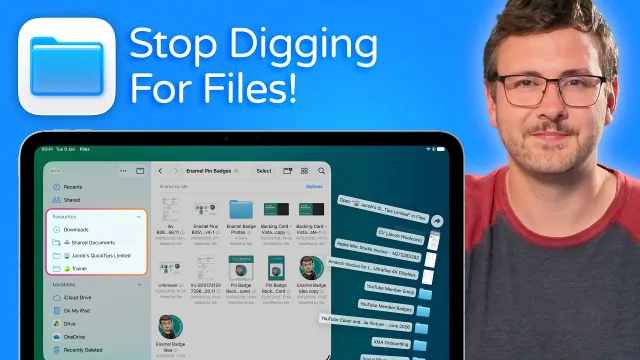
Add Folders to Favourites and the Dock on iPad
Files · 7 Aug
 0:38
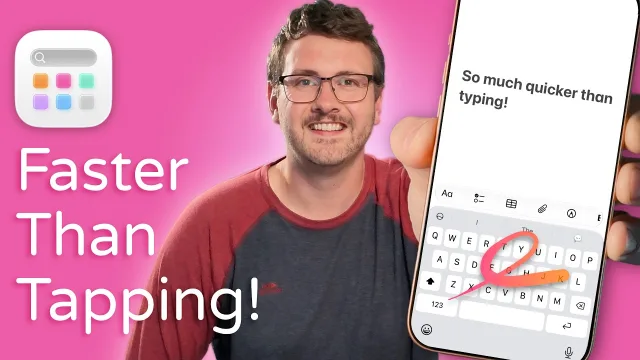
How to Use Slide to Type on iPhone
 1:40
Use Quick Actions on Your iPhone Home Screen
Home Screen · 3 Aug
 1:04
Edit Photos in Keynote, Numbers and Pages with Pixelmator Pro

 0:59
How to Create Text Replacement Shortcuts on iPhone

 0:42
Hide Adverts on Websites with Reduce Distractions in Safari
 1:04
Edit Keynote, Numbers and Pages Images in Pixelmator Pro
 0:44
Add Cities to World Clock on iPhone
 1:17
How to Hide and Colour Tabs in Numbers

 1:46
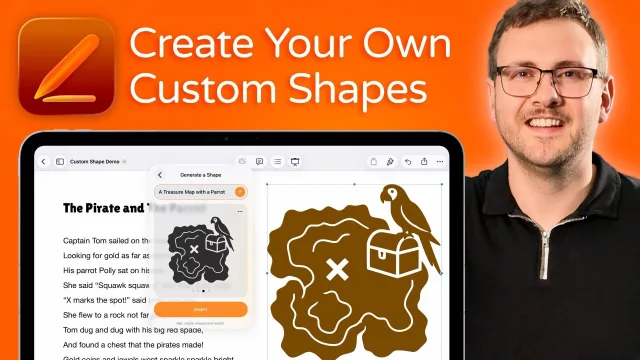
How to Generate Custom Shapes in Keynote, Numbers and Pages with AI

 1:27
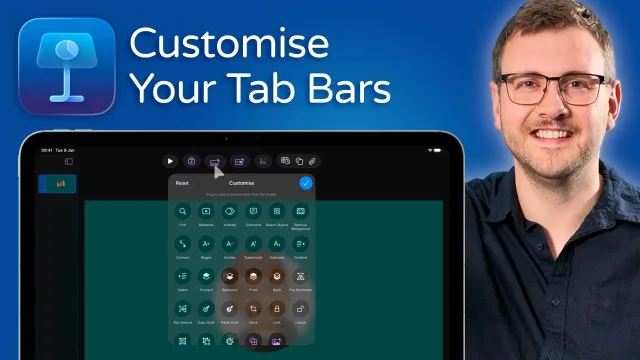
How to Customise Your Toolbar in Keynote, Numbers and Pages

 0:53
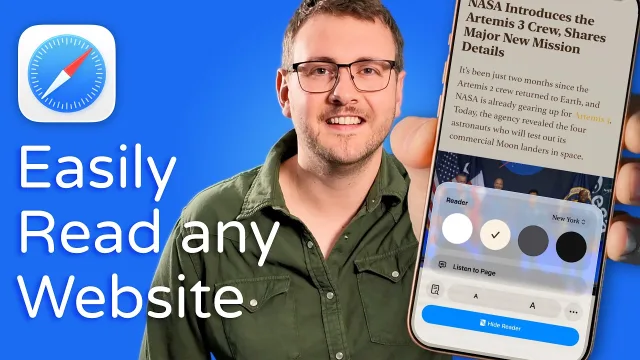
How to Use Reader Mode in Safari on iPhone
 0:58
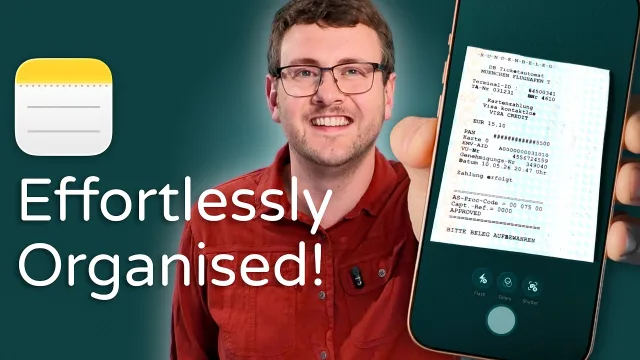
Scan Receipts into an Expense Log in Notes on iPhone
 1:04
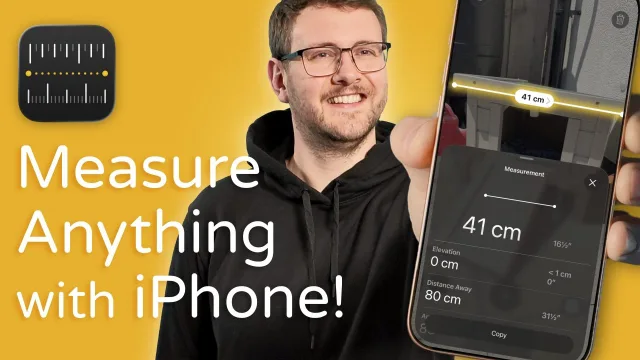
Use Your iPhone as a Tape Measure with the Measure App
 Measure · 29 May
 0:53
Convert Currency on iPhone with the Calculator App

 1:03
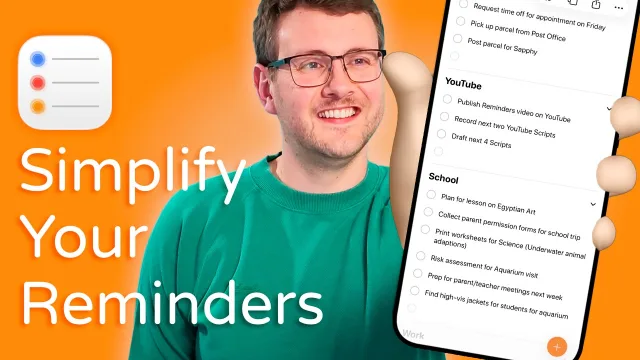
Automatically Organise Long Reminders Lists

 1:24
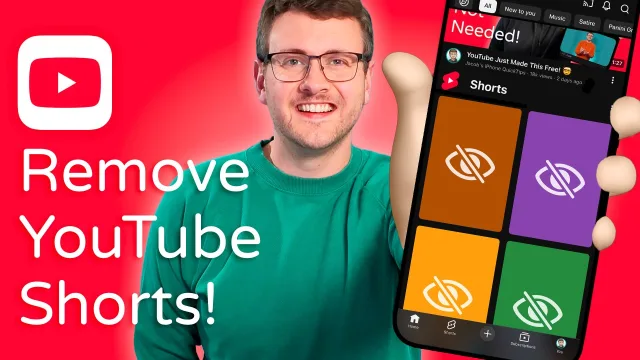
Remove Shorts from your YouTube Home Page
YouTube · 8 May
 1:27
How to use Picture In Picture Mode in YouTube for Free
YouTube · 1 May
 1:21
How to Translate Any Text Instantly with Google Lens
 Google · 21 Mar
 1:53
How to Record Your iPhone Screen
 Control Center · 14 Mar
 3:18
Navigate Large Freeform Boards using Scenes

 2:38
Slide Over and Split View in iPadOS 26
Home Screen · 7 Jan
 2:06
How to Make Meeting Templates in Notes
 1:58
Change the Size, Colour and Style of Your iPad Cursor
 Accessibility · 10 Nov
 1:41
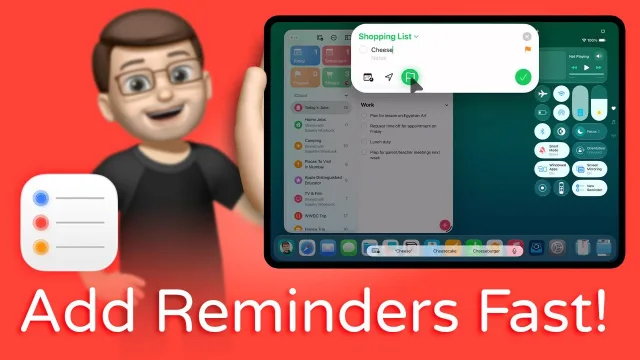
Add Reminders from Control Centre!
 1:34
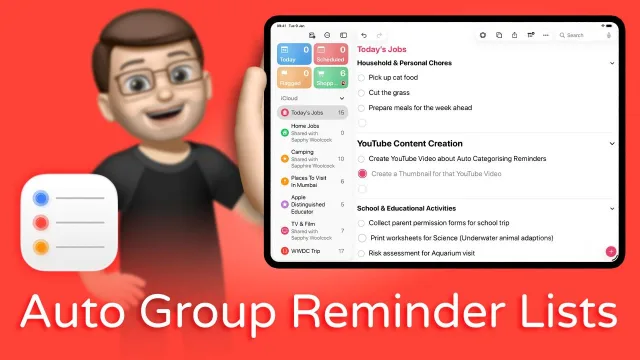
Auto-Categorise Reminders with Apple Intelligence
 2:38
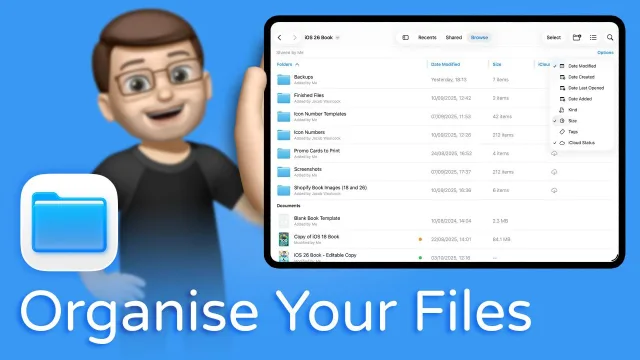
How to Use Grouping and List View in Files
Files · 16 Oct
 2:55
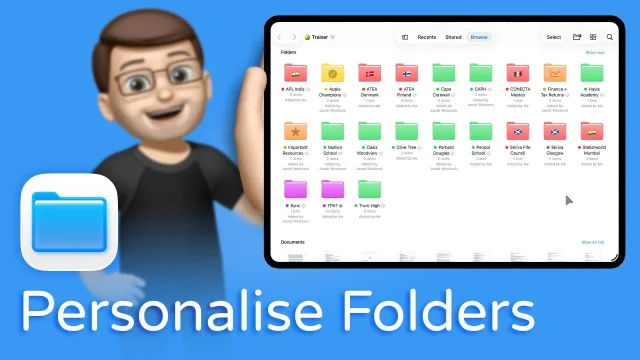
Customise Folders with Colours and Emoji
Files · 13 Oct
 2:09
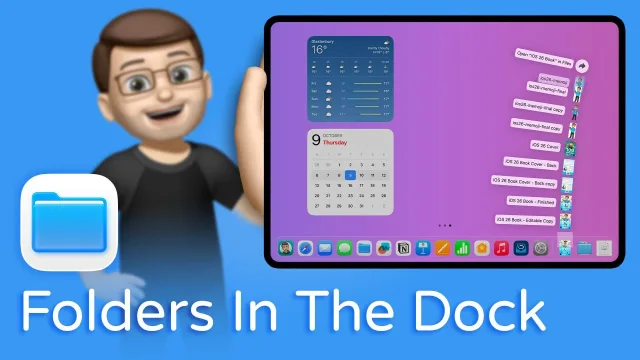
Pin Folders to the Dock on iPadOS 26
Files · 9 Oct
 8:02
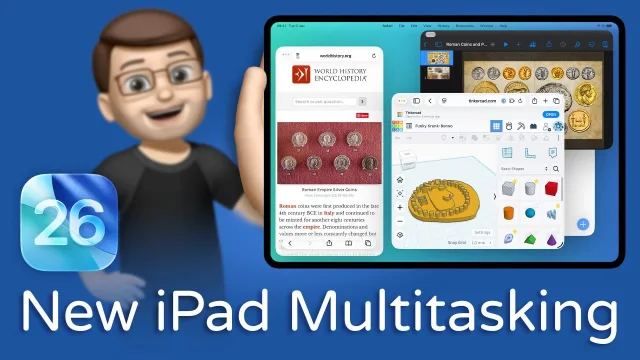
How to Use Multitasking in iPadOS 26
Home Screen · 6 Oct
 2:03
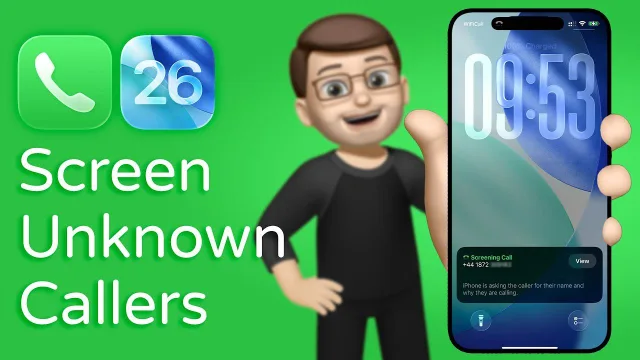
Stop Spam Calls with iOS 26 Call Screening

 1:37
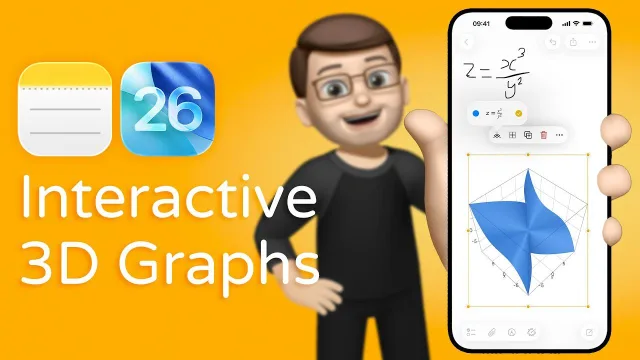
Create 3D Graphs in Notes
 1:15
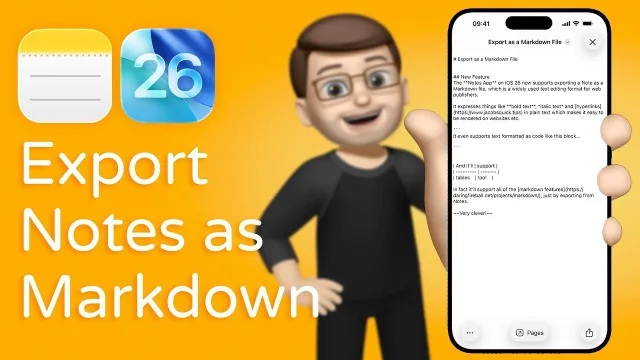
Convert iPhone Notes to Markdown Format
 1:27
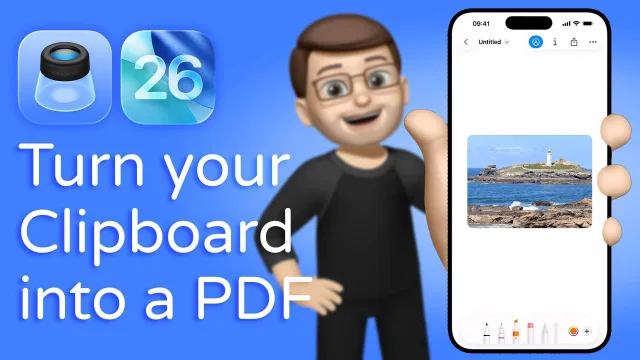
Turn Clipboard Content into a PDF Document

 1:20
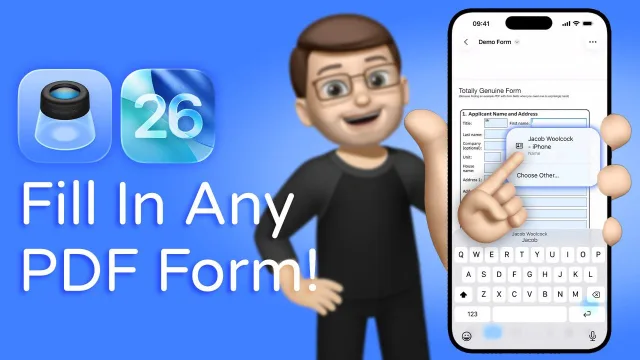
Autofill Documents and Forms
 1:47
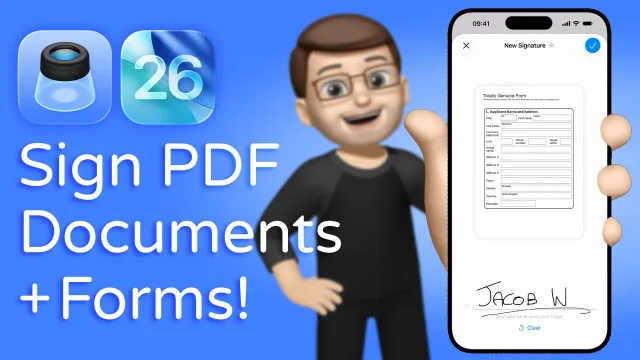
How to Sign any PDF Document
 1:20
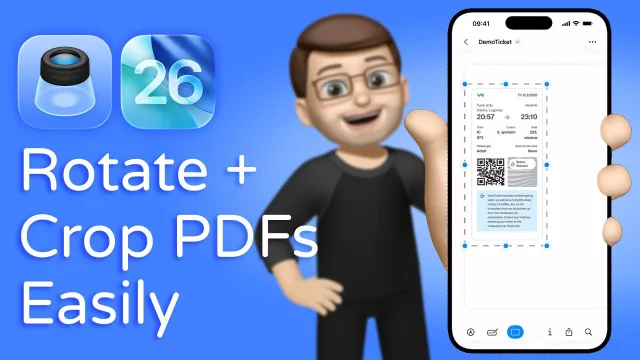
How to Resize and Rotate PDFs
 2:51
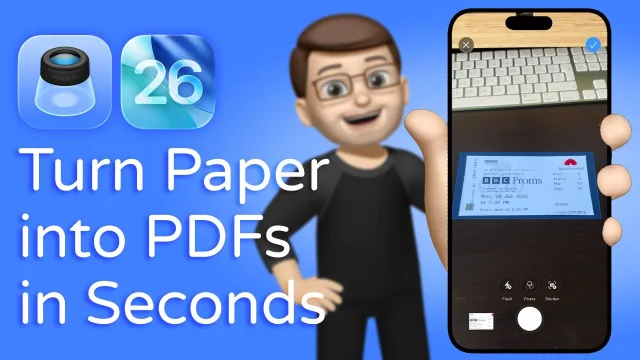
Turn Paper into PDFs with the Preview App
 1:51
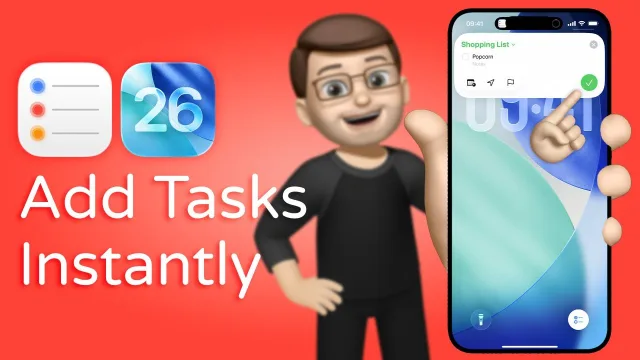
Instant Reminders from the Lock Screen
 1:23
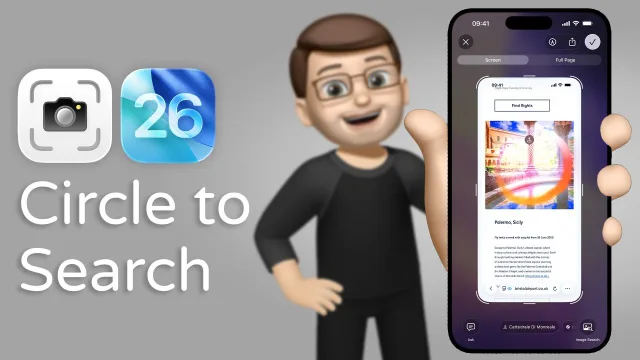
How to Circle and Search Anything on Your iPhone
 Screenshot · 3 Aug
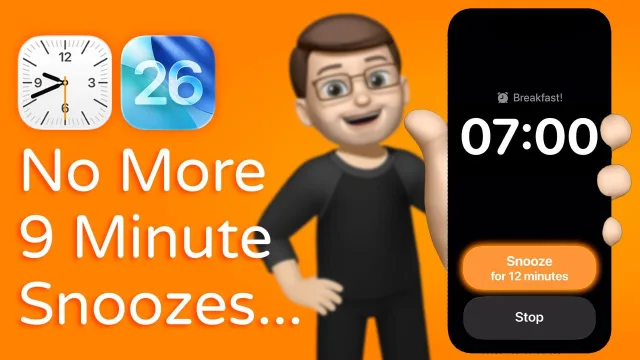 1:44
Change Snooze Timer to 1–15 Minutes on iPhone Alarm (iOS26 Public Beta)
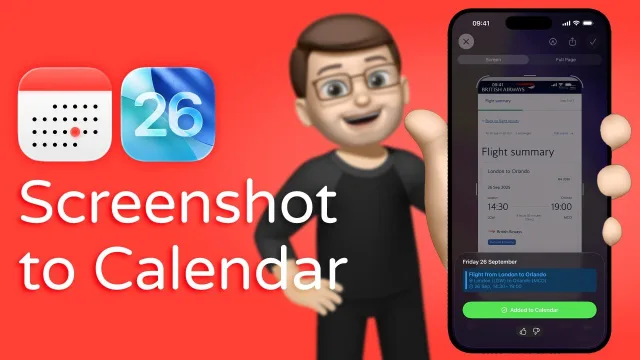 1:16
Add Events to iPhone Calendar with Just a Screenshot!

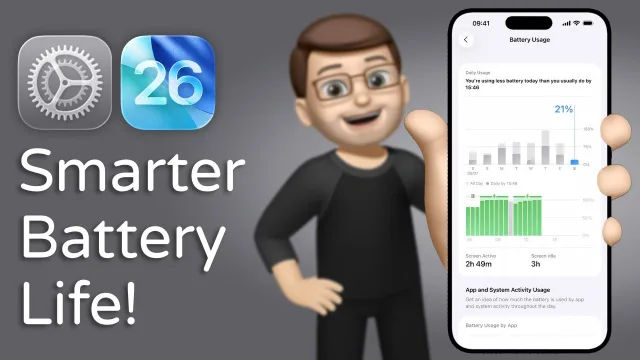 1:13
Save iPhone Battery with Adaptive Power (iOS 26 Public Beta)
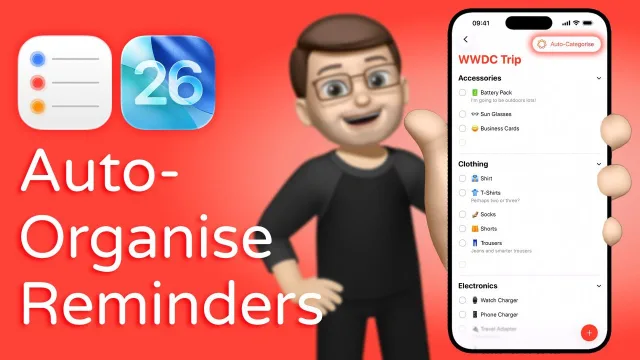 1:34
How to Auto-Organise Your Reminders with Apple Intelligence (iOS 26 Public Beta)
 1:46
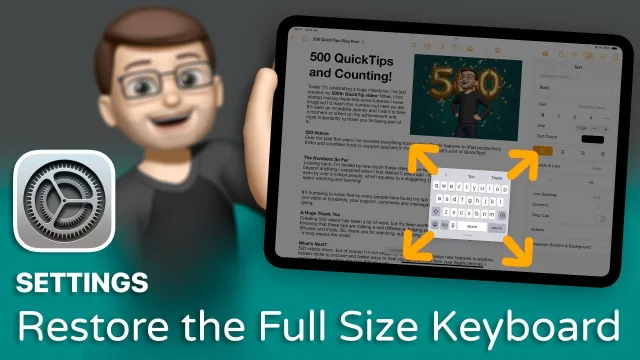
Restore the Full-Size Keyboard on iPad
 2:14
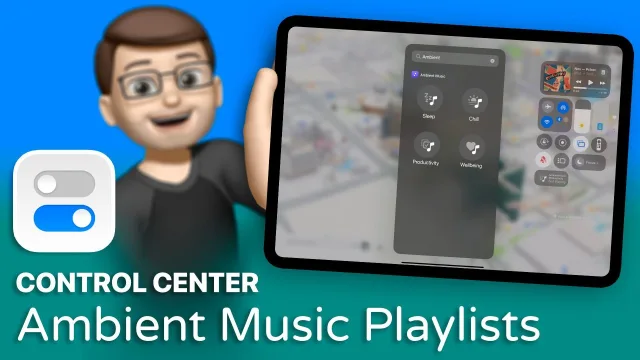
Start Focus or Sleep Playlists from Control Centre
Control Center · 6 May
 2:24
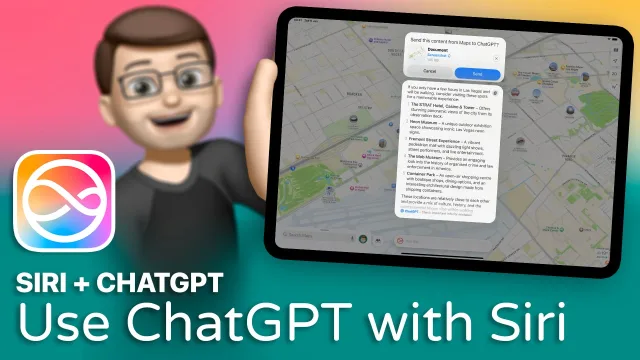
Use ChatGPT with your On Screen Content through Siri
 1:38
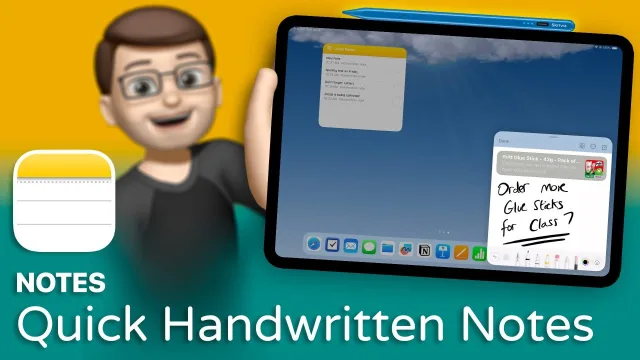
How to Organise Ideas with Quick Notes
 2:27
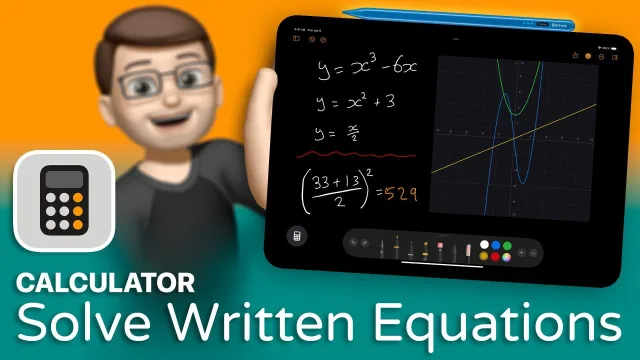
How to Solve and Edit Equations with Math Notes
 1:24
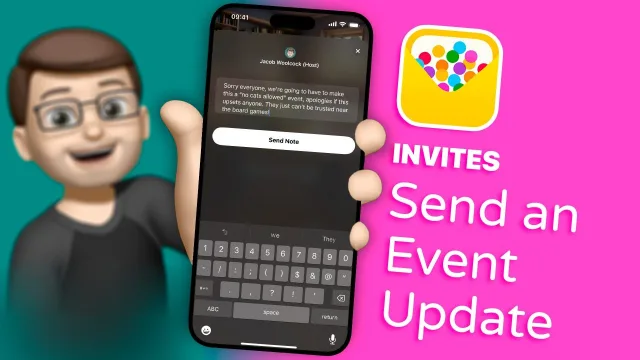
How to Notify Guests of Event Changes in Apple Invites
 Invites · 9 Feb
 1:52
How to Accept Event Invitations Using Apple Invites
Invites · 9 Feb
 2:45
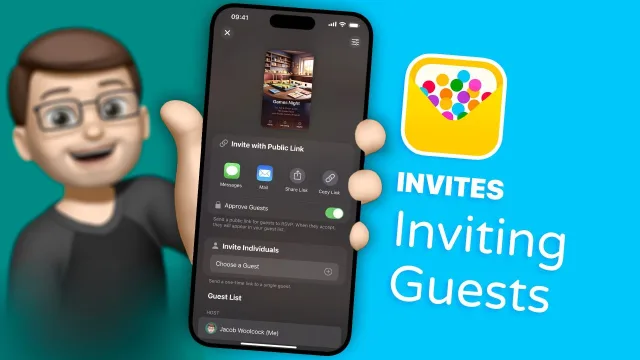
How to Invite Guests to Your Event Using Apple Invites
Invites · 9 Feb
 1:55
Use ChatGPT with On-Screen Content
 1:58
Enabling ChatGPT Integration within Siri
 1:47
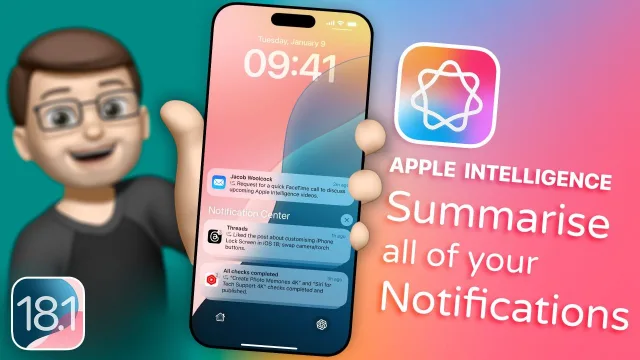
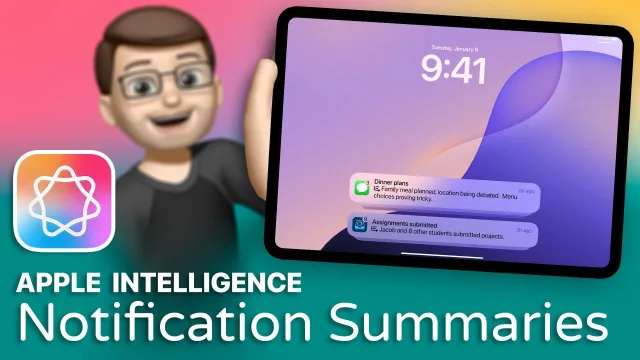
Summarise Notifications with Apple Intelligence
Home Screen · 27 Oct
 2:01
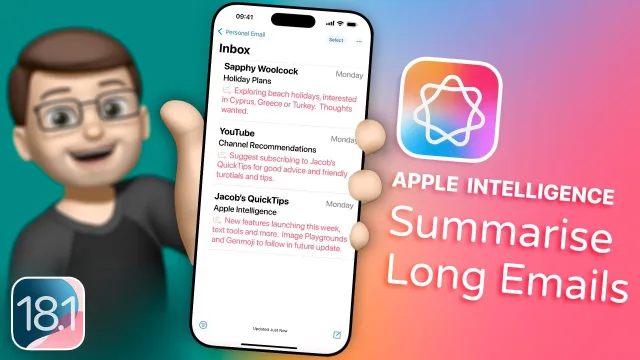
Turn Your Inbox Into Actionable Message Summaries
 1:39
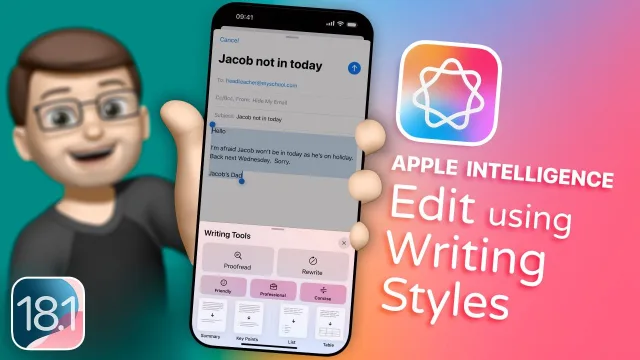
Make Text More Professional, Friendly or Concise with Apple Intelligence
 2:37
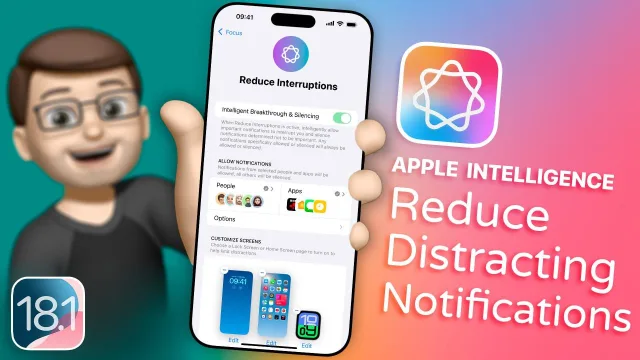
Streamline Your Notifications with Apple Intelligence’s New Reduce Interruptions Focus
 Focus · 27 Oct
 1:19
Summarise Notifications with Apple Intelligence
Home Screen · 26 Oct
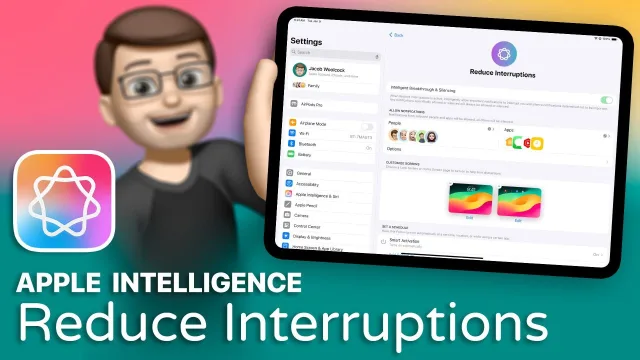 2:18
Customise iPad’s New Reduce Interruptions Focus Mode
Focus · 25 Oct
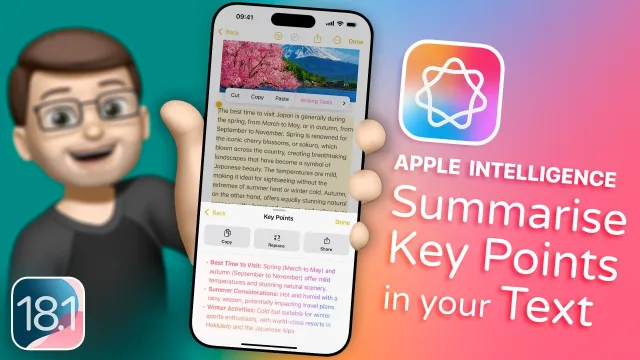 1:58
Create Bullet Points and Summarise Text with Apple Intelligence
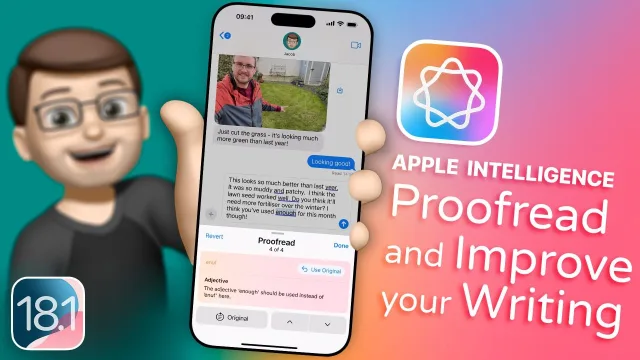 2:06
How to Proofread and Improve your Writing with Apple Intelligence
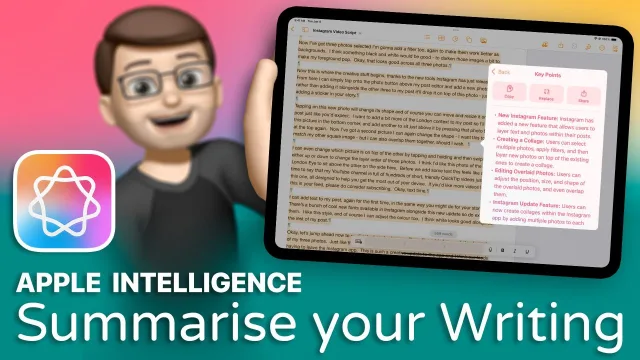 1:45
Using Apple Intelligence to Summarise Text and Make Bullet Points
 1:29
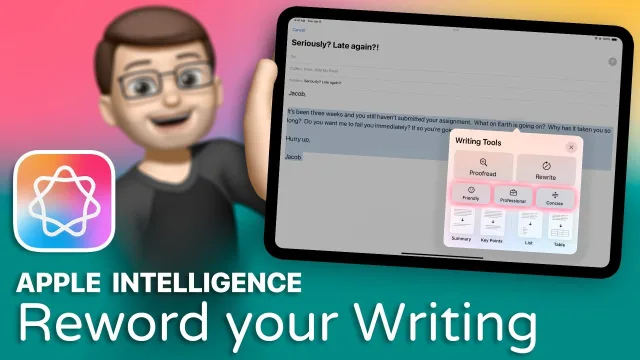
Change Your Writing Style with Apple Intelligence
 1:57
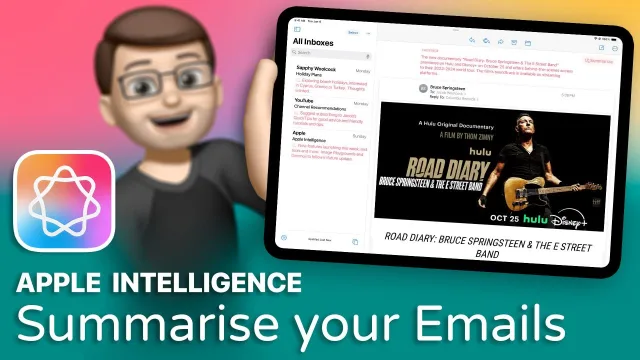
Quick Email Summaries with Apple Intelligence
 1:00
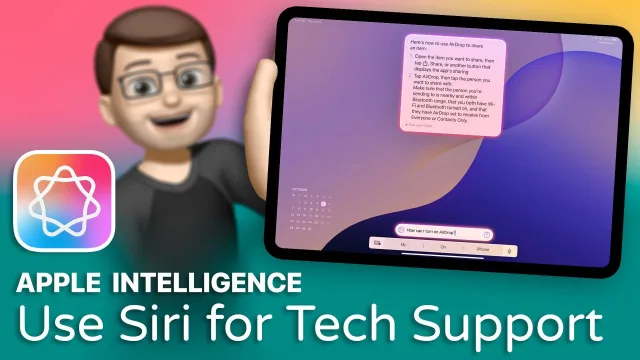
Use Siri as Your Personal Tech Support
 1:46
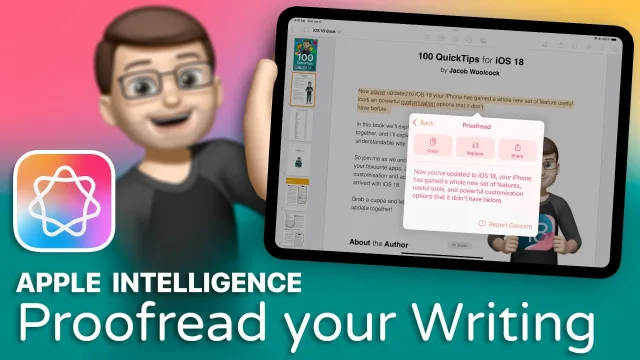
Proofread and Rewrite Text Using Apple Intelligence
 1:17
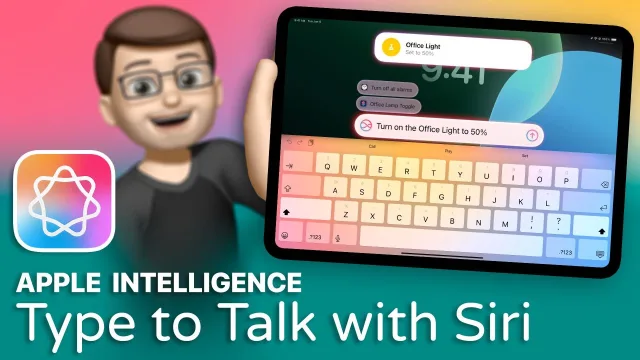
Use Siri Quietly with the New Typed Input Feature
 2:30
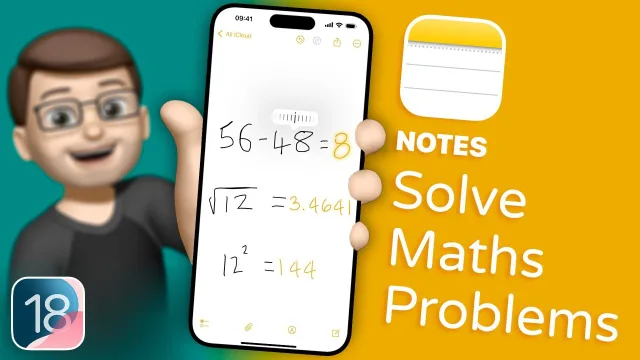
Make Calculations Easy with Math Notes
 1:10
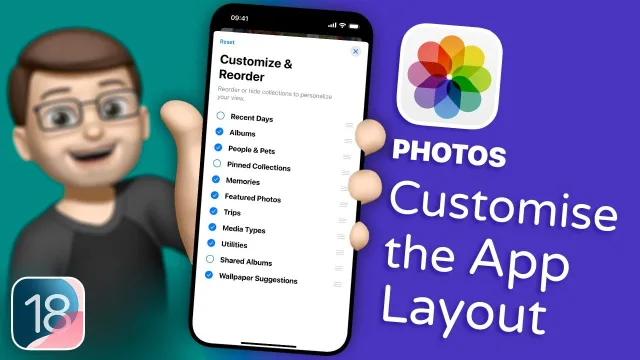
Personalise Your Photos App Layout
 2:16
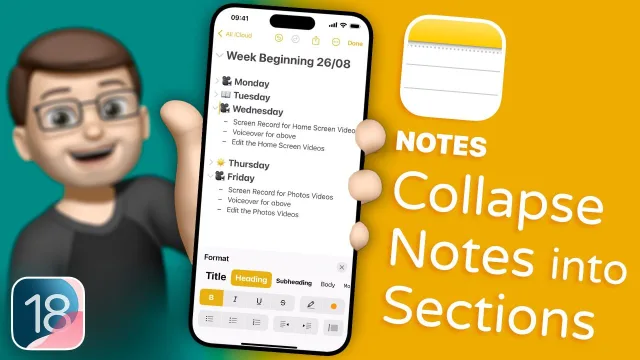
Organise Your Notes with Collapsible Sections
 1:39
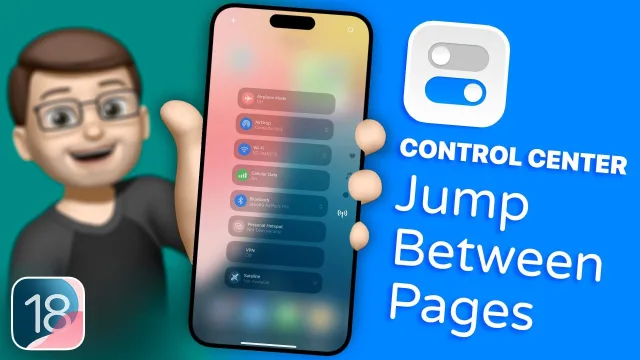
Three Tips to Quickly Move Between Pages in Control Center
Control Center · 16 Sept
 1:45
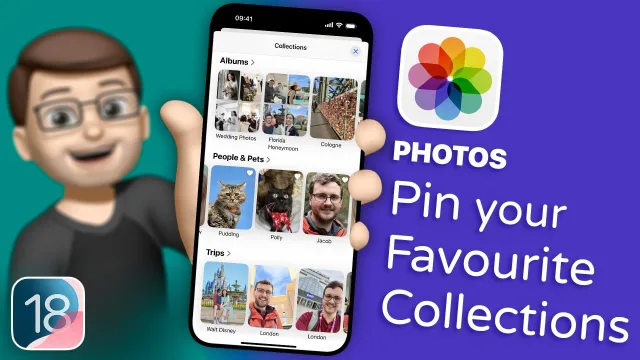
Organise Your Favourite Photos with Pinned Collections
 1:26
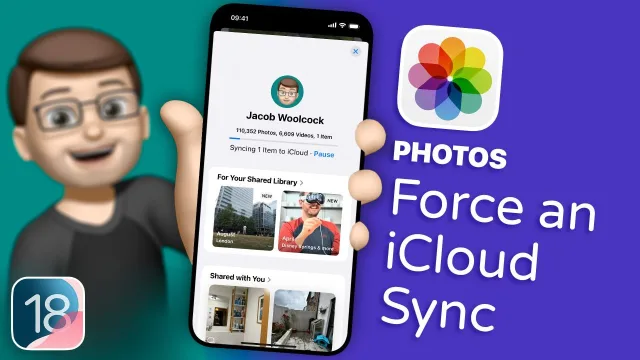
Quickly Sync Your Photo Library with iCloud
 2:46
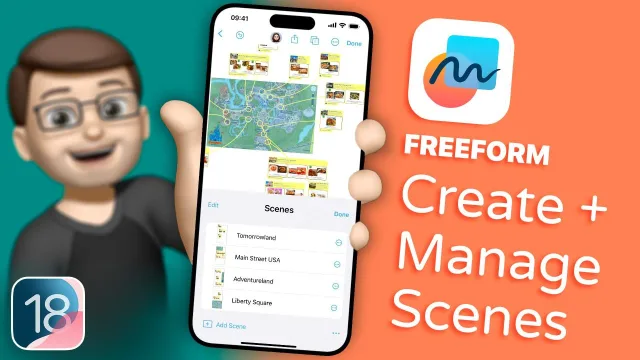
Organise Your Freeform Boards with Scenes
 1:38
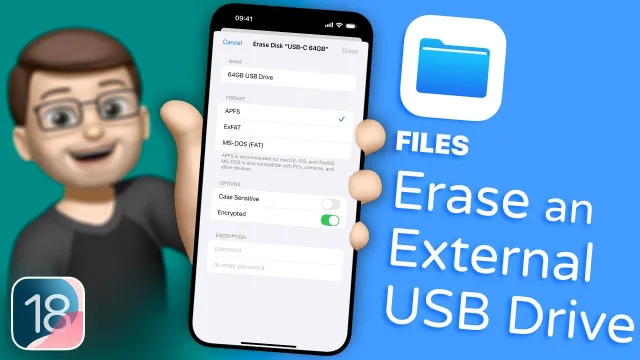
Format USB Drives and External Storage Using Your iPhone
Files · 16 Sept
 1:26
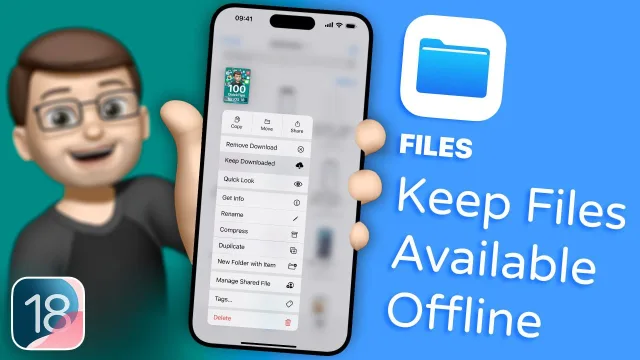
Ensure Your Important Files Are Always Downloaded
Files · 16 Sept
 2:17
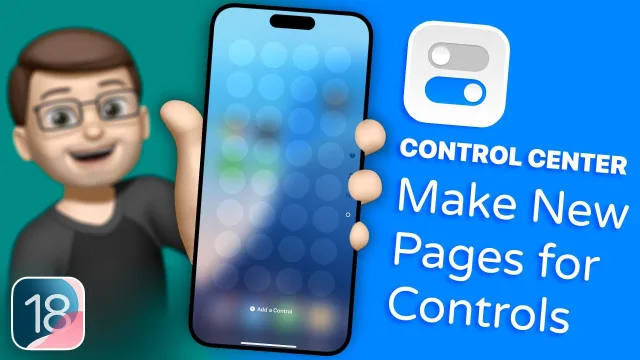
Add and Organise Multiple Pages in Control Center
Control Center · 16 Sept
 1:33
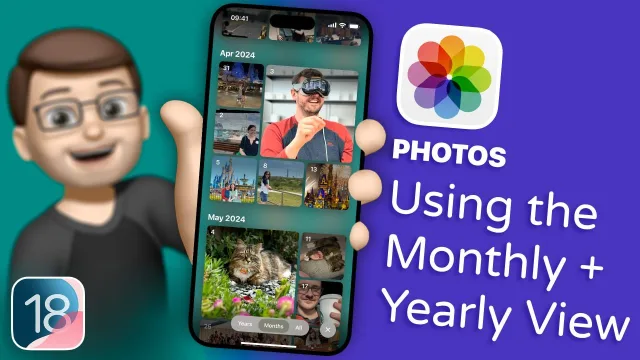
Quickly Browse Photos by Month and Year
 1:56
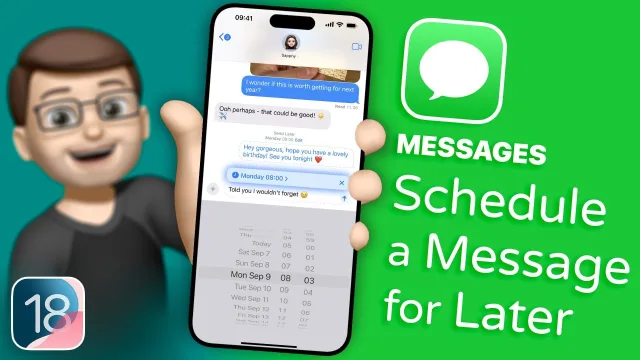
Schedule and Edit Messages with Send Later
 2:25
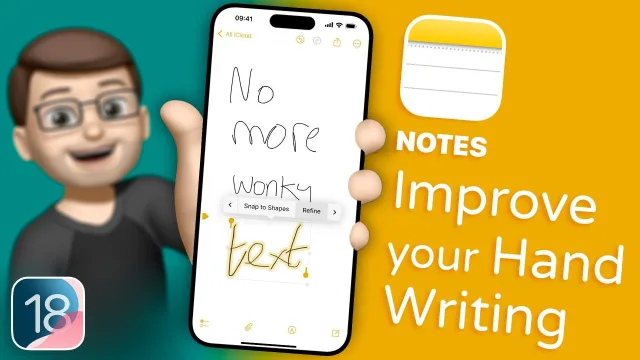
How to Refine and Correct Handwriting
 1:50
Quickly Access Specific Photos and Videos
 1:29
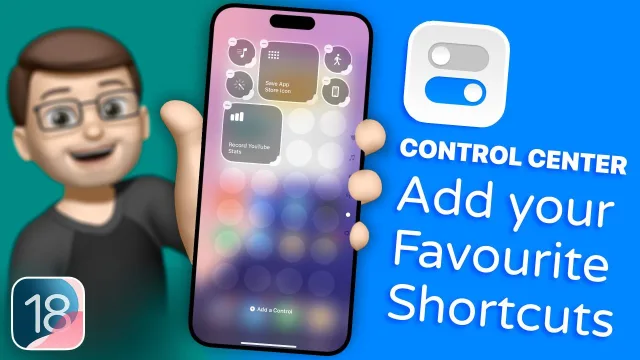
Run Your Favourite Shortcuts from Control Center
Control Center · 16 Sept
 2:04
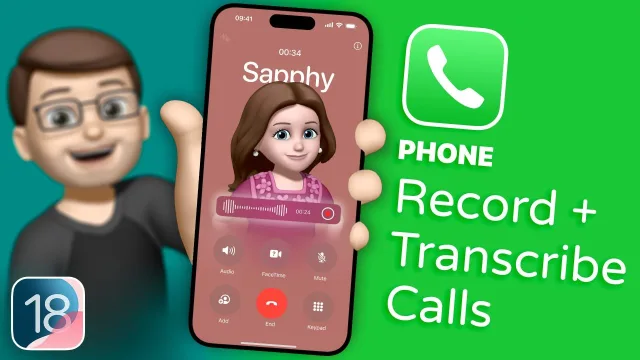
Record and Automatically Transcribe Calls
 2:14
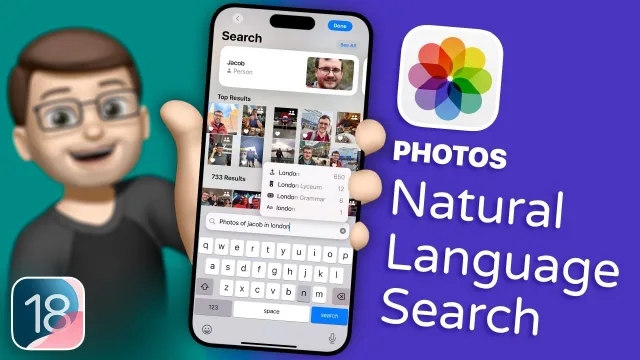
Using Natural Language Search to Find Photos and Videos
 1:36
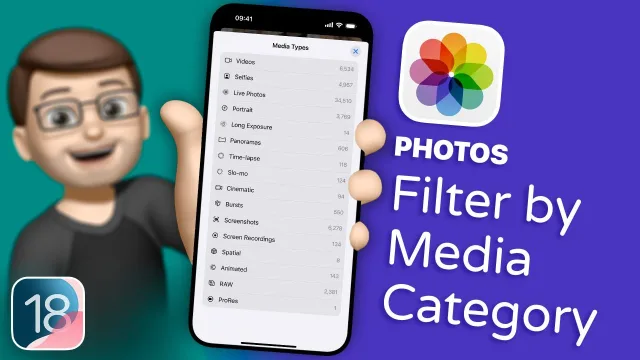
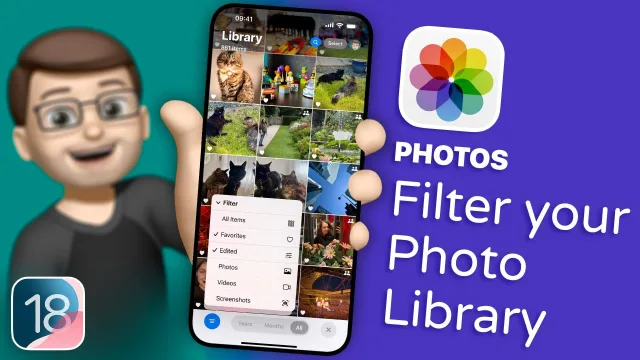
Filter Media In Your Photo Library
 1:41
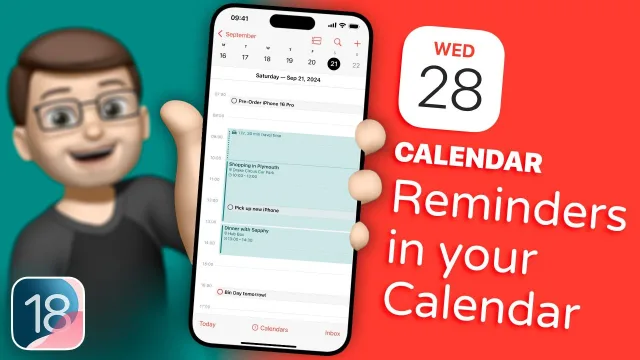
Add Reminders to Your Daily Calendar View
 1:29
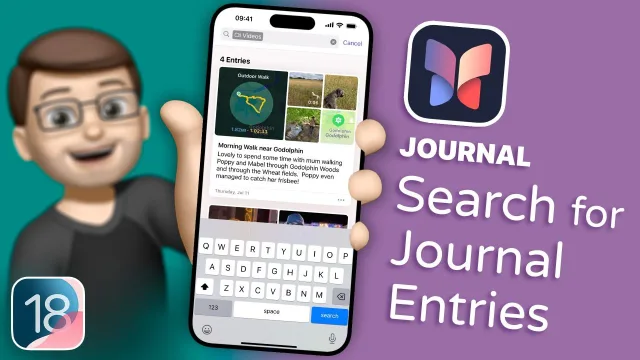
Easily Search and Find Old Journal Entries

 1:22
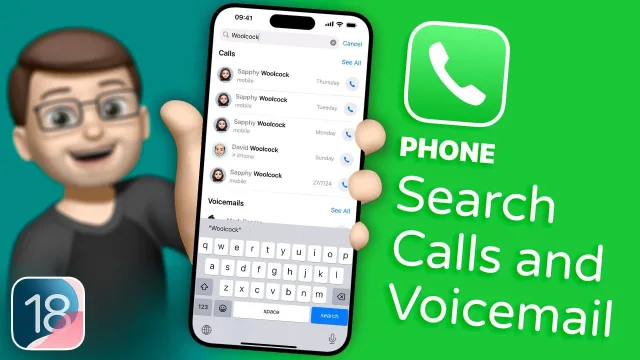
Search your Call and Voicemail History
 1:43
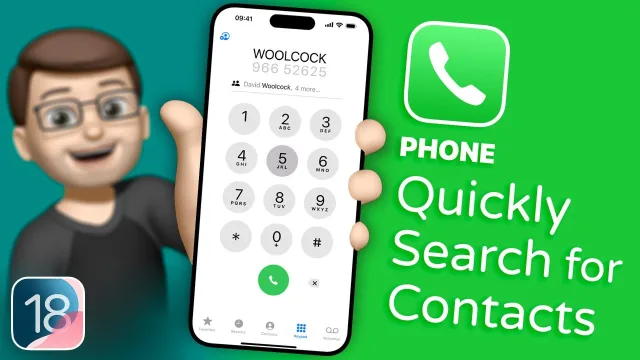
Quickly Search for a Phone Number with T9 Search
 2:10
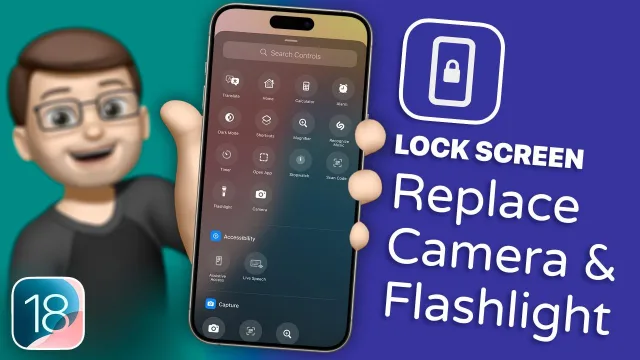
How to Replace Camera and Torch Shortcuts on the Lock Screen
Lock Screen · 3 Aug
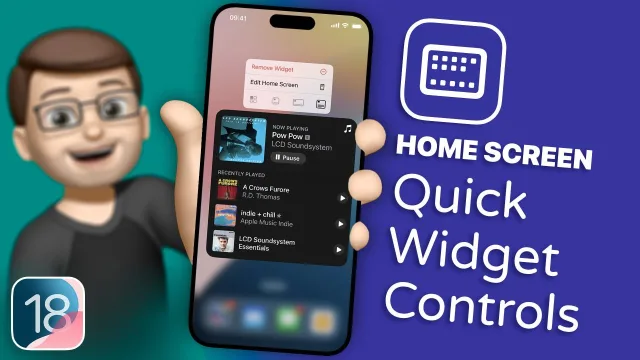 1:46
New Widget Controls for Your Home Screen
Home Screen · 3 Aug
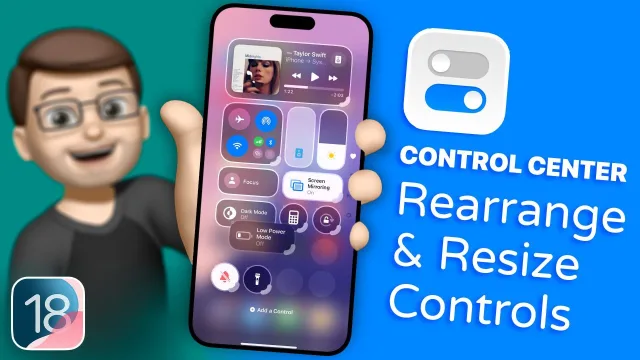 1:39
Personalise Control Center by Rearranging and Resizing Buttons
Control Center · 3 Aug
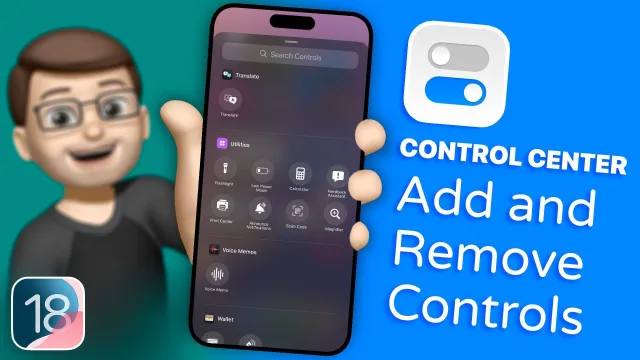 1:50
Add and Remove Buttons and Controls
Control Center · 3 Aug
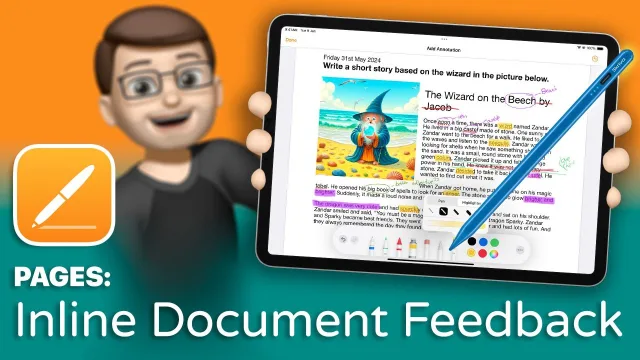 2:14
Using Smart Annotations for Inline Feedback in Pages
 1:44
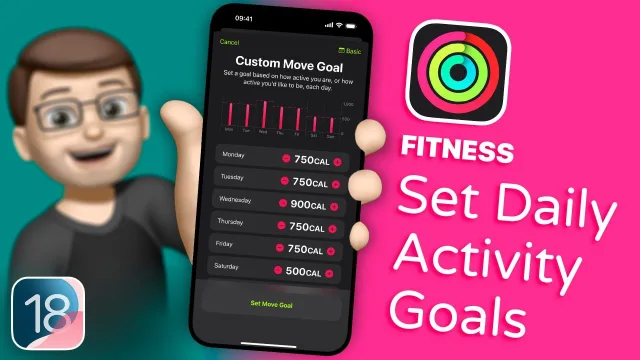
Set Daily Custom Move, Exercise, and Stand Goals
 Fitness · 13 Jul
 1:30
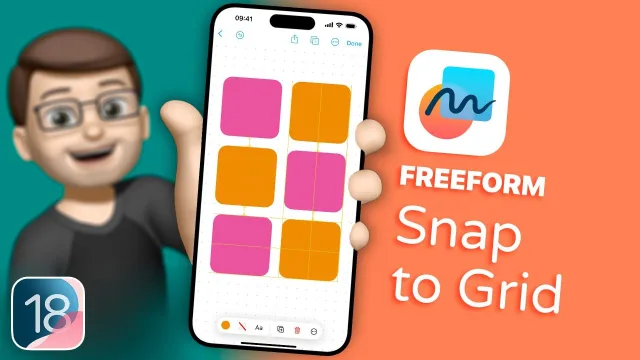
Easy Object Alignment with Snap to Grid
 1:46
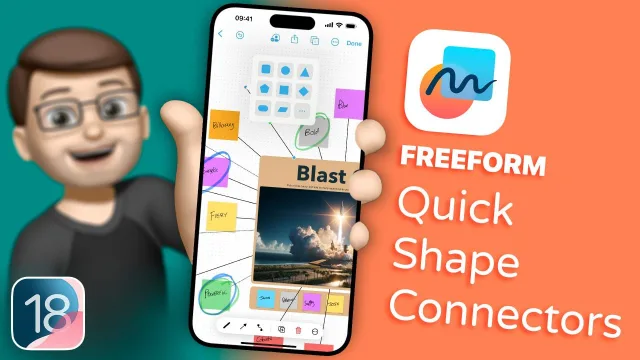
Easier Connectors and Quick Shape Placement
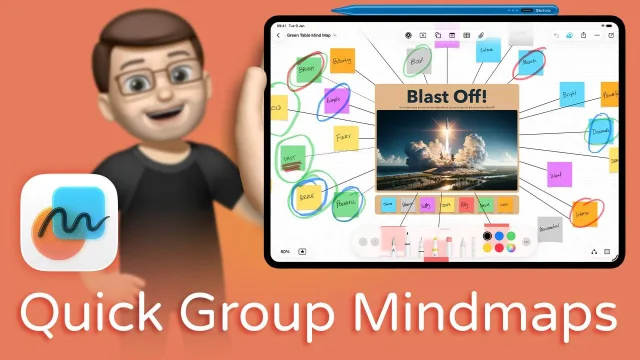 3:11
Creating and Collaborate on Digital Mind Maps in Freeform
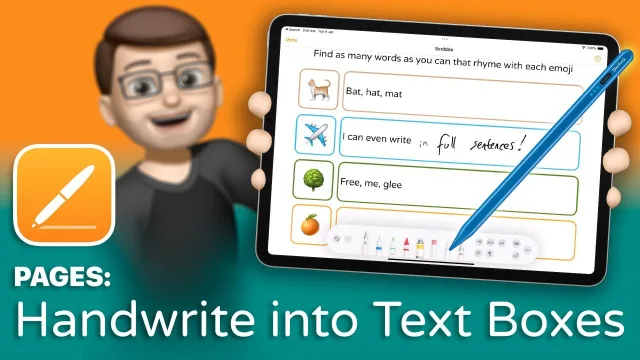 2:06
Handwriting to Text with the Scribble Tool on iPad
 2:30
Create & Save Custom Walking Routes
Maps · 22 Jun
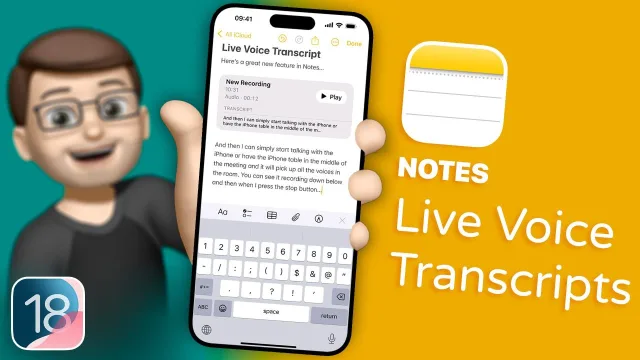 1:22
Embed Audio Recordings with Live Transcripts
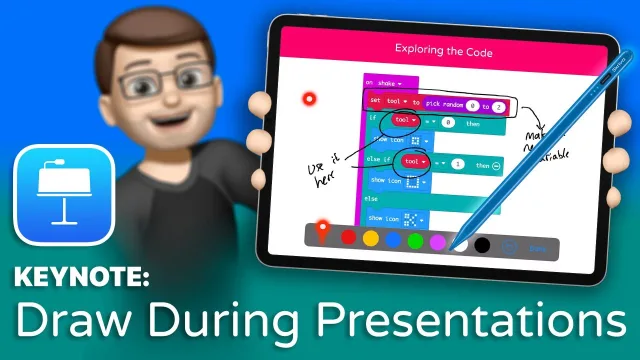 1:39
Using a Virtual Laser Pointer and Annotations during Keynote Presentations
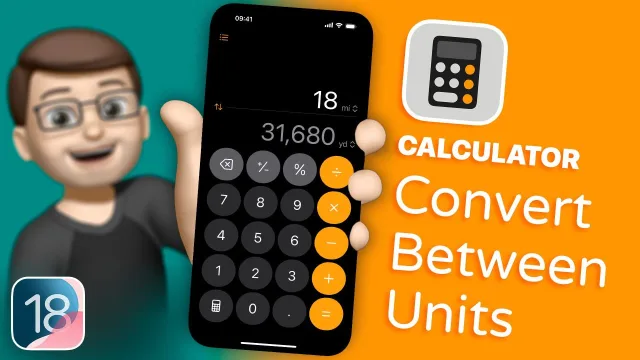 1:33
Convert Currencies, Measurements and More
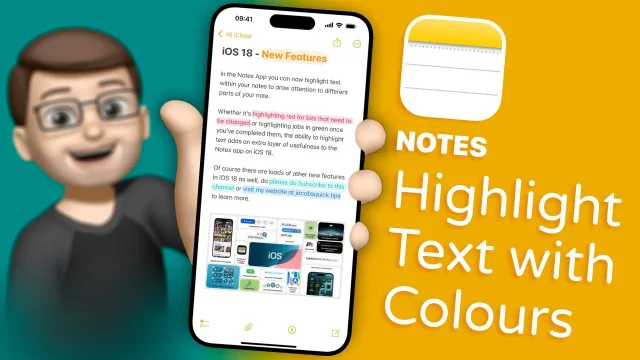 1:05
Highlight Text in Your Notes with iOS 18’s Highlighting Tools
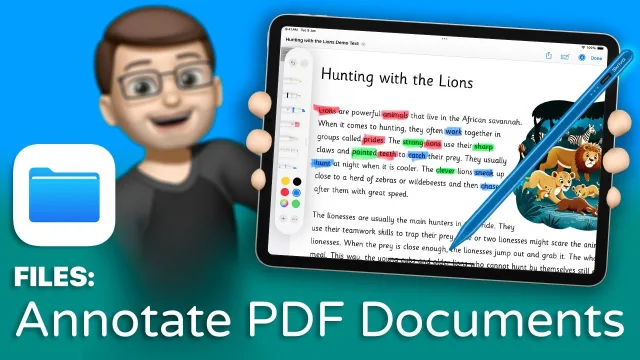 1:49
Highlighting and Annotating PDFs with a Stylus
Files · 11 Jun
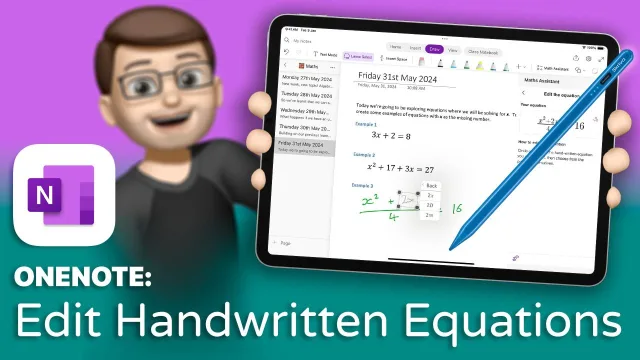 3:08
Convert Handwritten Maths Equations to Typed Text in OneNote
 OneNote · 6 Jun
 1:29
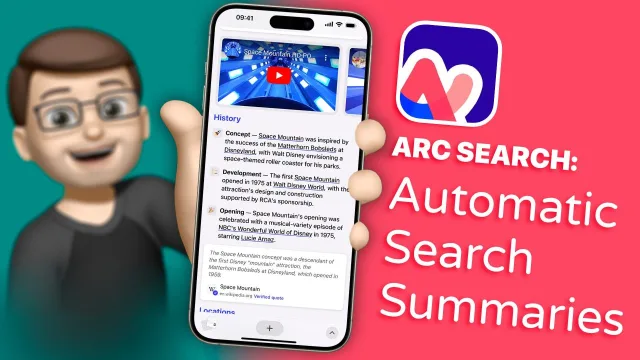
Save Time with the Browse for Me Feature on Arc Search
 Arc Search · 29 May
 1:14
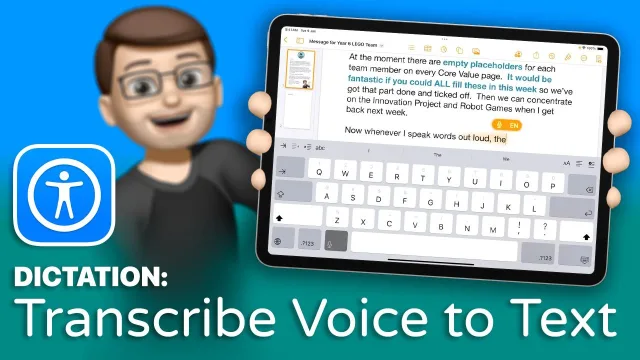
A Guide to iPad Dictation: Voice Typing Made Easy
Accessibility · 28 May
 1:52
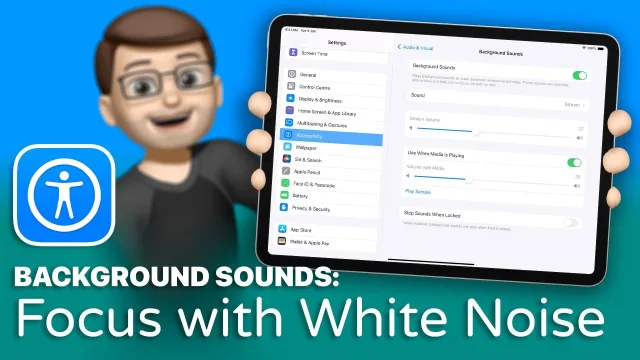
How to Set Up and Use Background Sounds on Your iPad
Accessibility · 23 May
 1:36
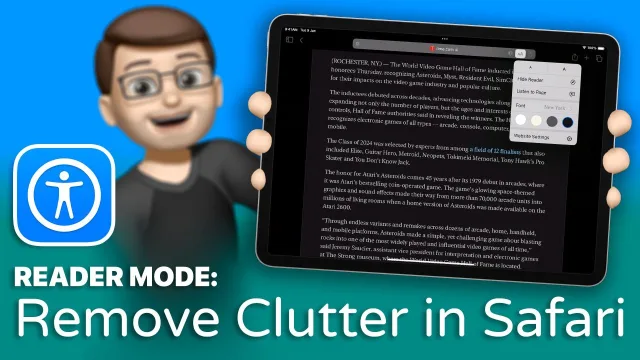
How to Use Reader Mode in Safari for Distraction-Free Browsing
 1:35
Search, Scroll, and Learn: Navigating Podcasts with Transcripts

 1:20
Pinch to Summarise: a Whole New Way to Browse the Web
Arc Search · 17 Mar
 1:58
Recording and Sharing Classroom Input with iPad and Skriva Stylus
 1:13
How to Open and Edit your Notes in the Pages App on iPad
 1:27
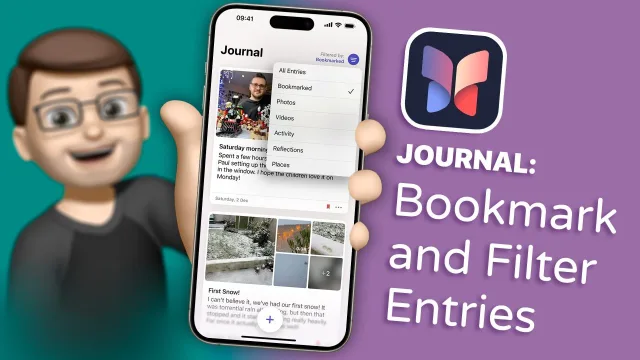
Organise your Journal with Filters and Bookmarked Entries
 1:02
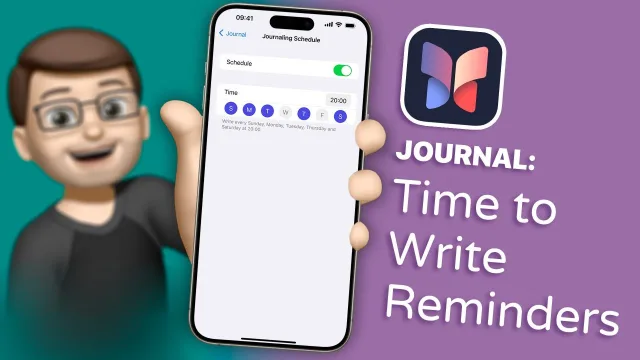
Set Up Time to Write Reminders to Encourage you to Add Journal Entries
 2:33
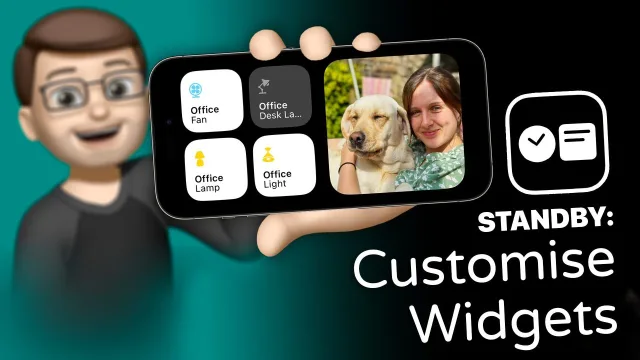
How to Edit Widgets in Standby Mode on iOS 17
 StandBy · 19 Sept
 1:35
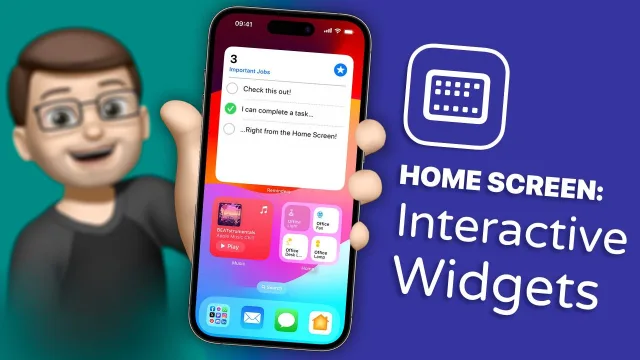
Using Interactive Widgets on your Home Screen
Home Screen · 10 Sept
 1:26
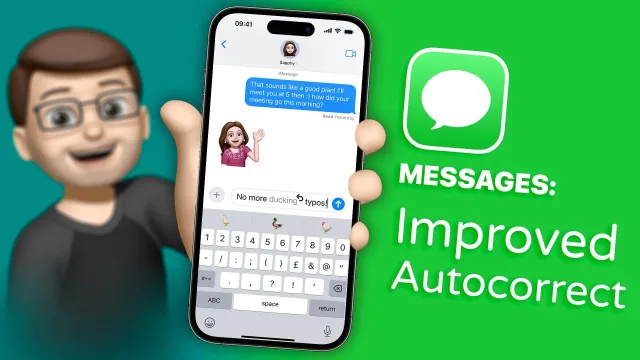
No More Annoying Typos with Improved Autocorrect
 1:25
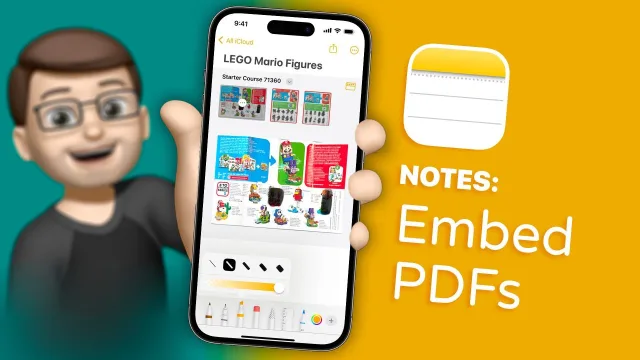
Embed and Interact with PDF Documents in your Notes App
 0:59
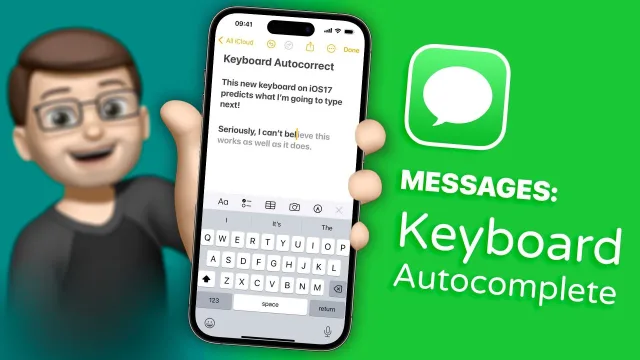
Using Autocomplete on the Keyboard
 1:45
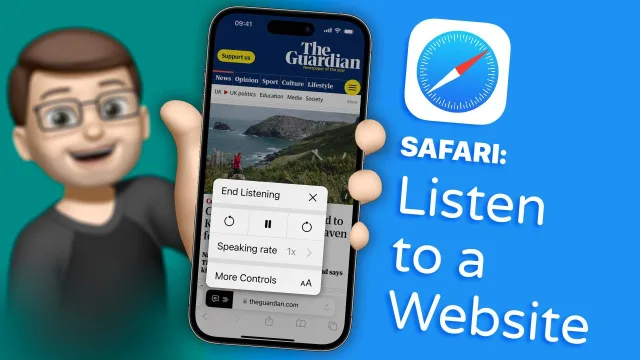
Let Siri Read a Website to you in Safari
 1:24
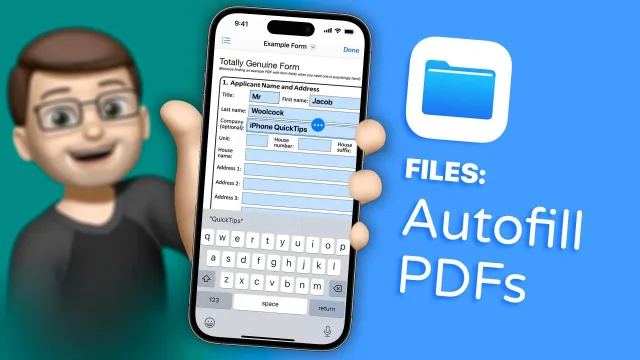
Autofill PDF Forms with Powerful Files App Tools
Files · 5 Sept
 1:52
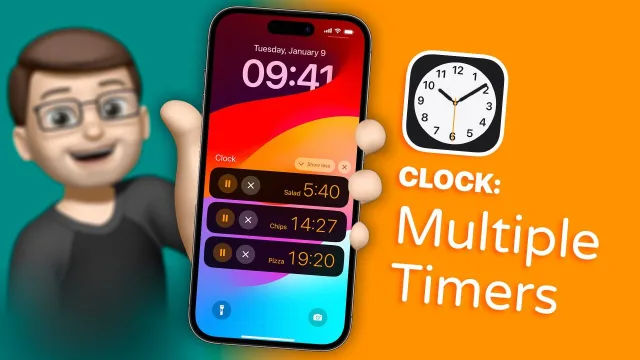
How to Set Up and Use Multiple Timers in the Clock App
 1:43
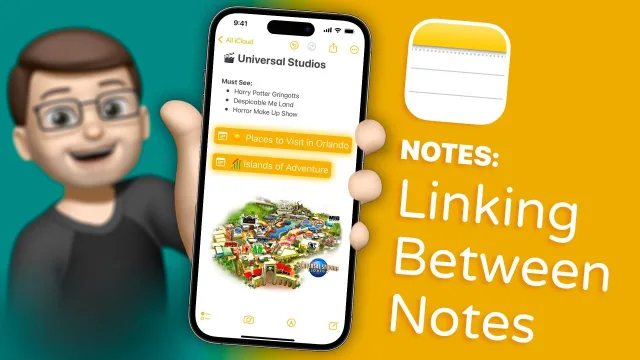
Better Organise your Notes with Inter-Linking Note Options
 1:23
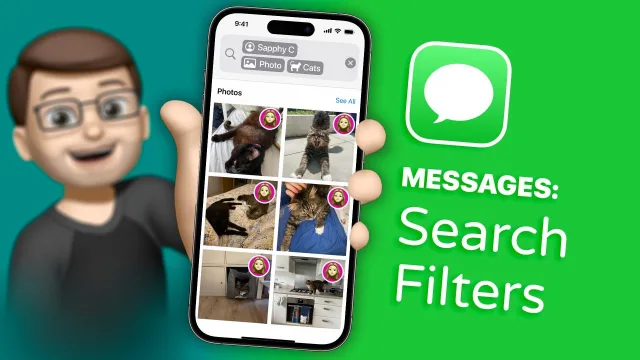
Quickly Locate what you need with iMessage Search Filters
 1:42
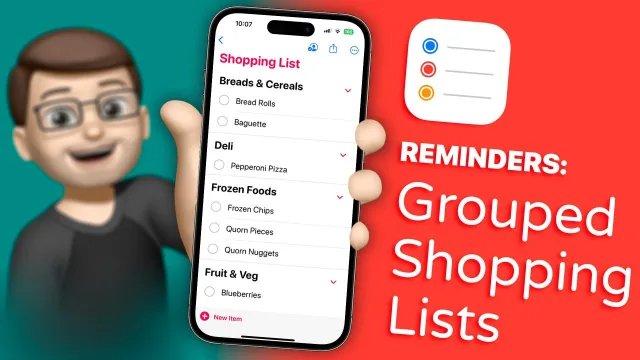
Automatically Organise your Shopping List with Reminders
 2:05
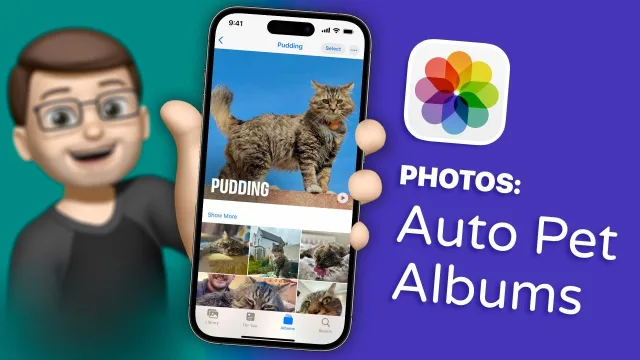
How to Create Pet Albums and Auto-Tag Pets in Photos
 1:10
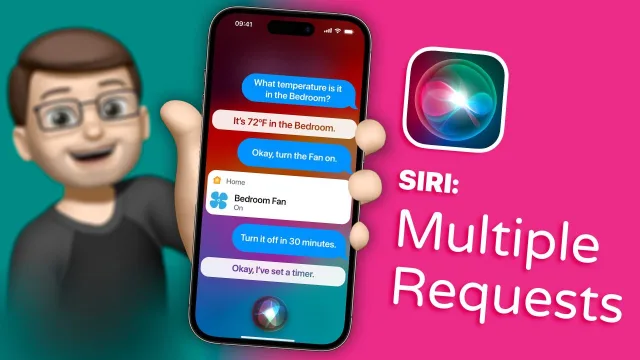
Using Multiple Commands with Siri
 2:20
How to Track Your Loved One’s Flight in Real-Time with Flighty App
 Flighty · 30 Apr
 2:34
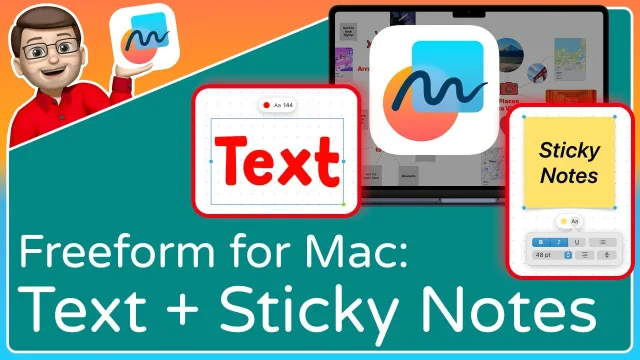
Create and Edit Text and Sticky Notes
 1:44
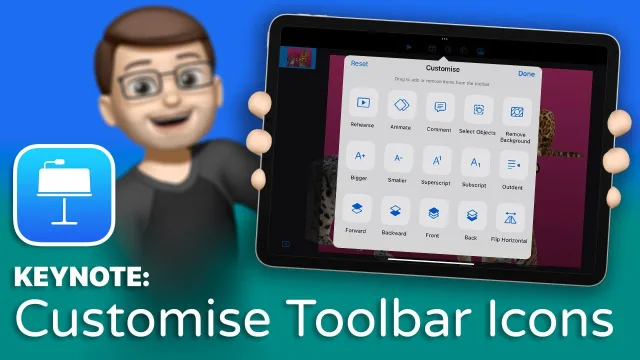
Maximise Productivity with Custom Toolbars in Keynote
 1:00
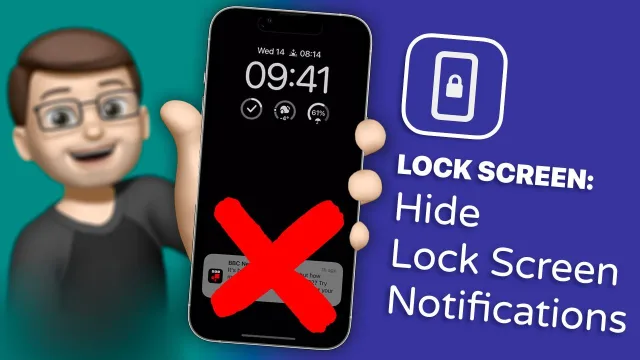
How to Hide Notifications on Your iPhone 14 Pro’s Always On Display
Lock Screen · 23 Dec
 1:02
Introduction to the Infinite Canvas
 0:58
Enable a Pure Black Always-On-Display
Lock Screen · 15 Dec
 2:18
Create and Edit Text and Sticky Notes
 1:57
Embedding Websites and Attaching Documents
 2:24
Shapes and Custom Shape Styles
 1:23
How to Export and Share a Board as a PDF
 2:22
Adding Lines, Arrows and Linked Connectors
 1:21
Introduction to the Infinite Canvas
 2:27
Working with Photos and Videos
 1:22
How to Export and Share a Board as a PDF
 2:44
Adding Lines, Arrows and Linked Connectors
 2:22
Shapes and Custom Shape Styles
 1:39
Embedding Websites and Attaching Documents
 2:02
Working with Photos and Videos
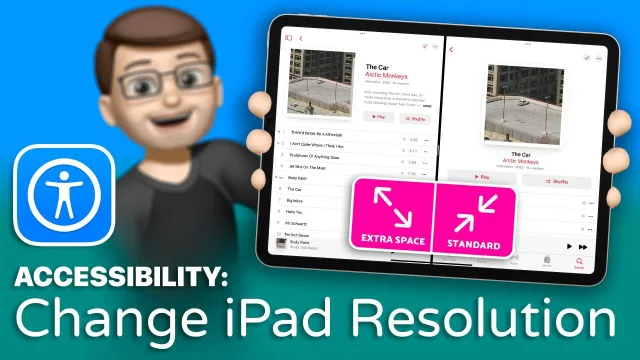 1:52
Change the Resolution of your iPad to Maximise Screen Space
Accessibility · 11 Nov
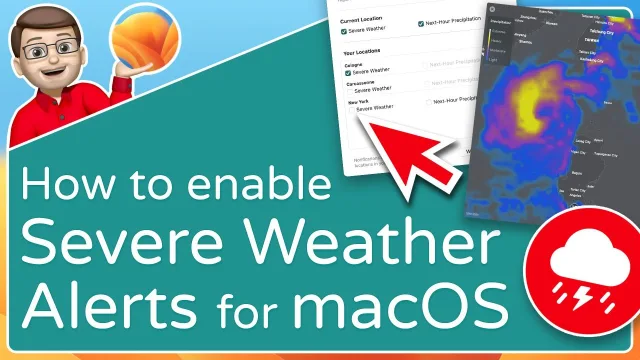 0:38
Enable Severe Weather Alerts

 1:02
Create Multi-Stop Routes in Maps
Maps · 25 Oct
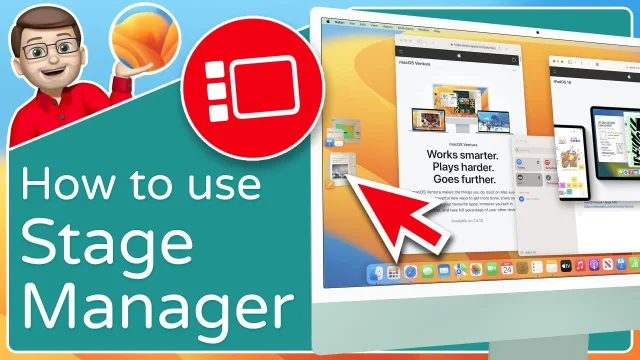 3:03
Getting Started with Stage Manager
 1:20
Using the new Enhanced Dictation on iOS 16
Accessibility · 11 Sept
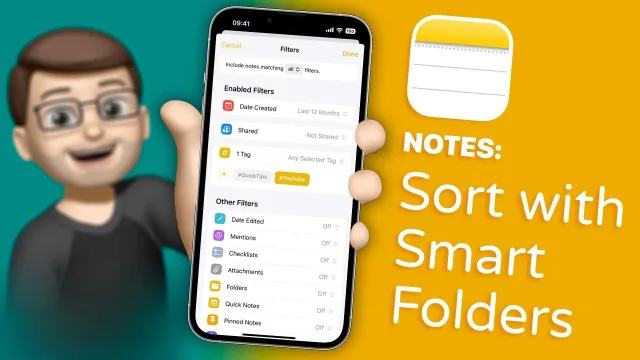 1:21
Create Automatic Smart Folders to Sort your Notes
 1:51
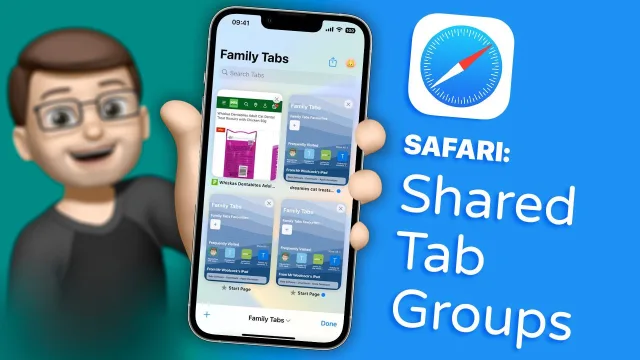
How to use Shared Tab Groups in Safari
 1:55
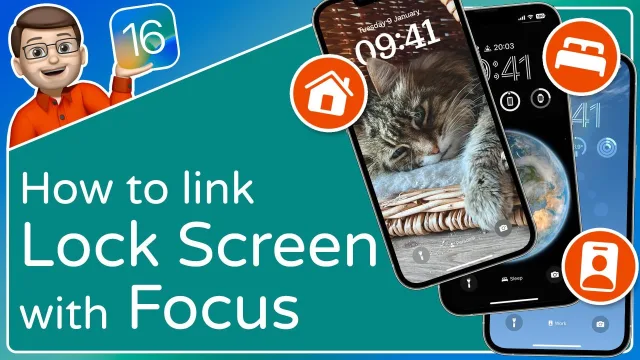
Switch Lock Screens with Focus Modes
Focus · 2 Sept
 2:15
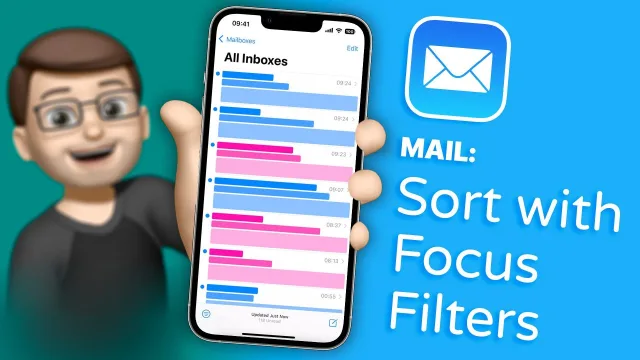
Use Focus Filters to Split Emails between Work + Home
 1:15
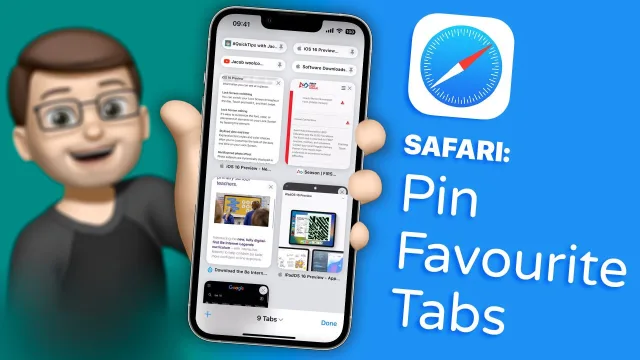
Pin Favourite Tabs in Safari
 0:47
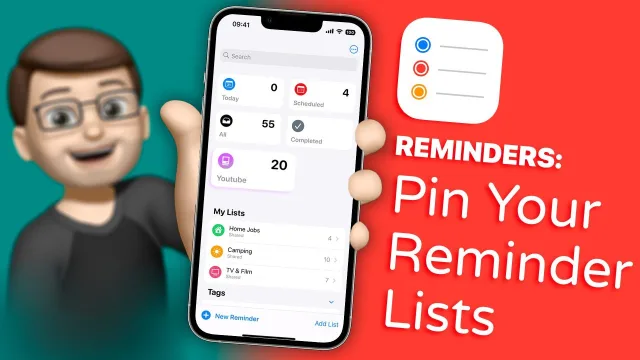
Pin a Frequently Used List to the Top of Reminders
 1:38
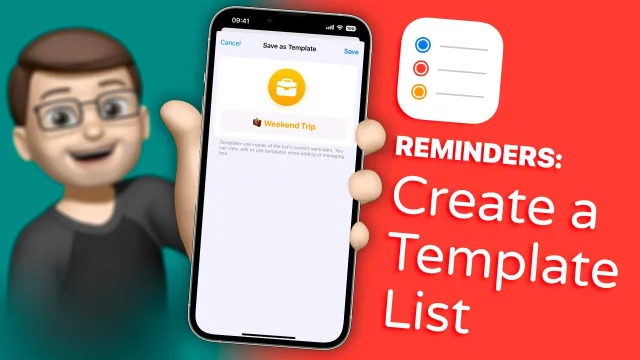
Create and Re-Use a Reminders Template List
 2:30
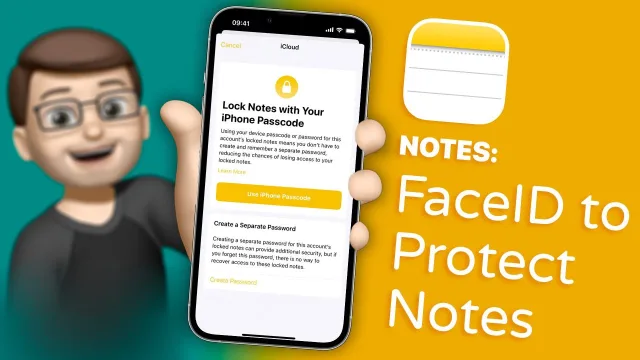
How to Lock a Specific Note with FaceID
 2:21
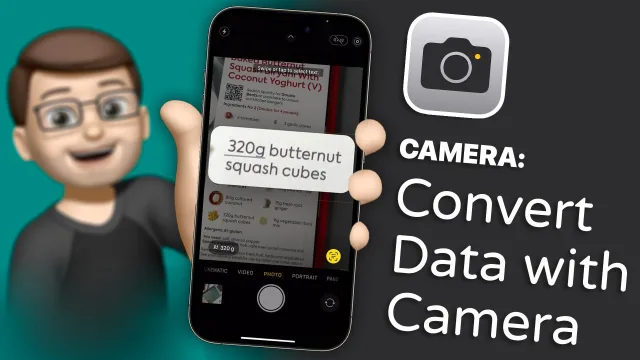
Convert Data from within the Camera
Camera · 29 Aug
 2:41
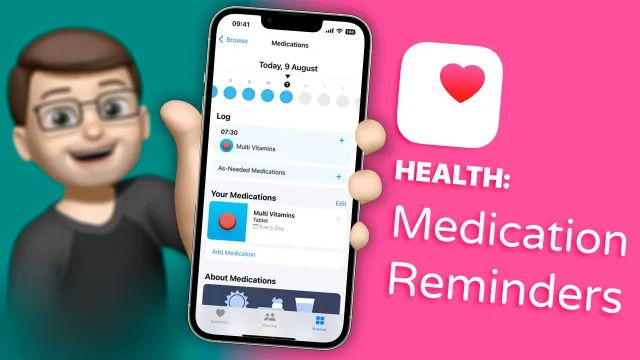
Automatic Medication Reminders
 Health · 29 Aug
 1:48
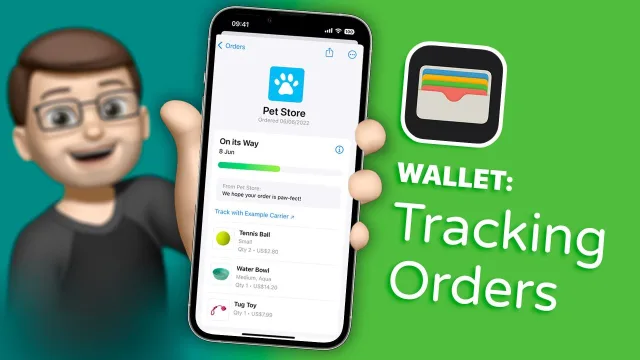
Track Apple Pay Orders in the Wallet App
Wallet · 29 Aug
 1:40
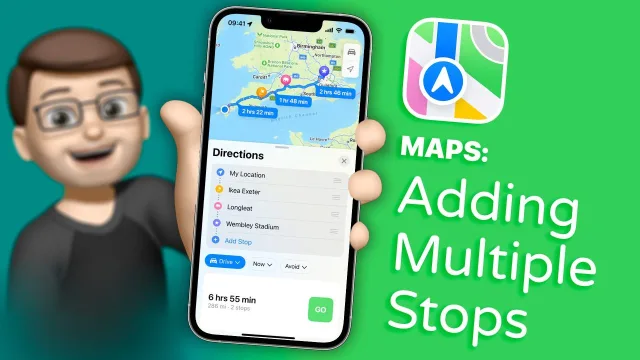
Creating Multi-Stop Routes in Maps
Maps · 29 Aug
 1:42
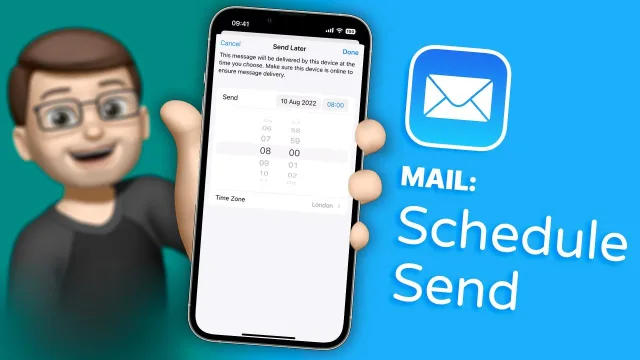
Schedule an Email to Send Later
 2:48
Detect and Delete Duplicate Photos to save iCloud Space
 2:10
Bulk Edit your Photographs Quickly and Easily
 1:36
Use Live Text in your Videos
 1:16
Mark iMessages as Unread in Messages
 5:10
How to use Mail Merge in Pages for iPad
 1:52
How to Scan In Old Photographs on iPhone
 Google PhotoScan · 10 Jul
 1:29
How to Cancel App Store Subscriptions

 1:25
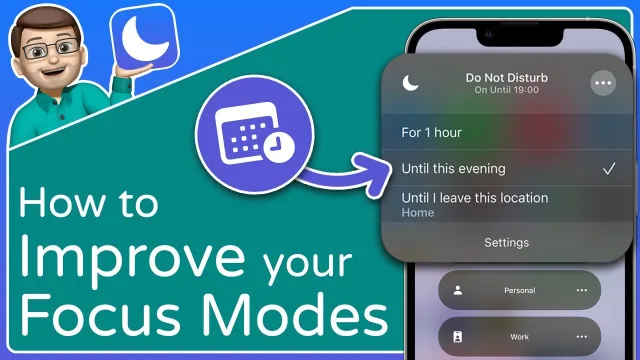
Take Control of Focus and Do Not Disturb Modes
Focus · 29 May
 2:49
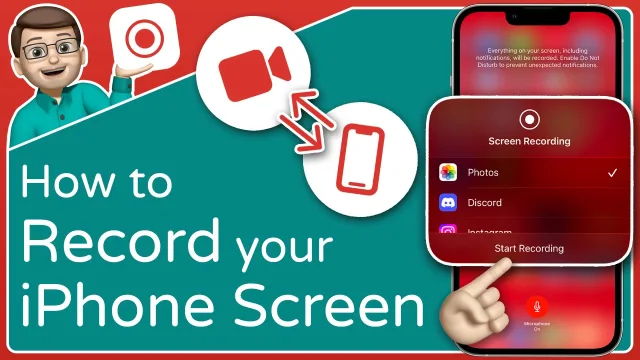
How to Screen Record on iPhone
 1:53
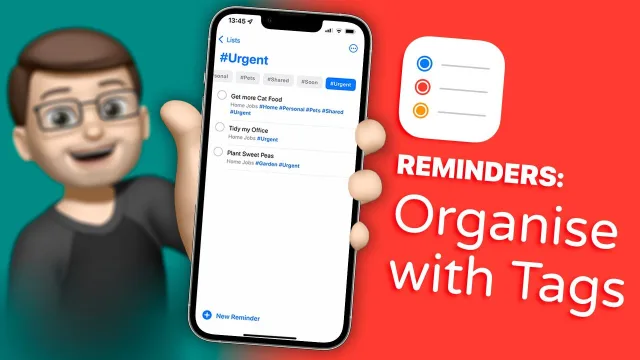
How You Can Use Tags to Organize Reminders
 2:22
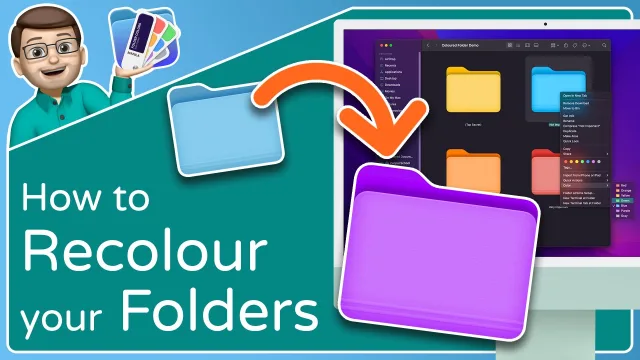
Recolour your Folder Icons in Two Clicks
 Finder · 24 Apr
 3:56
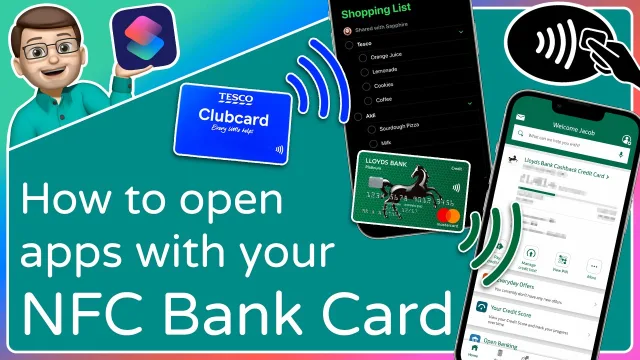
Use Smart NFC Chips in your Bank Cards to Open Apps
 4:47
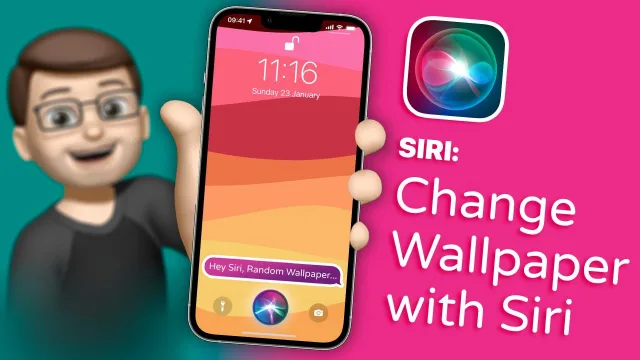
Use Siri to get a Random Wallpaper
 1:51
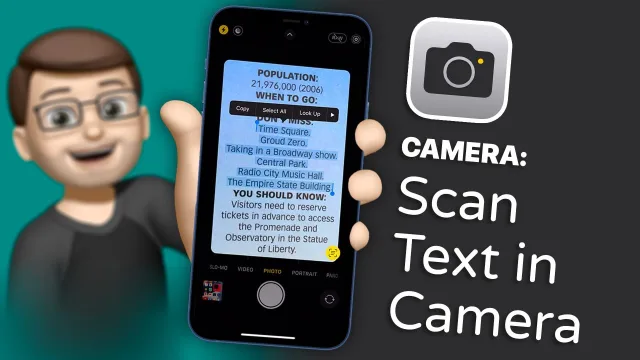
Scan Text using your iPhone Camera
Camera · 5 Dec
 1:35
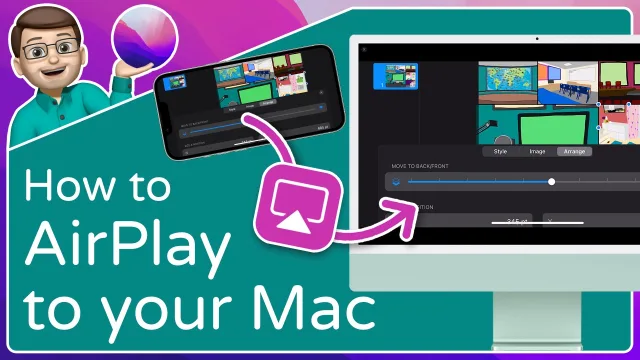
Screen Mirror your iPhone + iPad to your Mac
Finder · 21 Nov
 1:53
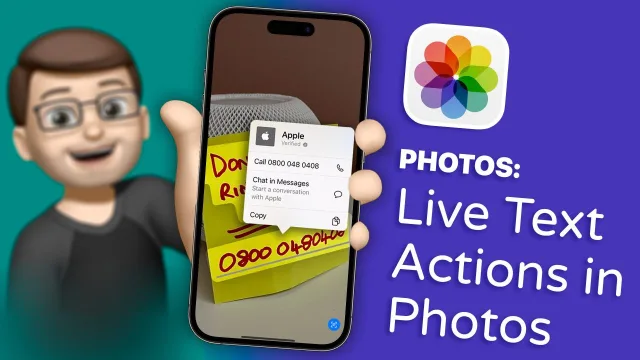
Use Live Text For Translation and More
 3:01
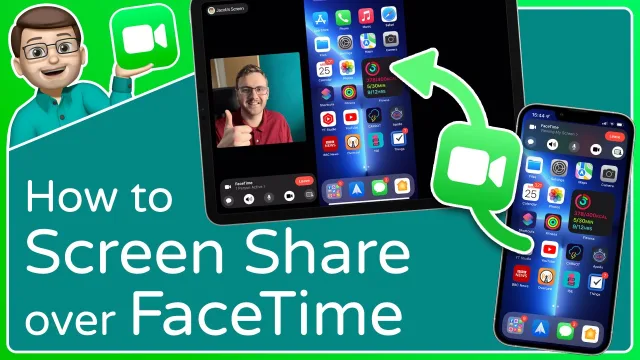
Share your iPhone Screen over a FaceTime Call

 5:17
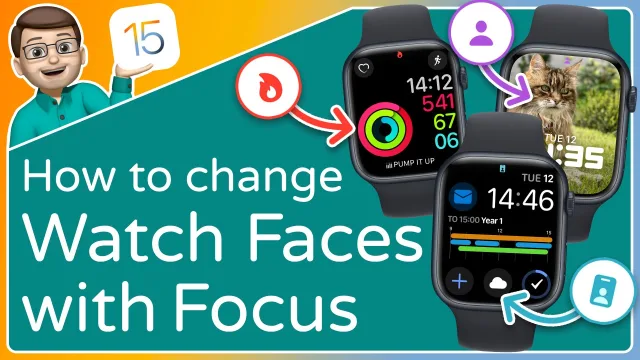
How to Change Watch Faces Automatically with Focus
Focus · 13 Oct
 6:38
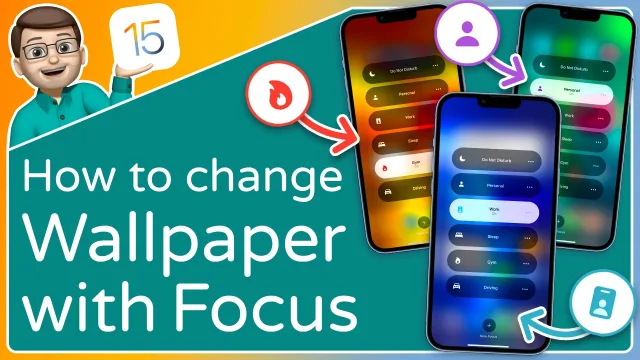
How to Automatically Change your Wallpaper with Focus Modes
Focus · 28 Sept
 2:53
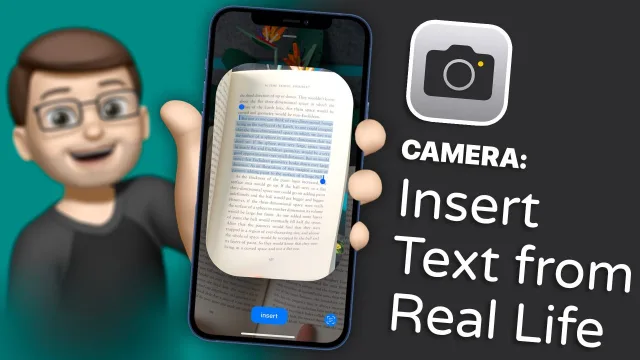
How to Insert Text using the Camera with Live Text
Camera · 27 Sept
 2:39
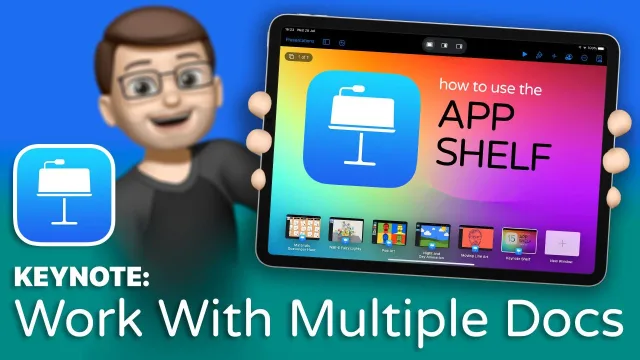
Open Multiple Keynote Documents at the Same Time with App Shelf
 1:54
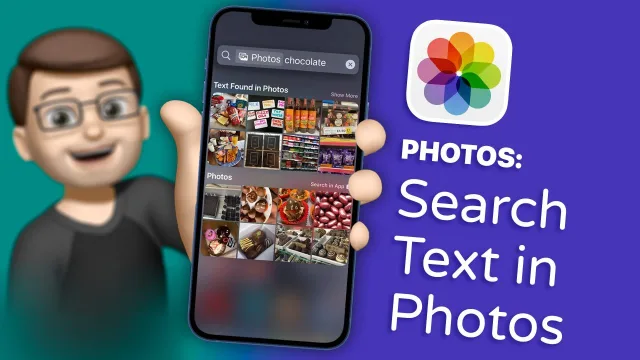
How to use Live Text to Search Photos Contents
 3:09
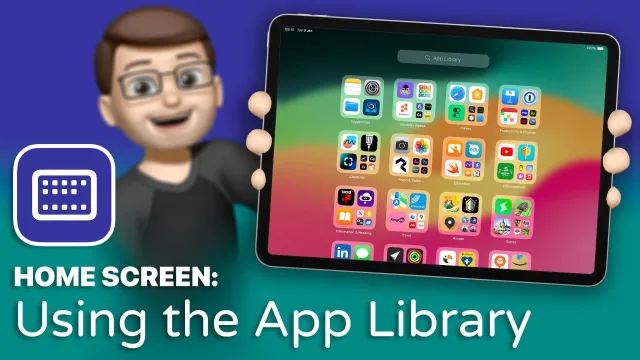
How to use the App Library
Home Screen · 24 Sept
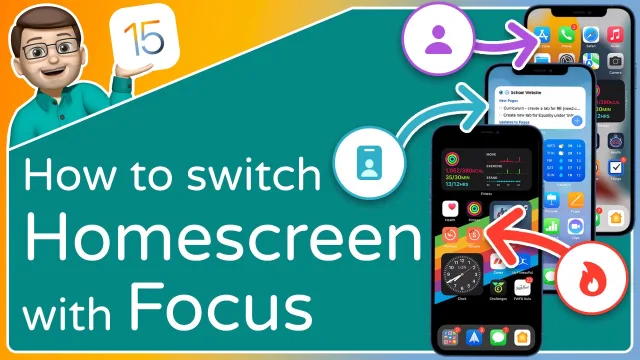 4:05
How to Automatically Switch Home Screens with Focus
Focus · 22 Sept
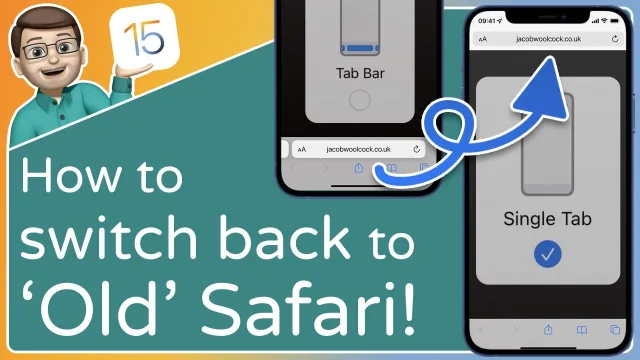 2:31
Change the Address Bar Location in Safari
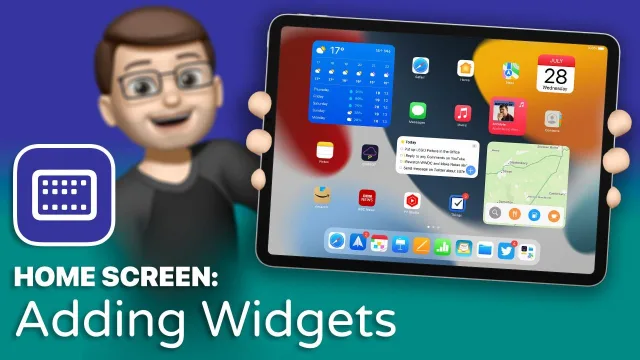 2:21
Place Widgets Anywhere on iPad
Home Screen · 21 Sept
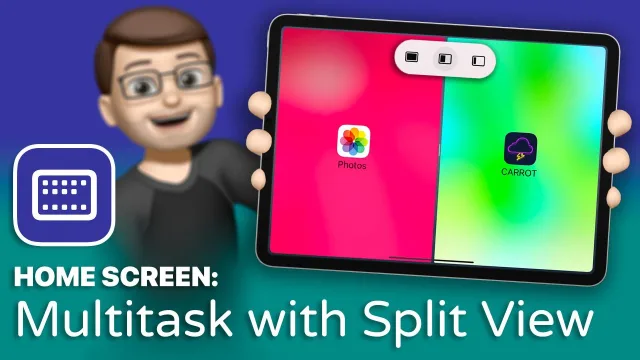 2:11
How to use Split View to Multitask on iPad
Home Screen · 20 Sept
 4:07
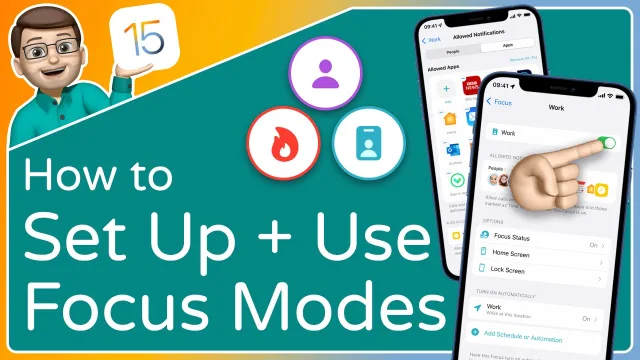
How to Set Up and Use Focus Modes
Focus · 20 Sept
 1:59
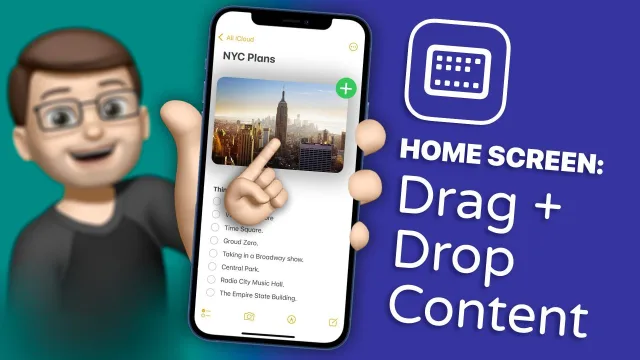
Drag and Drop Content
Home Screen · 20 Sept
 2:57
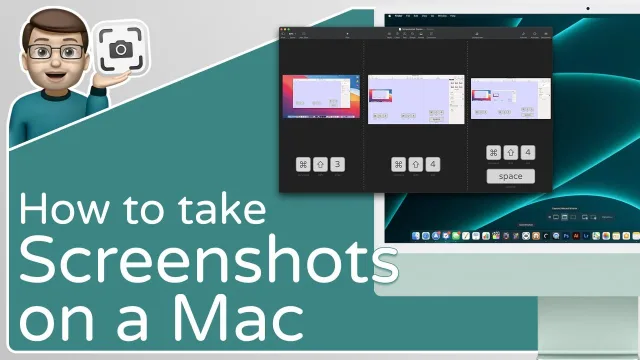
How to Take Great Screenshots on your Mac
Screenshot · 22 Aug
 2:11
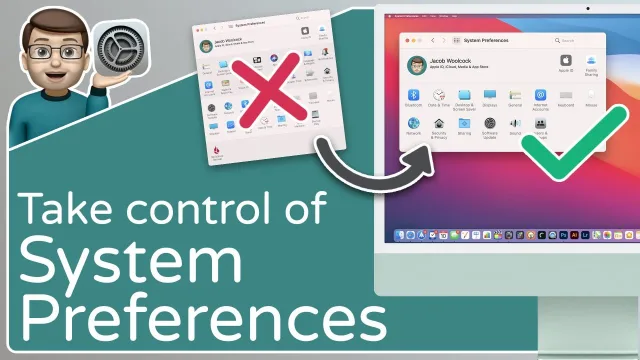
How to Take Control of System Preferences on macOS | Hide Icons, Sort + Search!
 3:16
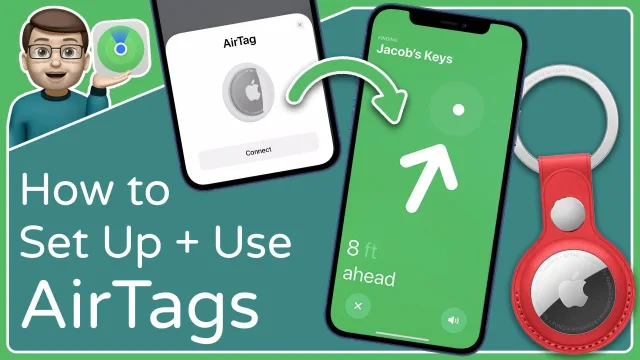
How to Set Up and Use AirTags

 2:05
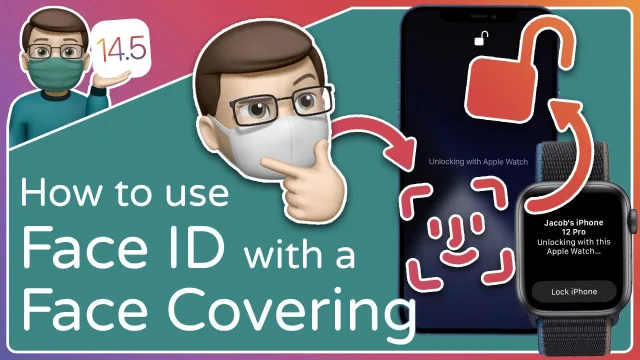
Unlock Your iPhone While Wearing a Mask
Lock Screen · 26 Apr
 2:37
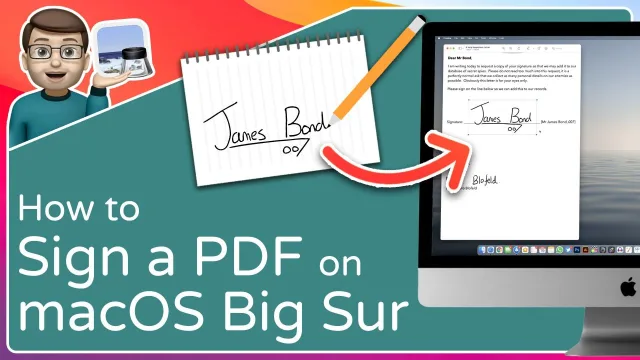
How to Sign a PDF Document on your Mac
 4:32
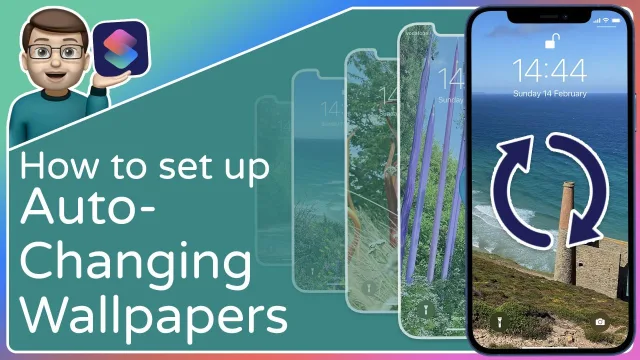
Auto-Changing Wallpapers on your iPhone with Shortcuts
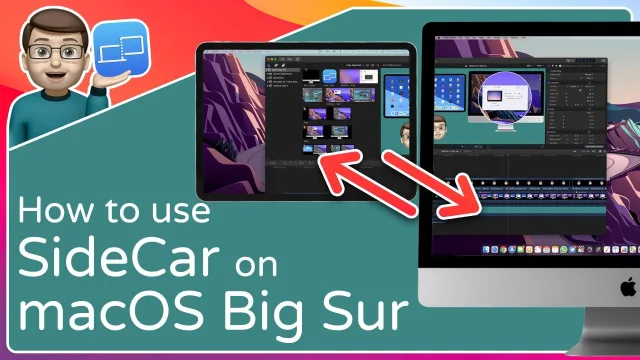 6:09
How to Extend your Mac Screen with your iPad
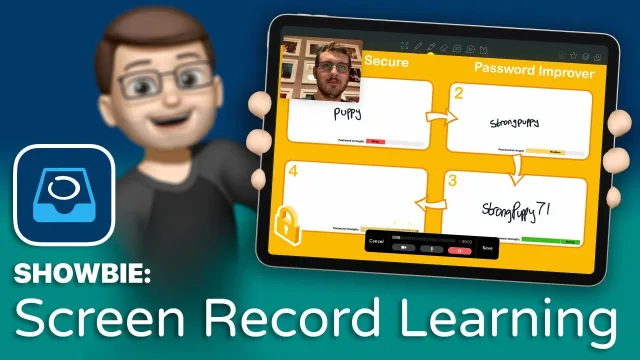 2:25
How to model Remote Learning activities using Screen Record in Showbie
 Showbie · 11 Nov
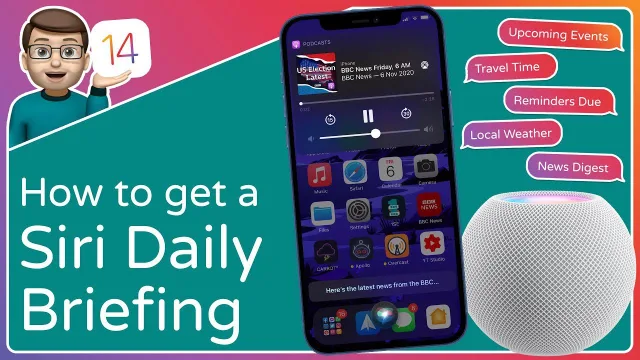 2:08
How to get a Daily Siri Briefing with the Daily Update feature
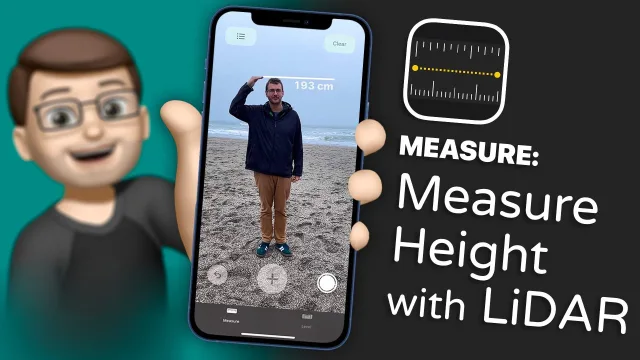 1:25
How to measure your height using the LiDAR Scanner
Measure · 1 Nov
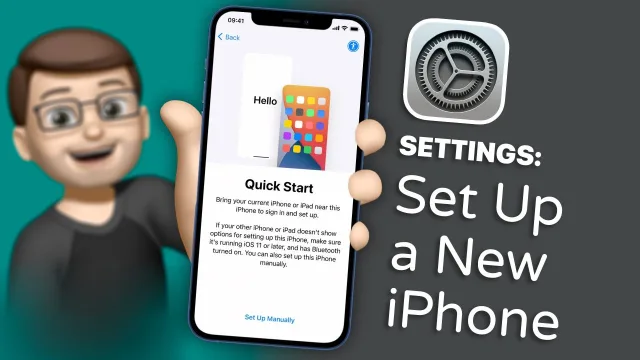 4:57
How to setup + transfer all your data onto your new iPhone with iCloud
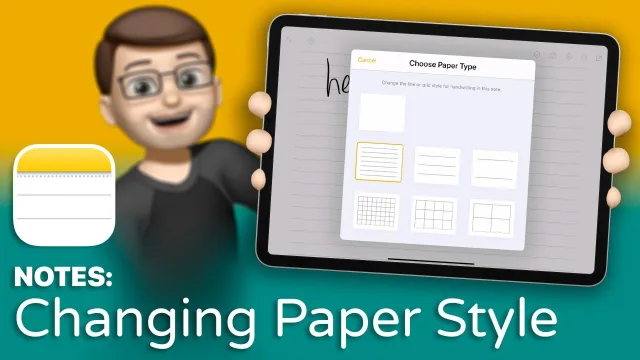 1:07
How to use Lined Paper and Grids
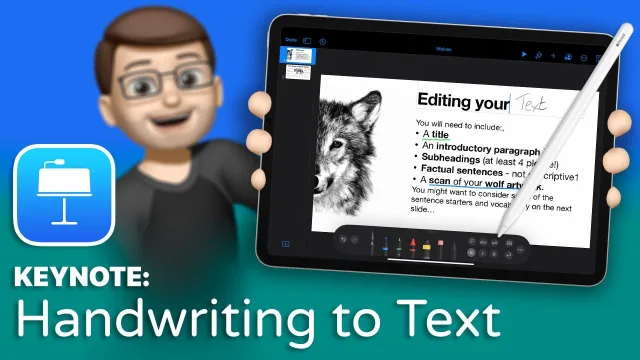 2:32
How to Convert your Handwriting to Typed Text with the Apple Pencil Scribble Tool
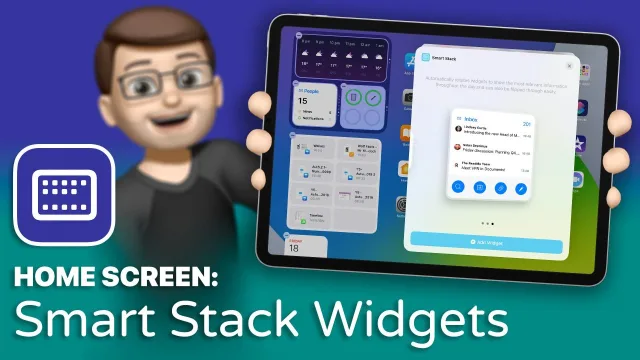 2:17
How to Create and Use Smart Stack Widgets on iPad
Home Screen · 18 Sept
 2:15
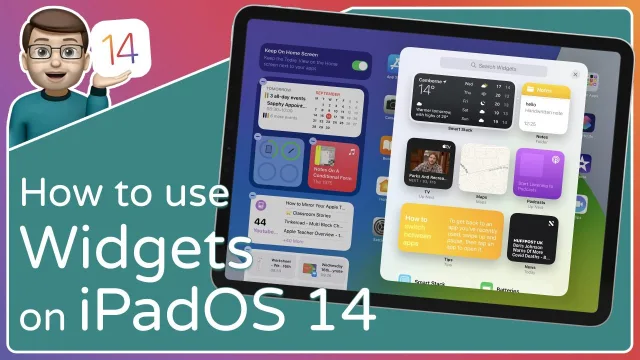
How to Use and Edit the Widgets on iPad
Home Screen · 16 Sept
 2:27
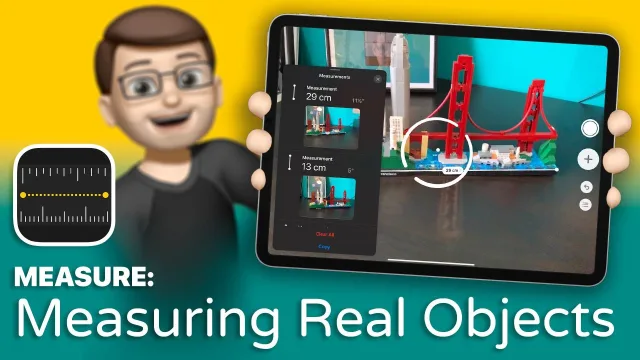
How to Record Measurements on your iPad
Measure · 14 Sept
 1:53
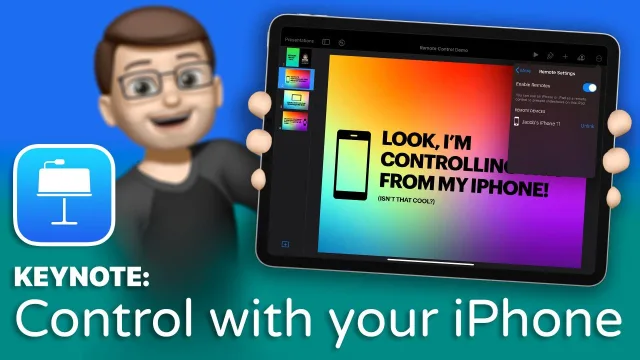
How to use an iPhone or Apple Watch to Remotely Control your Keynote Presentation on your iPad
 2:25
How to Resize Videos before Uploading on Showbie for iOS and iPad
Showbie · 24 May
 1:32
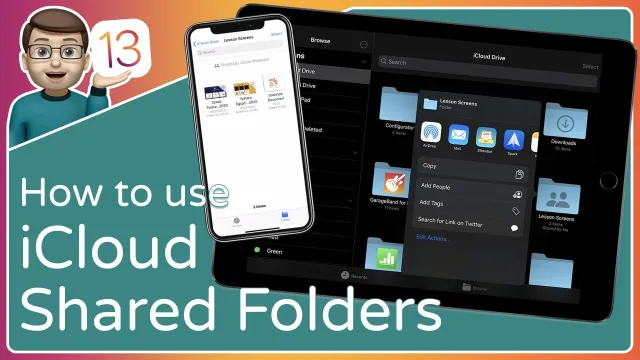
How to use iCloud Folder Sharing
Files · 29 Mar
 1:52
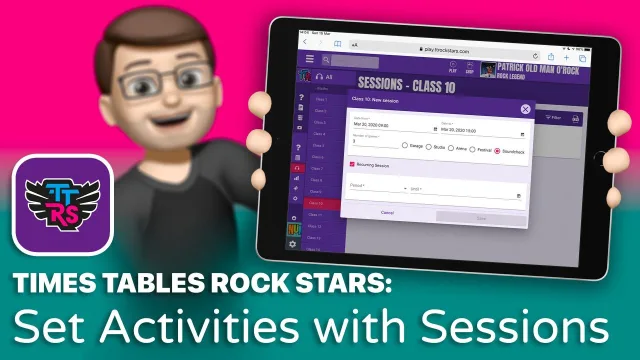
How to Assign Activities for Pupils using Sessions
 Times Tables Rock Stars · 15 Mar
 2:04
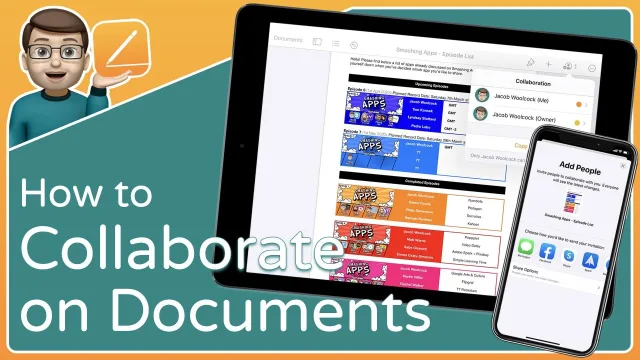
How to Collaborate and Work Together on Documents in Pages
 1:31
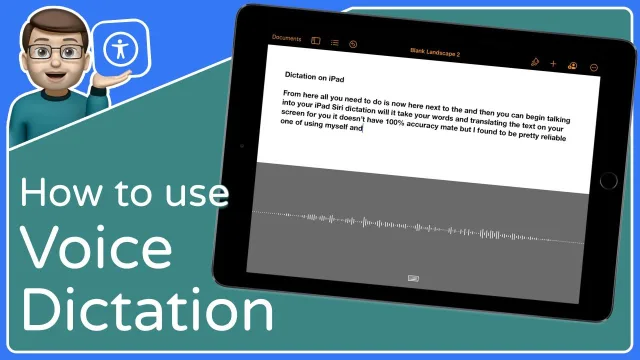
How to use Voice Dictation to transcribe text on iPad
Accessibility · 1 Mar
 1:41
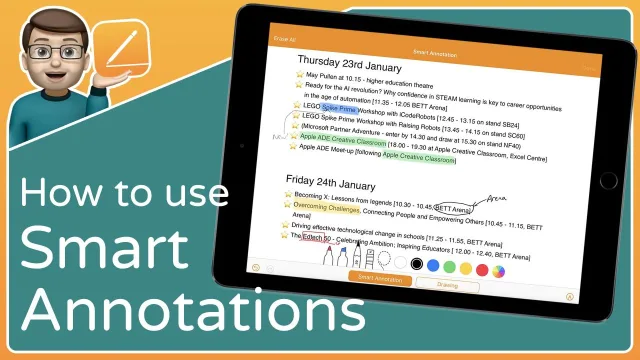
How to use the Smart Annotation tools in the Pages App on iPad
 1:43
How to use the Document Scanner
Files · 1 Oct
 1:11
How to take Screenshots with the Apple Pencil
 1:09
How to use the Safari Download Manager
 1:10
How to Zip and Unzip Documents
Files · 22 Sept
 1:06
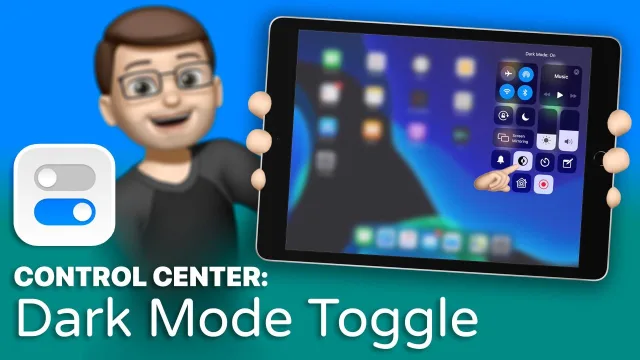
How to add a Dark Mode toggle to Control Center
Control Center · 21 Sept
 1:05
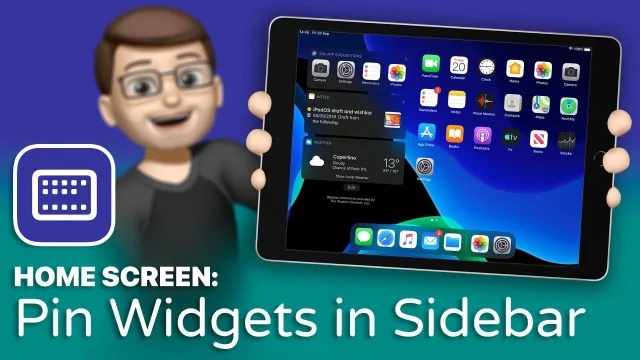
How to keep Widgets pinned to the Home Screen
Home Screen · 21 Sept
 1:07
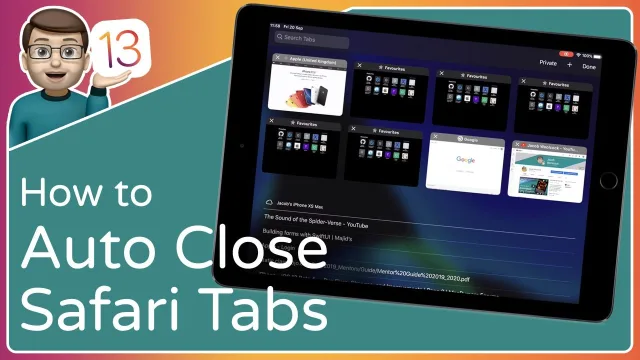
How to Automatically Close Tabs in Safari after a Day, Week or Month
 1:16
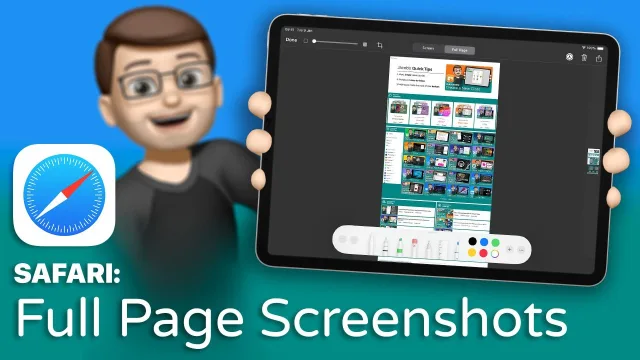
Save Full Page Screenshots as PDF Files
 0:55
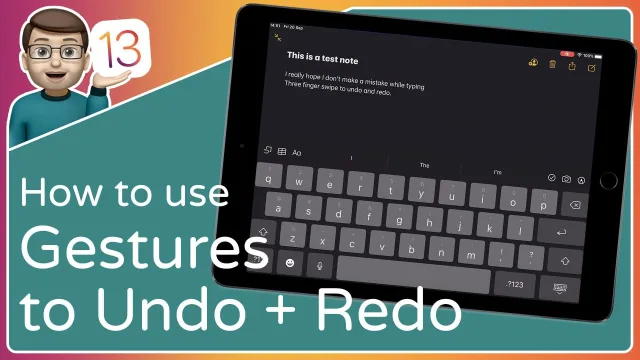
How to use Finger Gestures to Undo and Redo
Showing 8 of 262
Got a minute?75 seconds or less
0:53Where to Find Notifications in iOS 27
0:53Schedule a Text with Send Later in Messages on iPhone
0:40Mute a Group Chat with Hide Alerts in Messages
0:48How to Pin Conversations in Messages on iPhone
0:38How to Use Slide to Type on iPhone
1:04Edit Photos in Keynote, Numbers and Pages with Pixelmator Pro
0:59How to Create Text Replacement Shortcuts on iPhone
0:42Hide Adverts on Websites with Reduce Distractions in Safari
New in iOS 2714 new
1:19How to Set Alarm Volume Separately on iPhone in iOS 27
2:16Create Shortcuts with Apple Intelligence in iOS 27
2:24Search Home Camera Footage with Apple Intelligence in iOS 27
1:41Create Shared Photo Albums with Siri AI in iOS 27
1:40Organise Safari Tabs Automatically into Topics in iOS 27
1:59How to Use Siri AI as a Personal Assistant in iOS 27
2:37How to Create a Pass in Apple Wallet in iOS 27
Wallet · 30 Sept
1:33How to Add Keywords to Photos in iOS 27