Customisation
Personalise your device to suit your style and workflow.

Start Here · 2:18
Use HomeView as a Bedside Clock with Night Mode
By app
 2:18
Use HomeView as a Bedside Clock with Night Mode

 2:37
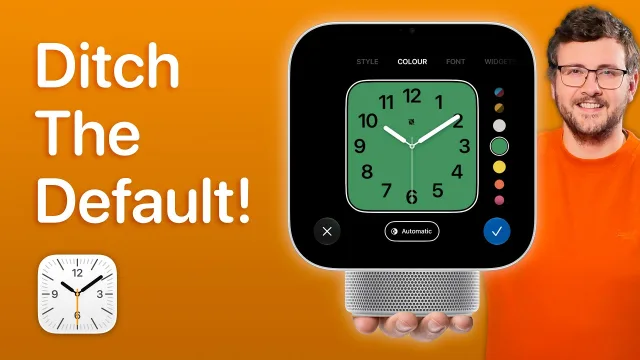
How to Customise the Faces on Apple HomeView
 1:50
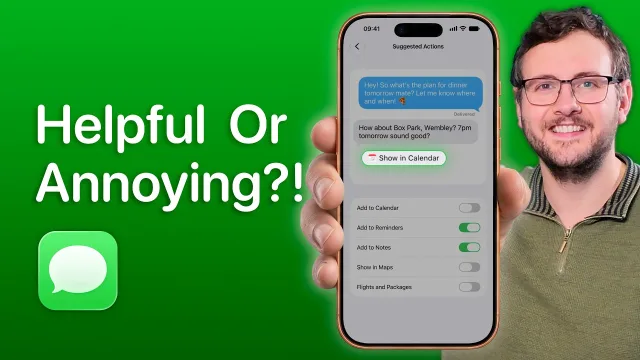
Use and Turn Off Suggested Actions in iPhone Messages

 2:51
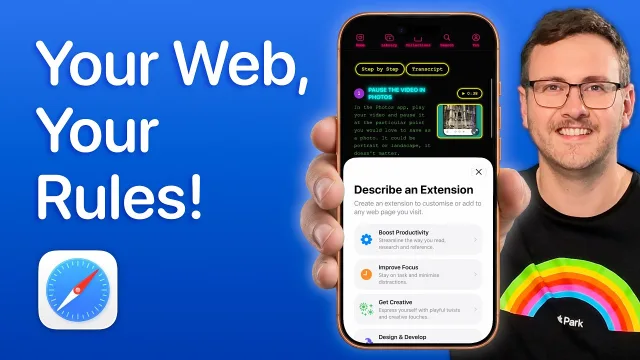
Use Describe Extension in Safari in iOS 27

 1:39
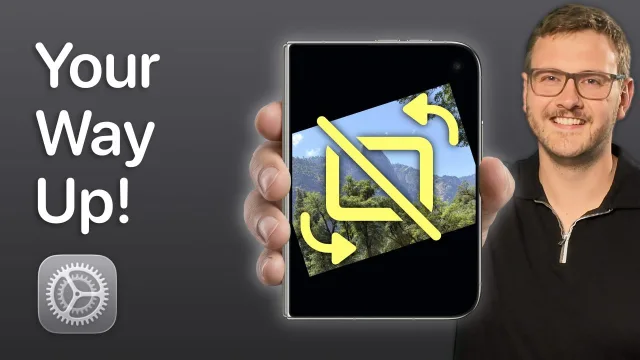
How to Lock Screen Rotation on iPhone Duo
 Control Center · 5 Nov
 2:10
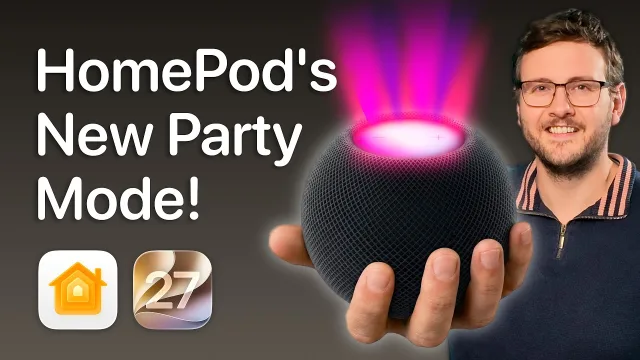
How to Turn On Sound Glow on HomePod

 1:23
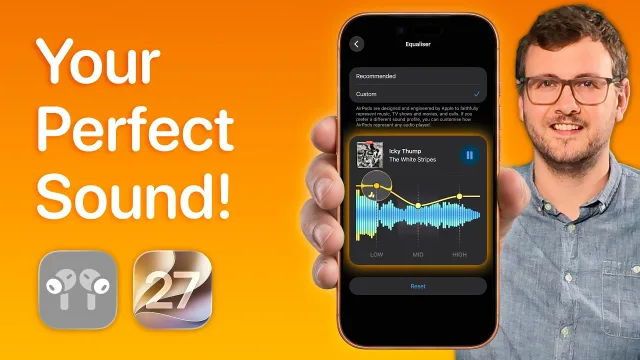
How to Use the Custom AirPods Equaliser in iOS 27
 AirPods · 21 Oct
 1:19
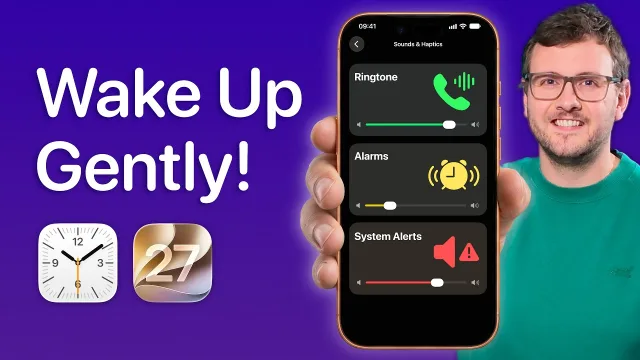
How to Set Alarm Volume Separately on iPhone in iOS 27
 2:16
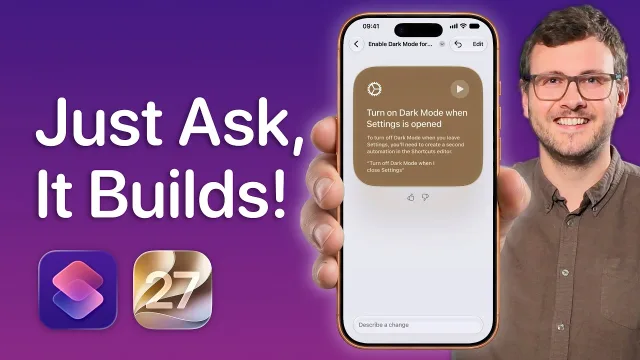
Create Shortcuts with Apple Intelligence in iOS 27

 1:38
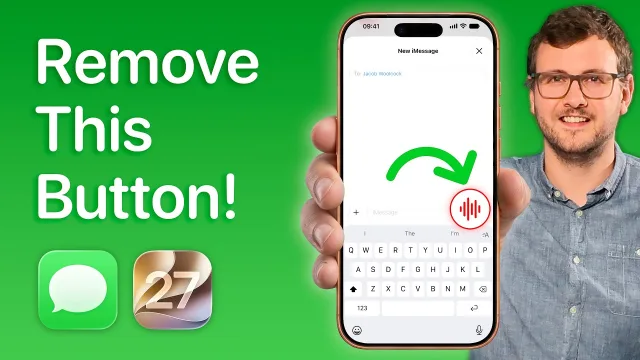
Remove the Voice Message Button in Messages in iOS 27
 1:39
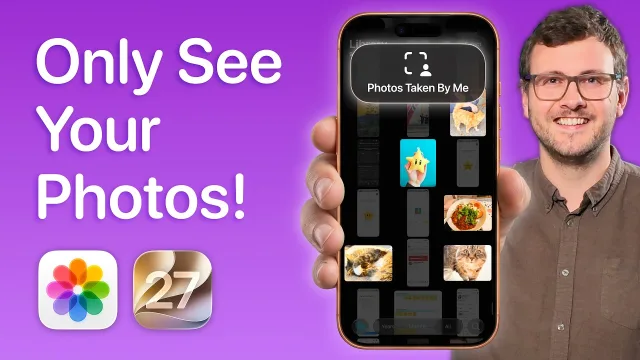
Use the Captured by Me Filter in Photos in iOS 27

 1:40
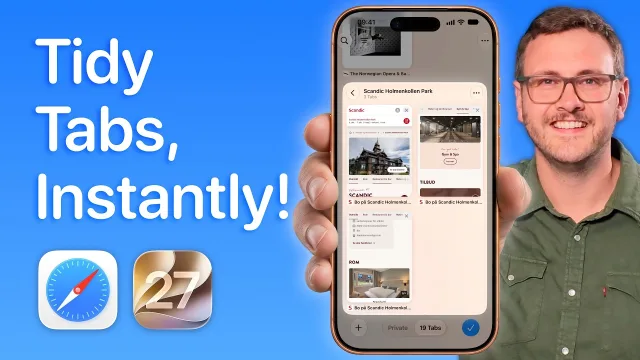
Organise Safari Tabs Automatically into Topics in iOS 27
 1:39
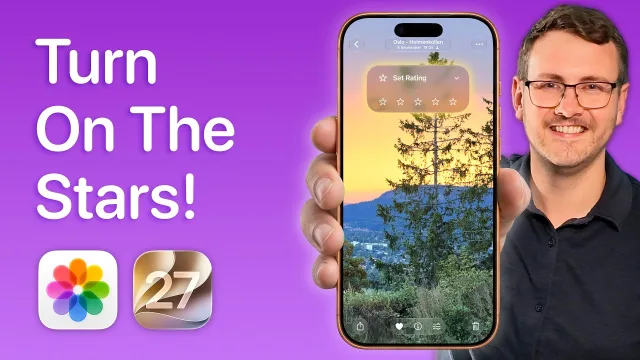
How to Turn On Star Ratings for Photos in iOS 27
 1:27
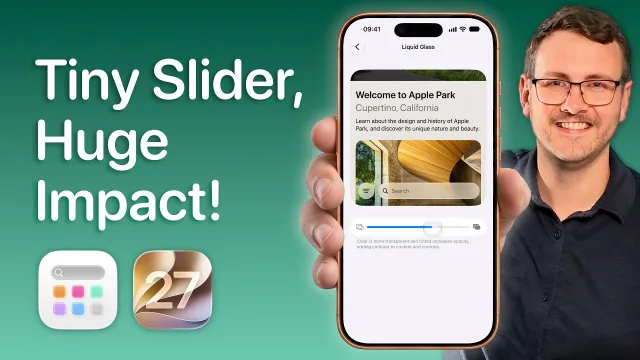
Adjust Liquid Glass Transparency in iOS 27

 1:16
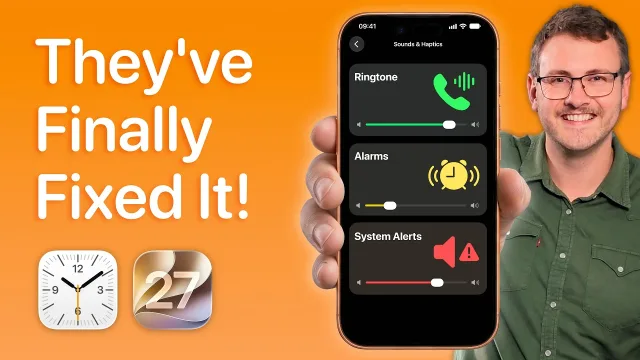
Set Separate Alarm and Ringtone Volumes in iOS 27
 0:59
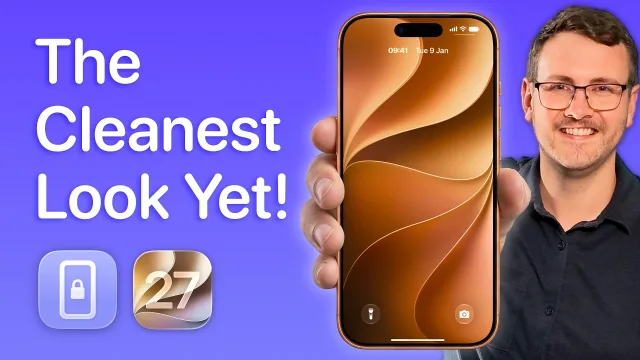
Turn On the Compact Lock Screen Clock in iOS 27
 Lock Screen · 15 Sept
 2:01
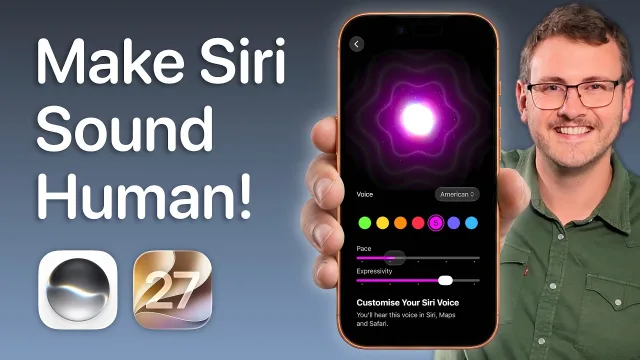
How to Customise Siri’s Voice in iOS 27

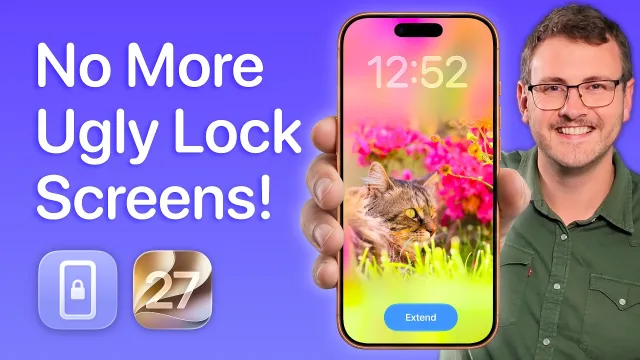 1:43
Fit Any Photo to Your Lock Screen with Extend in iOS 27
Lock Screen · 11 Sept
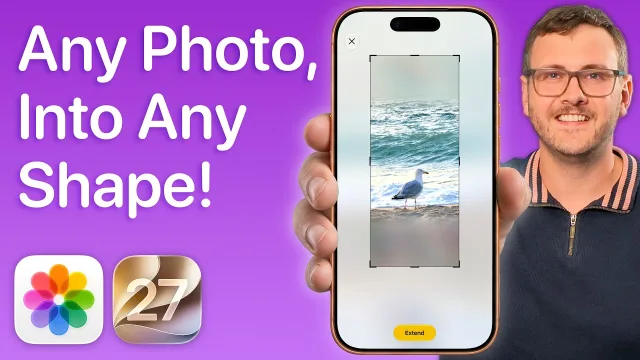 1:45
Expand Photos Beyond the Frame with Extend in iOS 27
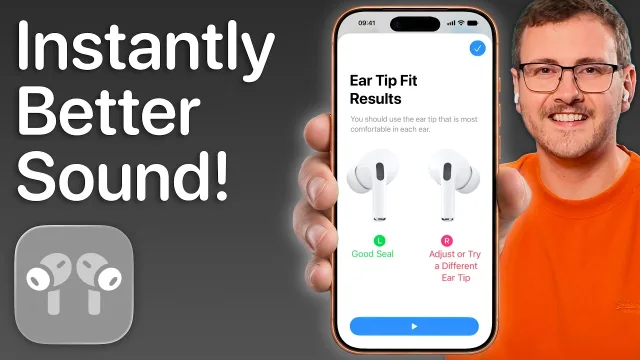 1:17
Check Your AirPods Pro Fit with the Ear Tip Fit Test
AirPods · 4 Sept
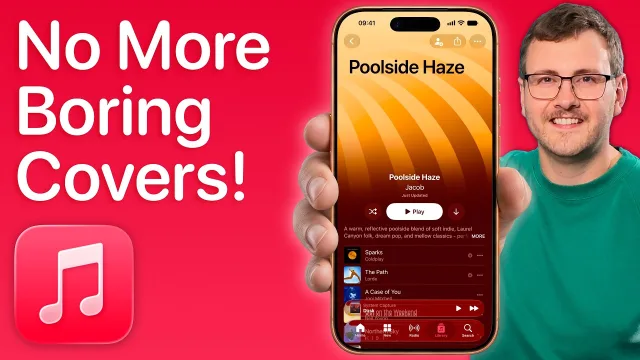 1:32
How to Change Your Apple Music Playlist Cover Art

 1:31
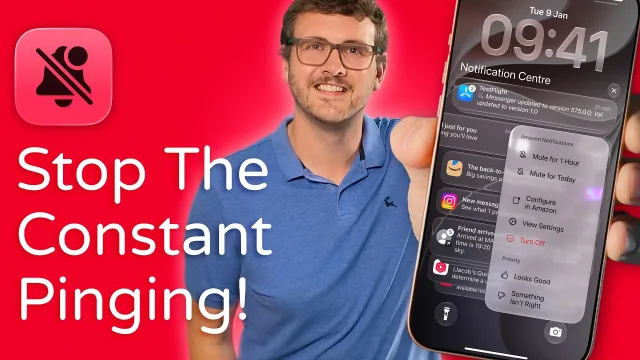
How to Mute Notifications for an App on Your iPhone
 1:19
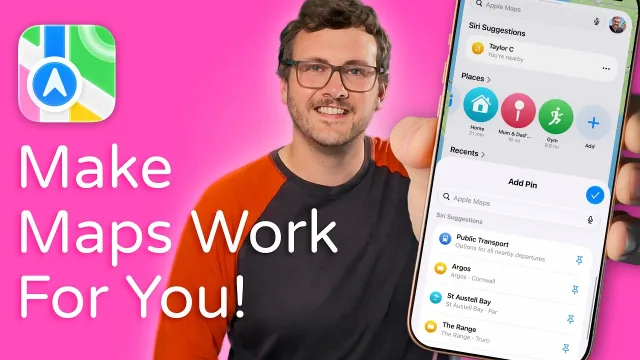
How to Customise the Favourites Bar in Apple Maps
 Maps · 26 Aug
 3:34
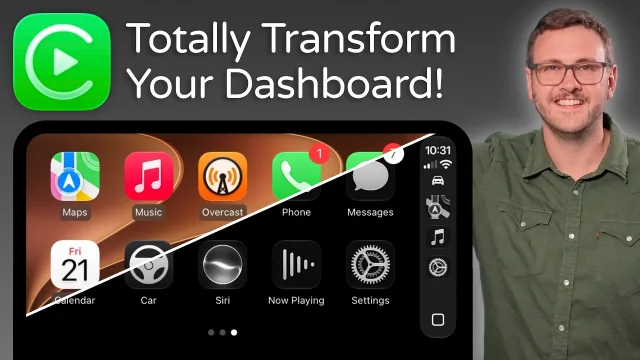
Customise CarPlay Wallpaper, Dark Mode and Icons in iOS 27
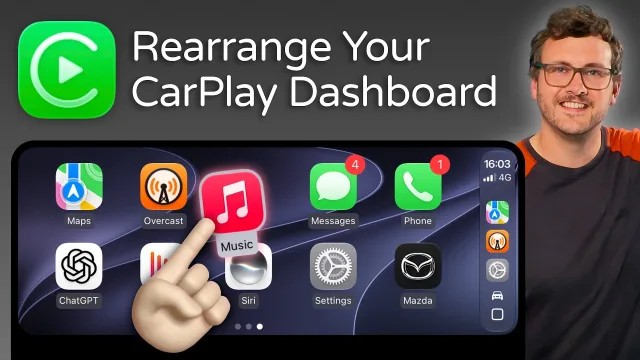 1:32
How to Rearrange CarPlay Apps from Your iPhone
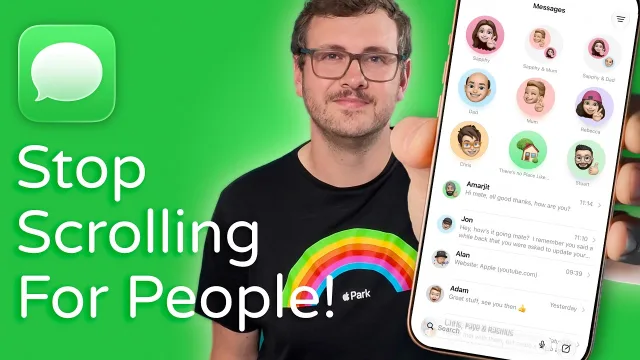 0:48
How to Pin Conversations in Messages on iPhone
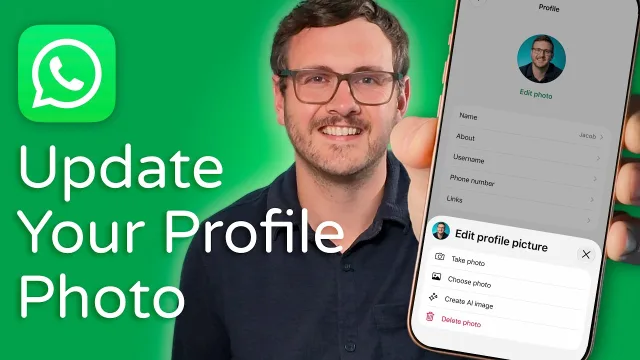 0:46
How to Change Your WhatsApp Profile Picture on iPhone
 WhatsApp · 11 Aug
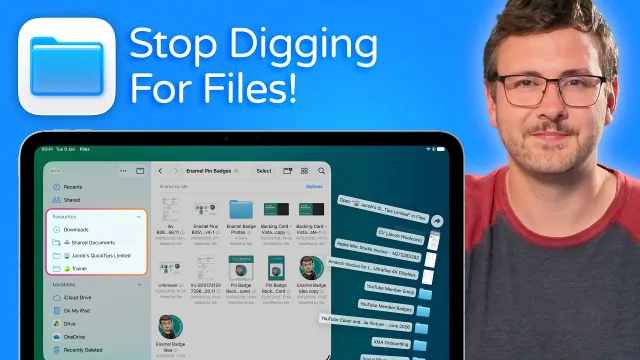 1:31
Add Folders to Favourites and the Dock on iPad
 Files · 7 Aug
 2:28
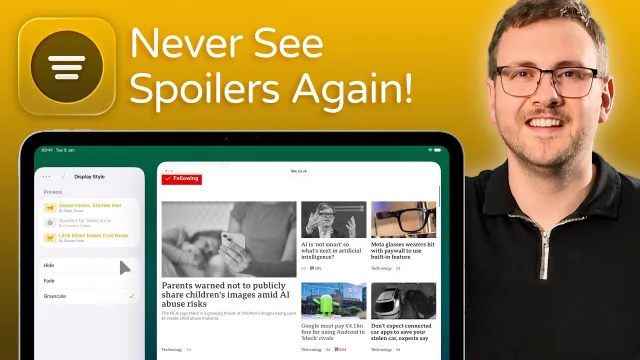
Mute Keywords in Safari with the Filtre Extension
 1:17
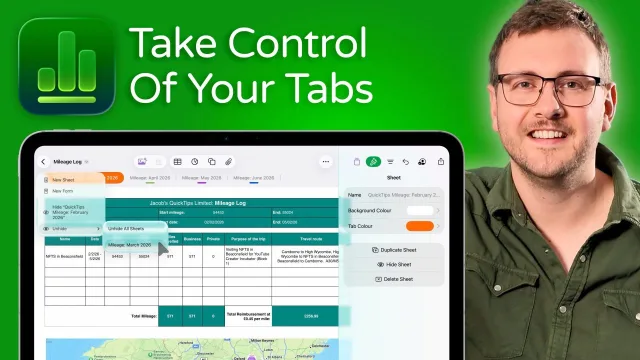
How to Hide and Colour Tabs in Numbers

 1:15
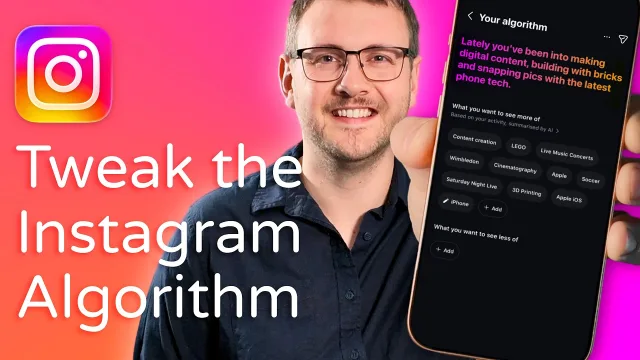
Choose the Topics in Your Instagram Feed with Your Algorithm
 Instagram · 17 Jul
 0:42
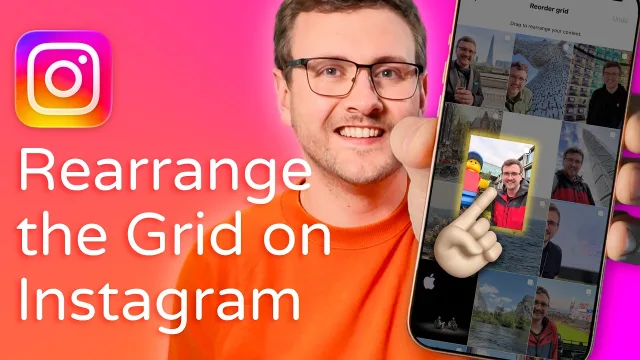
How to Reorder Your Instagram Grid
Instagram · 15 Jul
 1:27
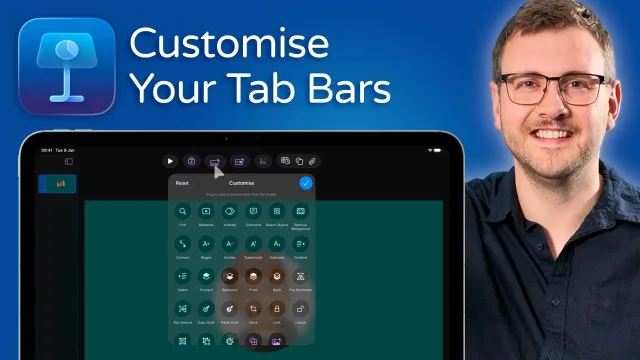
How to Customise Your Toolbar in Keynote, Numbers and Pages

 0:49
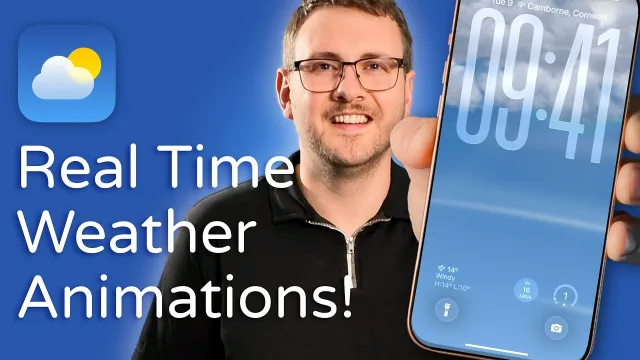
Add an Animated Weather Wallpaper to Your Lock Screen
Lock Screen · 7 Jul
 1:00
How to Turn Off Emergency Alerts on iPhone
 2:39
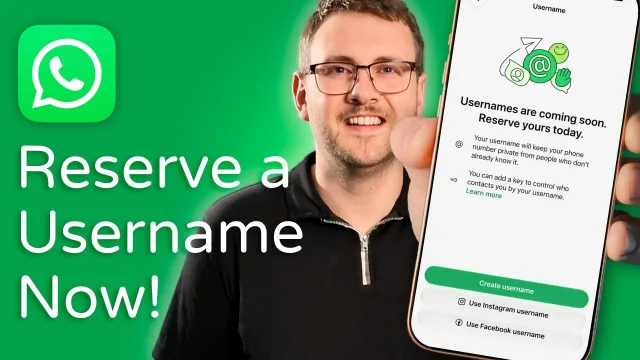
How to Reserve Your WhatsApp Username Right Now
WhatsApp · 30 Jun
 1:40
How to use the New Wallpaper Creator in iOS 26.5
Lock Screen · 11 May
 1:12
How to Turn Off an iPhone Properly
 245
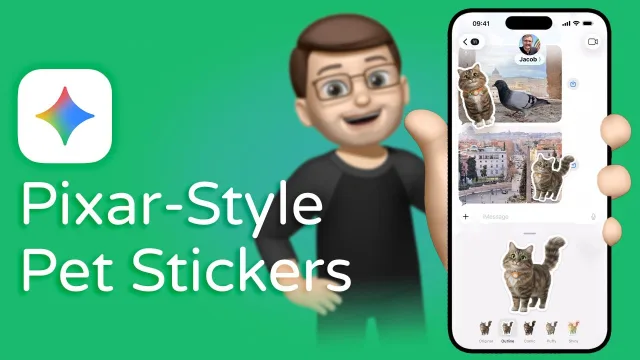
Make Adorable Pixar-Style Pet Stickers with Google Gemini
 Google Gemini · 4 Jan
 3:09
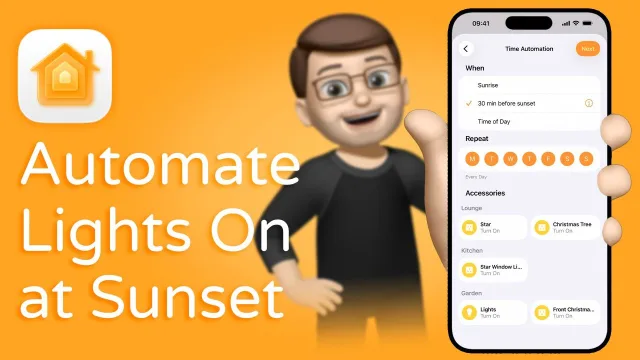
Automate Smart Lights with Apple Home
 1:58
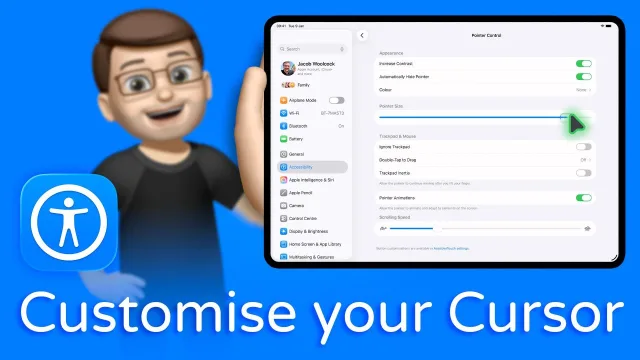
Change the Size, Colour and Style of Your iPad Cursor
 Accessibility · 10 Nov
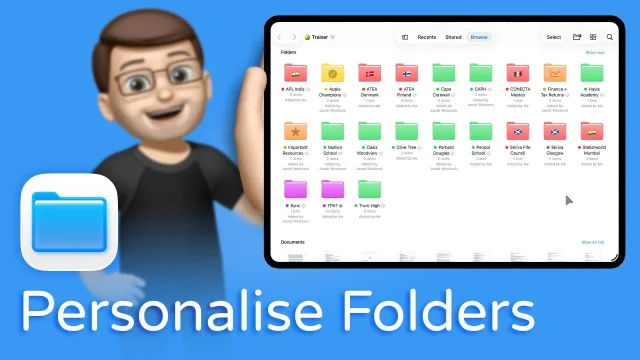 2:55
Customise Folders with Colours and Emoji
Files · 13 Oct
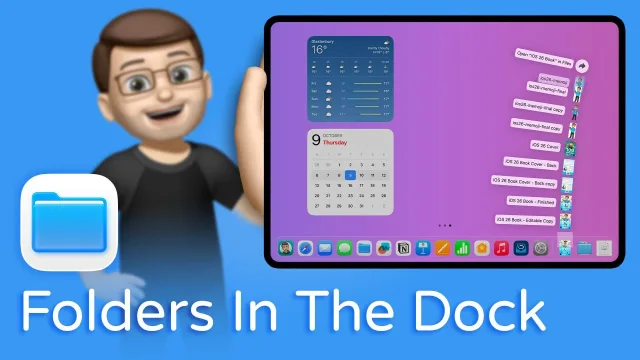 2:09
Pin Folders to the Dock on iPadOS 26
Files · 9 Oct
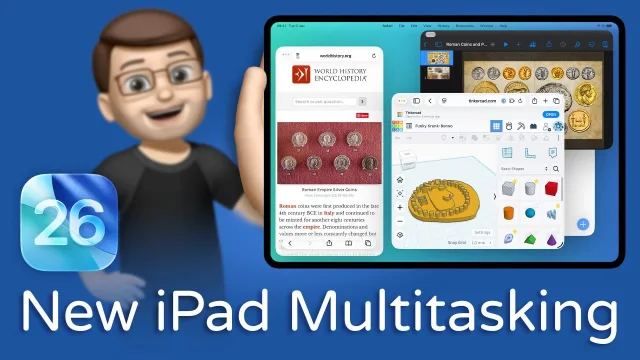 8:02
How to Use Multitasking in iPadOS 26
 Home Screen · 6 Oct
 2:02
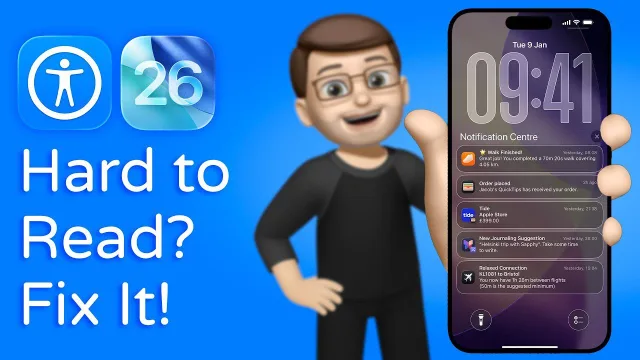
Reduce or Remove Transparency on Liquid Glass
Accessibility · 15 Sept
 1:55
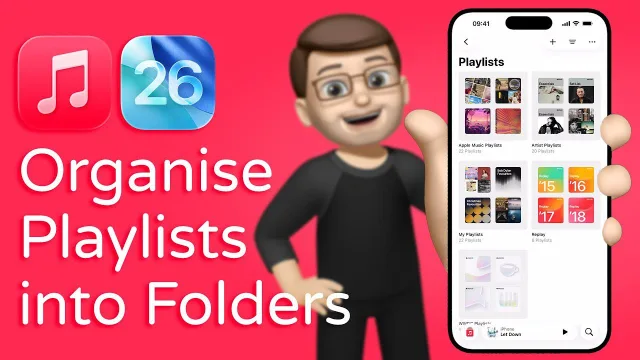
Organise your Playlists into Folders in Apple Music
 1:41
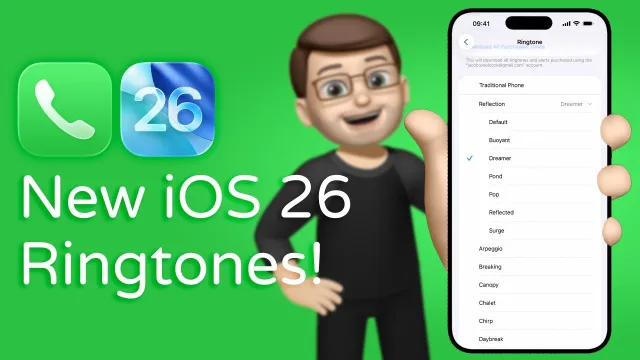
Hear Every New iOS 26 Ringtone

 1:55
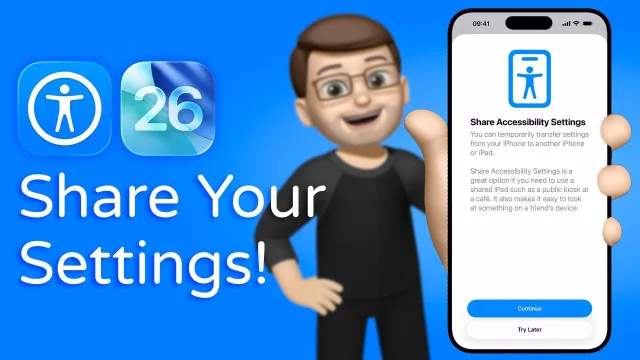
Share Your Accessibility Settings via AirDrop
Accessibility · 22 Aug
 2:15
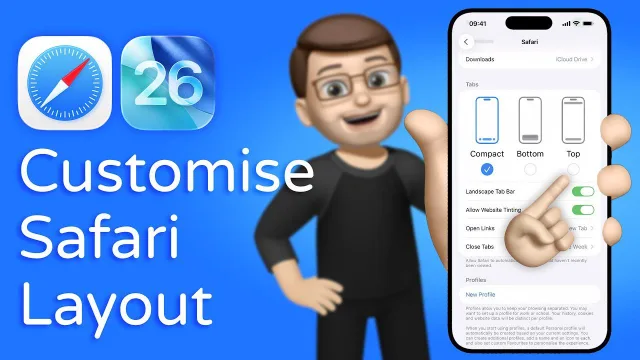
How to Switch Your Safari Layout and Tab Bars
 2:23
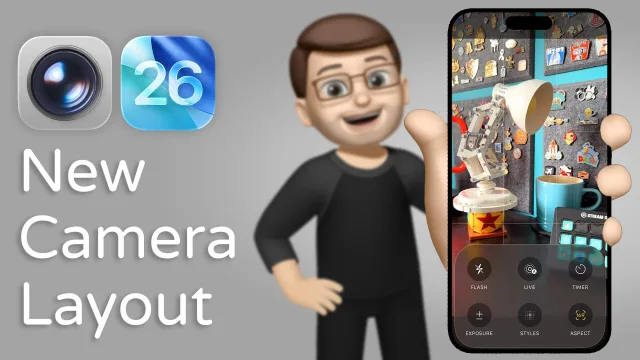
Redesigned iPhone Camera App
 Camera · 14 Aug
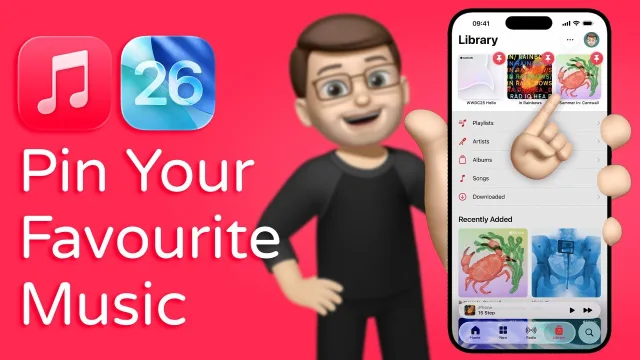 1:22
Quick Access to Your Favourite Music
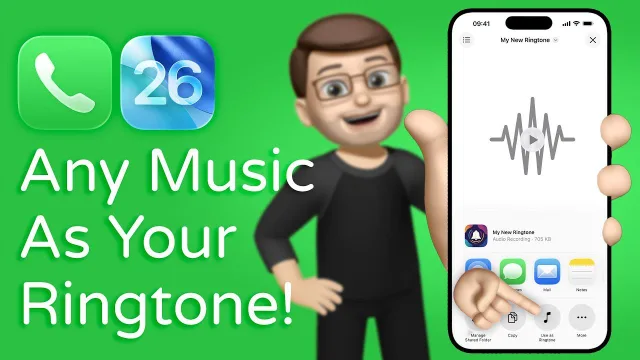 1:05
Use Any Song as a Ringtone on iPhone
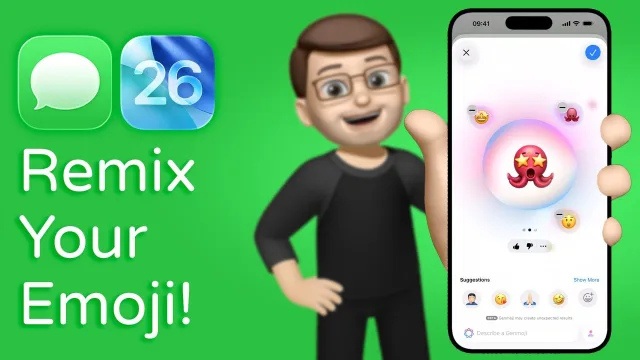 1:29
How to Combine Emojis on iPhone with Genmoji
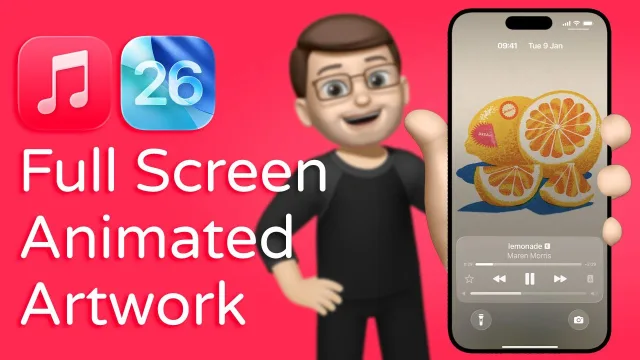 1:39
Animated Album Covers on Lock Screen!
 1:08
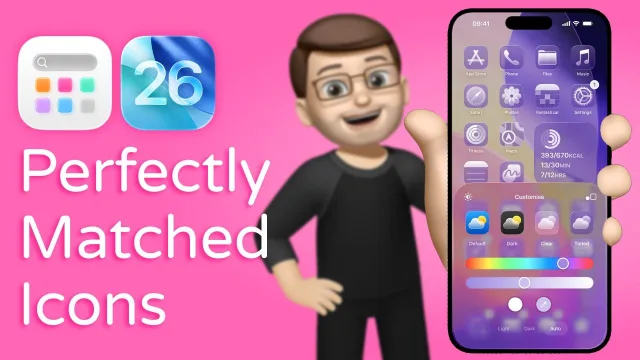
Match Icons to Wallpaper Aesthetic
Home Screen · 5 Aug
 1:49
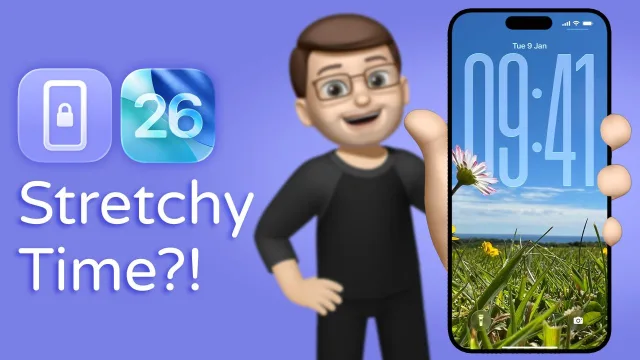
Make Your Lock Screen Pop With “Stretchy Time” (iOS 26 Public Beta)
Lock Screen · 2 Aug
 1:44
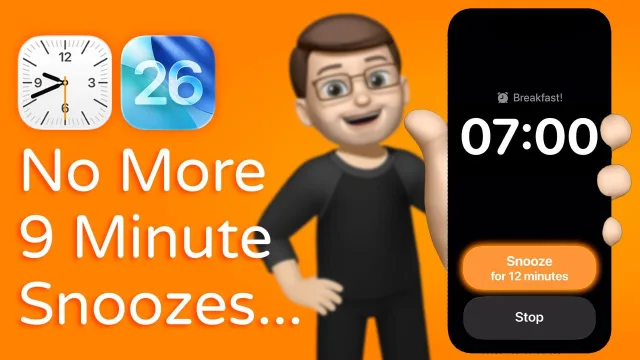
Change Snooze Timer to 1–15 Minutes on iPhone Alarm (iOS26 Public Beta)
 1:17
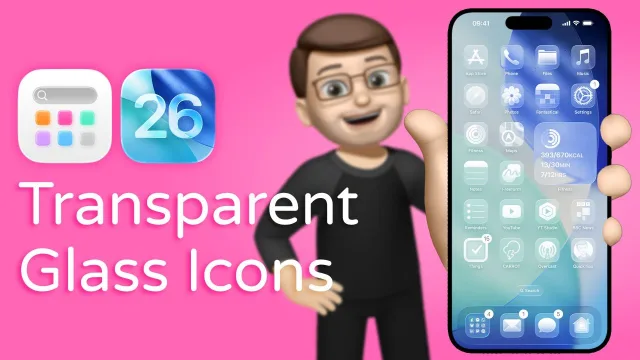
New Clear Glass App Icons
Home Screen · 30 Jul
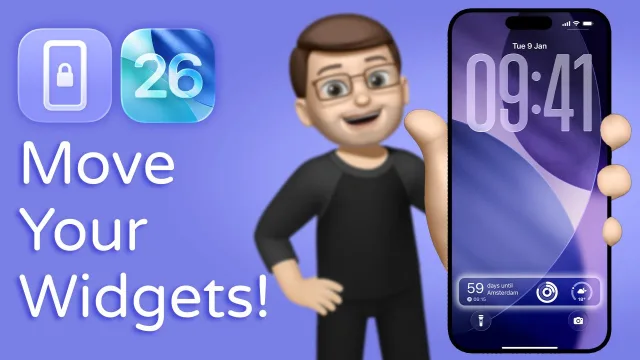 1:23
Move Widgets to the Bottom of your iPhone Lock Screen (iOS 26 Public Beta)
Lock Screen · 26 Jul
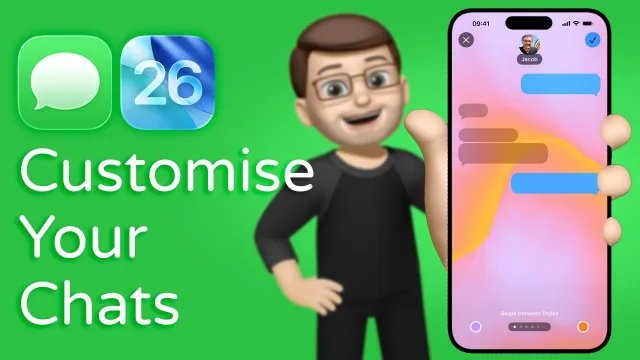 2:15
Customise iMessage Backgrounds (on the iOS26 Public Beta)
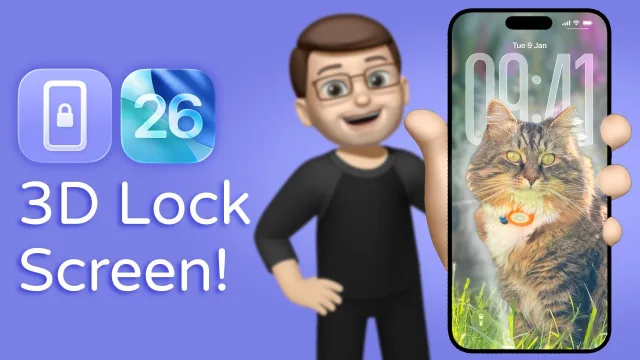 1:15
How to Get a 3D Lock Screen on your iPhone (iOS 26 Public Beta)
Lock Screen · 24 Jul
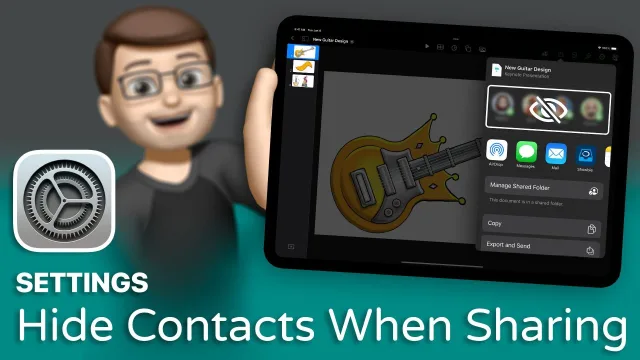 0:57
Hide Recent Contacts When Using the Share Menu on iPad
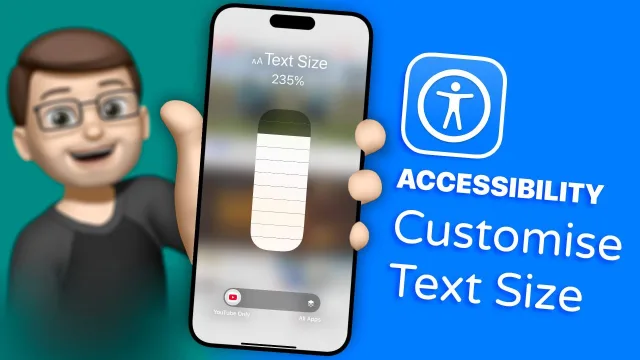 1:48
Adjust Text Size on iPhone for Better Readability
Accessibility · 8 Mar
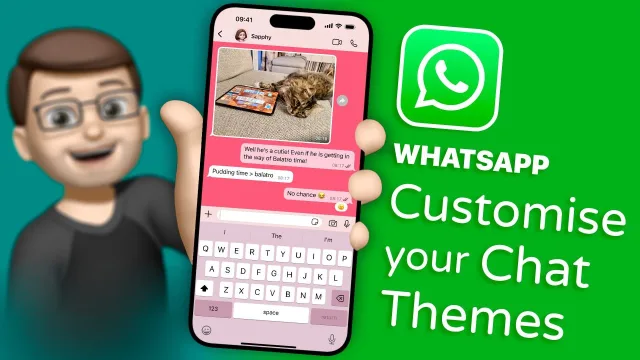 2:38
Personalise Your WhatsApp Chats with Custom Colours
WhatsApp · 19 Feb
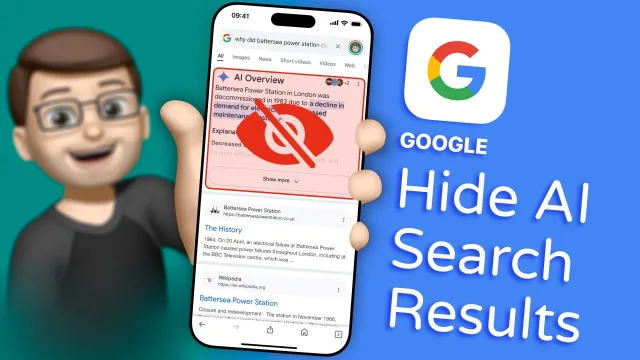 0:58
Disable AI Answers in Google Search
 Google · 15 Feb
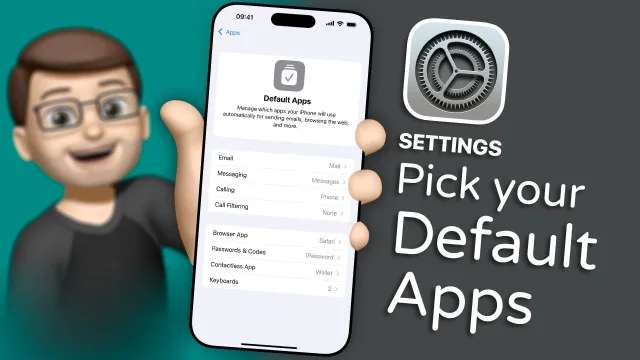 1:21
Change Your Default Web Browser and Other Apps
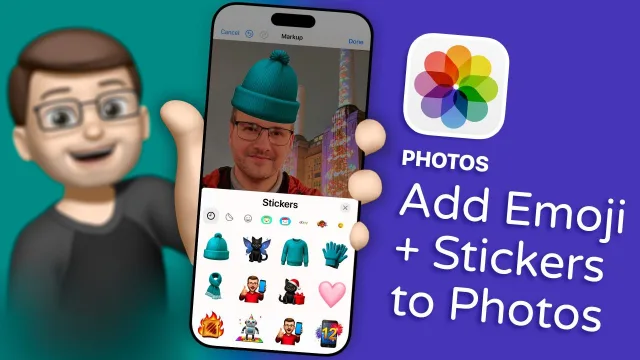 2:15
Decorate Your Photos with Stickers and Genmoji
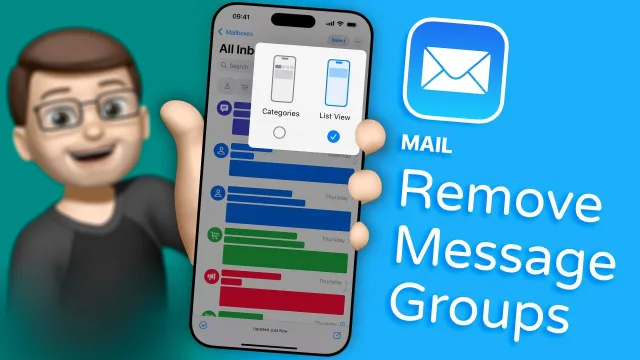 1:09
Switch Between Classic Mode and Categories View in Mail

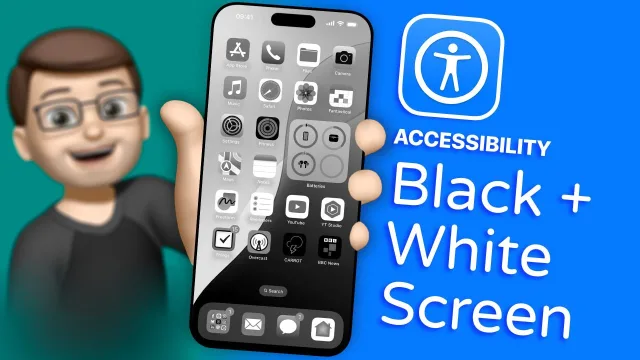 1:48
Turn Your iPhone Screen Black and White
Accessibility · 28 Dec
 1:19
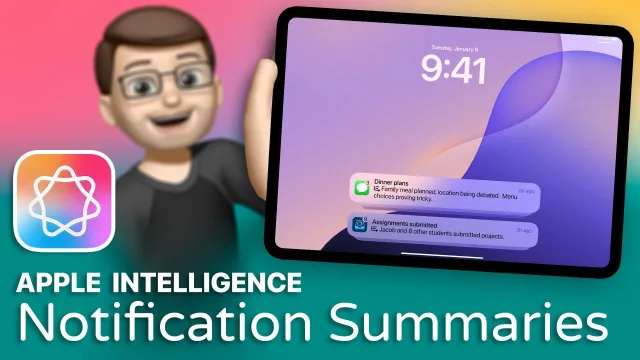
Summarise Notifications with Apple Intelligence
Home Screen · 26 Oct
 2:18
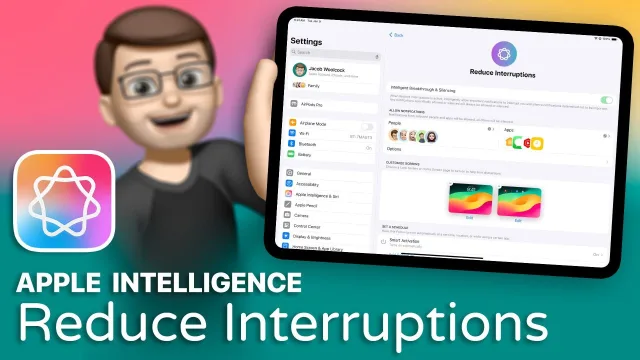
Customise iPad’s New Reduce Interruptions Focus Mode
 Focus · 25 Oct
 1:43
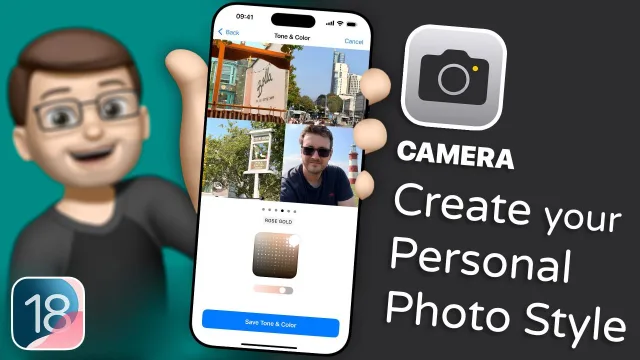
Create Your Own, Personal, Photographic Style Profile
Camera · 21 Sept
 2:05
Adjust Tone for more Realistic and Lifelike Photos
Camera · 21 Sept
 2:16
Use iPhone 16’s Camera Control Button as a Simple Shutter
Camera · 20 Sept
 3:13
How to Use the New Camera Control Button on iPhone 16 and iPhone 16 Pro
Camera · 20 Sept
 1:55
Use Hover Typing for Clearer Text Input
Accessibility · 16 Sept
 2:21
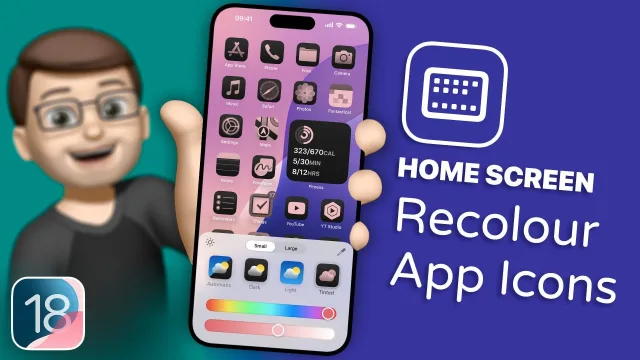
Customise Your iPhone Icons with Colour Tints
Home Screen · 16 Sept
 1:10
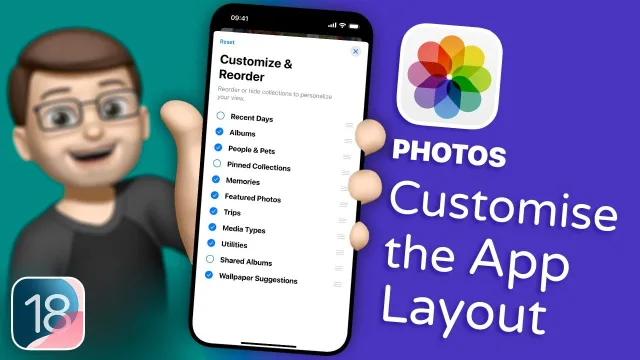
Personalise Your Photos App Layout
 1:45
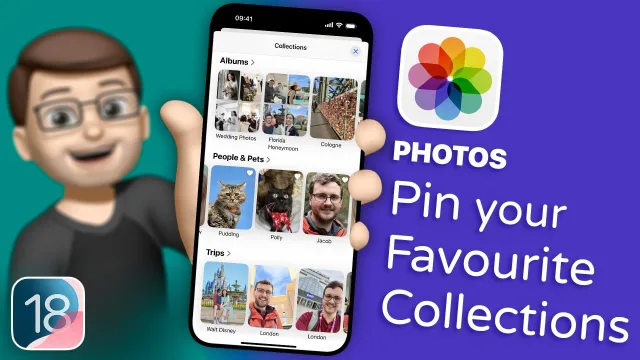
Organise Your Favourite Photos with Pinned Collections
 1:19
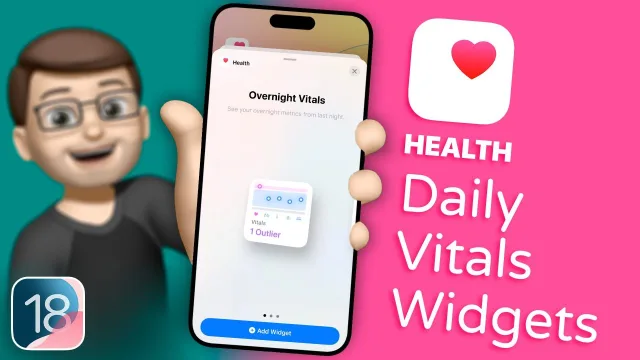
Keep Track of Your Vitals Using iOS 18’s New Widgets
 Health · 16 Sept
 1:44
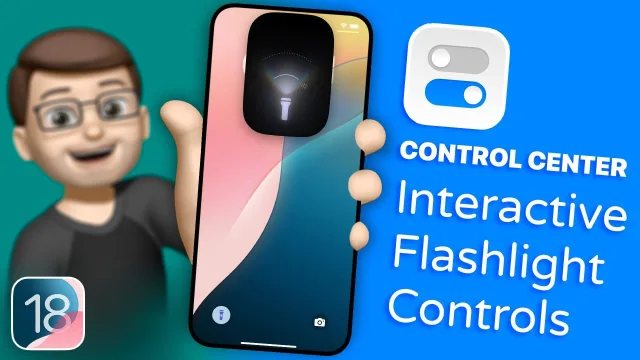
Make the Most of Your iPhone’s Flashlight
Control Center · 16 Sept
 1:29
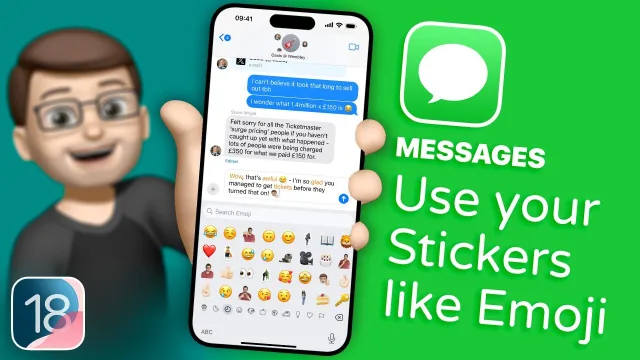
Use Stickers, Memoji and Emoji Together in Messages
 2:17
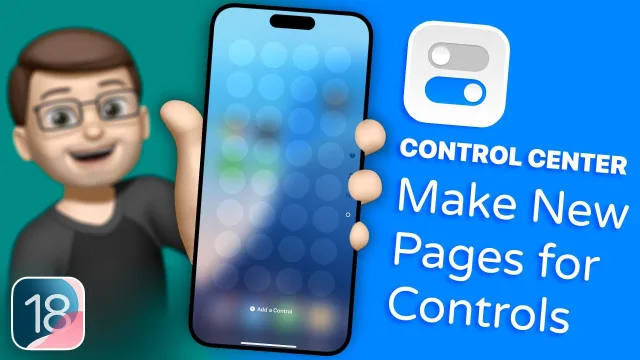
Add and Organise Multiple Pages in Control Center
Control Center · 16 Sept
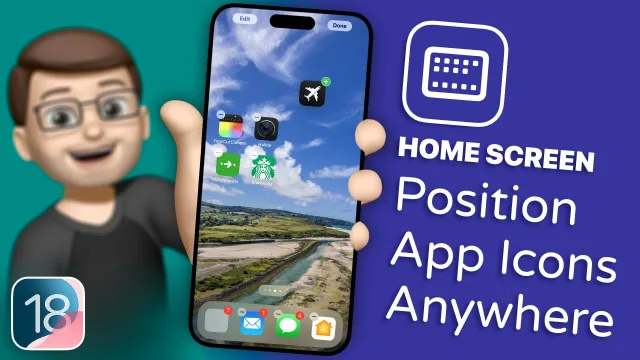 1:48
Create Gaps Between App Icons for a Clean Layout
Home Screen · 16 Sept
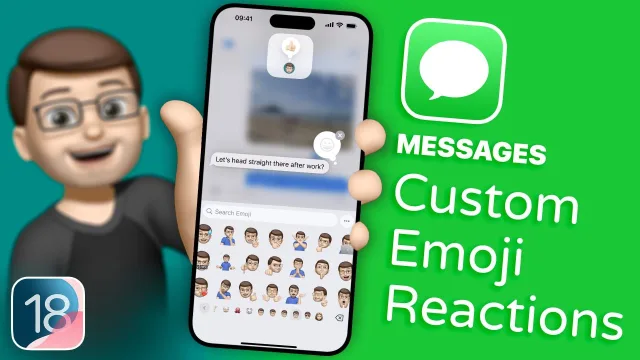 1:25
Customise Tapbacks with Emoji and Stickers
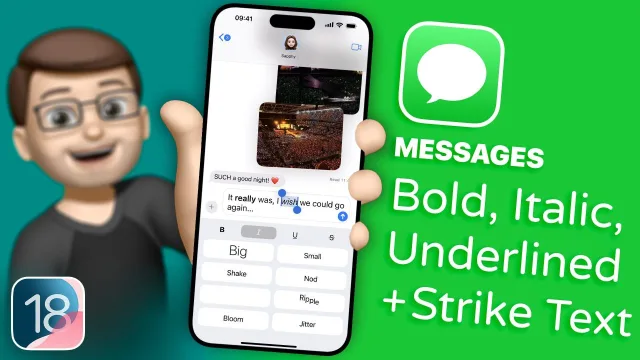 1:06
Customise Your iMessage Text with Bold, Italics, and More
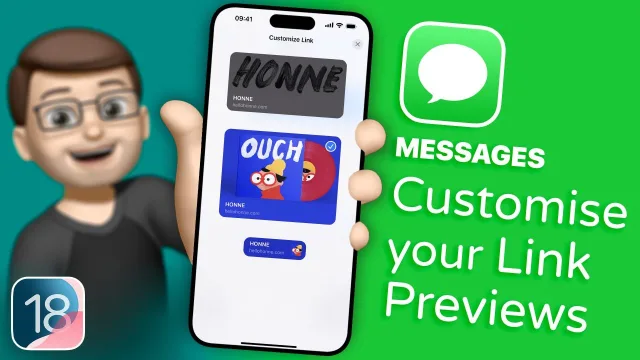 1:33
Customise Link Previews in Messages
 1:23
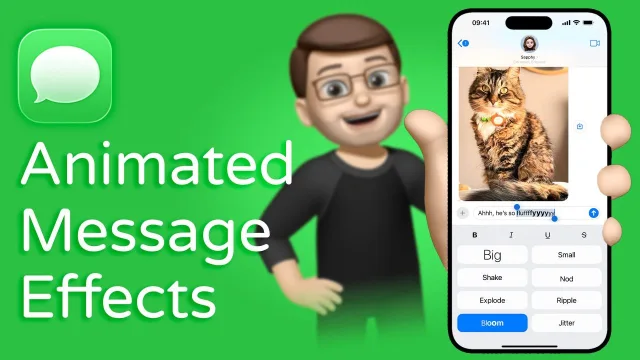
Emphasise Your Words with Animated Text Effects
 2:19
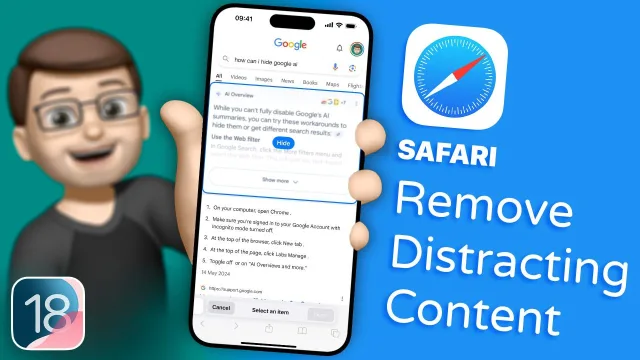
Remove Annoying Pop-Ups by Removing Distractions
 1:29
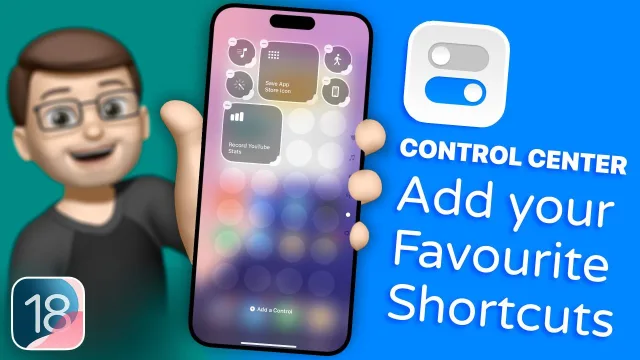
Run Your Favourite Shortcuts from Control Center
Control Center · 16 Sept
 1:39
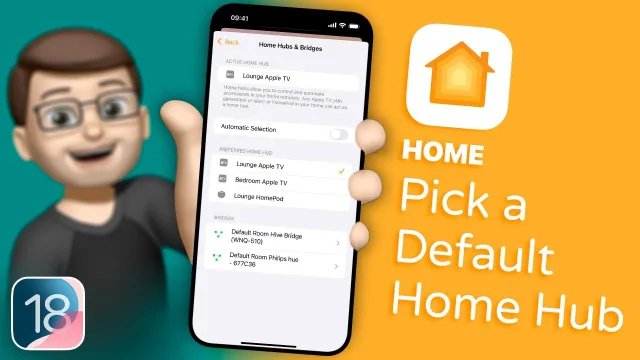
Choose Your Default Home Hub
 1:53
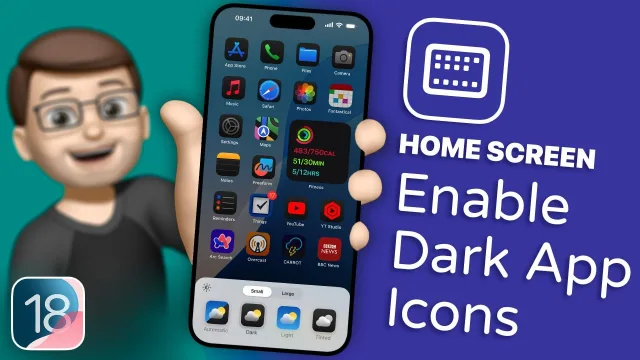
Enable and Customise Dark Mode For Your Icons
Home Screen · 16 Sept
 2:23
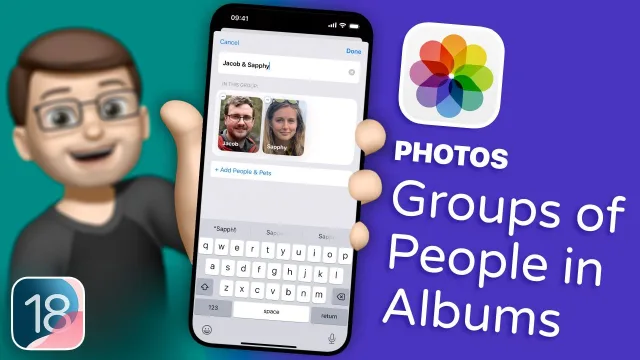
How to Create and Customise Smart Groups of People
 1:24
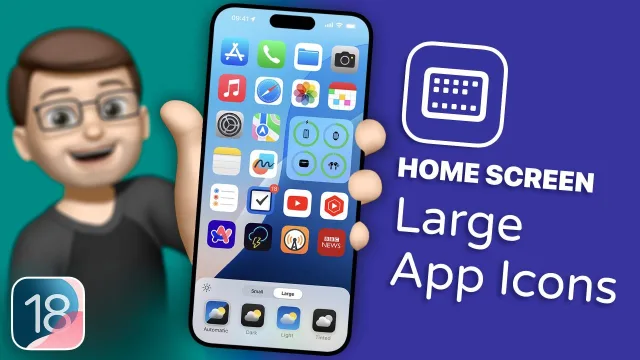
Increase Icon Size and Hide App Names
Home Screen · 20 Aug
 1:36
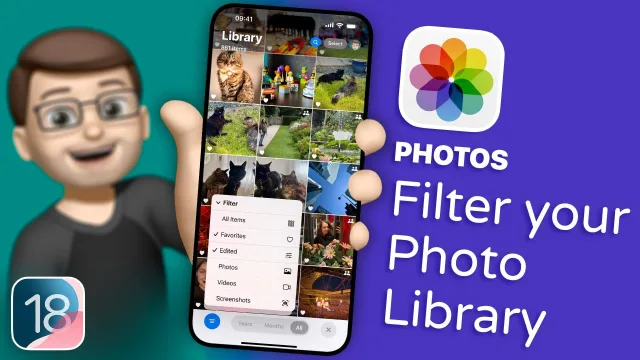
Filter Media In Your Photo Library
 1:41
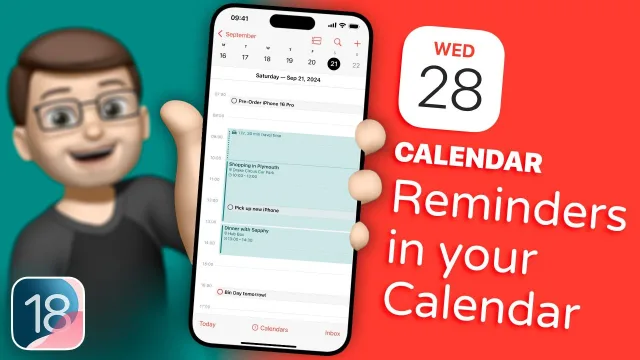
Add Reminders to Your Daily Calendar View

 2:10
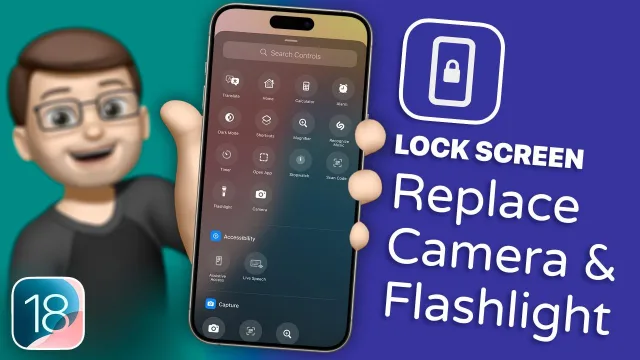
How to Replace Camera and Torch Shortcuts on the Lock Screen
Lock Screen · 3 Aug
 1:31
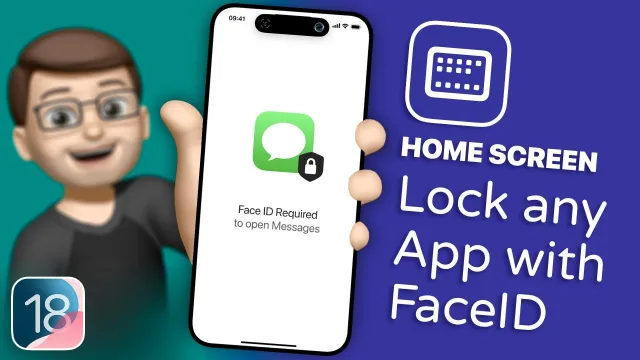
How to Lock Any App on Your iPhone
Home Screen · 3 Aug
 2:35
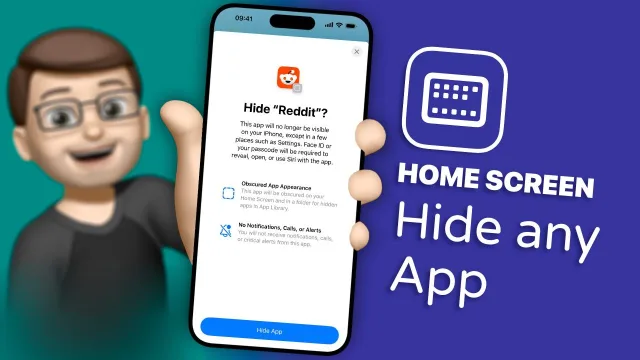
Hide an App from your Home Screen
Home Screen · 3 Aug
 1:46
New Widget Controls for Your Home Screen
Home Screen · 3 Aug
 1:39
Personalise Control Center by Rearranging and Resizing Buttons
Control Center · 3 Aug
 1:50
Add and Remove Buttons and Controls
Control Center · 3 Aug
 1:44
Set Daily Custom Move, Exercise, and Stand Goals
 Fitness · 13 Jul
 1:51
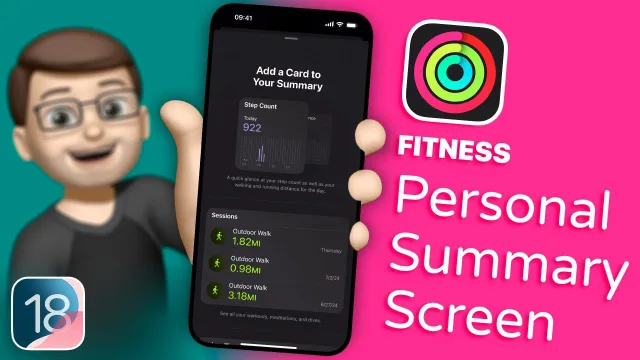
Personalise Your Summary Page
Fitness · 13 Jul
 1:34
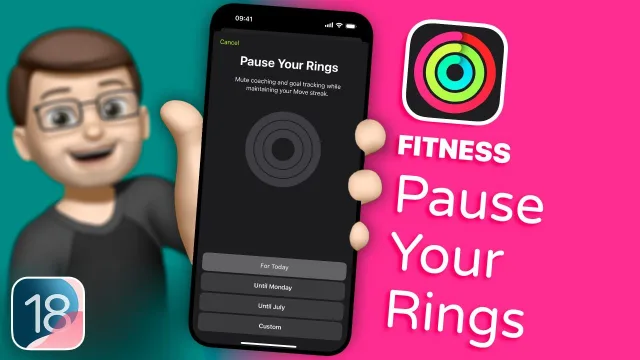
How to Pause Apple Watch Fitness Rings
Fitness · 13 Jul
 1:31
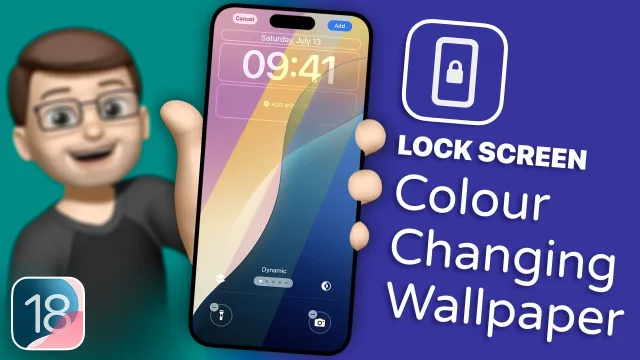
Set Up iOS 18’s New Dynamic, Colour Changing Wallpaper
Lock Screen · 13 Jul
 1:45
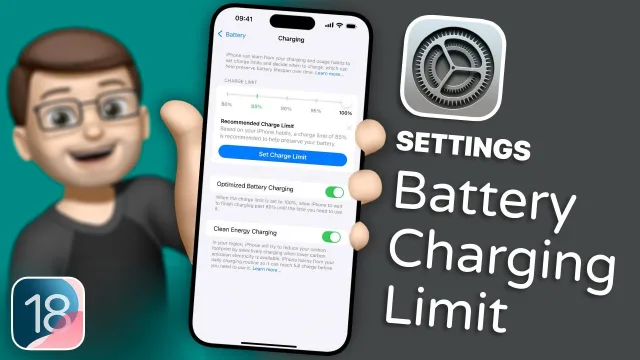
Adjust iPhone Charging Limits
 1:05
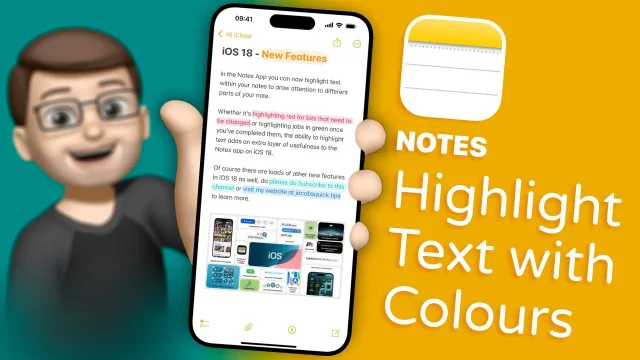
Highlight Text in Your Notes with iOS 18’s Highlighting Tools

 1:18
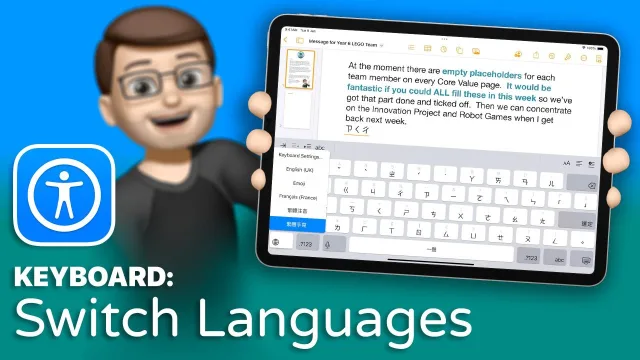
How to Install and Use Multiple Keyboards on Your iPad
Accessibility · 1 Jun
 1:37
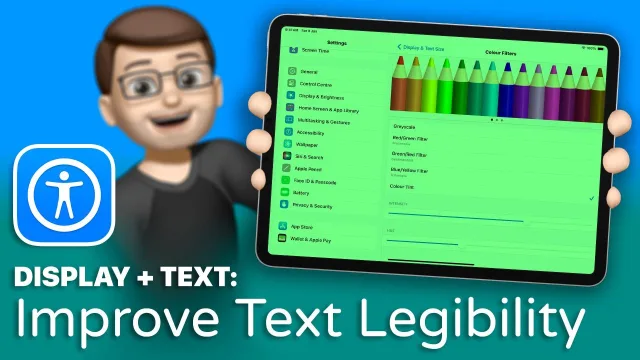
How to Use Bold Text and Colour Filters on iPad
Accessibility · 19 May
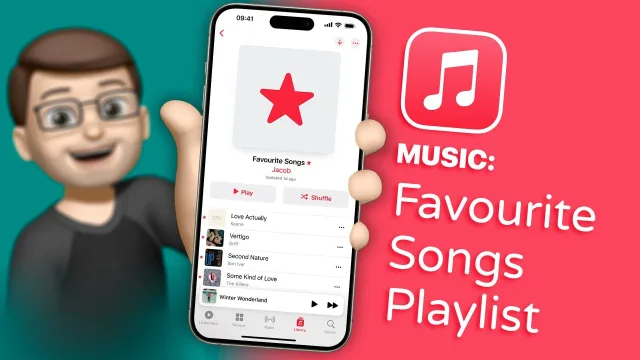 0:45
Your Favourite Songs all in one Playlist with Apple Music
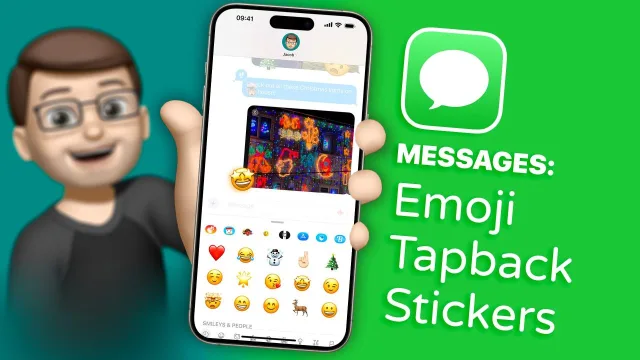 1:13
Easily add Emoji and Stickers as Reactions to your iMessages
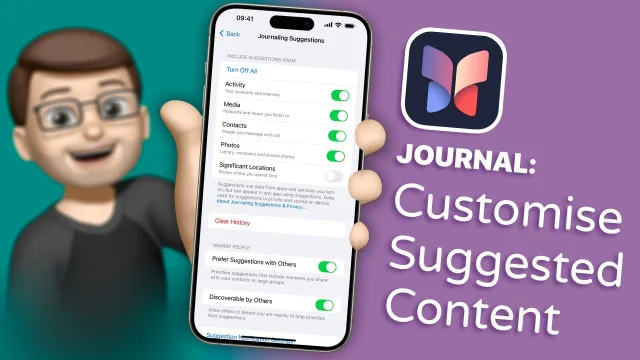 1:43
Add or Remove Suggested Data Types from Automatic Journaling Entries

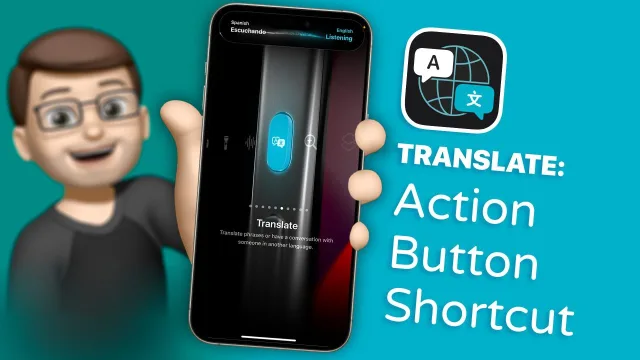 1:37
Instant Spoken Translation with this new Action Button Shortcut
 Translate · 11 Dec
 1:44
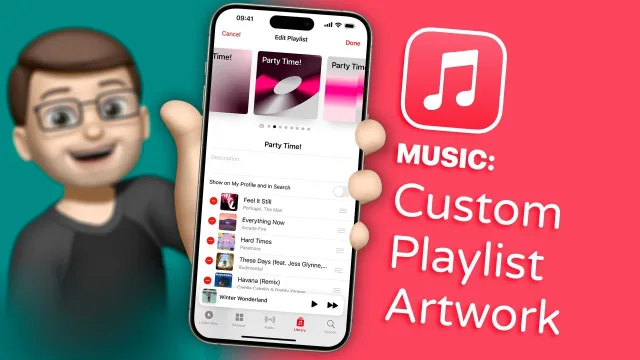
Personalise your Playlists with Custom Playlist Artwork in Apple Music
 1:18
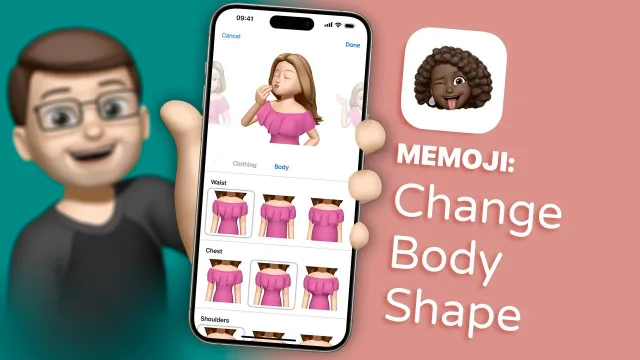
Personalise your Memoji by adjusting Body Shape and Proportions
 Memoji · 11 Dec
 0:52
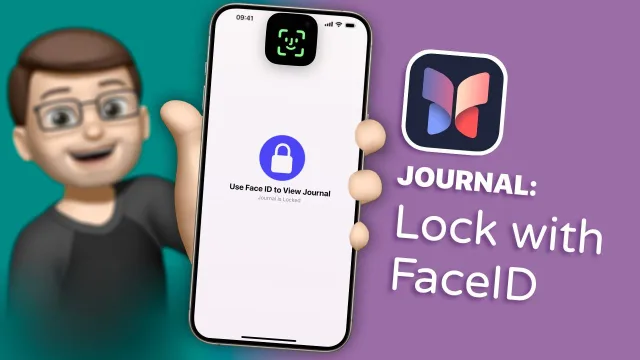
Protect your Journal by Locking it with FaceID or TouchID
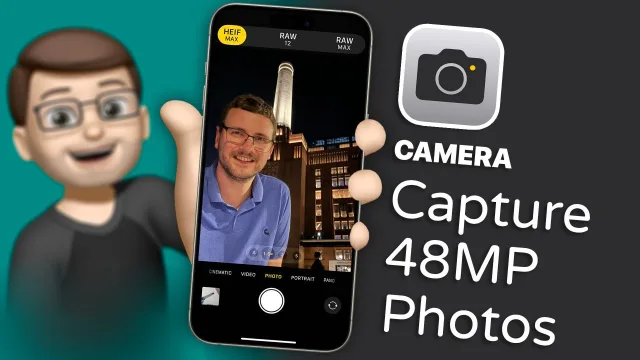 1:52
Take Highly Detailed 48MP Photos (without using all your iPhone storage!) on iOS 17
Camera · 9 Oct
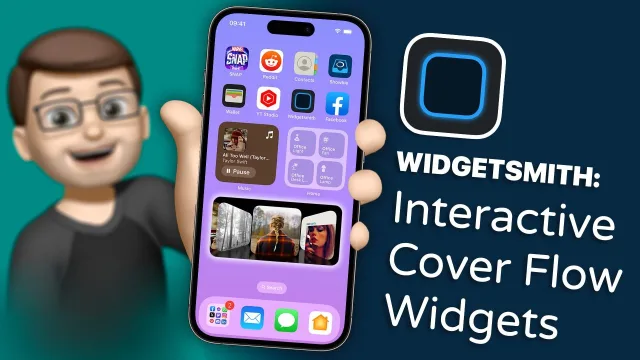 3:20
Interactive iPod Cover Flow Widgets from Widgetsmith
 Widgetsmith · 20 Sept
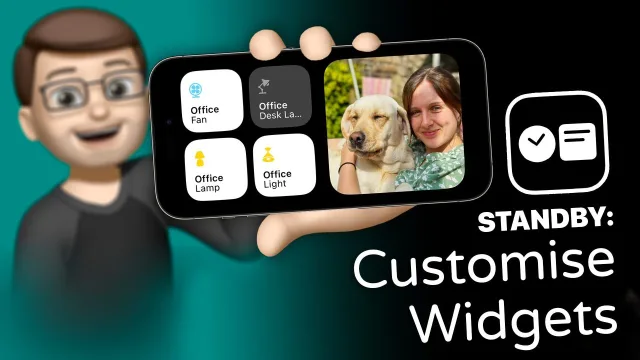 2:33
How to Edit Widgets in Standby Mode on iOS 17
 StandBy · 19 Sept
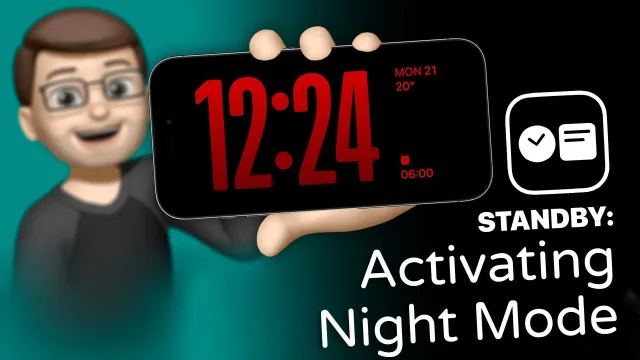 1:37
How to enable Night Mode in StandBy on iOS 17
StandBy · 18 Sept
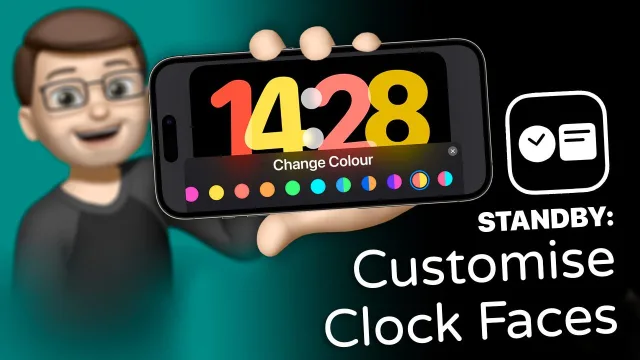 1:42
Customise your StandBy Screen Clock with Different Styles, Colours and More!
StandBy · 18 Sept
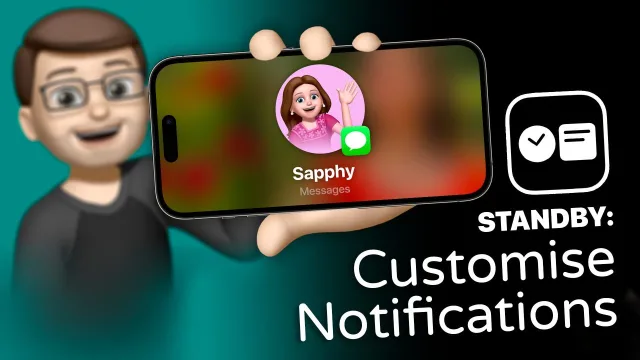 1:32
Customise how Notifications Appear on StandBy Mode
StandBy · 18 Sept
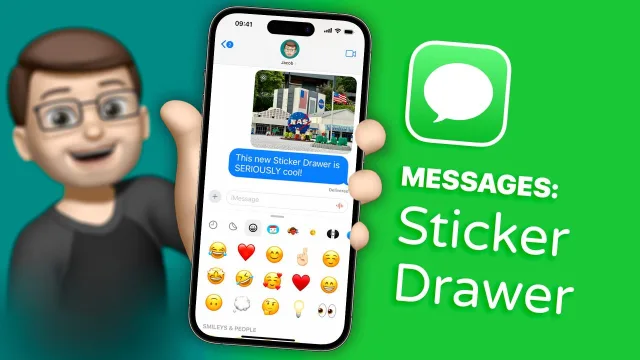 1:34
Using the new Sticker Drawer in Messages for iOS 17
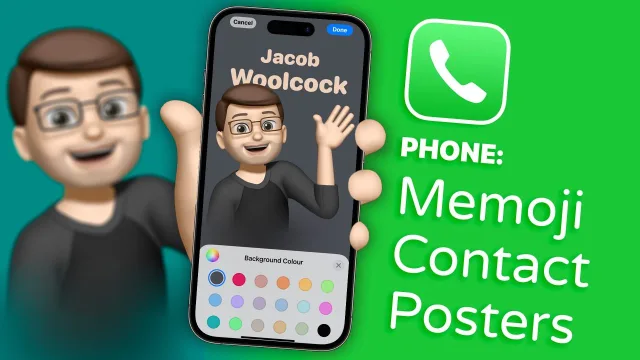 2:51
Creating Personalised Memoji Contact Posters
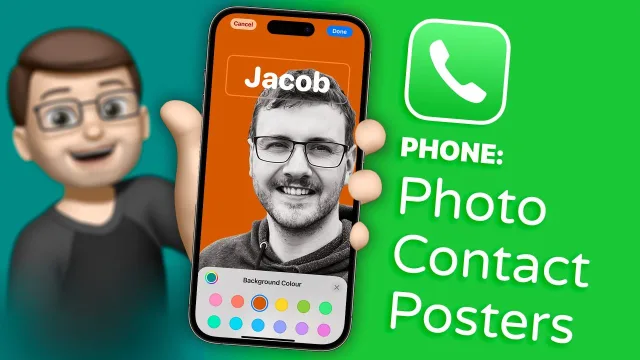 2:52
How to Create Personalised Photo Contact Posters on iOS 17
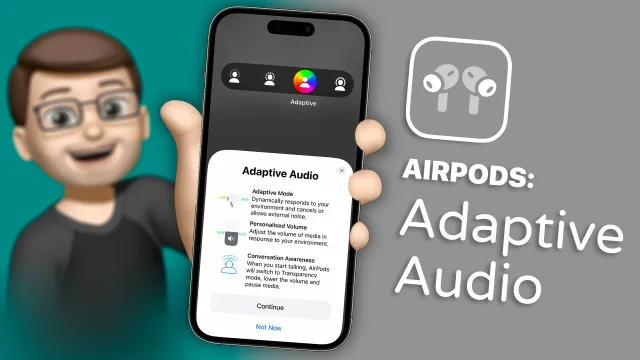 1:44
What is AirPods Adaptive Audio and How Does It Work?
AirPods · 10 Sept
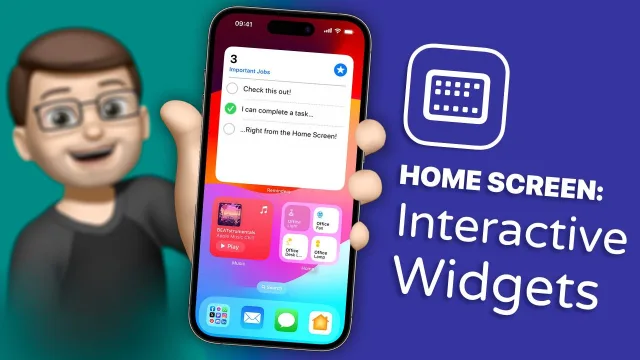 1:35
Using Interactive Widgets on your Home Screen
Home Screen · 10 Sept
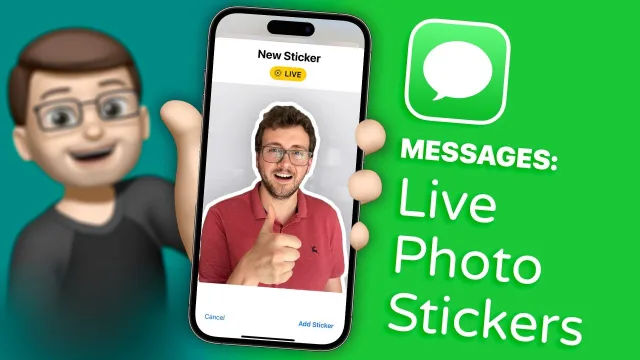 2:17
Turn your Live Photos into beautiful Animated Stickers
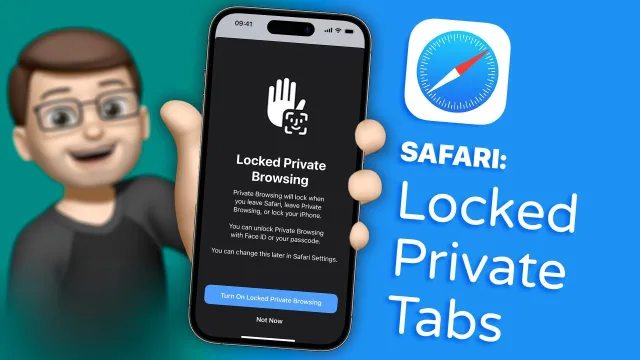 1:03
Lock your Private Tabs in Safari for more Secure Private Browsing
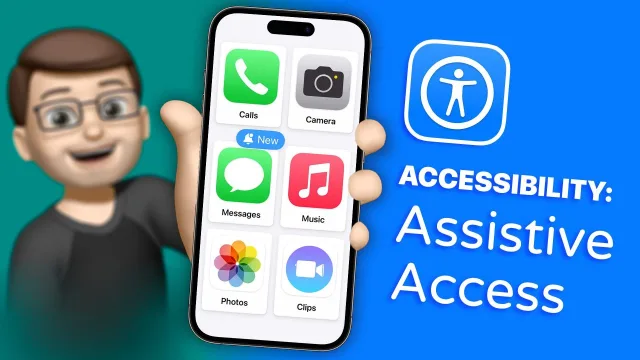 4:43
Simplify and Reduce Clutter on your iPhone with Assistive Access
Accessibility · 5 Sept
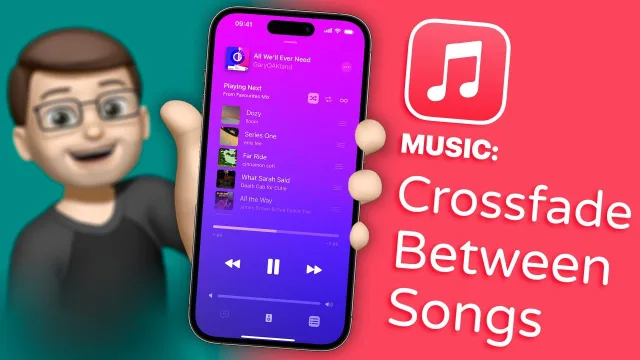 1:14
How to Enable Crossfade Between Songs in Apple Music
 1:20
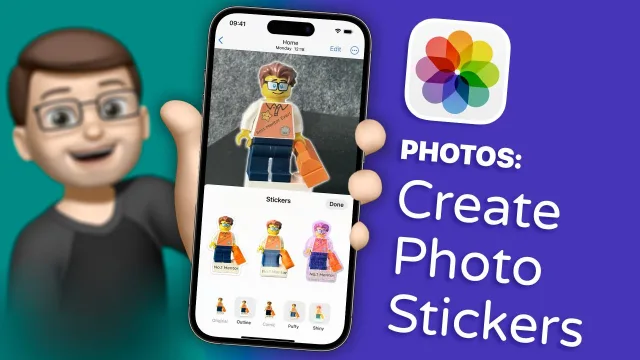
Create Personalised iMessage Stickers from your Photos
 1:18
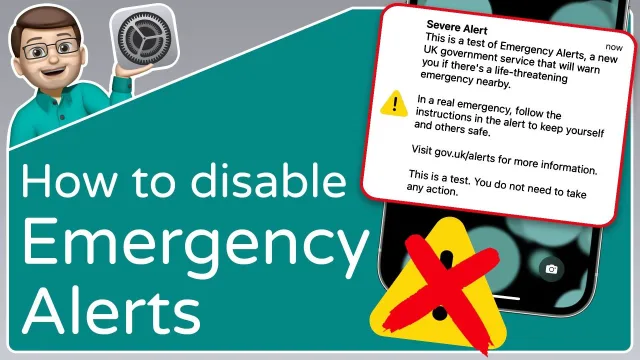
How to Disable Emergency Alerts on iPhone
 1:55
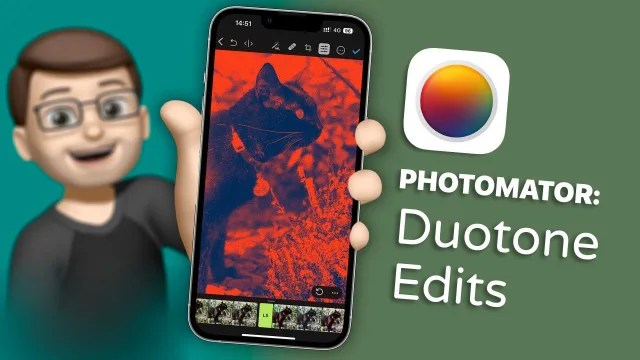
Create Unique Duotone Images on Your iPhone with Pixelmator Photo
 Photomator · 9 Apr
 1:44
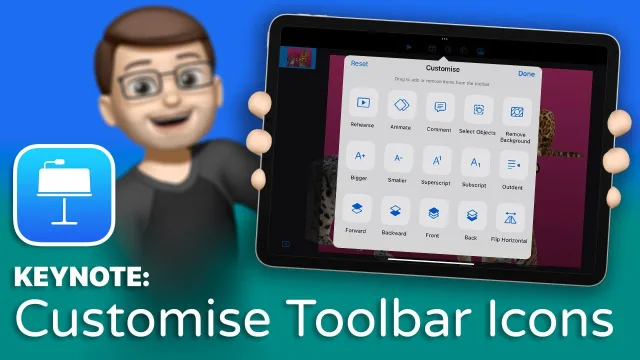
Maximise Productivity with Custom Toolbars in Keynote
 1:00
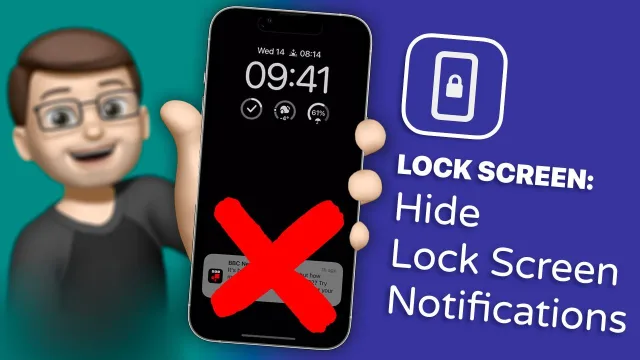
How to Hide Notifications on Your iPhone 14 Pro’s Always On Display
Lock Screen · 23 Dec
 0:58
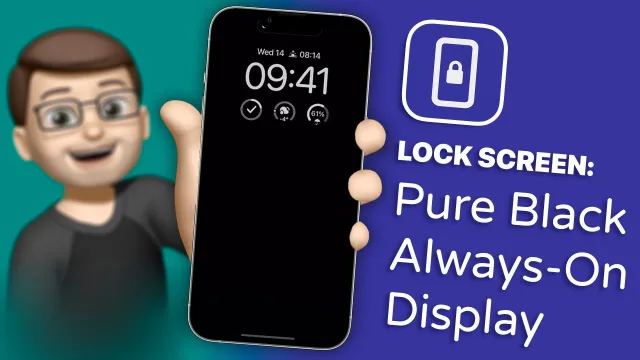
Enable a Pure Black Always-On-Display
Lock Screen · 15 Dec
 1:17
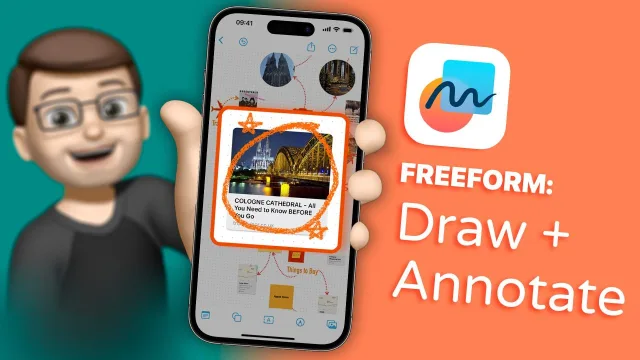
How to Draw On and Annotate your Boards

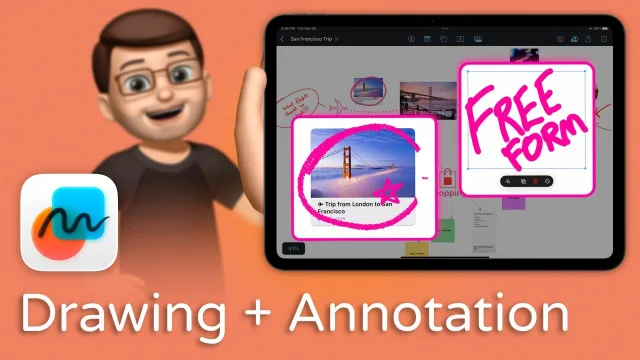 1:12
How to Draw On and Annotate your Boards
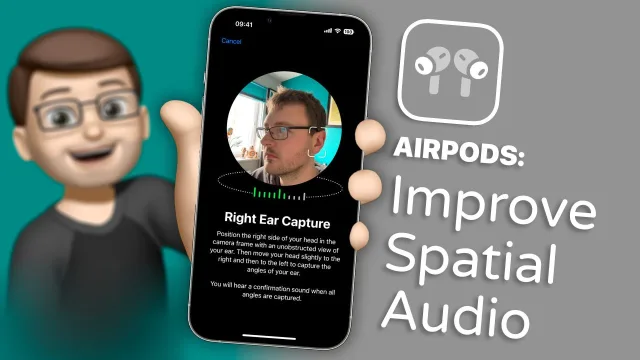 1:48
Improve Spatial Audio on your AirPods Pro in 30 Seconds
AirPods · 19 Nov
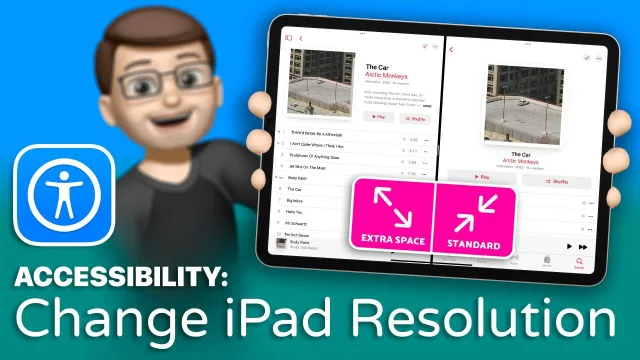 1:52
Change the Resolution of your iPad to Maximise Screen Space
Accessibility · 11 Nov
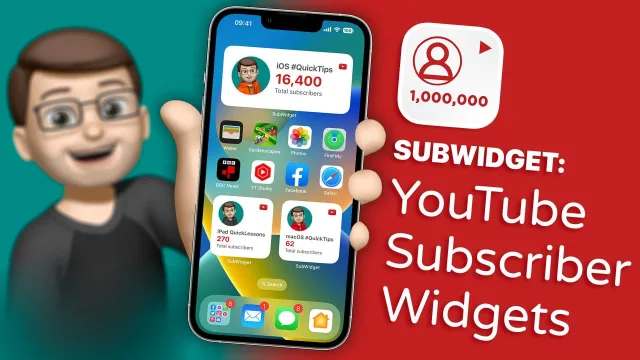 2:31
Display your YouTube Subscribers in a Widget
 SubWidget · 10 Nov
 2:17
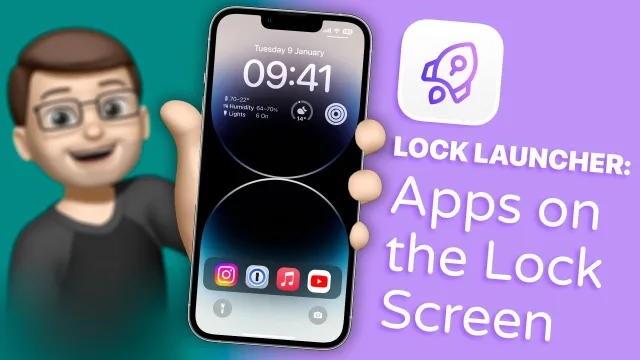
Launch Apps from your Lock Screen with Lock Launcher
 Lock Launcher · 26 Oct
 2:40
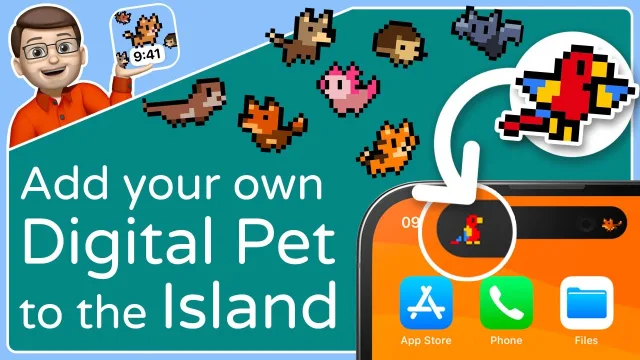
Add an Animated Digital Pet to the Dynamic Island
 Pixel Pals · 25 Oct
 0:38
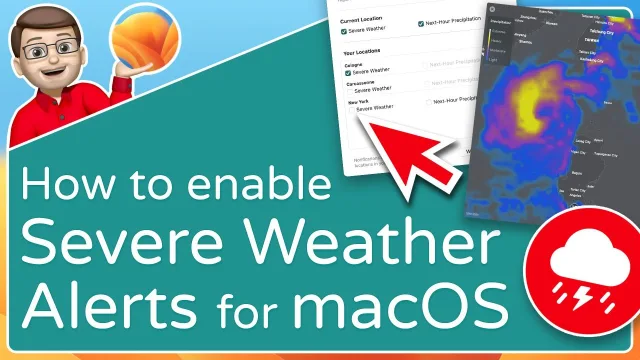
Enable Severe Weather Alerts

 3:03
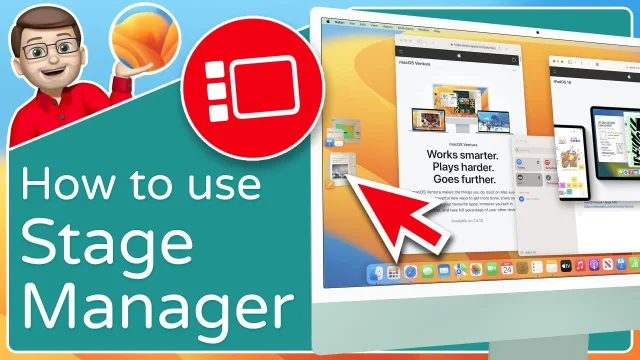
Getting Started with Stage Manager
 4:36
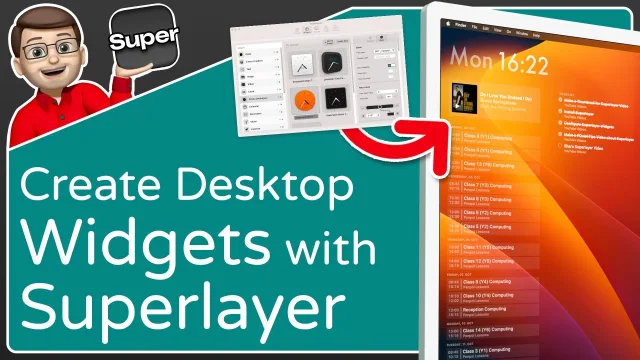
Create Personalised Desktop Widgets with Superlayer
 2:37
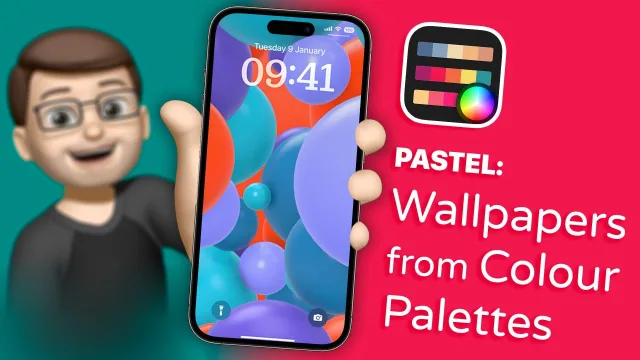
Create Unique iPhone Wallpapers with Pastel
 Pastel · 25 Sept
 0:57
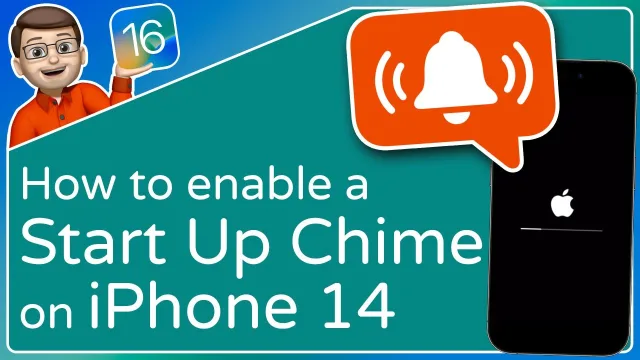
Enable a Start Up / Shut Down Chime on iPhone 14
Accessibility · 18 Sept
 0:58
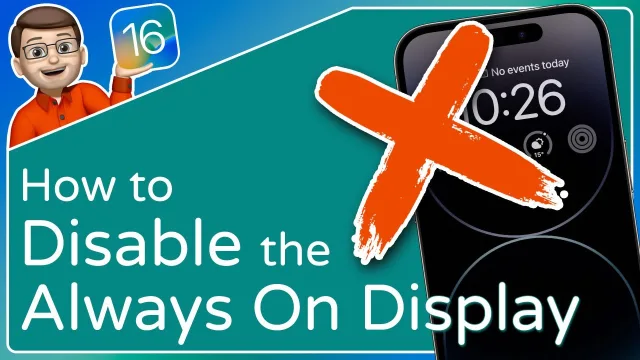
Disable or Enable the Always On Display on the iPhone 14 Pro
Lock Screen · 18 Sept
 1:21
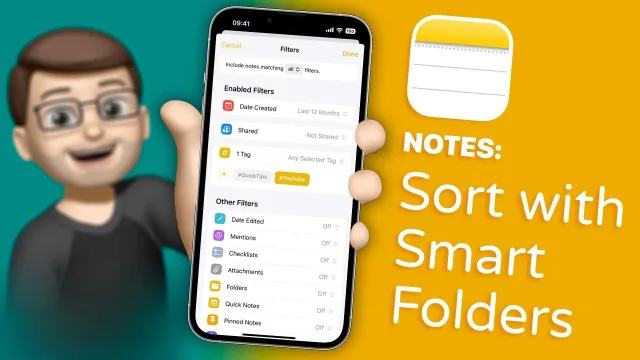
Create Automatic Smart Folders to Sort your Notes
 1:55
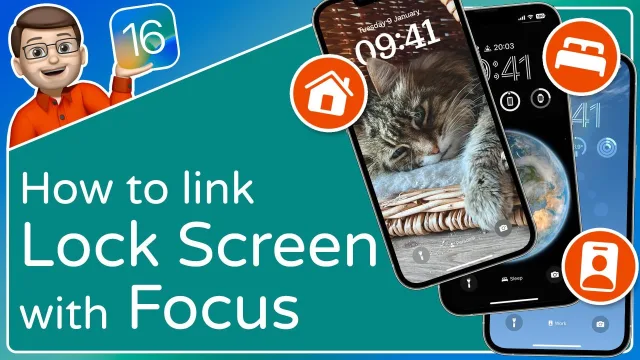
Switch Lock Screens with Focus Modes
Focus · 2 Sept
 2:15
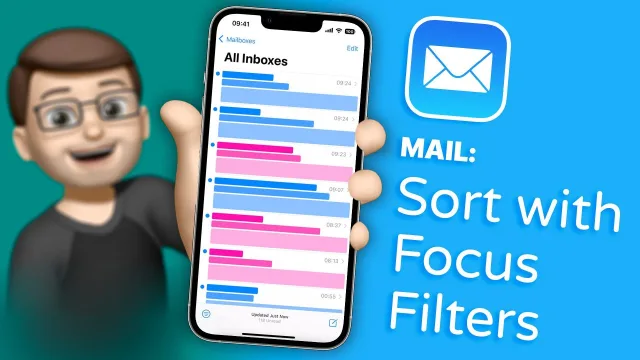
Use Focus Filters to Split Emails between Work + Home
 2:11
How to Control Music on your Lock Screen
Lock Screen · 1 Sept
 1:33
Get Siri to Read Aloud your Notifications (without AirPods!)
 1:24
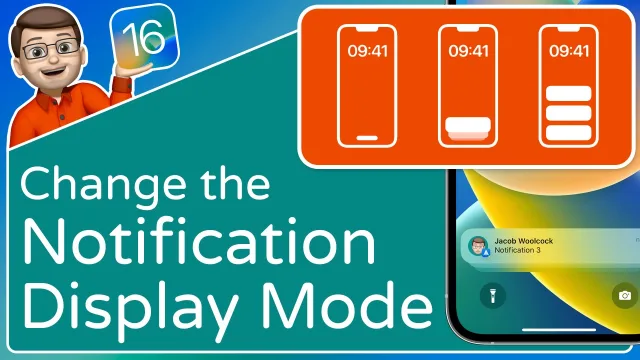
Change your Notification Display Mode
Lock Screen · 29 Aug
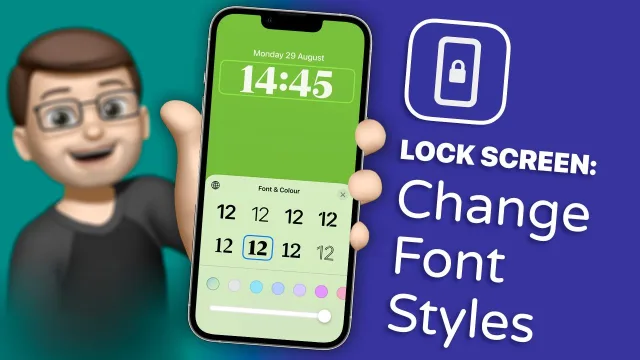 2:13
Customise your Lock Screen Font + Colours
Lock Screen · 29 Aug
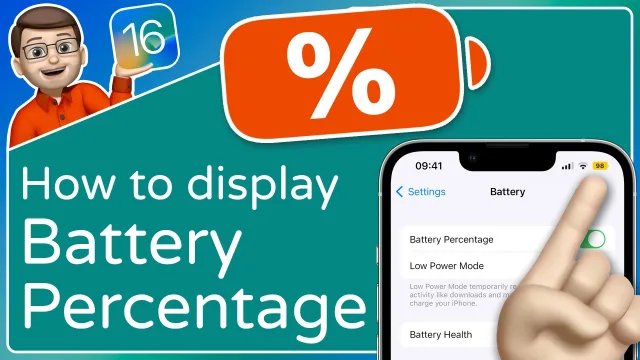 1:05
Show or Hide the Battery Percentage Icon
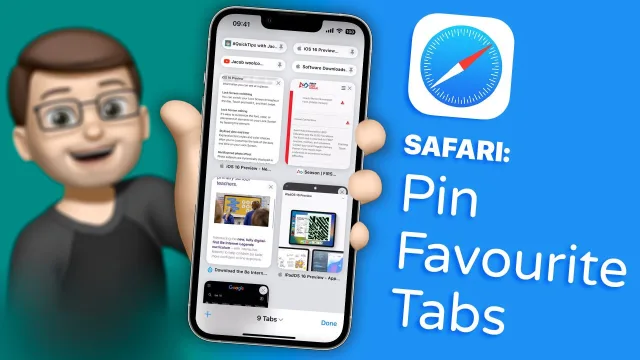 1:15
Pin Favourite Tabs in Safari
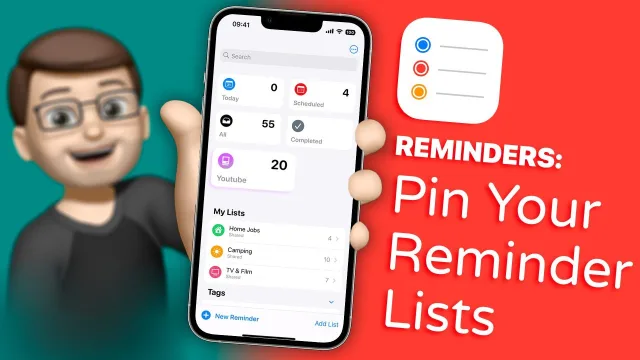 0:47
Pin a Frequently Used List to the Top of Reminders

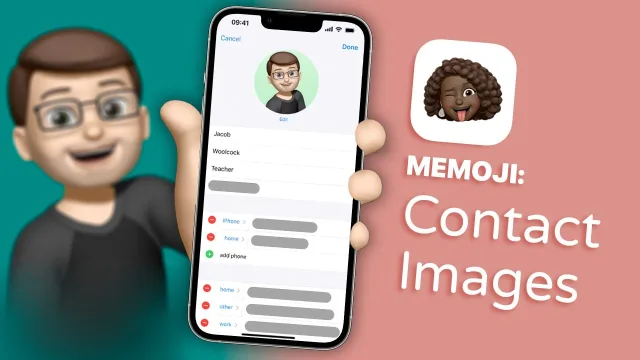 2:15
Personalise your Memoji Contact Picture
Memoji · 29 Aug
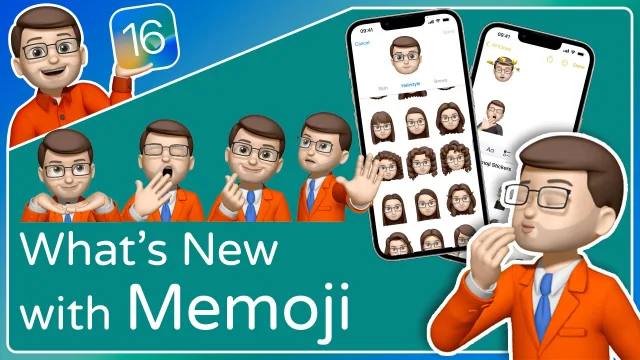 1:55
How to Personalise your Memoji
Memoji · 29 Aug
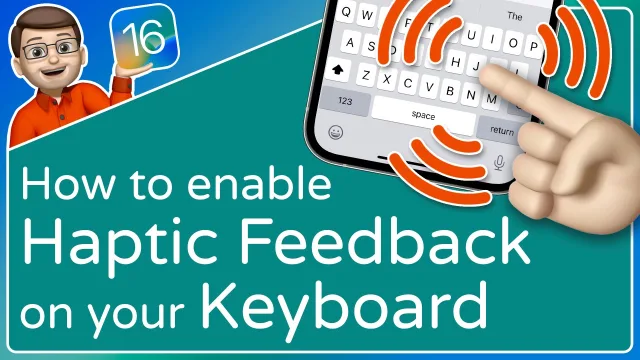 1:15
How To Enable Keyboard Vibration Haptics
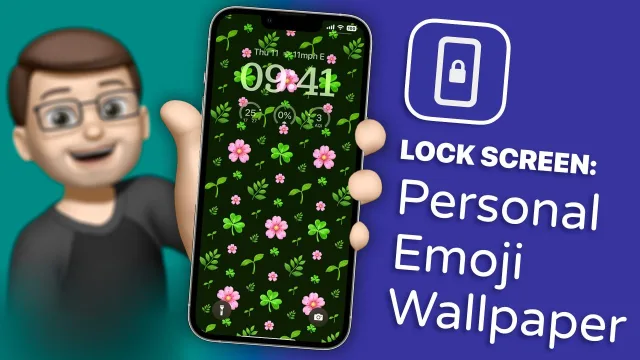 2:44
Personalise your Emoji Lock Screen
Lock Screen · 28 Aug
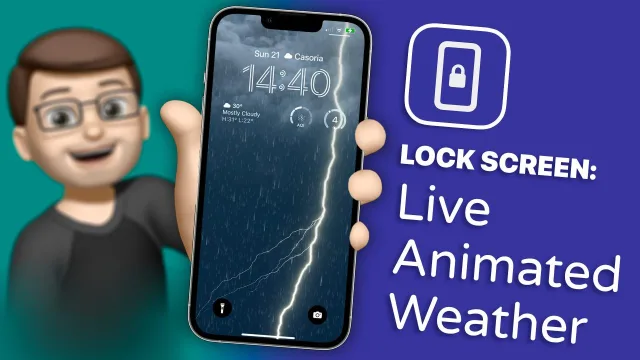 1:27
Animated Weather on your Lock Screen Wallpaper
Lock Screen · 28 Aug
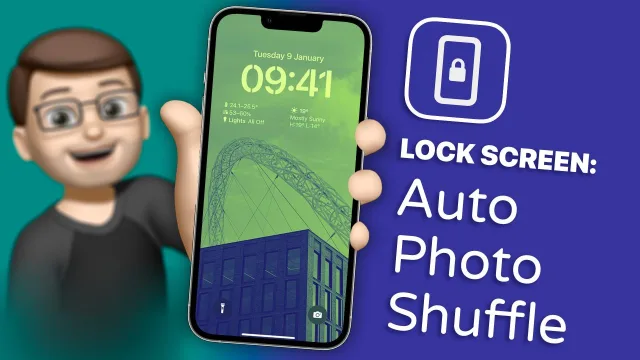 2:59
Create your Perfect Photo Shuffle Lock Screen
Lock Screen · 28 Aug
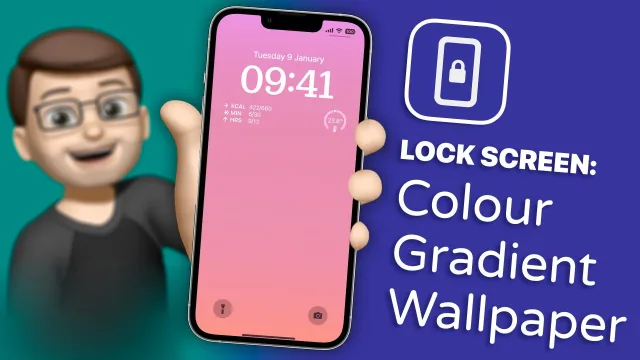 2:19
Personalise your Gradient Lock Screen
Lock Screen · 28 Aug
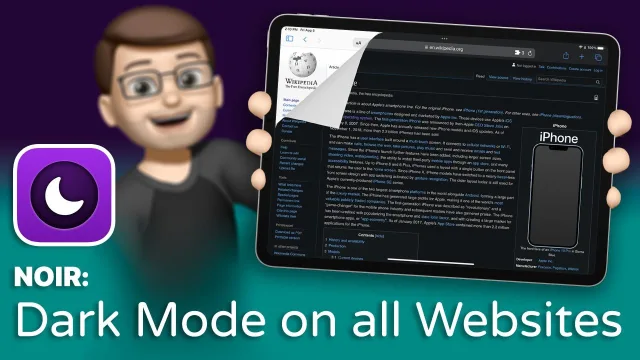 3:17
How to use Dark Mode on Every Website in Safari
 Noir · 7 Aug
 1:40
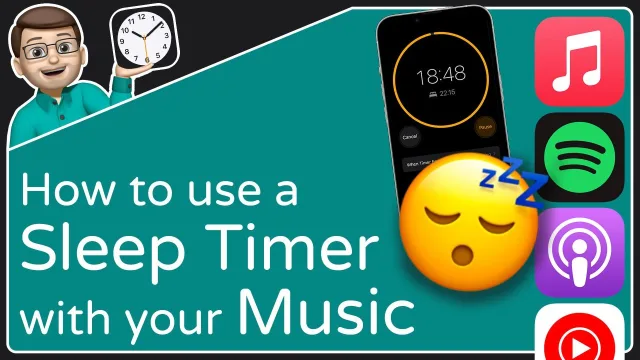
How to Set A Sleep Timer On Your iPhone
 4:42
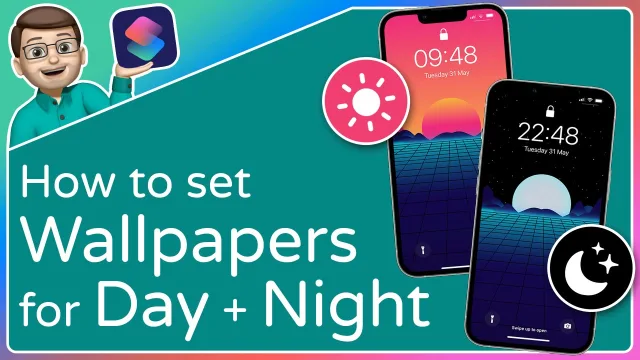
How to set Dynamic Wallpapers for Day + Night
 1:25
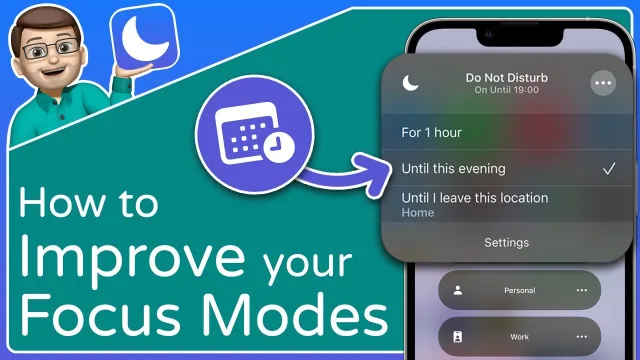
Take Control of Focus and Do Not Disturb Modes
Focus · 29 May
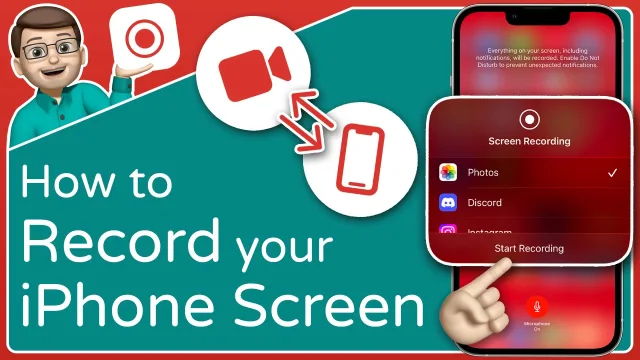 2:49
How to Screen Record on iPhone
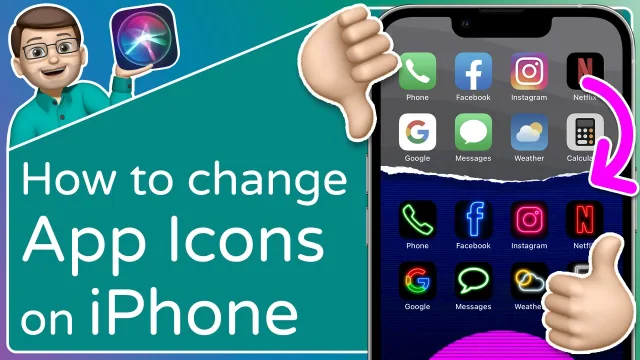 5:00
How to Change App Icons on iPhone
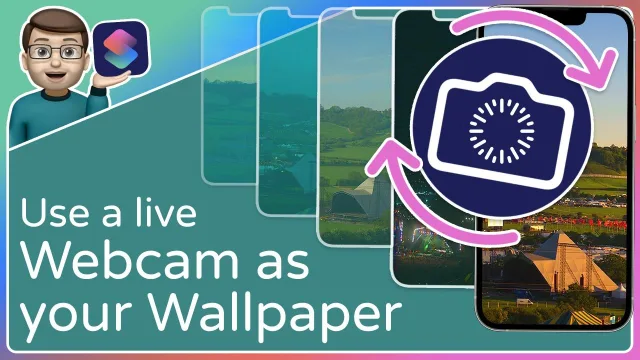 3:45
Use a Live Webcam as your Wallpaper using Shortcuts
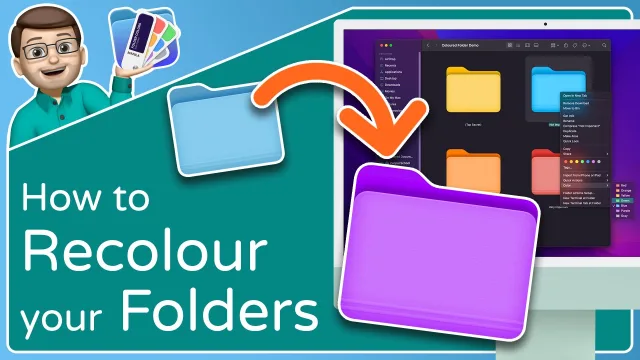 2:22
Recolour your Folder Icons in Two Clicks
 Finder · 24 Apr
 2:58
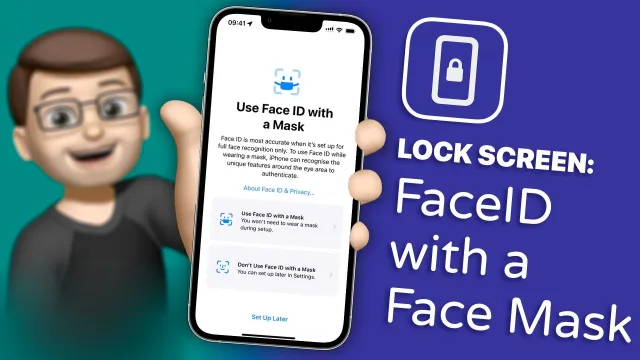
How to use Face ID with a Mask in iOS
Lock Screen · 14 Mar
 4:29
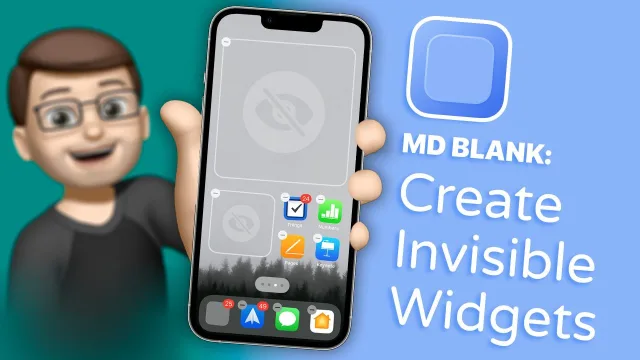
Create Invisible Widgets to place your App Icons anywhere
 MD Blank · 24 Feb
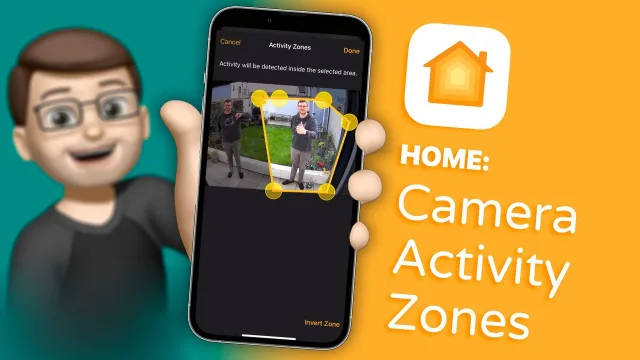 2:14
How to set up Activity Zones for HomeKit Cameras
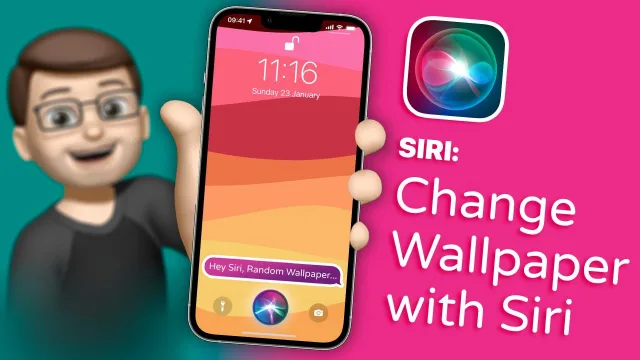 4:47
Use Siri to get a Random Wallpaper
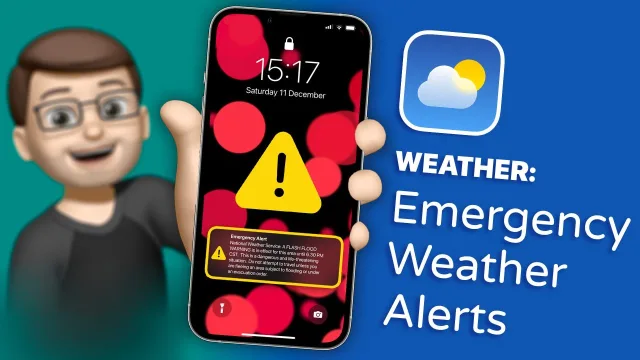 2:07
How to Enable Emergency Weather Alerts on iPhone
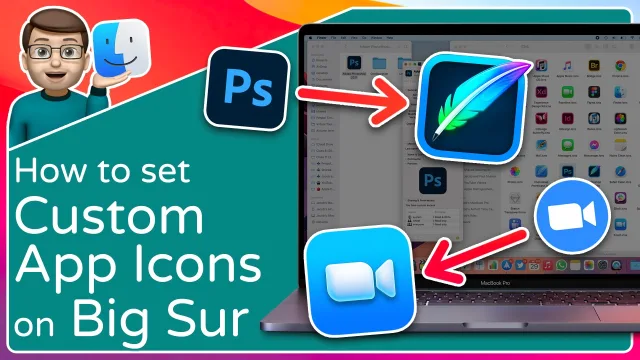 3:13
How to set Custom App Icons for Third Party Apps on macOS
Finder · 29 Nov
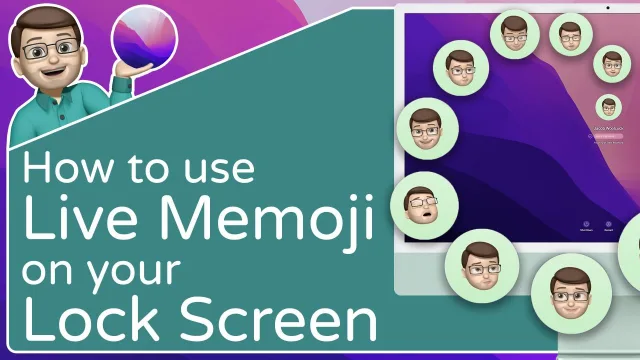 2:50
Animated Memoji Logins on macOS Monterey
Memoji · 14 Nov
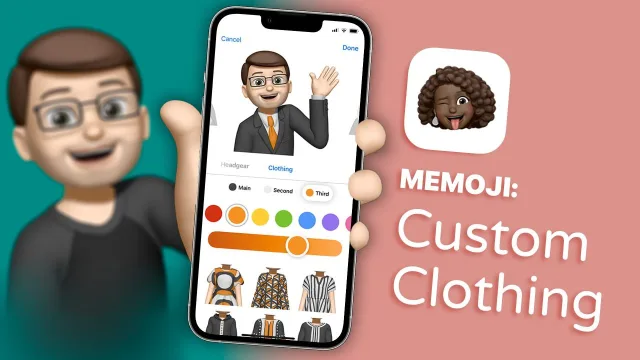 2:26
How to Customise Memoji Clothing
Memoji · 17 Oct
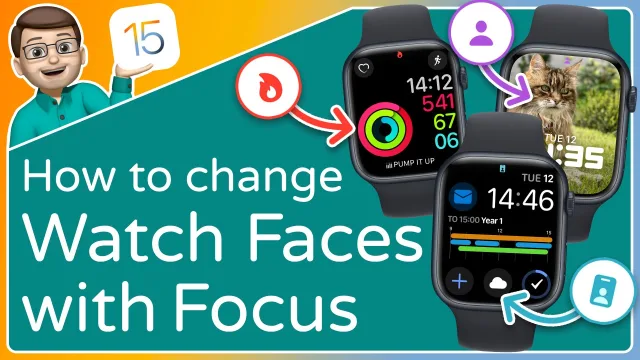 5:17
How to Change Watch Faces Automatically with Focus
Focus · 13 Oct
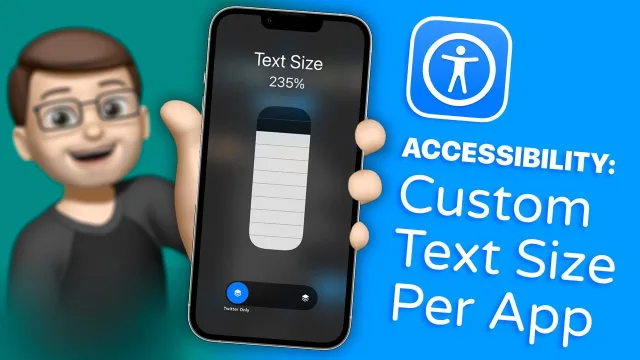 2:13
How to set a Custom Text Size per App
Accessibility · 10 Oct
 8:16
How to Change App Icons with Focus
Focus · 3 Oct
 6:38
How to Automatically Change your Wallpaper with Focus Modes
Focus · 28 Sept
 3:09
How to use the App Library
Home Screen · 24 Sept
 4:05
How to Automatically Switch Home Screens with Focus
Focus · 22 Sept
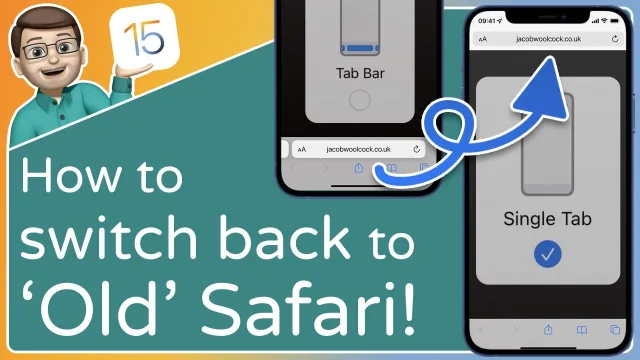 2:31
Change the Address Bar Location in Safari
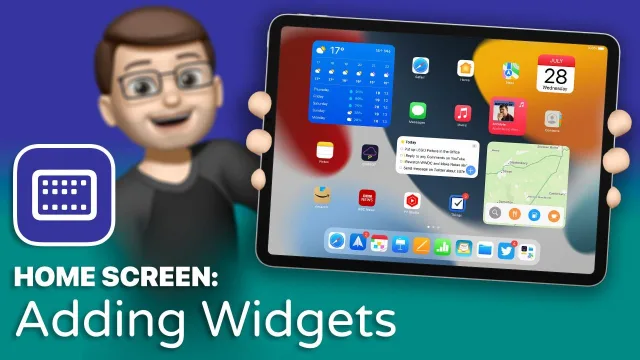 2:21
Place Widgets Anywhere on iPad
Home Screen · 21 Sept
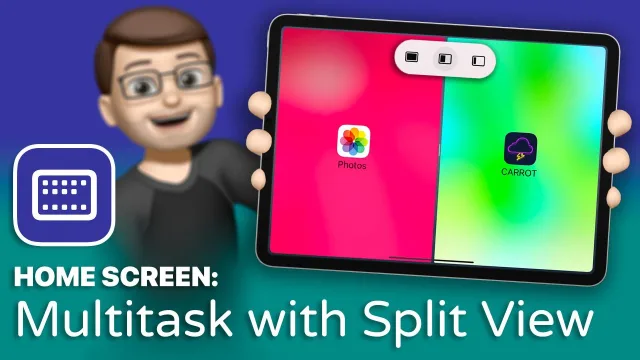 2:11
How to use Split View to Multitask on iPad
Home Screen · 20 Sept
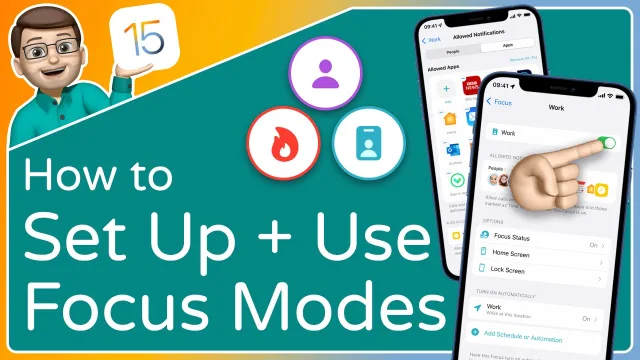 4:07
How to Set Up and Use Focus Modes
Focus · 20 Sept
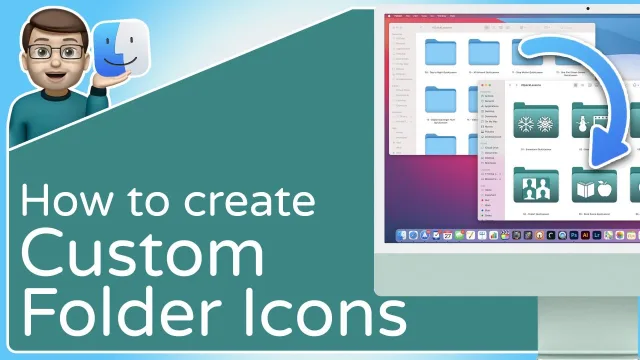 1:40
How to Create Custom Folder Icons on macOS
Finder · 27 Jun
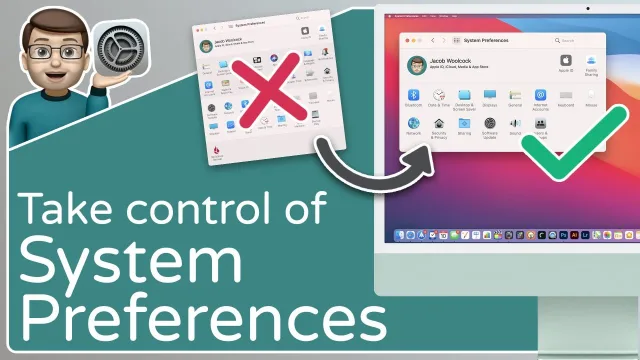 2:11
How to Take Control of System Preferences on macOS | Hide Icons, Sort + Search!
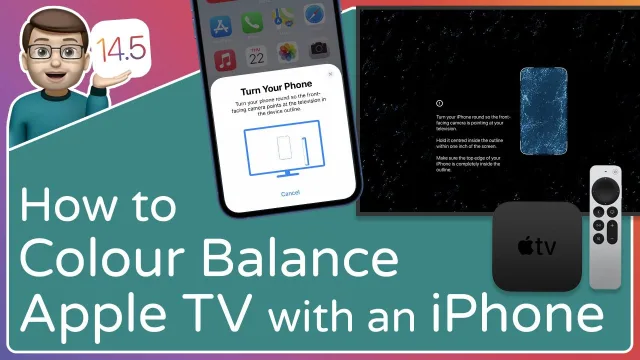 1:53
How to Calibrate the Colour Balance with your iPhone on Apple TV
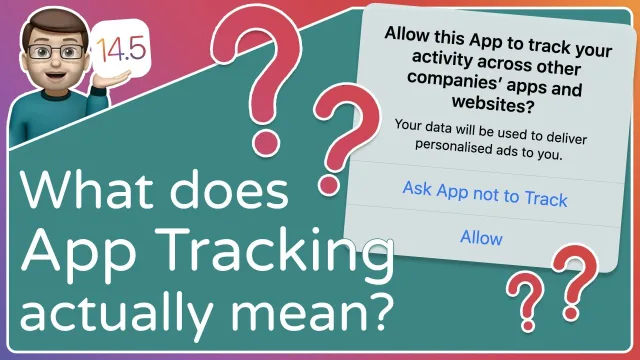 5:16
What does App Tracking actually mean?

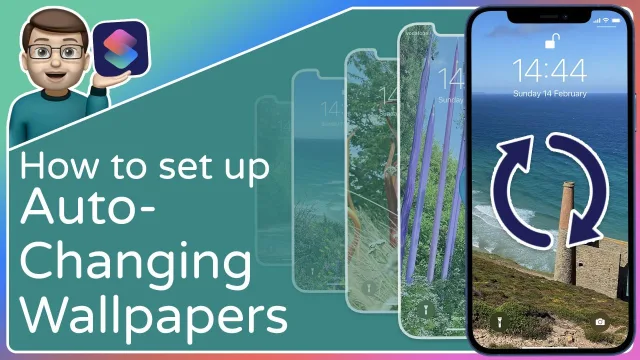 4:32
Auto-Changing Wallpapers on your iPhone with Shortcuts
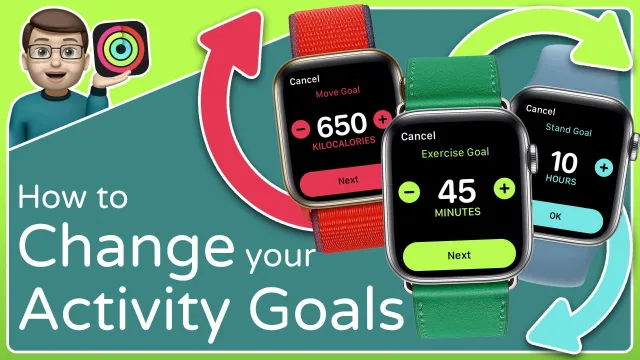 2:14
How to change your Move, Stand & Exercise Goals on Apple Watch (or for Fitness+)
Fitness · 31 Dec
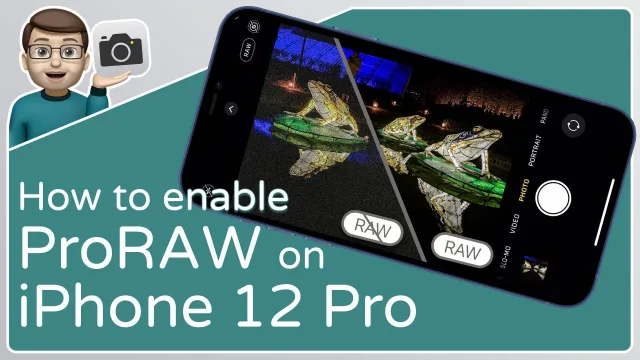 2:23
Take More Detailed Pictures With Apple ProRAW
Camera · 20 Dec
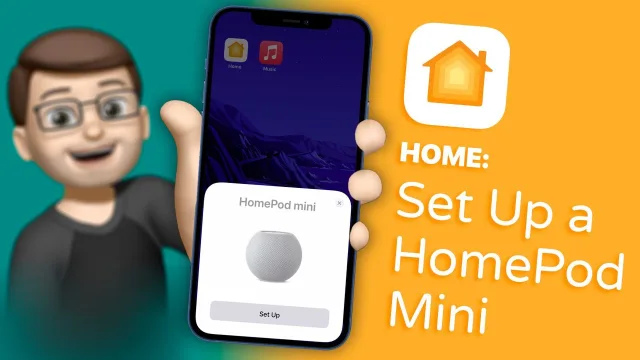 3:33
How to set up + pair a HomePod Mini with your iPhone
 3:54
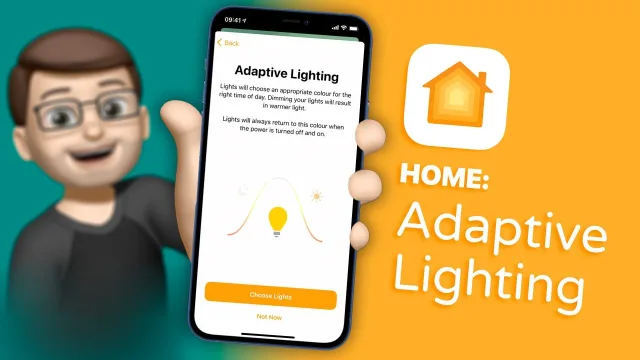
Using HomeKit Adaptive Lighting with Philips Hue
 2:32
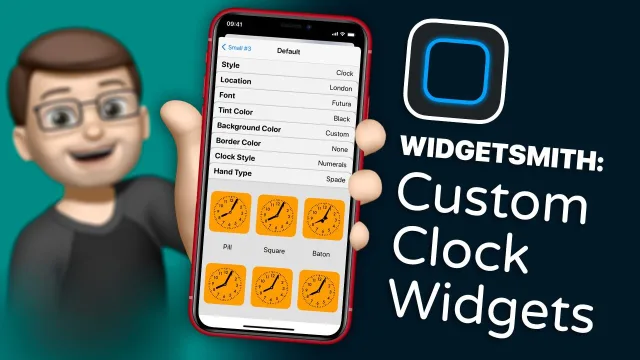
Crete your own Custom Clock Widgets
Widgetsmith · 19 Oct
 1:07
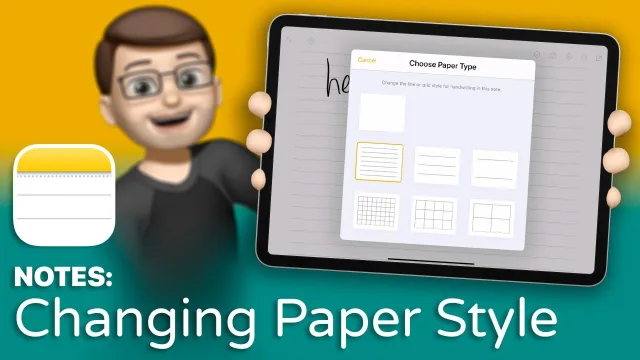
How to use Lined Paper and Grids
 1:56
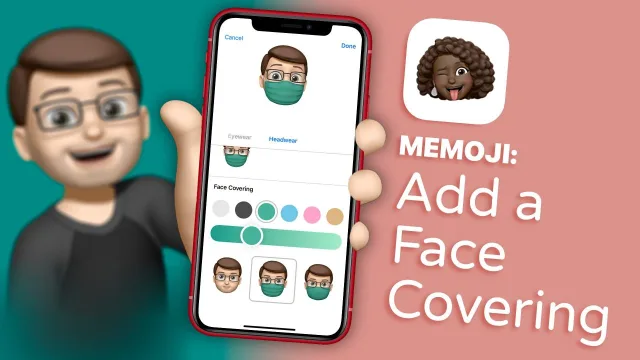
How to give your Memoji a Face Covering or Face Mask
Memoji · 24 Sept
 2:24
How to Create App Icons for your Home Screen
 Procreate · 22 Sept
 3:34
How to Customise your App Icons to Restyle your Home Screen
 1:28
How to use ‘Back Tap’ to Control your iPhone by tapping it
Accessibility · 20 Sept
 3:00
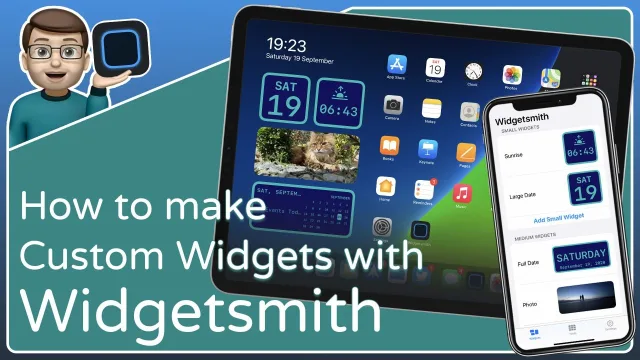
How to make your own Custom Widgets with Widgetsmith
Widgetsmith · 19 Sept
 2:17
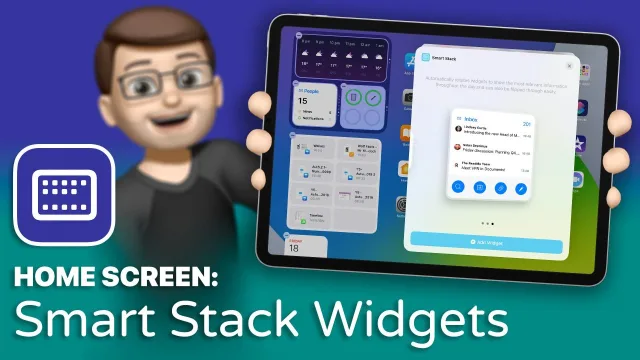
How to Create and Use Smart Stack Widgets on iPad
Home Screen · 18 Sept
 2:15
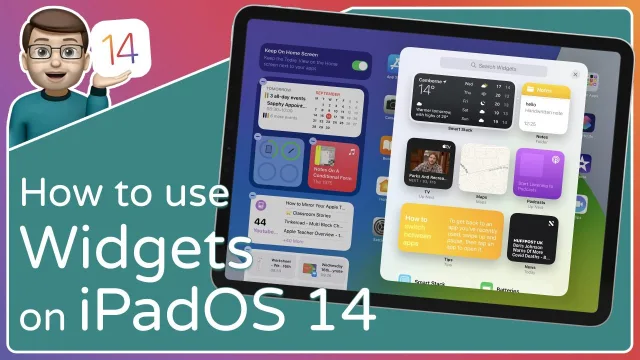
How to Use and Edit the Widgets on iPad
Home Screen · 16 Sept
 1:53
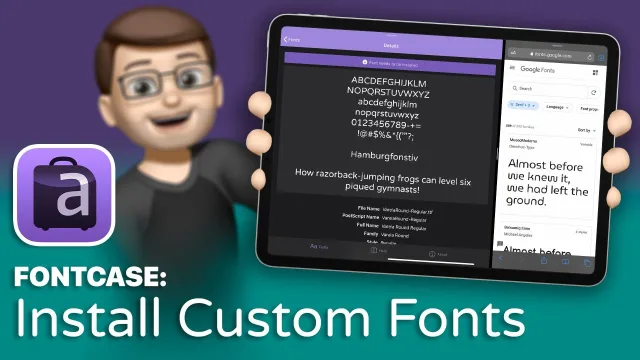
How to Install Custom Fonts on your iPad or iPhone using the free Fontcase App
 Fontcase · 14 Jun
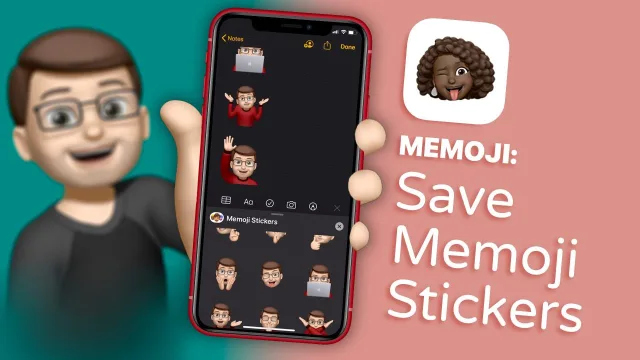 1:50
How to save Memoji Stickers so you can use them Anywhere
Memoji · 18 May
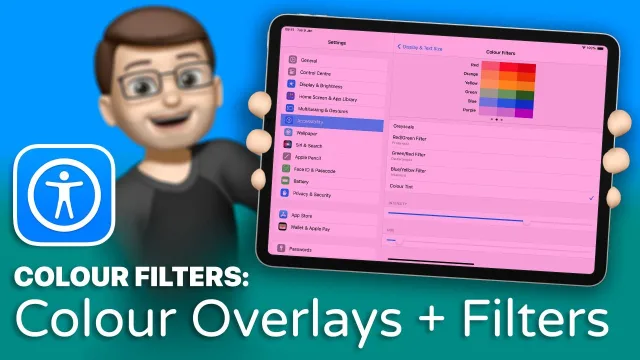 1:22
How to use On-Screen Colour Filters on your iPad
Accessibility · 9 Feb
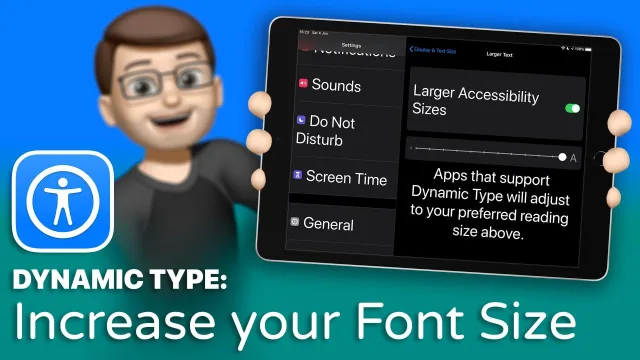 1:34
How to use Dynamic Type to Increase Text Size
Accessibility · 12 Jan
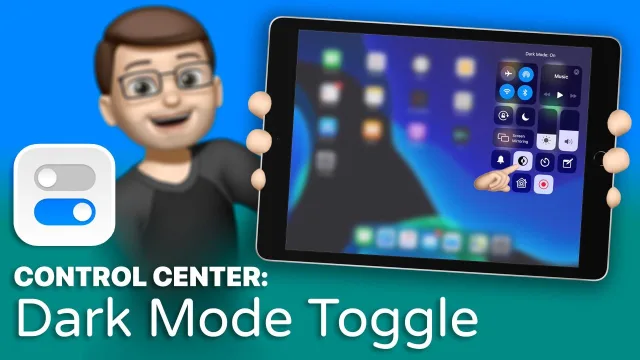 1:06
How to add a Dark Mode toggle to Control Center
Control Center · 21 Sept
 1:05
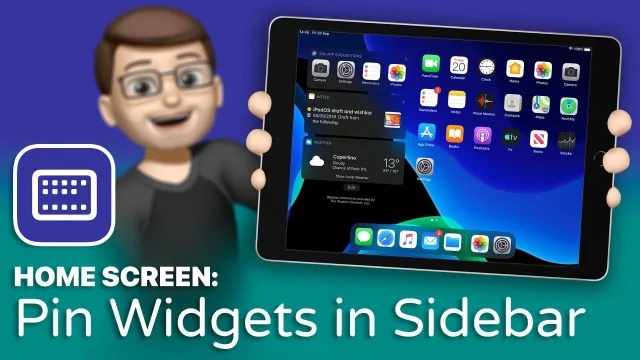
How to keep Widgets pinned to the Home Screen
Home Screen · 21 Sept
 1:07
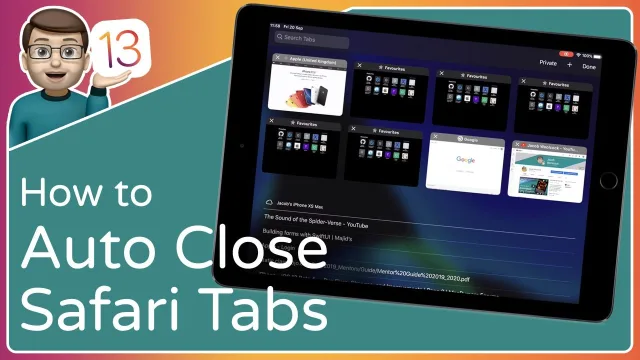
How to Automatically Close Tabs in Safari after a Day, Week or Month
Showing 8 of 219
Got a minute?75 seconds or less
0:59Turn On the Compact Lock Screen Clock in iOS 27
0:48How to Pin Conversations in Messages on iPhone
0:46How to Change Your WhatsApp Profile Picture on iPhone
1:15Choose the Topics in Your Instagram Feed with Your Algorithm
0:42How to Reorder Your Instagram Grid
0:49Add an Animated Weather Wallpaper to Your Lock Screen
1:00How to Turn Off Emergency Alerts on iPhone
1:12How to Turn Off an iPhone Properly
New in iOS 2715 new
2:51Use Describe Extension in Safari in iOS 27
1:23How to Use the Custom AirPods Equaliser in iOS 27
AirPods · 21 Oct
1:19How to Set Alarm Volume Separately on iPhone in iOS 27
2:16Create Shortcuts with Apple Intelligence in iOS 27
1:38Remove the Voice Message Button in Messages in iOS 27
1:39Use the Captured by Me Filter in Photos in iOS 27
1:40Organise Safari Tabs Automatically into Topics in iOS 27
1:39How to Turn On Star Ratings for Photos in iOS 27