Animated Album Covers on Lock Screen!
About This QuickTip
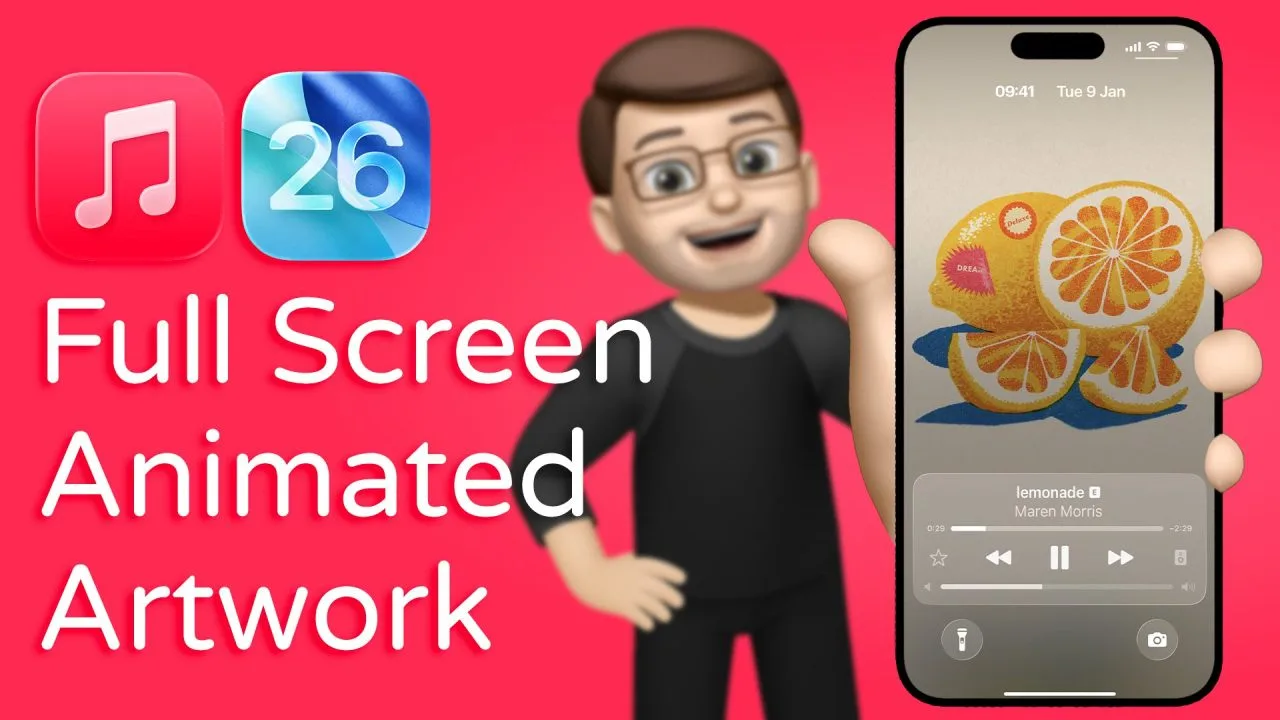
iOS 26 lets you turn your Lock Screen into a mini music experience, with full-screen animated album artwork from Apple Music. I’ll show you how to activate the feature and check your settings to make sure it works, so your music looks as good as it sounds.
Step by Step
Play a track and lock your phone
Start listening to a track in the Music app, then go back to your Lock Screen by swiping down from the top or by locking your phone. You'll see the traditional Now Playing view, with the Live Activity at the bottom where you can play, pause and skip tracks, and the tiny artwork preview on the left-hand corner.
Tap the artwork preview
Tap on the artwork preview. Rather than just getting a bigger square image of the artwork, you now get beautiful full-screen animated album art that completely transforms your Lock Screen.
Turn on Animated Album Artwork
If it's not working for you, this is probably why. Go into the Settings app, scroll right down to the bottom and choose Apps, then jump straight to M and tap on Music. At the bottom of this list, make sure that Animated Album Artwork is turned on, because if it isn't on, it's not going to work on the Lock Screen.
Transcript
For the last couple of years, we’ve had animated album covers in Apple Music. These are those beautiful illustrations that kind of come to life to represent the album you’re listening to. But up until now, we couldn’t enjoy these anywhere apart from the Music app.
But now, we can take this artwork and make it full screen on the Lock Screen of our phone.
So, here I’m listening to a track from Maren Morris. And if I then go back to my Lock Screen by swiping down from the top or by locking my phone, I can see the traditional Now Playing view. That means I’ve got the Live Activity at the bottom where I can play, pause, and skip tracks. I’ve also got the tiny artwork preview on the left-hand corner.
Well, with iOS 26, when you tap on this artwork preview, rather than just getting a bigger square image of the artwork, we now get this beautiful full-screen animated album art that completely transforms your Lock Screen. It brings the music experience somewhere you can have on your desk beside your computer as you’re working, and you can enjoy the artwork all the time.
Now, if you’re looking at this and thinking, “That looks pretty cool, but it’s not working for me. Why is it not working, Jacob?” — this is probably why.
If we jump back into the phone and go into the Settings app this time, I’m going to scroll right down to the bottom and choose Apps. From here, we can select Music by jumping straight to M and then tapping on Music. And then at the bottom of this list — there are a lot of lists here, aren’t there? — we can make sure that Animated Album Artwork is turned on. If it isn’t on, it’s not going to work on the Lock Screen.
And of course, it’s good to remember that not every album has animated artwork. It’s only a few at the moment, but hopefully it will grow over time.
Is this feature going to change the world? No, absolutely not. But does it make your Lock Screen look really fun and really cool? Yeah, I think so.
I’ll see you next time.
Frequently Asked Questions
How do I get animated album art on my iPhone Lock Screen?
With iOS 26, play something in Apple Music, go to your Lock Screen and tap on the tiny artwork preview on the left-hand corner. You'll get full-screen animated album art instead of just a bigger square image.
Why is animated album artwork not working on my Lock Screen?
Go into Settings, then Apps, then Music, and make sure Animated Album Artwork is turned on at the bottom of the list. If it isn't on, it's not going to work on the Lock Screen.
Do all albums have animated artwork in Apple Music?
No, not every album has animated artwork. It's only a few at the moment, but hopefully it will grow over time.
Good to know
- Not every album has animated artwork, but most music have been updated to support the feature.
Technical details: This QuickTip was recorded in August 2025.
Disclaimer and trademarks
The content used in this video is intended for educational and informational purposes only. All rights to the images, music, clips, and other media used belong to their respective owners. I do not claim ownership over any third-party content used. This video has not been authorised, sponsored, or otherwise approved by Apple Inc. iPhone and Apple Music are trademarks of Apple Inc., registered in the U.S. and other countries and regions. iOS is a registered trademark of Cisco Systems Inc. Whilst I have done my best to list all applicable trademarks for this video, in the (hopefully unlikely) event that I have missed any you can find a full list of trademarks registered to Apple Inc. on their website. Finally, please note that whilst every effort has been made to ensure the information contained within this video was correct at time of publication, please be aware that as future updates and software changes occur some or all elements of this video may become outdated. I will endeavour to remove videos which are completely obsolete so as not to cause confusion!