what's new in
iOS 26
A curated set of tips for getting the most out of iOS 26.
52 QuickTips1 hr 37 min
0 of 52 watched0%
Not watched yet
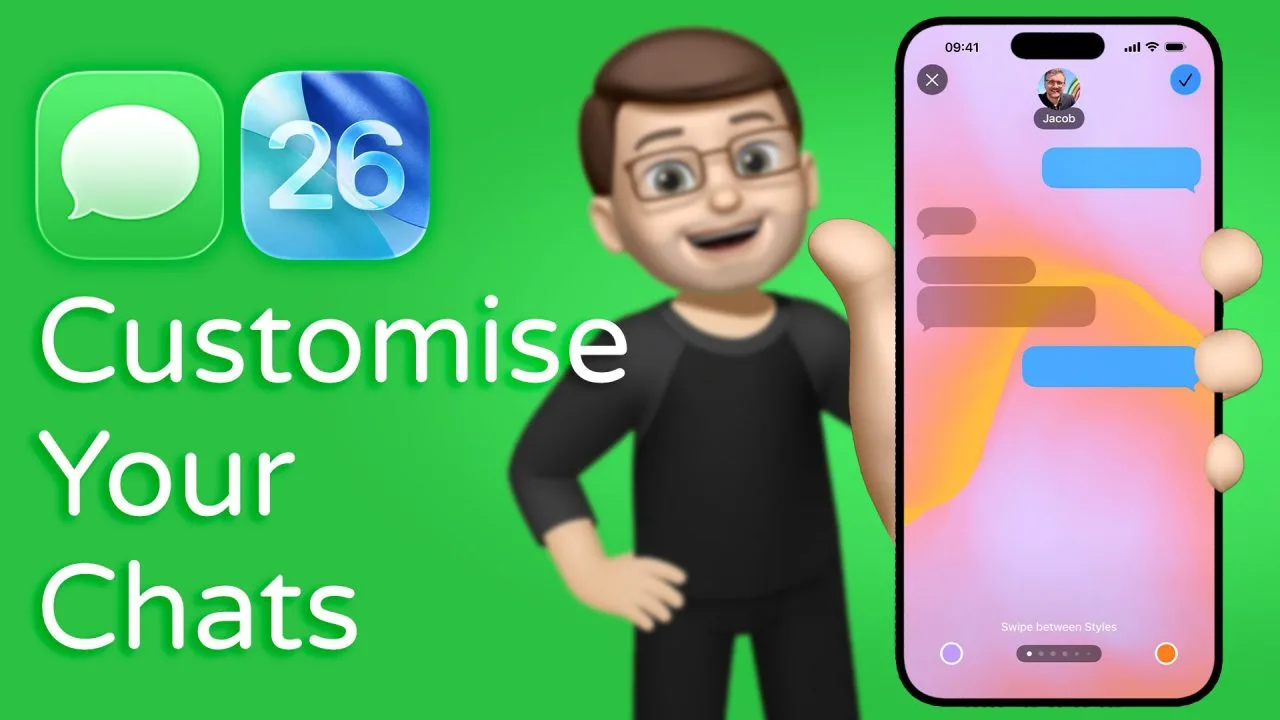
Customise iMessage Backgrounds (on the iOS26 Public Beta)
In this collection
- Customise iMessage Backgrounds (on the iOS26 Public Beta)
 2:15
- Transform any iPhone Photo into a 3D Spatial Scene (iOS 26 Public Beta)
 1:44
- How to Get a 3D Lock Screen on your iPhone (iOS 26 Public Beta)
 1:15
- Move Widgets to the Bottom of your iPhone Lock Screen (iOS 26 Public Beta)
 1:23
- Change Snooze Timer to 1–15 Minutes on iPhone Alarm (iOS26 Public Beta)
 1:44
- How to Auto-Organise Your Reminders with Apple Intelligence (iOS 26 Public Beta)
 1:34
- Make Your Lock Screen Pop With “Stretchy Time” (iOS 26 Public Beta)
 1:49
- Save iPhone Battery with Adaptive Power (iOS 26 Public Beta)
 1:13
- Add Events to iPhone Calendar with Just a Screenshot!
 1:16
- New Clear Glass App Icons
 1:17
- Use AirPods to Remote Control Your iPhone Camera
 1:13
- How to Circle and Search Anything on Your iPhone
 1:23
- How Long Until 100% Battery? Here’s How to Check!
 1:00
- Match Icons to Wallpaper Aesthetic
 1:08
- Animated Album Covers on Lock Screen!
 1:39
- Live Lyric Translation in Apple Music
 1:30
- How to Combine Emojis on iPhone with Genmoji
 1:29
- Use Any Song as a Ringtone on iPhone
 1:05
- ChatGPT Makes Image Playground So Much Better
 2:09
- Instant Reminders from the Lock Screen
 1:51
- Summarise & Analyse Screenshots with Apple Intelligence
 1:04
- Redesigned iPhone Camera App
 2:23
- Make Genmoji Look More Like You
 1:57
- Check App Accessibility Features in the App Store
 1:38
- How to Switch Your Safari Layout and Tab Bars
 2:15
- Siri Can Read Aloud Any Screenshot for You
 1:09
- Turn Paper into PDFs with the Preview App
 2:51
- Share Your Accessibility Settings via AirDrop
 1:55
- How to Resize and Rotate PDFs
 1:20
- How to Sign any PDF Document
 1:47
- Turn Clipboard Content into a PDF Document
 1:27
- Autofill Documents and Forms
 1:20
- Hear Every New iOS 26 Ringtone
 1:41
- Break the Language Barrier with Instant Messages Translation
 1:51
- Explore Your Journal on a Map
 1:23
- Create Your Own Personal Voice
 3:00
- Create Votes and Polls in iMessage
 2:00
- Organise Separate Travel, Family & Work Journals
 1:26
- Stop Wasting Time on Hold with Hold Assist
 1:55
- Convert iPhone Notes to Markdown Format
 1:15
- Translate Phone Calls As You’re Talking
 2:08
- Apple Music AutoMix – Your Own Personal DJ
 2:03
- Organise your Playlists into Folders in Apple Music
 1:55
- Search Your Photos by Concert or Sports Game
 2:02
- Create 3D Graphs in Notes
 1:37
- Reduce or Remove Transparency on Liquid Glass
 2:02
- Stop Spam Calls with iOS 26 Call Screening
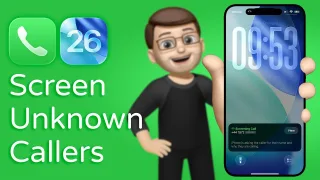 2:03
- How to Use Multitasking in iPadOS 26
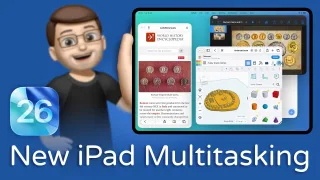 8:02
- Pin Folders to the Dock on iPadOS 26
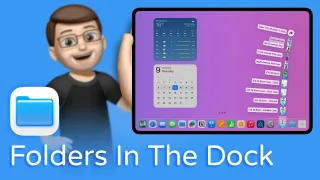 2:09
- Customise Folders with Colours and Emoji
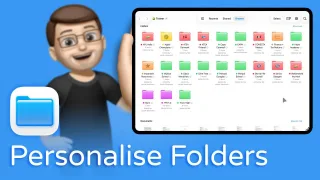 2:55
- How to Use Grouping and List View in Files
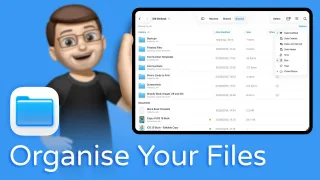 2:38
- How to Switch Selfie Orientation on iPhone 17
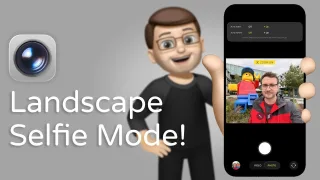 1:32
More collections
All collections › 109 QuickTips
what's new in
iOS 27
9 QuickTips
a complete guide to
Freeform
7 QuickTips
a complete guide to
Classroom
5 QuickTips
a complete guide to
Invites
 17 QuickTips
a complete guide to
Magma Maths
9 QuickTips
getting started with
Accessibility
22 QuickTips
a complete guide to
Apple Intelligence
30 QuickTips
tips and tricks for