How to get a Daily Siri Briefing with the Daily Update feature
About This QuickTip
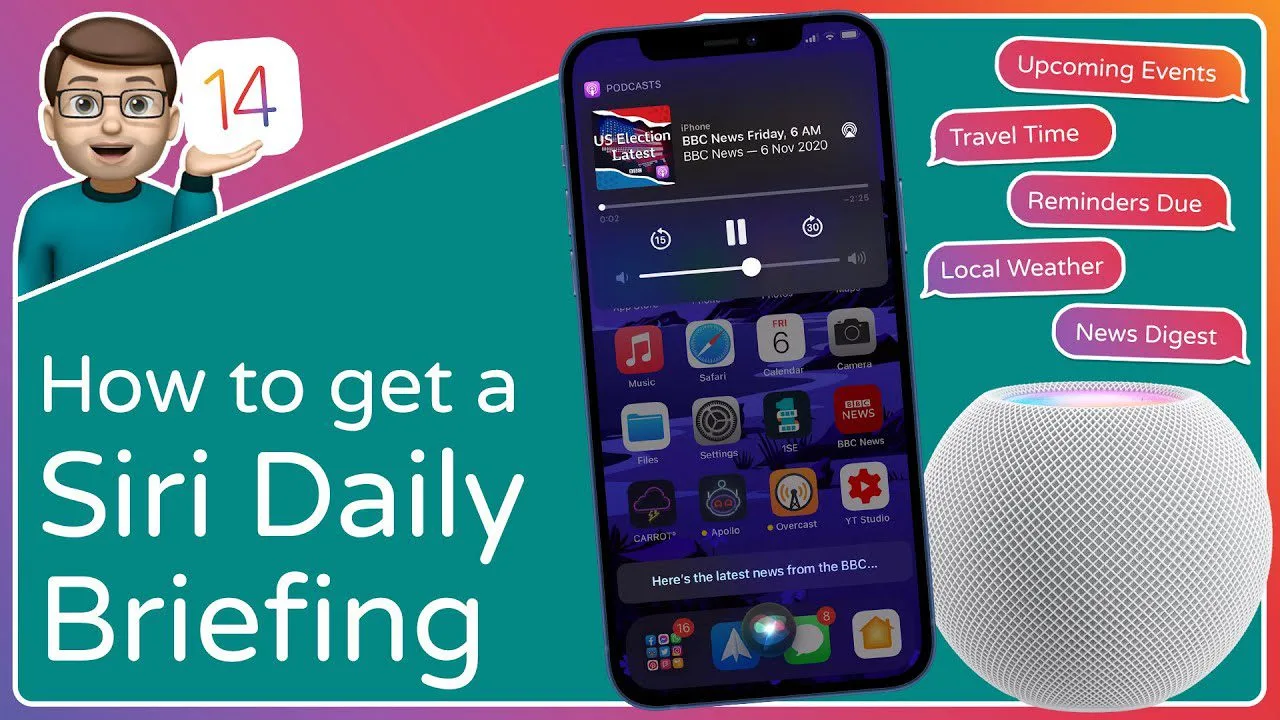
In this short tutorial I'll show you how you can use the brand new Daily Update feature built into iOS 14.2 to make Siri your own personal assistant. You'll get a daily schedule of events, local weather, reminders, travel time and even a local news bulletin just through Siri. This works great on your iPhone or iPad or even through CarPlay or your new HomePod Mini!
Step by Step
Ask Siri for your update
To get it started just say "Hey Siri, what's my update?" Siri will give you the weather, your next event, how long it should take to get to work and any reminders that apply today, followed by the news.
Remove the news if you're not interested
You can customise your updates slightly too. If the news section doesn't apply to you or you're not interested, say "remove the news from my update".
Transcript
There's a brand new feature for Siri in iOS 14.2 where Siri can give you a full rundown of your day's events. Here's how it works—and hey, if you find this tip useful, please do subscribe to my channel. That will really help me grow my channel and hopefully, it'll help you learn lots more iPad and iPhone QuickTips as well.
So, this Daily Update is a really simple feature, but it's actually really helpful, and I've used it several times already today. Basically, it's going to give you your upcoming calendar events, Siri's going to give you reminders that apply today, travel times, weather, and, if you want to at the end, a news summary from your local news provider as well.
And to get it started just like this, you need to go, “Hey Siri, what's my update?”
“Good morning, it's currently clear and nine degrees. Expect partly cloudy skies and wind for this morning. Today's high will be 12 degrees. Your next event is at 8:45 a.m. - Class 11 Maths. It should take around 15 minutes to get to work. You have two reminders from earlier - bin day and recycling day. And now for the news, or if you want, you can say, ‘Remove the news from my update.’”
“Hello, this is BBC News. Votes are still being counted in the US Presidential Election, with many analysts saying that the Democrat…”
And you may have heard from Siri at the end that you can customise your updates slightly too. For example, you can remove that news section if it doesn't apply to you or if you're not interested. The news itself will vary depending on what country you're from. For me, in the UK, I've got BBC News, and it will play a short two-minute podcast with all the latest news headlines.
Lots of really helpful information to get you started on your day, and you can do it on your iPhone, your iPad, in your car with CarPlay, or even on your HomePod. It will work across Siri on all devices.
Frequently Asked Questions
How do I get a daily briefing from Siri?
In iOS 14.2 and later, just say "Hey Siri, what's my update?" Siri will give you your upcoming Calendar events, reminders that apply today, travel times, weather and a News summary from your local news provider.
Can I remove the news from Siri's daily update?
Yes, you can customise your updates slightly. Just say "remove the news from my update" if it doesn't apply to you or you're not interested.
Does Siri's Daily Update work on HomePod or CarPlay?
Yes, it will work across Siri on all devices. You can do it on your iPhone, your iPad, in your car with CarPlay or even on your HomePod.
Good to know
- It will work across Siri on all devices, so you can do it on your iPhone, your iPad, in your car with CarPlay or even on your HomePod.
- The news itself will vary depending on what country you're from. For me in the UK I've got BBC News, and it plays a short two minute podcast with all the latest news headlines.
Disclaimer and trademarks
The content used in this video is intended for educational and informational purposes only. All rights to the images, music, clips, and other media used belong to their respective owners. I do not claim ownership over any third-party content used. This video has not been authorised, sponsored, or otherwise approved by Apple Inc. iPhone, iPad and iPadOS are trademarks of Apple Inc., registered in the U.S. and other countries and regions. iOS is a registered trademark of Cisco Systems Inc. Whilst I have done my best to list all applicable trademarks for this video, in the (hopefully unlikely) event that I have missed any you can find a full list of trademarks registered to Apple Inc. on their website. Finally, please note that whilst every effort has been made to ensure the information contained within this video was correct at time of publication, please be aware that as future updates and software changes occur some or all elements of this video may become outdated. I will endeavour to remove videos which are completely obsolete so as not to cause confusion!