Enabling ChatGPT Integration within Siri
About This QuickTip
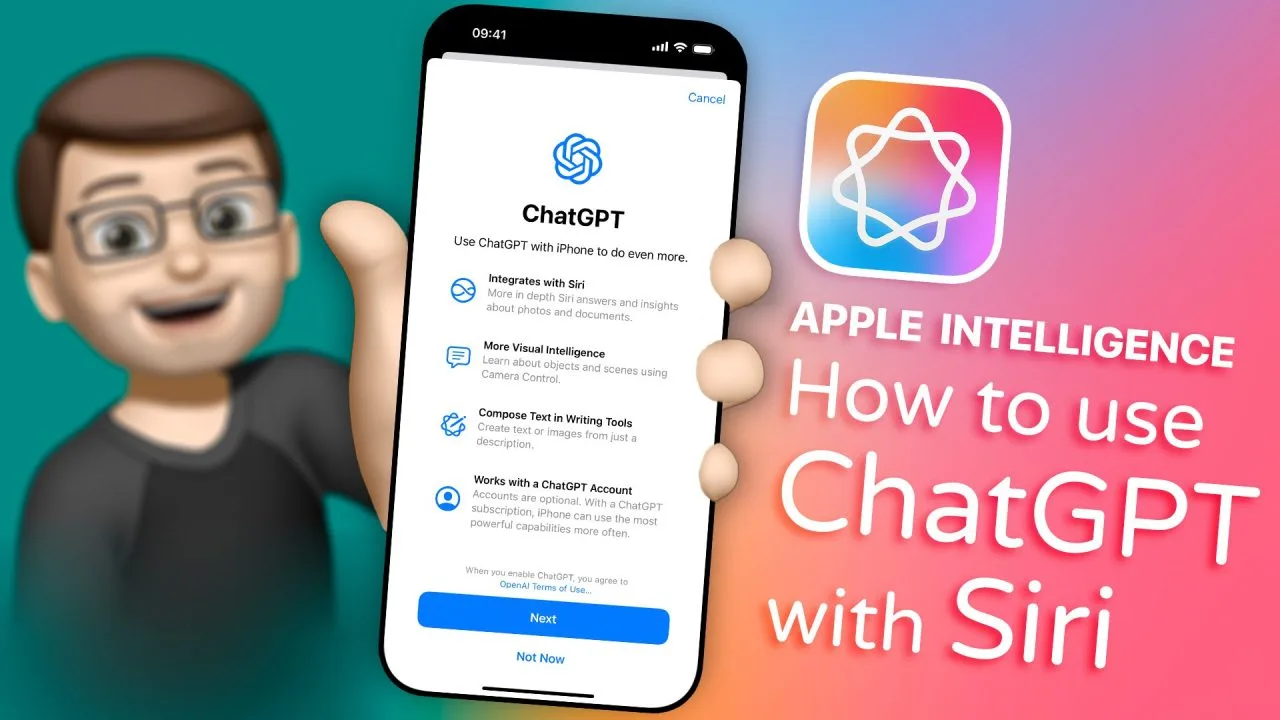
With iOS 18.2, Siri gets a huge upgrade thanks to ChatGPT integration through Apple Intelligence. Learn how to enable and use this feature to get detailed, AI-powered answers right from Siri - avoiding the usual web search results. In this video I’ll show you how to set it up, ask ChatGPT questions and get smarter responses.
Step by Step
Turn on ChatGPT in Settings
Open Settings, tap on Apple Intelligence, and then find ChatGPT and enable the setting. It will briefly explain some of the things you can do with this new tool.
Ask Siri your question
Once it's enabled, you can interact with it just like you would with Siri. Ask something like “Tell me about St Michael's Mount in Cornwall” and you'll see ChatGPT working in the background, then you'll get ChatGPT's detailed answer just like a normal Siri response.
Tap ChatGPT when Siri suggests it
If Siri gives you the standard “Here are some things I found on the web” response, it can now suggest that you use ChatGPT instead. Tapping on that option will give you far more detailed information, right there as if it were a normal Siri response.
Transcript
With iOS 18.2, one of the new Apple Intelligence features is the ability to use ChatGPT through Siri on your devices. To enable this feature, open Settings, tap on Apple Intelligence, and then find ChatGPT and enable the setting like this. It will briefly explain some of the things you can do with this new tool, and once it’s enabled, you can interact with it just like you would with Siri.
For example, if you ask Siri, “Tell me about St Michael’s Mount in Cornwall,” you’ll see ChatGPT working in the background. Then, just like a normal Siri response, you’ll get ChatGPT’s detailed answer instead. The response is far more informative and detailed than what you’d normally get from Siri. Without ChatGPT enabled, Siri might just say, “Here are some results I found on the web,” which isn’t always as useful.
In fact, if Siri gives you the standard, “Here are some things I found on the web,” response, it can now suggest that you use ChatGPT instead. For instance, if you long-press to activate Siri and ask, “Who built St Michael’s Mount in Cornwall?” Siri might recommend using ChatGPT, and tapping on that option will give you far more detailed information. There’s no need to browse multiple websites or click through links—ChatGPT provides a carefully curated, AI-generated summary right there, as if it were a normal Siri response.
This integration makes Siri feel much smarter and means you can get detailed information faster just by talking to your device. If you want to see what else your phone can do, whether with Apple Intelligence or normal iOS updates, please check out my YouTube channel. There are hundreds of QuickTip videos just like this to help you get the most out of your device. I’ll see you next time!
Frequently Asked Questions
How do I turn on ChatGPT in Siri?
Open Settings, tap on Apple Intelligence, and then find ChatGPT and enable the setting. Once it's enabled, you can interact with it just like you would with Siri.
Which version of iOS do you need for ChatGPT in Siri?
Using ChatGPT through Siri is one of the new Apple Intelligence features in iOS 18.2.
What's the difference between Siri with ChatGPT and without it?
Without ChatGPT enabled, Siri might just say “Here are some results I found on the web”, which isn't always as useful. With ChatGPT there's no need to browse multiple websites or click through links, as you get a carefully curated, AI-generated summary right there.
Disclaimer and trademarks
The content used in this video is intended for educational and informational purposes only. All rights to the images, music, clips, and other media used belong to their respective owners. I do not claim ownership over any third-party content used. This video has not been authorised, sponsored, or otherwise approved by Apple Inc. Apple Intelligence, Siri and iPhone are trademarks of Apple Inc., registered in the U.S. and other countries and regions. iOS is a registered trademark of Cisco Systems Inc. Whilst I have done my best to list all applicable trademarks for this video, in the (hopefully unlikely) event that I have missed any you can find a full list of trademarks registered to Apple Inc. on their website. Finally, please note that whilst every effort has been made to ensure the information contained within this video was correct at time of publication, please be aware that as future updates and software changes occur some or all elements of this video may become outdated. I will endeavour to remove videos which are completely obsolete so as not to cause confusion!