Easily Search and Find Old Journal Entries
About This QuickTip
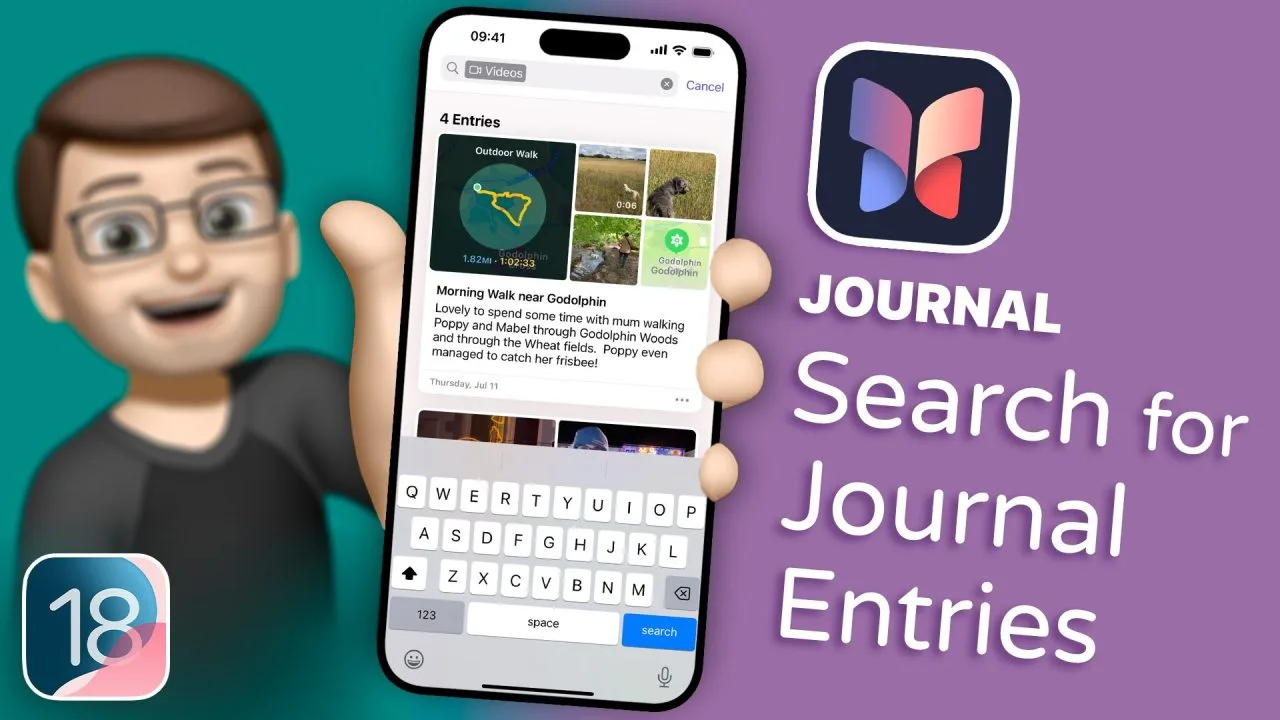
In this video, I’ll show you how to make the most of the new search feature in the iOS 18 Journal app. Gone are the days of endless scrolling to find a specific post. Now, with just a quick tap, you can search for any word or phrase and filter results by videos, places, music, and more. You can even combine multiple filters to get exactly what you’re looking for. Whether you’re trying to relive a memory or find a meaningful moment, this new feature makes it easier than ever to navigate your journal.
Step by Step
Tap the search button
Tap on the search button in the top corner, then type any word or phrase that appears in your journal. This makes going back to revisit old memories really easy.
Filter by a category
Tap onto 'Videos' on the search page and it will immediately filter to only posts that have videos in them. You can filter by lots of different things, like places, music you've listened to and activities you've done.
Combine a filter with your search
The really cool thing is, you can combine these with your search as well. For example, select 'State of Mind', then type in 'London' to find any posts about London that also feature a state of mind check-in.
Transcript
If you’re a regular user of the Journal app on your iPhone, you probably realise how frustrating it is to go back and find a particular post. Up until now, you had to simply scroll and scroll and scroll to find exactly what you were looking for because there wasn’t a search feature. Well, in iOS 18, that search button is finally there, and it works just as you’d expect.
If I tap on the search button in the top corner, I can then type any word or phrase that appears in my journal. This makes going back to revisit old memories really easy. But the search has also got a couple of clever filters and categories built in. So, for example, if I tap onto ‘Videos’ on the search page, it will immediately filter to only posts that have videos in them. That means I can find this lovely one of Poppy catching a frisbee.
And I can filter by lots of different things. I can filter by places, by music I’ve listened to, by activities I’ve done, and the really cool thing is, you can combine these with your search as well. For example, if I select ‘State of Mind’, I can then also type in ‘London’ to find any posts I’ve made about London that also feature a state of mind check-in. That’s also a new feature in iOS 18 this year, and I’ve made a video all about how to use that as well – please do check it out on my channel.
And speaking of new things in iOS 18, now your phone’s updated, you’re probably wondering, “Well, what can I do now that I couldn’t do before?” I’ve got you covered. I’ve written an ebook called 100 Quick Tips for iOS 18 that will show you 100 new things your phone can do now that it couldn’t do before. Check it out below.
Frequently Asked Questions
How do I search my Journal entries on iPhone?
In iOS 18, tap on the search button in the top corner of the Journal app, then type any word or phrase that appears in your journal.
Why can't I find a search button in the Journal app?
Up until iOS 18 there wasn't a search feature, so you had to scroll and scroll to find what you were looking for. In iOS 18, that search button is finally there.
Can I filter Journal entries by videos, places or music?
Yes. On the search page you can filter by videos, places, music you've listened to, activities you've done and State of Mind, and you can combine these with your search as well.
Disclaimer and trademarks
The content used in this video is intended for educational and informational purposes only. All rights to the images, music, clips, and other media used belong to their respective owners. I do not claim ownership over any third-party content used. This video has not been authorised, sponsored, or otherwise approved by Apple Inc. iPhone is a trademark of Apple Inc., registered in the U.S. and other countries and regions. iOS is a registered trademark of Cisco Systems Inc. Whilst I have done my best to list all applicable trademarks for this video, in the (hopefully unlikely) event that I have missed any you can find a full list of trademarks registered to Apple Inc. on their website. Finally, please note that whilst every effort has been made to ensure the information contained within this video was correct at time of publication, please be aware that as future updates and software changes occur some or all elements of this video may become outdated. I will endeavour to remove videos which are completely obsolete so as not to cause confusion!