Privacy & Security
Keep your information secure and protect your personal data.

Start Here · 3:13
Lock Your iPhone to One App with Guided Access
By app
 3:13
Lock Your iPhone to One App with Guided Access
 Accessibility · 23 Nov
 1:39
How to Use Private Browsing in Safari on iPhone

 1:56
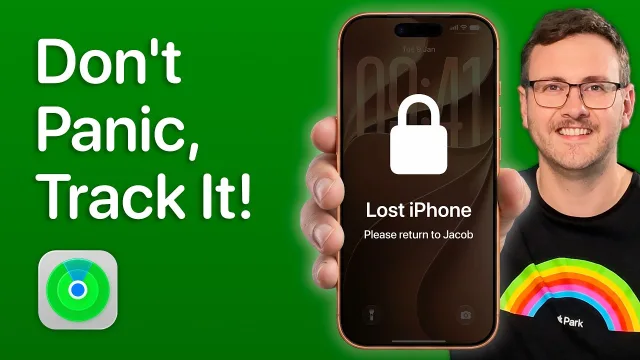
How to Find a Lost iPhone from Any Web Browser

 2:57
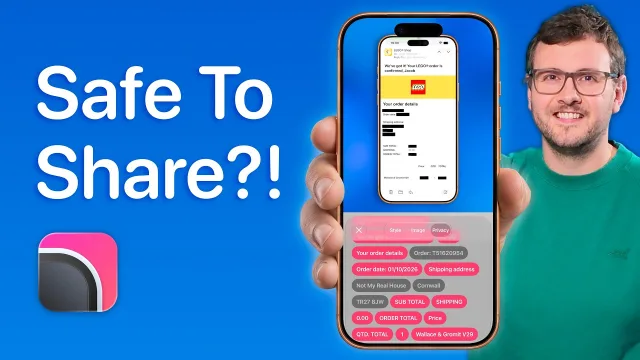
Hide Private Info in iPhone Screenshots with Shareshot
 1:42
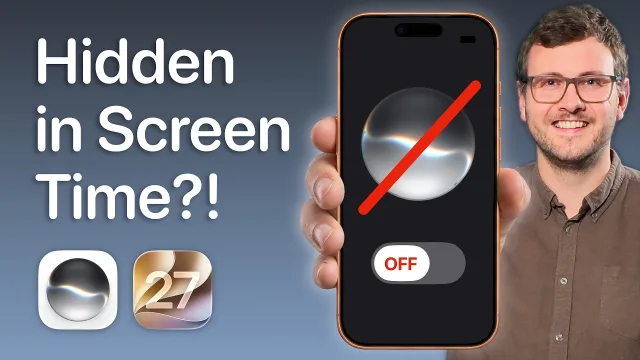
How to Turn Off Apple Intelligence on iPhone in iOS 27

 1:36
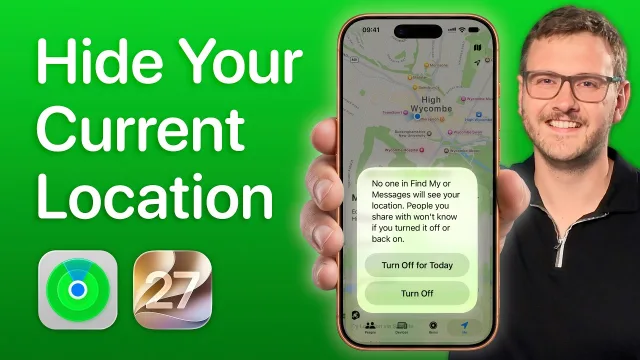
How to Hide Your Location in Find My and Messages in iOS 27
 1:59
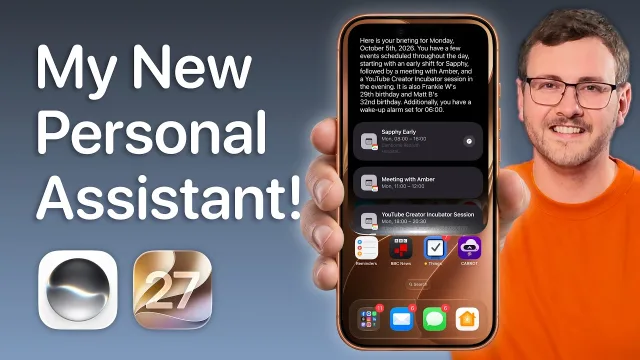
How to Use Siri AI as a Personal Assistant in iOS 27

 0:50
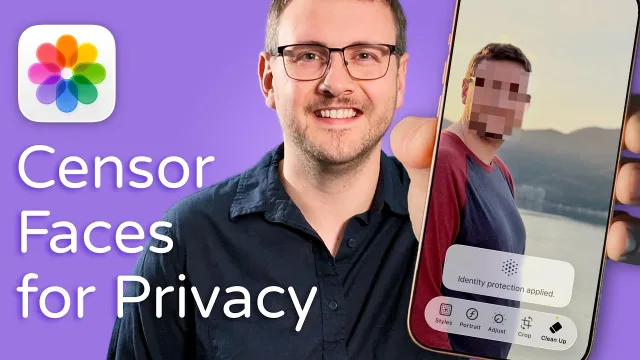
Blur Faces in Photos with Clean Up on iPhone

 1:19
Stop Meta Using Your Instagram Photos for AI
 Instagram · 8 Jul
 1:32
How to Cancel iPhone App Subscriptions

 2:43
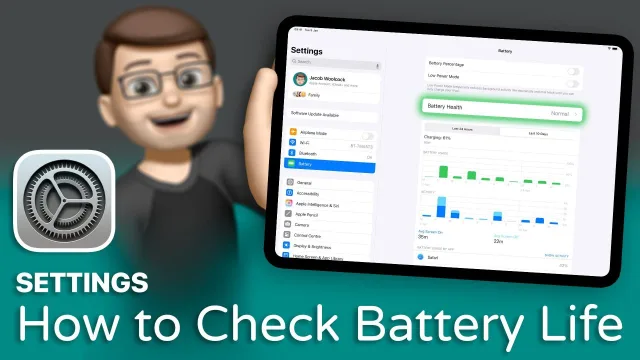
Check iPad Battery Health and Understand What It Means
 0:57
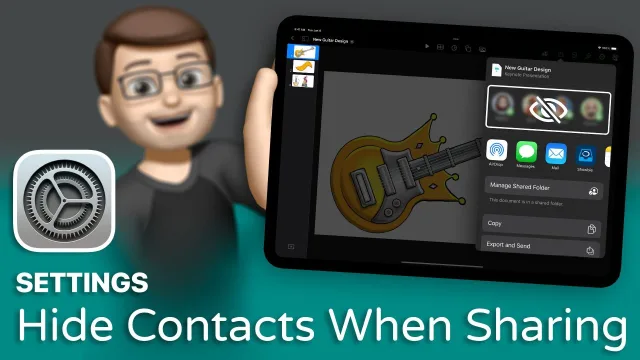
Hide Recent Contacts When Using the Share Menu on iPad
 1:36
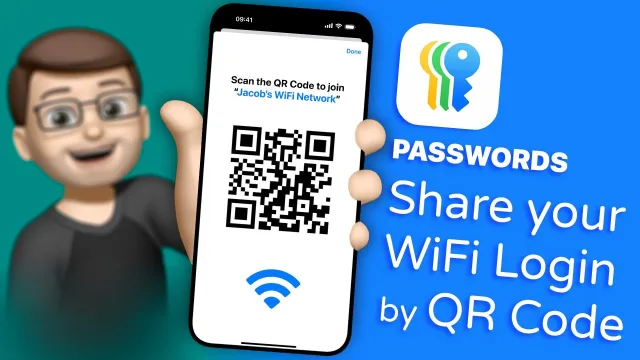
Create a QR Code for Easy Wi-Fi Sharing

 0:58
Disable AI Answers in Google Search
 Google · 15 Feb
 1:54
Use AirTag Links to Track Lost Items and Luggage
 1:21
Change Your Default Web Browser and Other Apps
 1:21
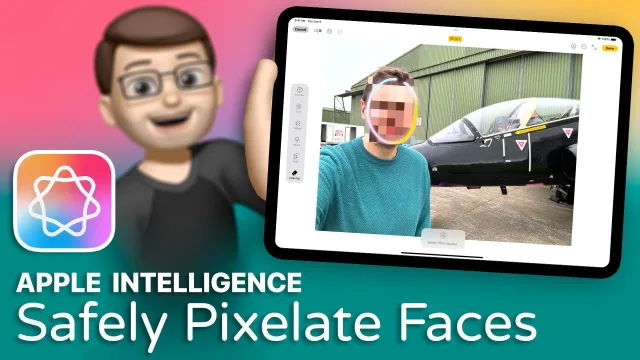
Blur Faces for Privacy with Apple Intelligence Cleanup Tool
 1:39
How to Easily Pixelate Faces in Photos with Apple Intelligence
 1:32
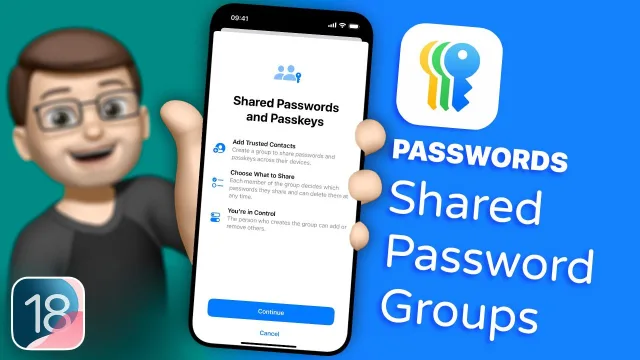
Create and Share Password Groups with Friends and Family
 1:52
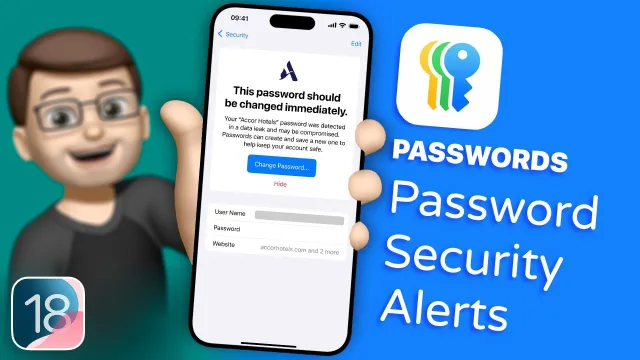
Use the Passwords App to Secure Your Accounts
 1:38
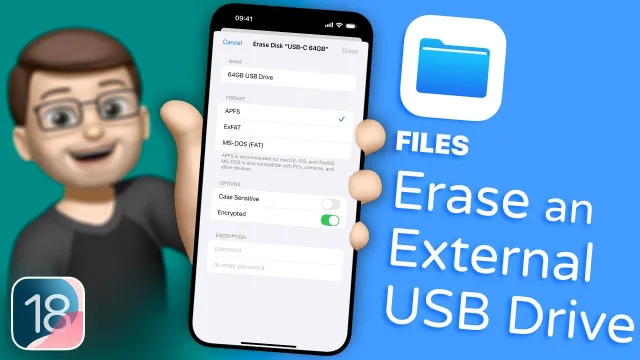
Format USB Drives and External Storage Using Your iPhone
 Files · 16 Sept
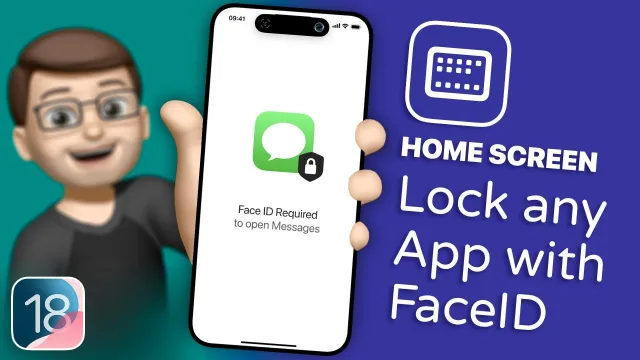 1:31
How to Lock Any App on Your iPhone
 Home Screen · 3 Aug
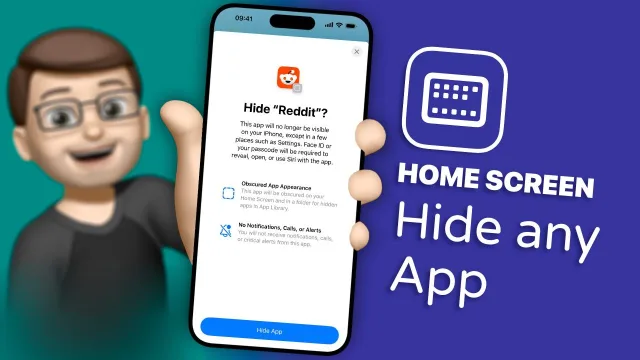 2:35
Hide an App from your Home Screen
Home Screen · 3 Aug
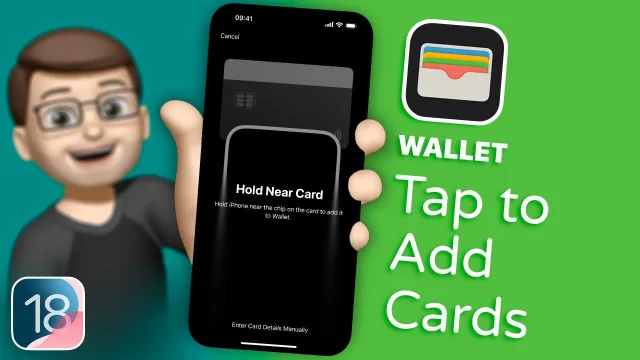 1:41
Faster Card Setup for Apple Pay using NFC
 Wallet · 13 Jul
 1:45
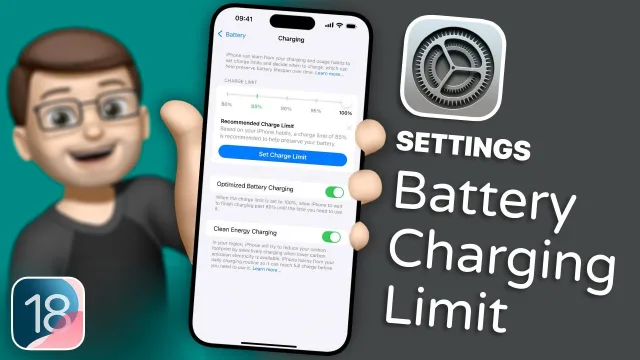
Adjust iPhone Charging Limits
 1:53
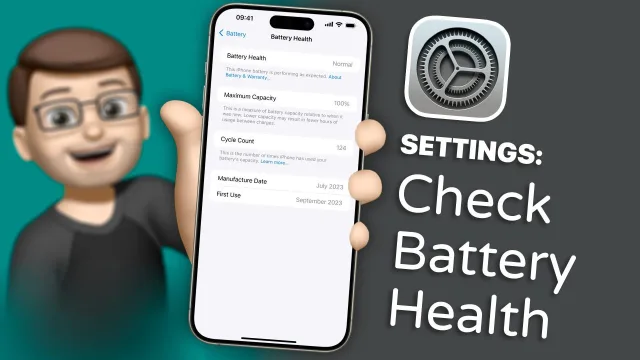
Understanding iPhone Battery Health: A Comprehensive Guide
 1:43
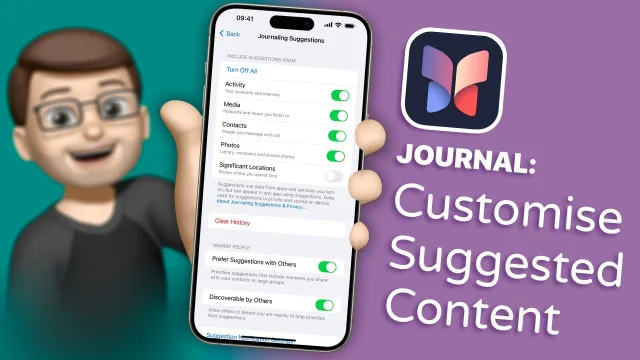
Add or Remove Suggested Data Types from Automatic Journaling Entries

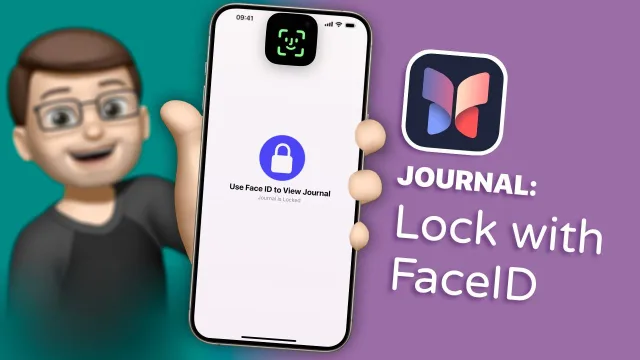 0:52
Protect your Journal by Locking it with FaceID or TouchID
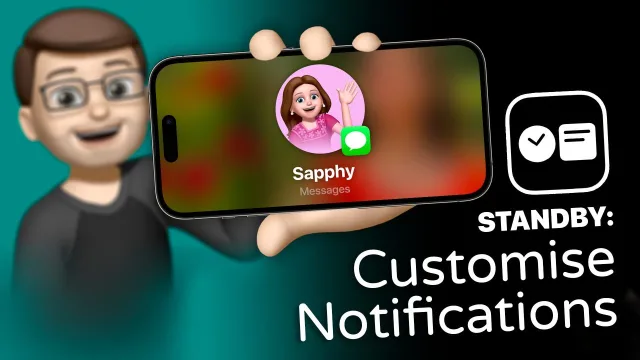 1:32
Customise how Notifications Appear on StandBy Mode
 StandBy · 18 Sept
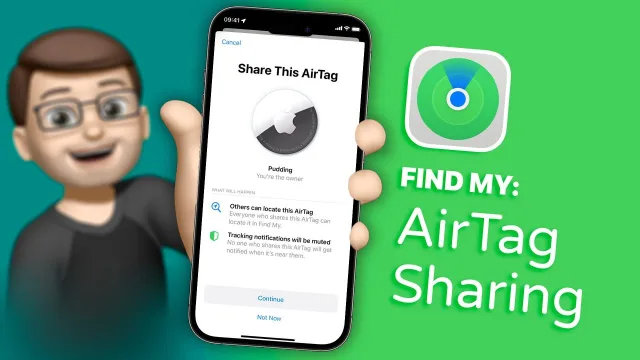 1:19
How to Share AirTags between Multiple iCloud Accounts on iOS 17
 2:47
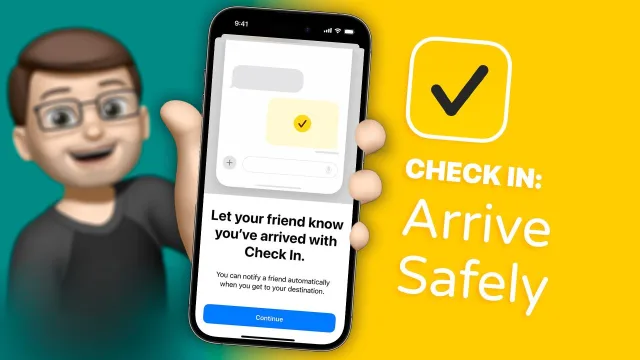
How to Use Check In to Let Your Loved Ones Know You’ve Arrived Safely

 1:03
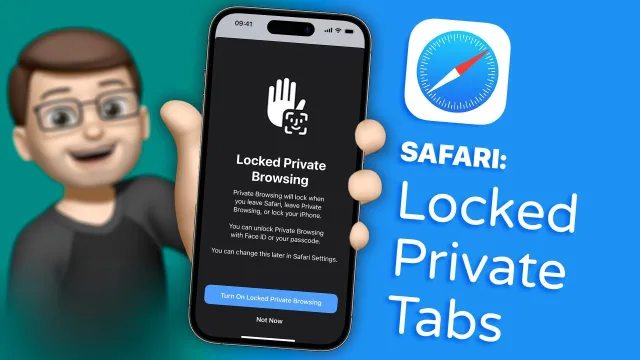
Lock your Private Tabs in Safari for more Secure Private Browsing
 1.51
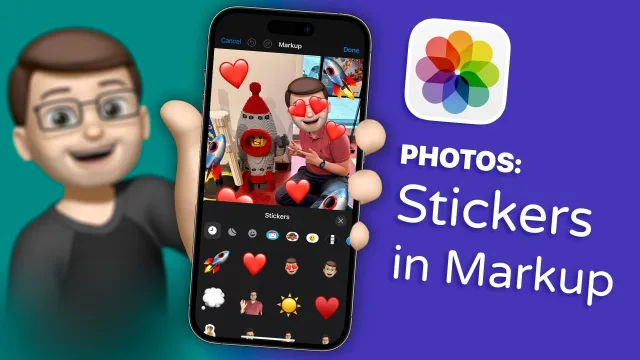
How to use Emoji and Stickers to Censor Photos in MarkUp
 1:21
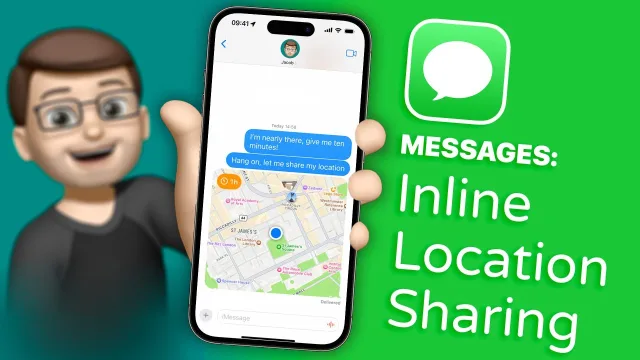
Share your Current Location Easily in an iMessage Conversation
 1:18
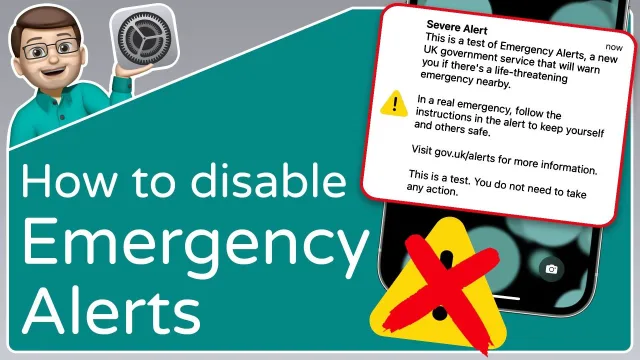
How to Disable Emergency Alerts on iPhone
 3:00
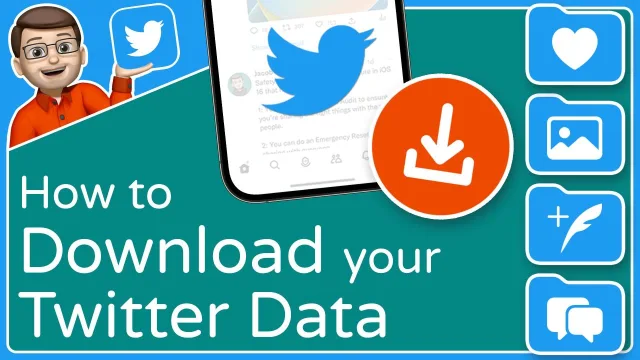
Download and Access your Twitter Data Archive
 3:13
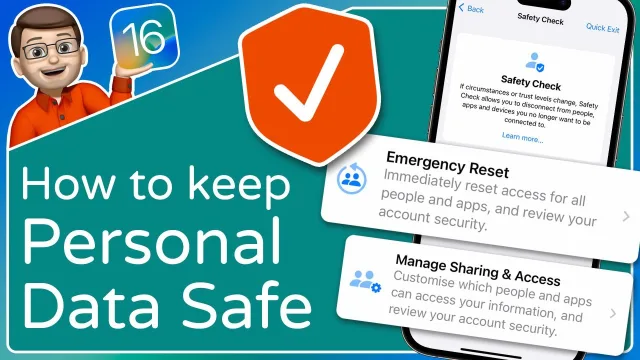
Keep your Data + Apps Secure with Safety Check
 3:13
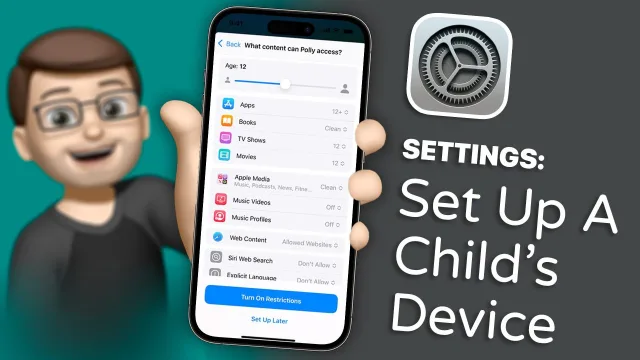
How to Easily & Securely Set Up a Device for your Child
 2:36
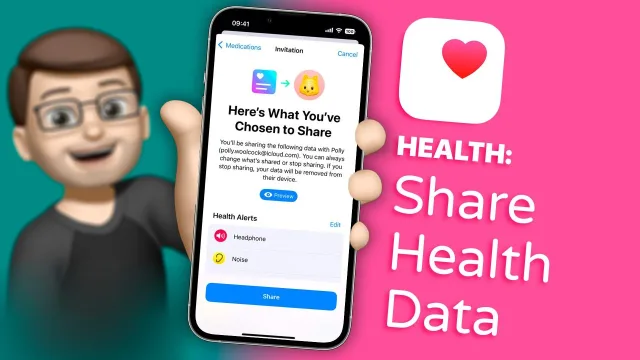
How to Share Health Data with a Trusted Contact
 Health · 11 Sept
 1:24
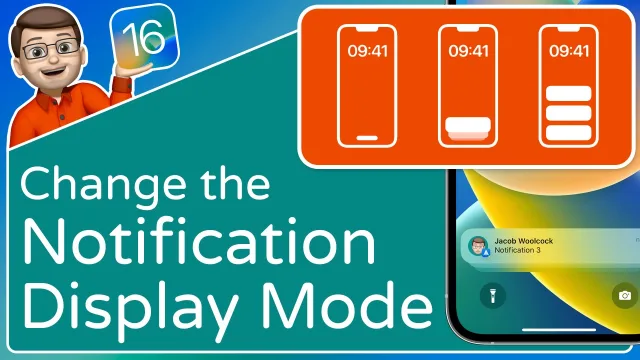
Change your Notification Display Mode
 Lock Screen · 29 Aug
 2:30
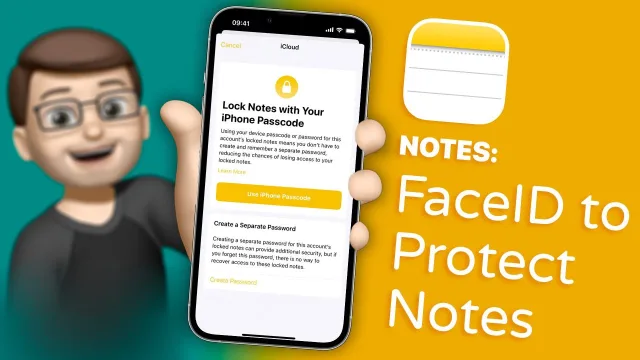
How to Lock a Specific Note with FaceID

 1:14
How to Undo Send and Delete an iMessage
 1:29
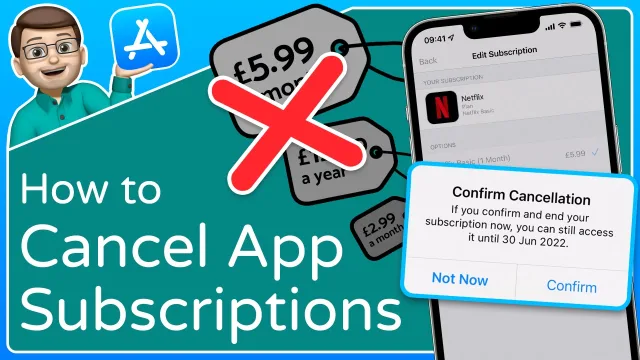
How to Cancel App Store Subscriptions
 1:09
Block Unwanted Calls and Texts on your iPhone

 2:58
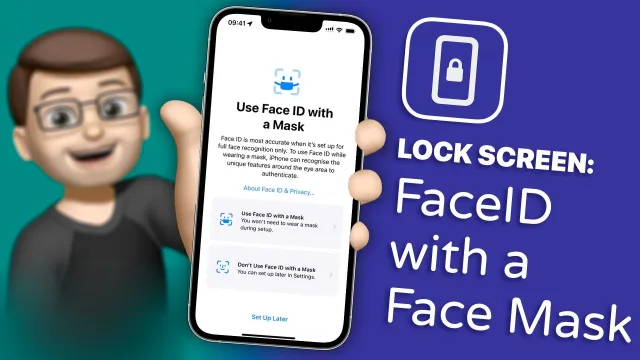
How to use Face ID with a Mask in iOS
Lock Screen · 14 Mar
 3:03
Easily Censor Photos with Emoji using MaskerAid
 MaskerAid · 4 Mar
 2:08
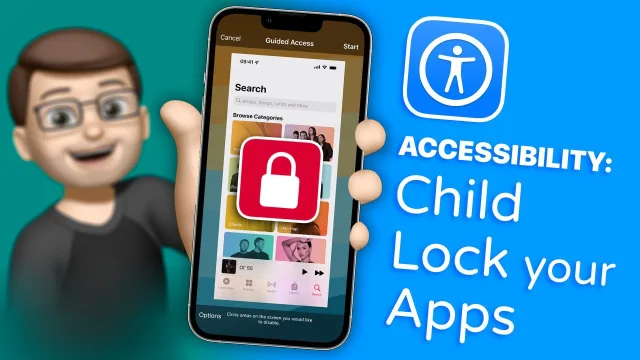
Use Guided Access to ‘Child-Lock’ your iPhone
Accessibility · 21 Jan
 3:00
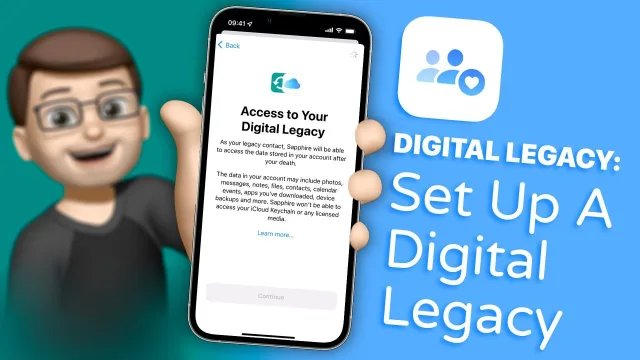
Set-Up and Use Digital Legacy with your Apple ID and iCloud
 1:12
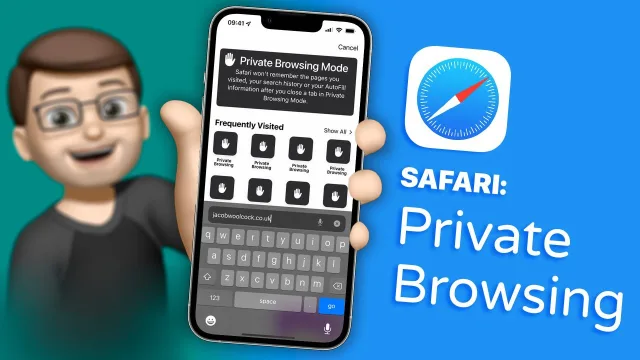
How to Browse Safely and Privately on iPhone
 1:55
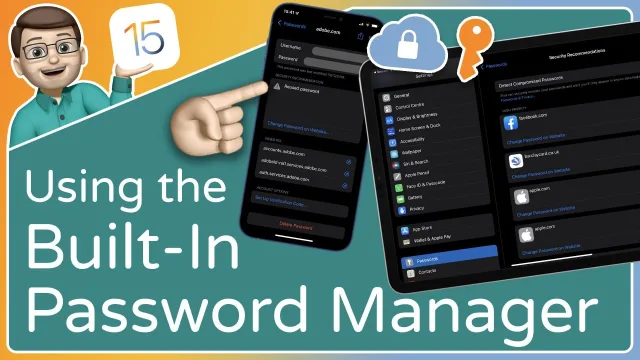
Using the Built-In iCloud Password Manager
 2:02
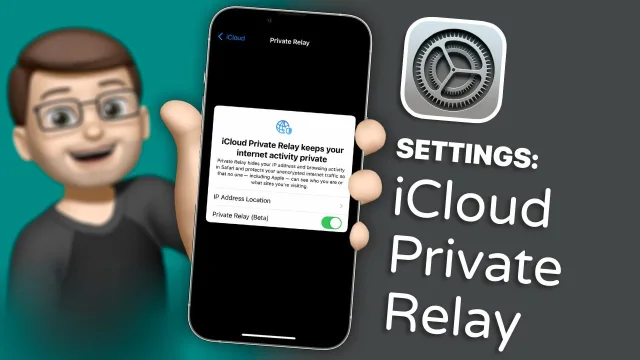
How to use iCloud Private Relay
 2:47
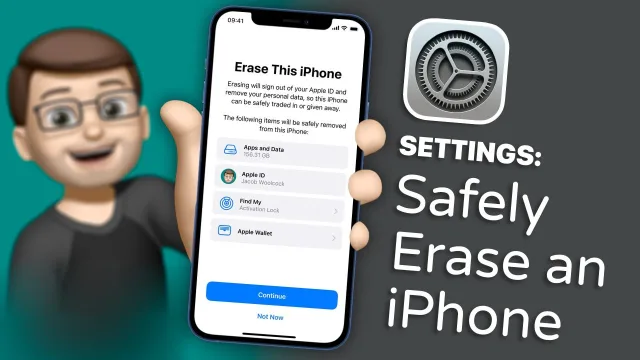
How to Safely Erase your iPhone
 1:25
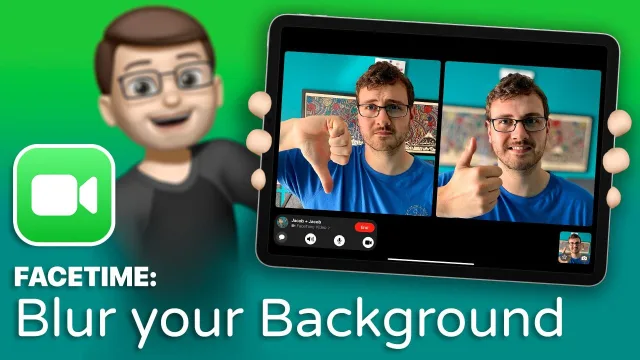
How to Blur your Background in FaceTime Calls

 1:35
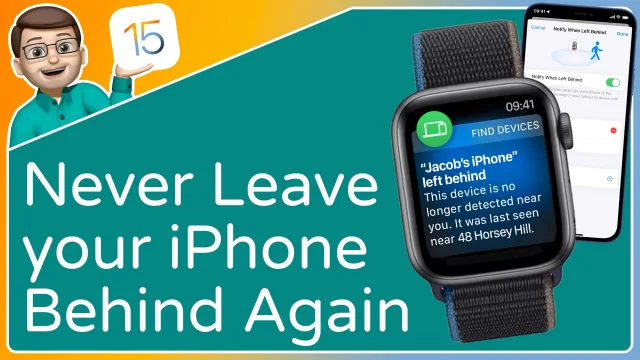
Ping your Watch when you Leave your iPhone Behind
 2:05
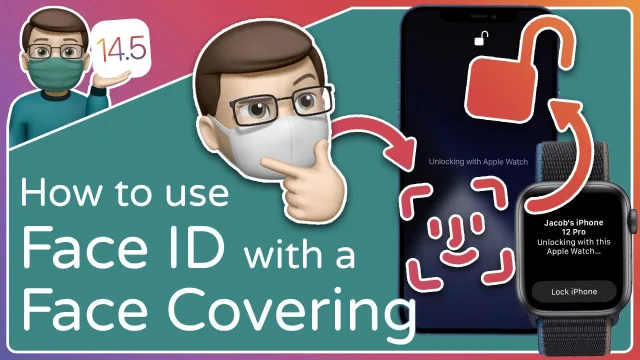
Unlock Your iPhone While Wearing a Mask
Lock Screen · 26 Apr
 5:16
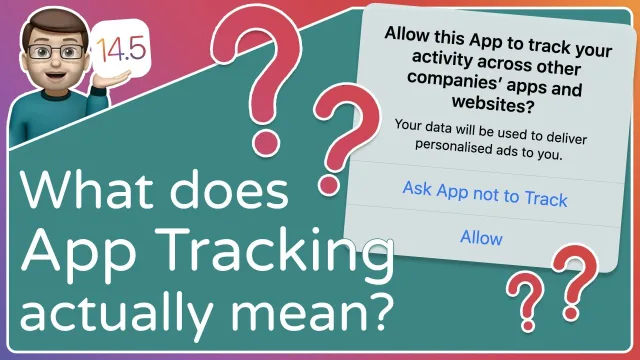
What does App Tracking actually mean?
 1:53
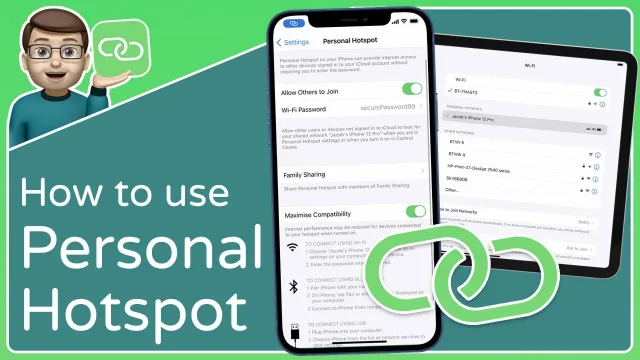
Share your Mobile Data with a Personal Hotspot
 2:30
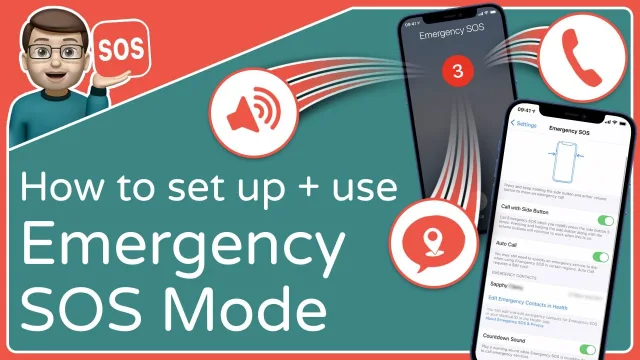
How to Setup and Use Emergency SOS
 2:47
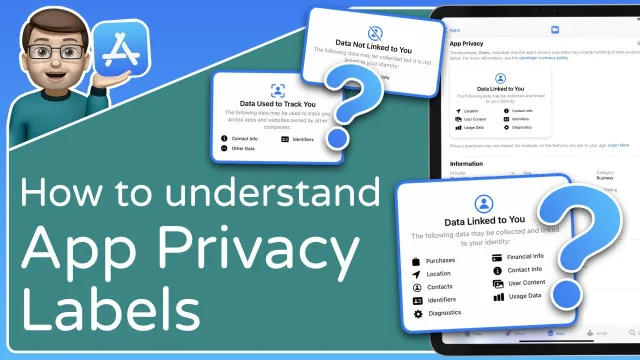
Understand and Navigate App Store Privacy Labels
 4:29
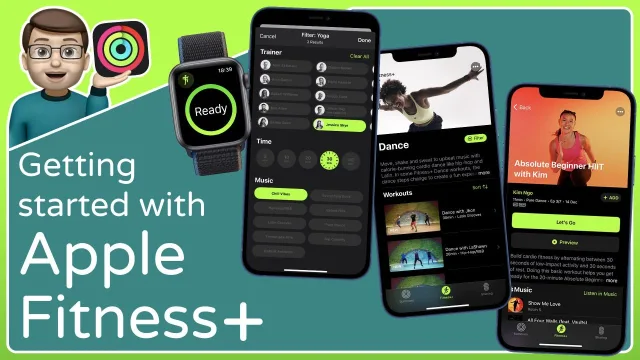
Getting Started with Apple Fitness+ [How to Sign up, Select a Workout & Pair an Apple Watch]
 Fitness · 14 Dec
 4:57
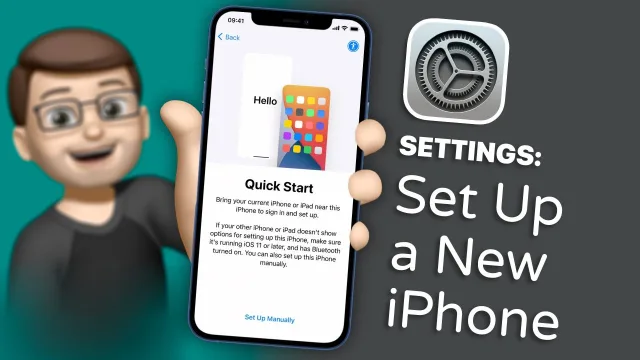
How to setup + transfer all your data onto your new iPhone with iCloud
 1:22
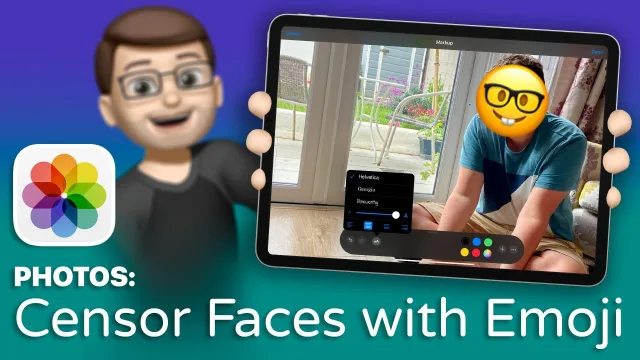
How to use Emoji in Markup to Safely Censor Pupil Faces in Photos
 1:43
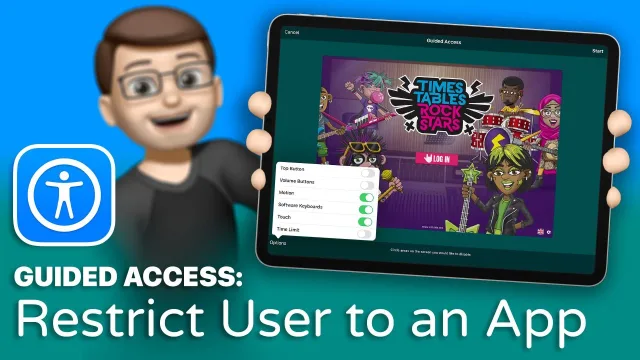
How to use Guided Access to restrict app usage on iPad
Accessibility · 23 Feb
Showing 8 of 63
Got a minute?75 seconds or less
0:50Blur Faces in Photos with Clean Up on iPhone
0:57Hide Recent Contacts When Using the Share Menu on iPad
0:58Disable AI Answers in Google Search
0:52Protect your Journal by Locking it with FaceID or TouchID
1:03Lock your Private Tabs in Safari for more Secure Private Browsing
1.51How to use Emoji and Stickers to Censor Photos in MarkUp
 1:14
How to Undo Send and Delete an iMessage
1:09Block Unwanted Calls and Texts on your iPhone