Accessibility
Make your device easier to use, whatever your needs.

Start Here · 3:13
Lock Your iPhone to One App with Guided Access
By app
 3:13
Lock Your iPhone to One App with Guided Access
 Accessibility · 23 Nov
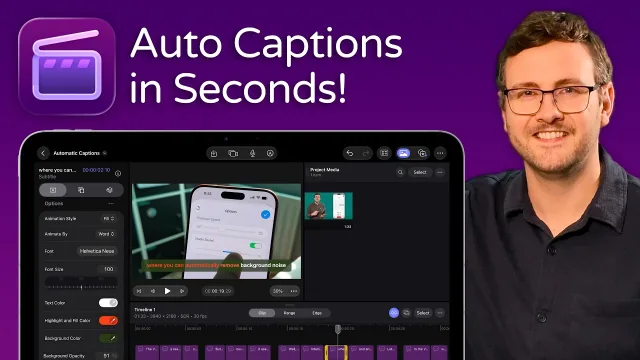 4:06
Add Captions to Videos with Final Cut Pro for iPad

 1:37
Turn On Screen Distance to Reduce Eye Strain on iPhone
Accessibility · 6 Nov
 1:27
Adjust Liquid Glass Transparency in iOS 27

 2:01
How to Customise Siri’s Voice in iOS 27

 1:34
How to Turn On Simple Mode in the Uber App
 0:38
How to Use Slide to Type on iPhone
 0:53
How to Use Reader Mode in Safari on iPhone

 0:58
Reduce Motion Sickness with Vehicle Motion Cues on iPhone
Accessibility · 6 Jul
 1:21
How to Translate Any Text Instantly with Google Lens
 Google · 21 Mar
 1:58
Change the Size, Colour and Style of Your iPad Cursor
Accessibility · 10 Nov
 2:02
Reduce or Remove Transparency on Liquid Glass
Accessibility · 15 Sept
 2:08
Translate Phone Calls As You’re Talking

 3:00
Create Your Own Personal Voice
Accessibility · 28 Aug
 1:51
Break the Language Barrier with Instant Messages Translation

 1:55
Share Your Accessibility Settings via AirDrop
Accessibility · 22 Aug
 1:09
Siri Can Read Aloud Any Screenshot for You
 Screenshot · 18 Aug
 1:38
Check App Accessibility Features in the App Store

 1:13
Use AirPods to Remote Control Your iPhone Camera
 Camera · 31 Jul
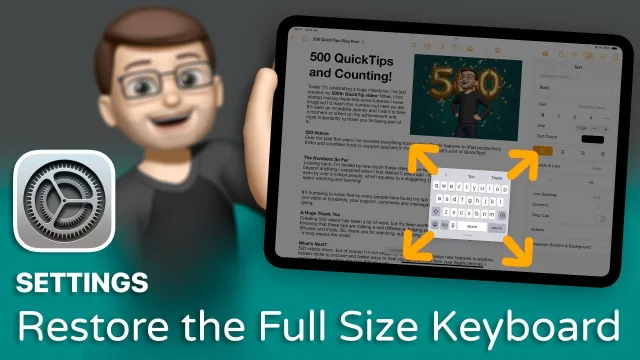 1:46
Restore the Full-Size Keyboard on iPad
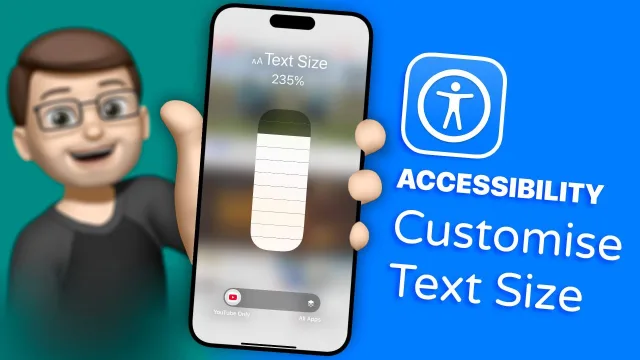 1:48
Adjust Text Size on iPhone for Better Readability
Accessibility · 8 Mar
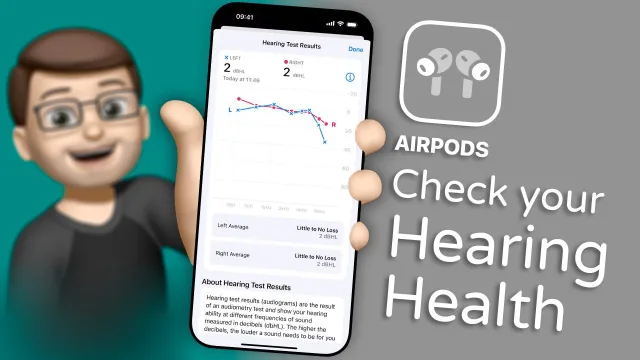 3:09
Test Your Hearing at Home with AirPods Pro
 AirPods · 4 Jan
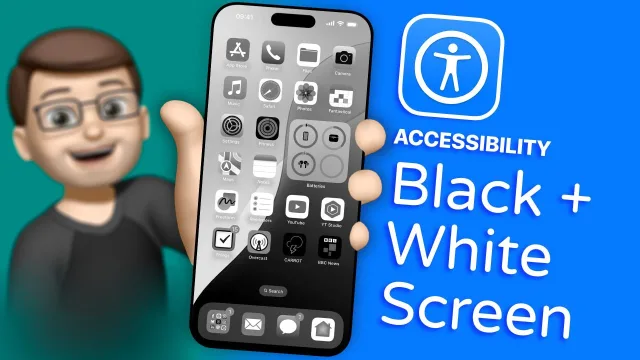 1:48
Turn Your iPhone Screen Black and White
Accessibility · 28 Dec
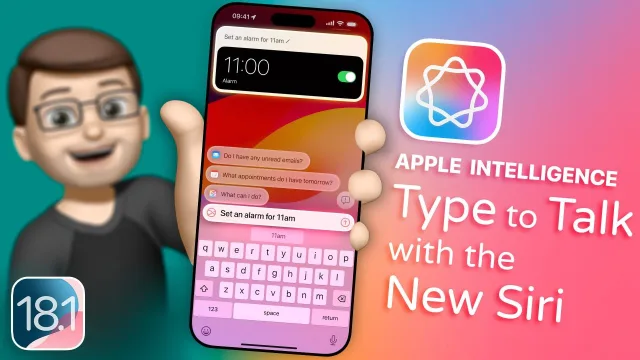 1:51
Using Siri’s New Typing Interface
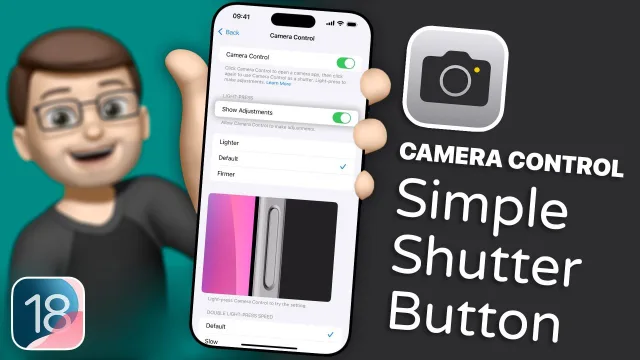 2:16
Use iPhone 16’s Camera Control Button as a Simple Shutter
Camera · 20 Sept
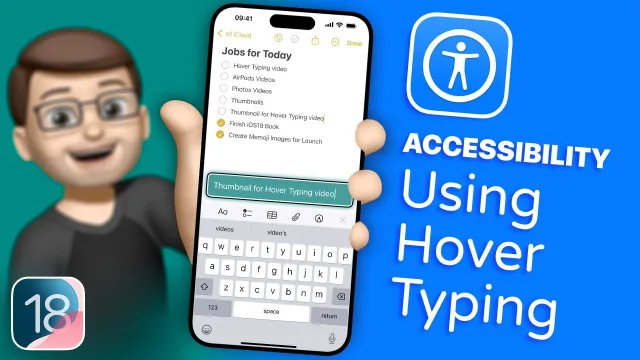 1:55
Use Hover Typing for Clearer Text Input
Accessibility · 16 Sept
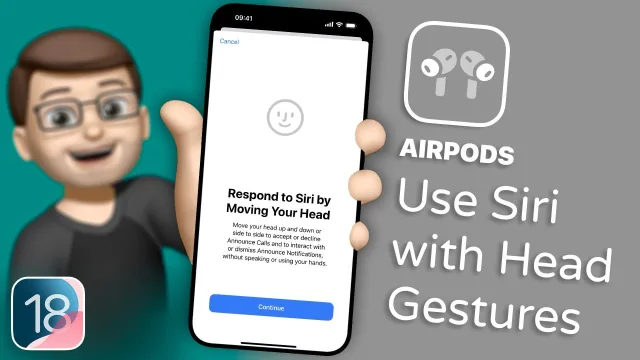 1:34
Control Siri with Head Gestures and AirPods Pro
AirPods · 16 Sept
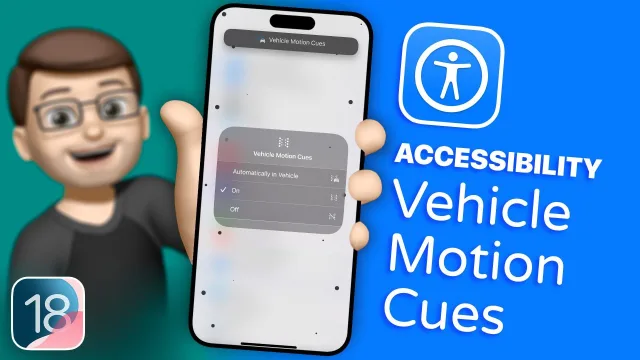 2:30
Reduce Travel Sickness with Vehicle Motion Cues
Accessibility · 16 Sept
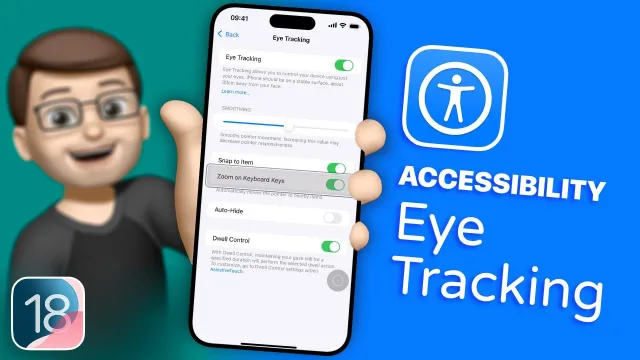 3:34
Control Your iPhone Using Your Eyes
Accessibility · 16 Sept
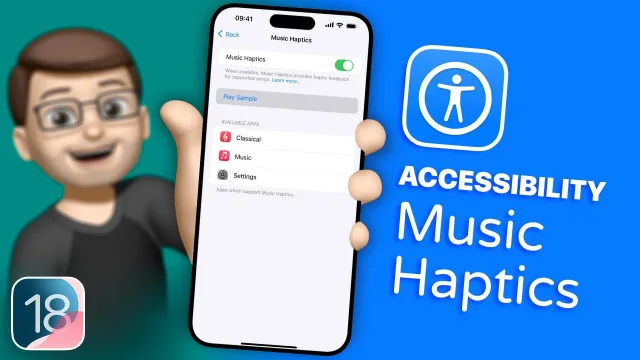 1:50
Use Music Haptics for a Tactile Listening Experience
Accessibility · 16 Sept
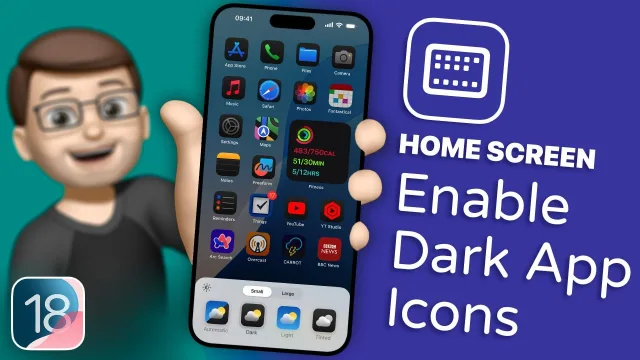 1:53
Enable and Customise Dark Mode For Your Icons
 Home Screen · 16 Sept
 1:24
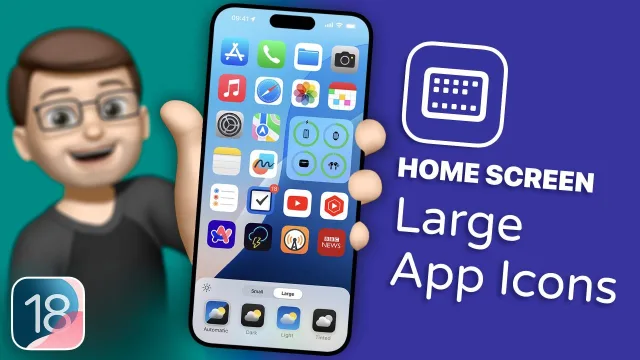
Increase Icon Size and Hide App Names
Home Screen · 20 Aug
 2:06
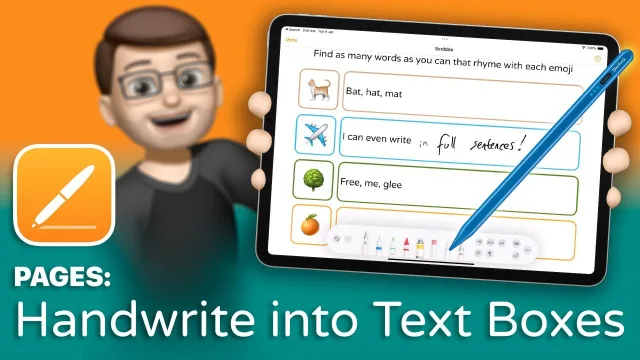
Handwriting to Text with the Scribble Tool on iPad

 1:22
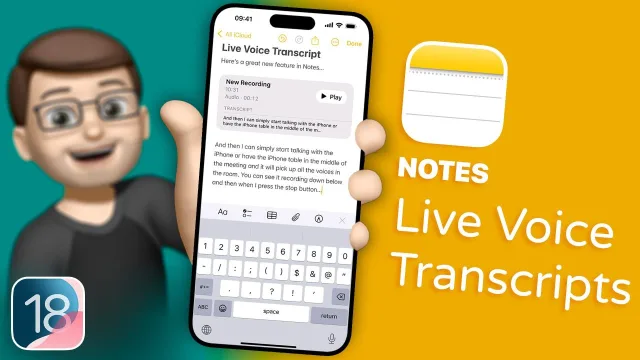
Embed Audio Recordings with Live Transcripts

 1:18
How to Install and Use Multiple Keyboards on Your iPad
Accessibility · 1 Jun
 2:06
How to Activate and Use Speak Selection on iPad
Accessibility · 29 May
 1:14
A Guide to iPad Dictation: Voice Typing Made Easy
Accessibility · 28 May
 3:08
How to Use Voice Control on iPad: A Step-by-Step Guide
Accessibility · 24 May
 1:52
How to Set Up and Use Background Sounds on Your iPad
Accessibility · 23 May
 2:20
Using Speak Screen and Speech Controller on iPad
Accessibility · 20 May
 1:37
How to Use Bold Text and Colour Filters on iPad
Accessibility · 19 May
 1:36
How to Use Reader Mode in Safari for Distraction-Free Browsing
 1:43
How to Use Guided Access on iPad
Accessibility · 16 May
 1:35
Search, Scroll, and Learn: Navigating Podcasts with Transcripts

 1:18
Read your Voicemail Messages in Real Time with Live Voicemail
 1:45
Let Siri Read a Website to you in Safari
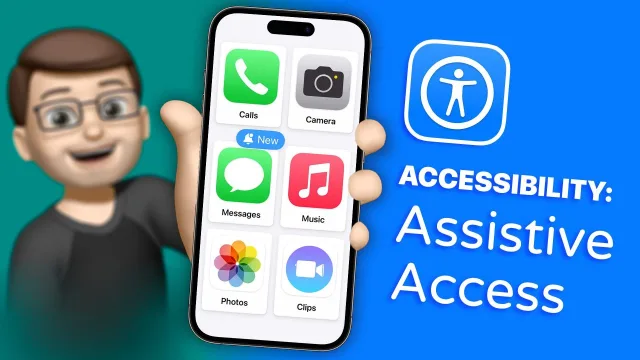 4:43
Simplify and Reduce Clutter on your iPhone with Assistive Access
Accessibility · 5 Sept
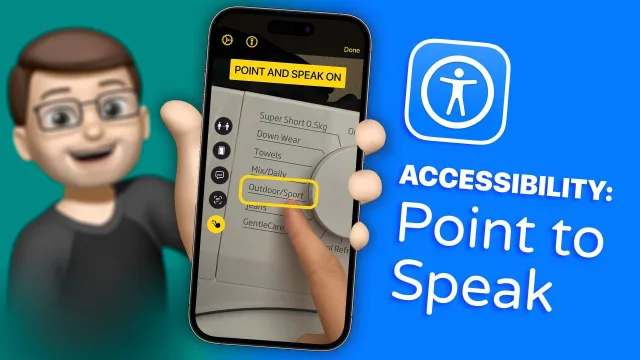 1:54
Using Point and Speak for iPhone
Accessibility · 5 Sept
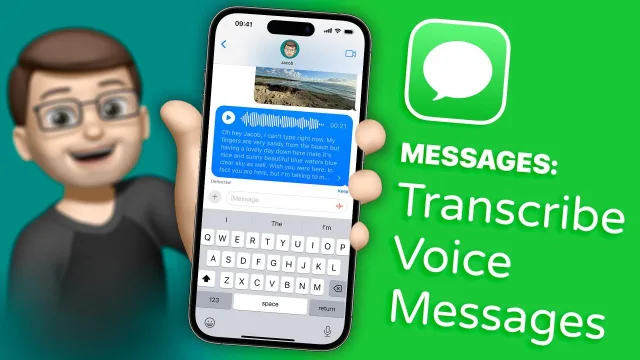 1:23
How to Automatically get Voice Messages Transcribed
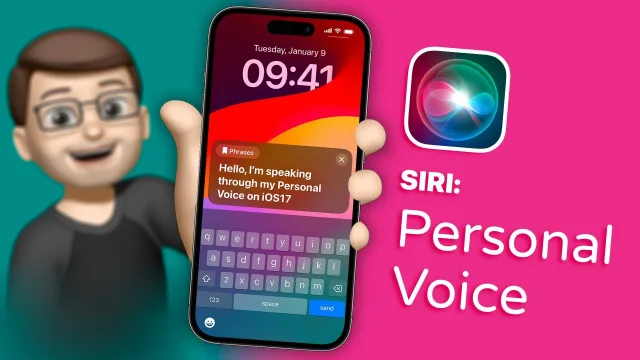 2:51
How to Set Up + Use Personal Voice on iPhone
 0:57
Enable a Start Up / Shut Down Chime on iPhone 14
Accessibility · 18 Sept
 1:20
Using the new Enhanced Dictation on iOS 16
Accessibility · 11 Sept
 1:33
Get Siri to Read Aloud your Notifications (without AirPods!)
 2:47
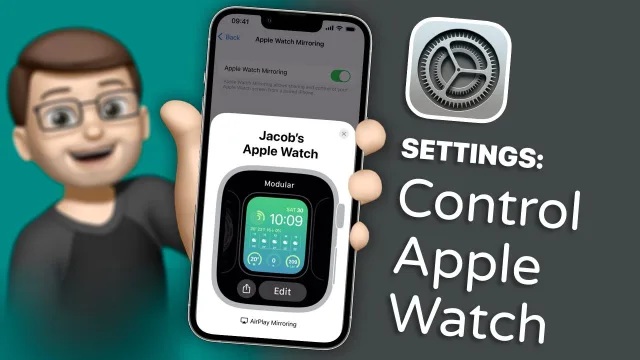
How to Mirror an Apple Watch to your iPhone
 3:17
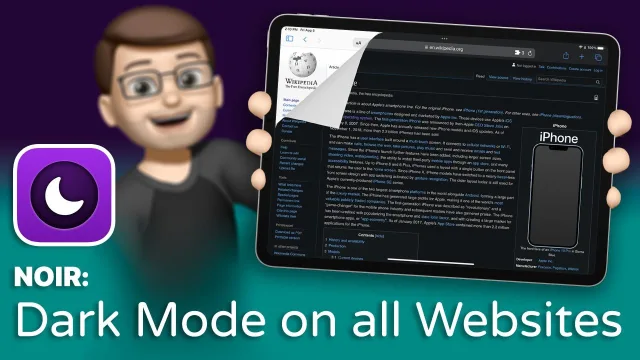
How to use Dark Mode on Every Website in Safari
 Noir · 7 Aug
 2:08
Use Guided Access to ‘Child-Lock’ your iPhone
Accessibility · 21 Jan
 2:13
How to set a Custom Text Size per App
Accessibility · 10 Oct
 2:24
How to use Background Rain Sounds
Accessibility · 23 Sept
 1:34
How to Zoom In to your Cursor on a Mac – Perfect for Teaching + Presenting!
 2:43
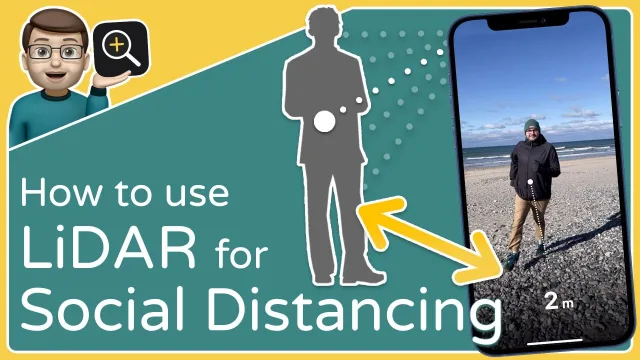
How to use the LiDAR Scanner to help with Social Distancing
 Magnifier · 10 Feb
 2:35
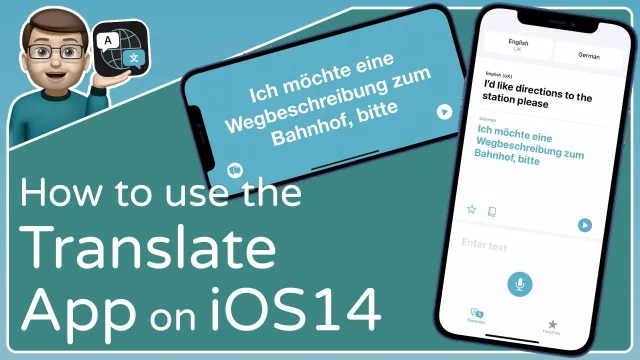
Using the Translate App
 Translate · 15 Nov
 1:28
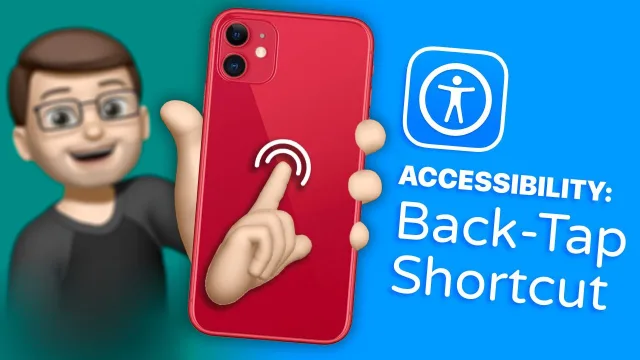
How to use ‘Back Tap’ to Control your iPhone by tapping it
Accessibility · 20 Sept
 1:38
How to use Voice Control to take a “Hands-Free Selfie” on your iPhone or iPad
Accessibility · 5 Jul
 1:31
How to use Voice Dictation to transcribe text on iPad
Accessibility · 1 Mar
 1:43
How to use Guided Access to restrict app usage on iPad
Accessibility · 23 Feb
 1:22
How to use On-Screen Colour Filters on your iPad
Accessibility · 9 Feb
 1:24
How to use the built in Dictionary and Thesaurus
Accessibility · 22 Jan
 1:34
How to use Dynamic Type to Increase Text Size
Accessibility · 12 Jan
 1:13
How to use the Built-In Magnifier Tool
Accessibility · 5 Jan
Showing 8 of 69
Got a minute?75 seconds or less
0:38How to Use Slide to Type on iPhone
0:53How to Use Reader Mode in Safari on iPhone
0:58Reduce Motion Sickness with Vehicle Motion Cues on iPhone
1:09Siri Can Read Aloud Any Screenshot for You
1:13Use AirPods to Remote Control Your iPhone Camera
1:14A Guide to iPad Dictation: Voice Typing Made Easy
0:57Enable a Start Up / Shut Down Chime on iPhone 14
1:13How to use the Built-In Magnifier Tool