
Settings
The Settings app on iOS is the central hub for configuring and managing device preferences and system settings. It allows users to adjust various aspects of their device, including network connections, privacy options, and app-specific settings, providing comprehensive control over their iOS experience.
31 QuickTips1 hr 2 min of video
I use Settings on

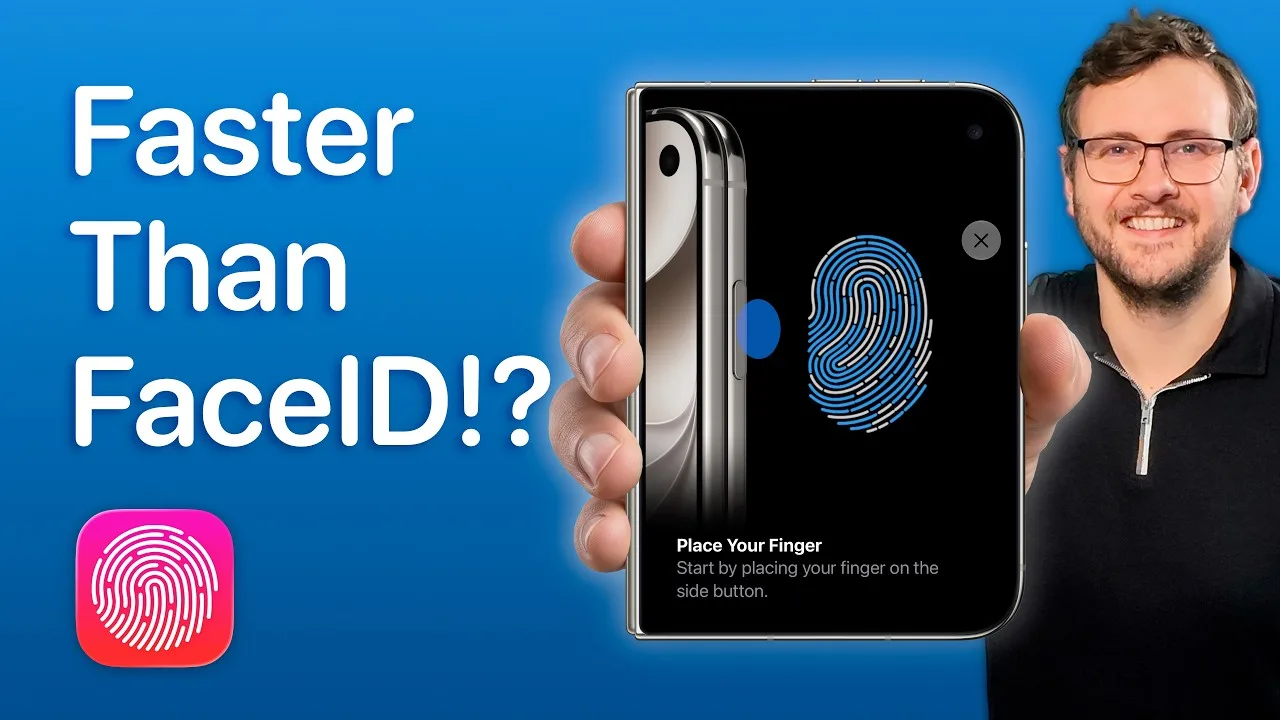
Newest · 2:41
How to Speed Up Touch ID on iPhone Duo
Newest for iPhone
 2:41
How to Speed Up Touch ID on iPhone Duo
 1:42
How to Turn Off Apple Intelligence on iPhone in iOS 27
 1:27
Adjust Liquid Glass Transparency in iOS 27
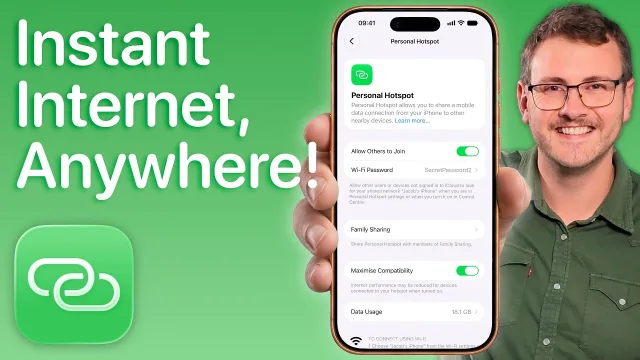 2:01
How to Use Personal Hotspot on iPhone
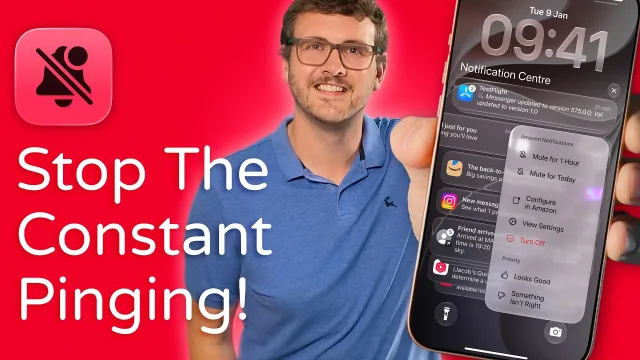 1:31
How to Mute Notifications for an App on Your iPhone
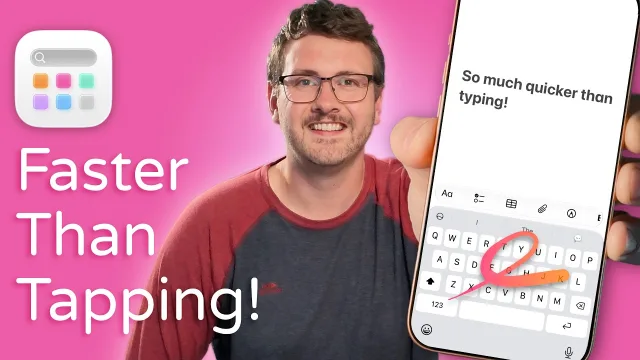 0:38
How to Use Slide to Type on iPhone
 1:00
How to Turn Off Emergency Alerts on iPhone
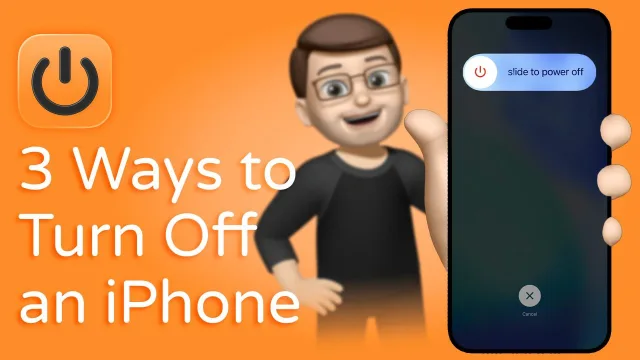 1:12
How to Turn Off an iPhone Properly
 1:00
How Long Until 100% Battery? Here’s How to Check!
 1:13
Save iPhone Battery with Adaptive Power (iOS 26 Public Beta)
 1:46
Restore the Full-Size Keyboard on iPad
 2:43
Check iPad Battery Health and Understand What It Means
Every iPhone Tip
2:41How to Speed Up Touch ID on iPhone Duo
1:42How to Turn Off Apple Intelligence on iPhone in iOS 27
1:27Adjust Liquid Glass Transparency in iOS 27
2:01How to Use Personal Hotspot on iPhone
1:31How to Mute Notifications for an App on Your iPhone
0:38How to Use Slide to Type on iPhone
1:00How to Turn Off Emergency Alerts on iPhone
1:12How to Turn Off an iPhone Properly
1:00How Long Until 100% Battery? Here’s How to Check!
1:13Save iPhone Battery with Adaptive Power (iOS 26 Public Beta)
1:46Restore the Full-Size Keyboard on iPad
2:43Check iPad Battery Health and Understand What It Means
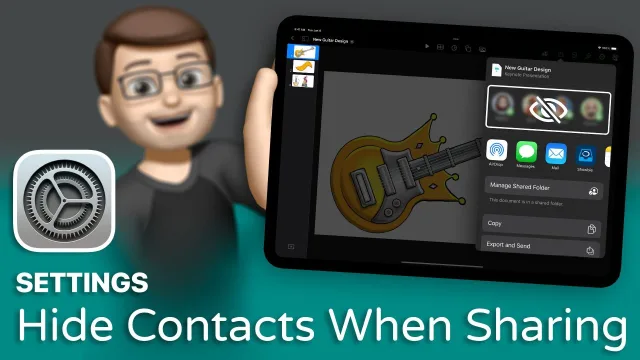 0:57
Hide Recent Contacts When Using the Share Menu on iPad
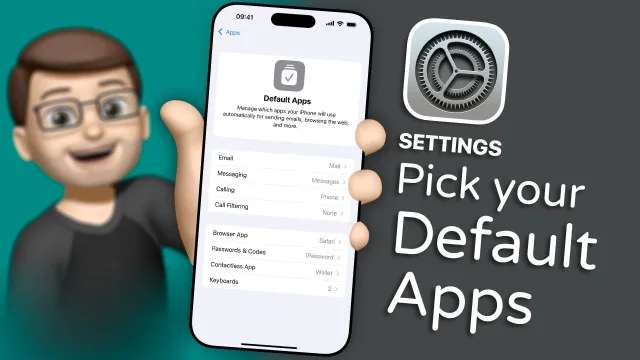 1:21
Change Your Default Web Browser and Other Apps
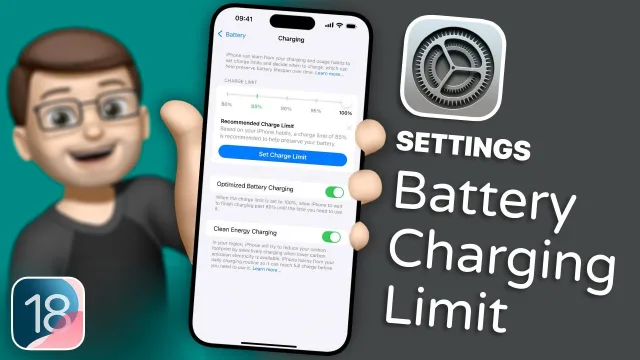 1:45
Adjust iPhone Charging Limits
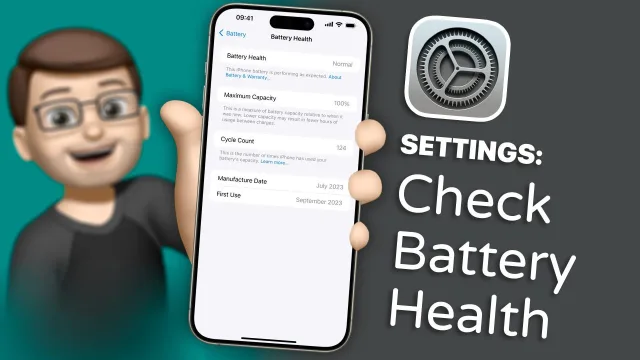 1:53
Understanding iPhone Battery Health: A Comprehensive Guide
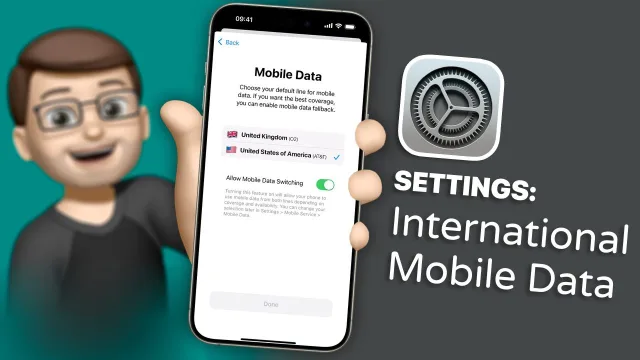 3:27
Stay Connected Anywhere: The Ultimate Guide to eSIM for Travellers
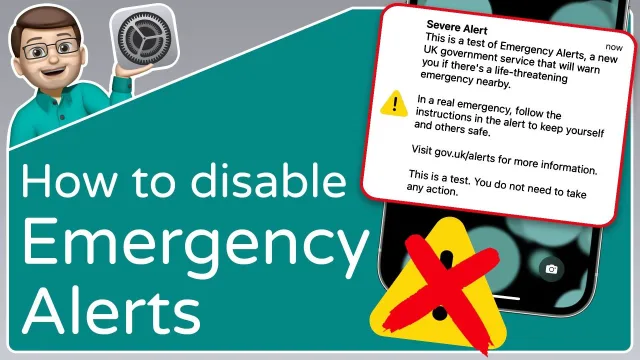 1:18
How to Disable Emergency Alerts on iPhone
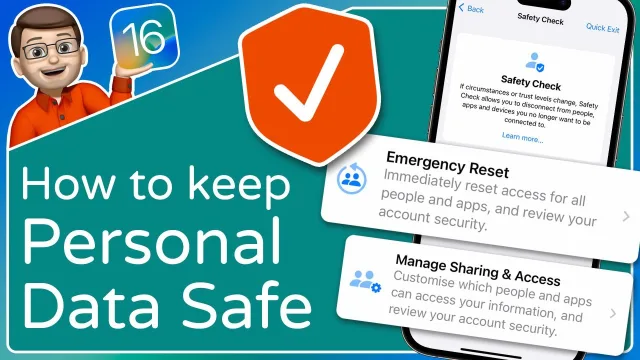 3:13
Keep your Data + Apps Secure with Safety Check
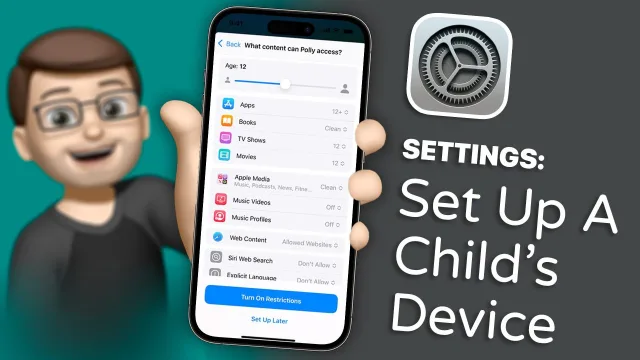 3:13
How to Easily & Securely Set Up a Device for your Child
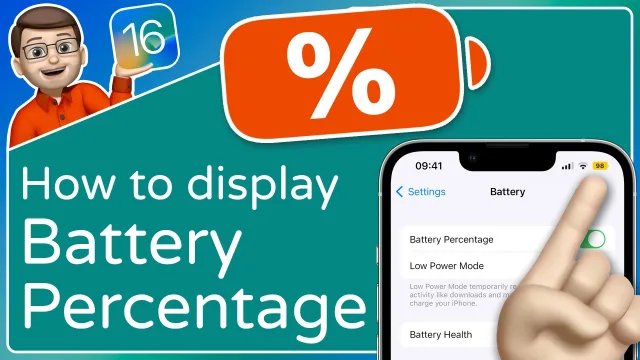 1:05
Show or Hide the Battery Percentage Icon
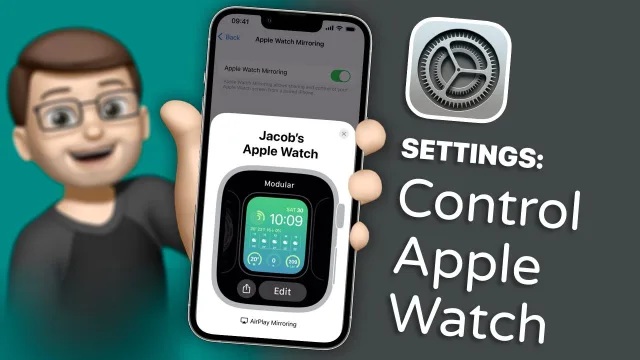 2:47
How to Mirror an Apple Watch to your iPhone
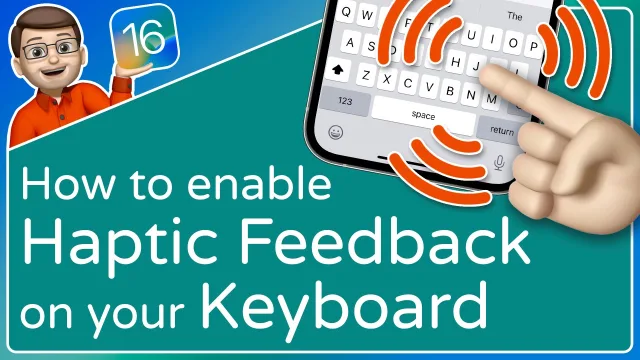 1:15
How To Enable Keyboard Vibration Haptics
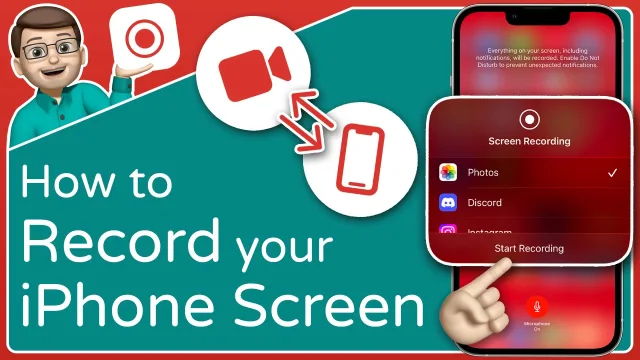 2:49
How to Screen Record on iPhone
 3:00
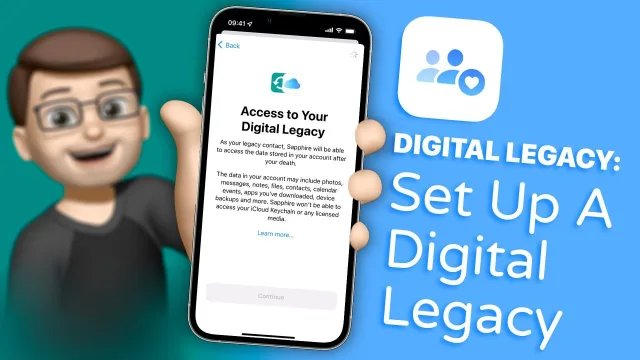
Set-Up and Use Digital Legacy with your Apple ID and iCloud
 2:02
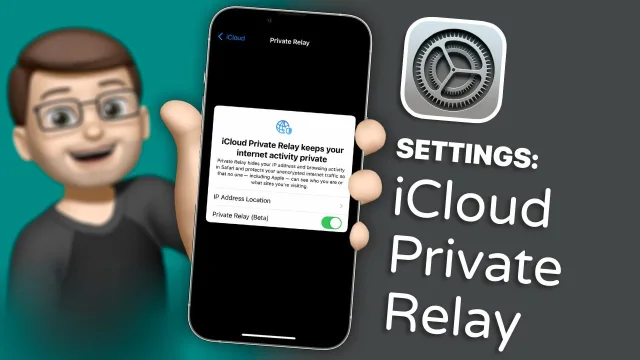
How to use iCloud Private Relay
 2:47
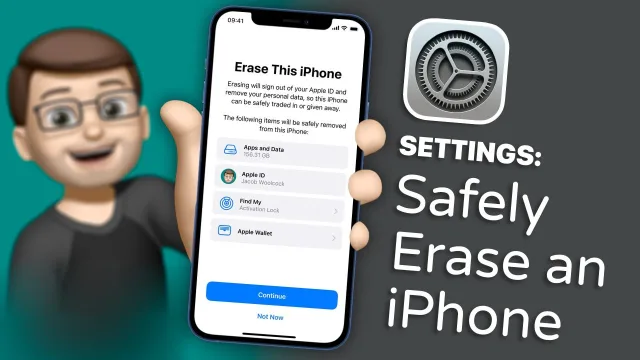
How to Safely Erase your iPhone
 1:53
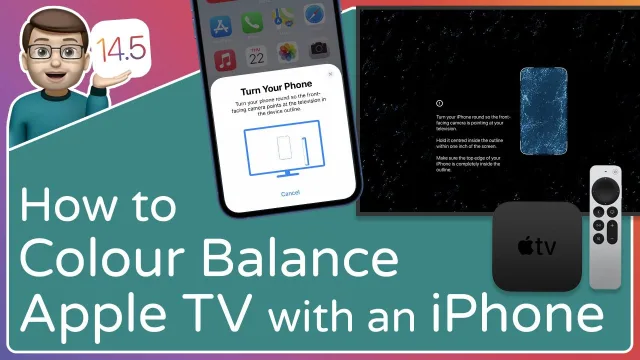
How to Calibrate the Colour Balance with your iPhone on Apple TV
 1:53
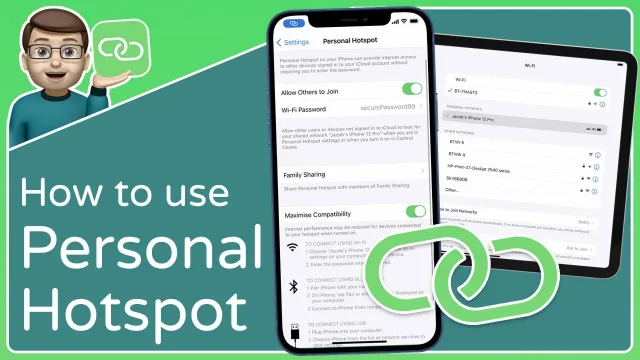
Share your Mobile Data with a Personal Hotspot
 1:59
How to Connect a PS4 DualShock Controller to your iPad
 4:57
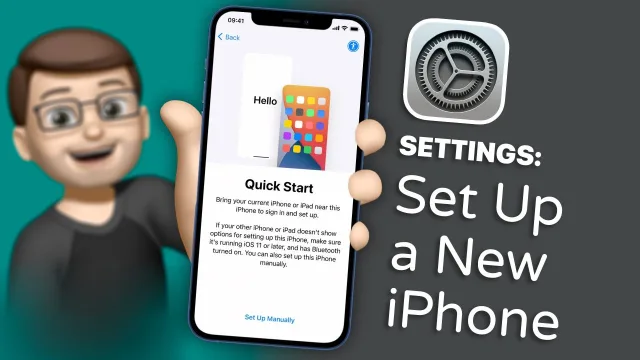
How to setup + transfer all your data onto your new iPhone with iCloud
Showing 8 of 27
Settings shows up in
All 10 topics ›




More apps like Settings
Library ›

Want more Settings tips?
Tell Jacob what you’d like to learn and he might make the next one.