Accessibility
Apple devices offer a comprehensive range of accessibility features designed to support users with diverse needs, including vision, hearing, physical and motor skills and additional learning needs.
37 QuickTips1 hr 13 min of video
I use Accessibility on

Newest · 3:13
Lock Your iPhone to One App with Guided Access
The collection
Getting started with Accessibility
Open the collectionNewest for iPhone
 3:13
Lock Your iPhone to One App with Guided Access
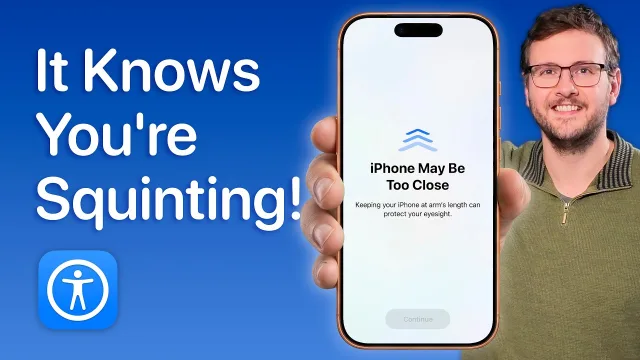 1:37
Turn On Screen Distance to Reduce Eye Strain on iPhone
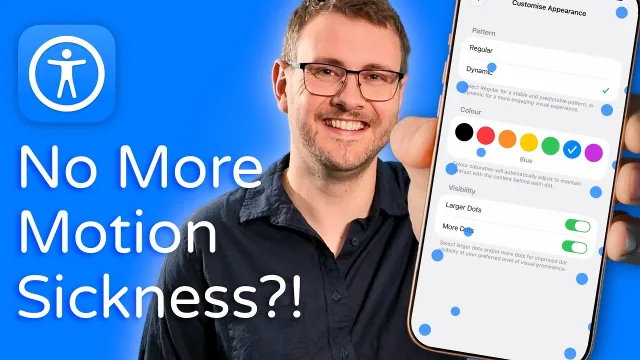 0:58
Reduce Motion Sickness with Vehicle Motion Cues on iPhone
 1:58
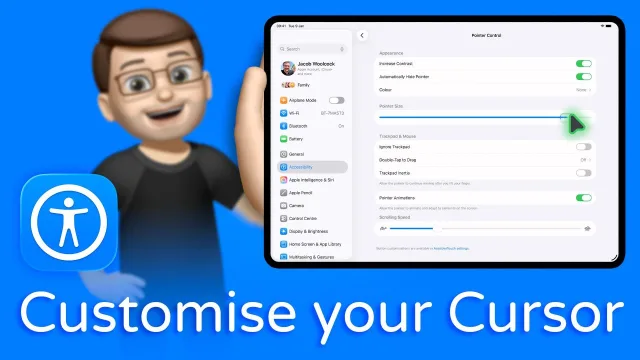
Change the Size, Colour and Style of Your iPad Cursor
 2:02
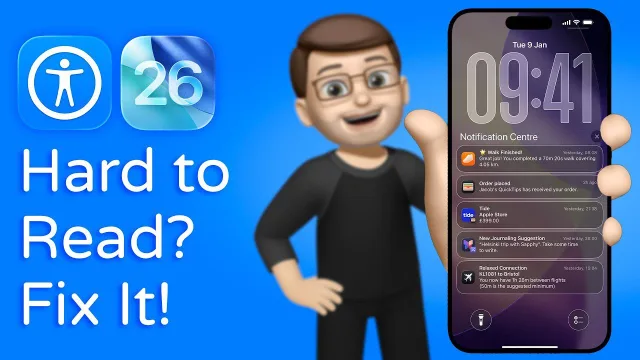
Reduce or Remove Transparency on Liquid Glass
 3:00
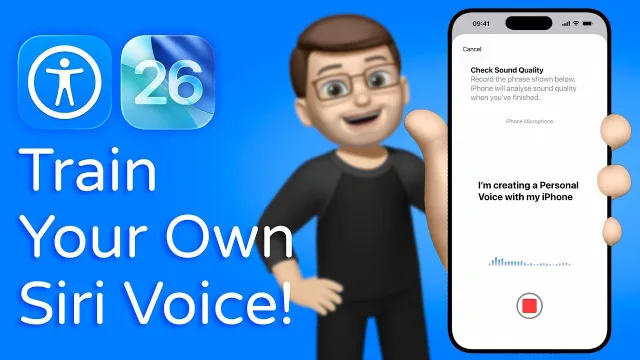
Create Your Own Personal Voice
 1:55
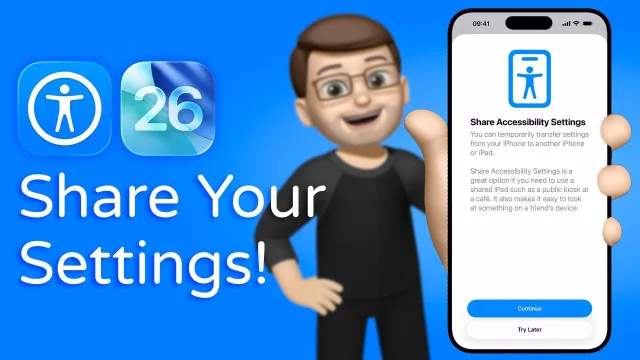
Share Your Accessibility Settings via AirDrop
 1:48
Adjust Text Size on iPhone for Better Readability
 1:48
Turn Your iPhone Screen Black and White
 1:55
Use Hover Typing for Clearer Text Input
 2:30
Reduce Travel Sickness with Vehicle Motion Cues
 3:34
Control Your iPhone Using Your Eyes
Every iPhone Tip
 3:13
Lock Your iPhone to One App with Guided Access
1:37Turn On Screen Distance to Reduce Eye Strain on iPhone
0:58Reduce Motion Sickness with Vehicle Motion Cues on iPhone
1:58Change the Size, Colour and Style of Your iPad Cursor
2:02Reduce or Remove Transparency on Liquid Glass
3:00Create Your Own Personal Voice
1:55Share Your Accessibility Settings via AirDrop
1:48Adjust Text Size on iPhone for Better Readability
1:48Turn Your iPhone Screen Black and White
1:55Use Hover Typing for Clearer Text Input
2:30Reduce Travel Sickness with Vehicle Motion Cues
3:34Control Your iPhone Using Your Eyes
 1:50
Use Music Haptics for a Tactile Listening Experience
 1:18
How to Install and Use Multiple Keyboards on Your iPad
 2:06
How to Activate and Use Speak Selection on iPad
 1:14
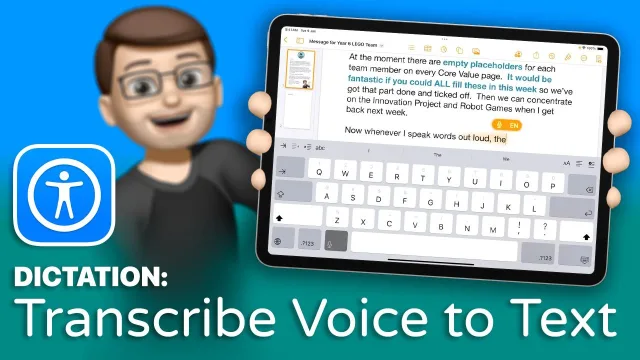
A Guide to iPad Dictation: Voice Typing Made Easy
 3:08
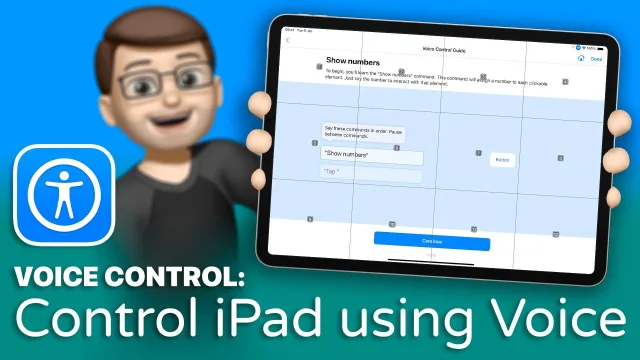
How to Use Voice Control on iPad: A Step-by-Step Guide
 1:52
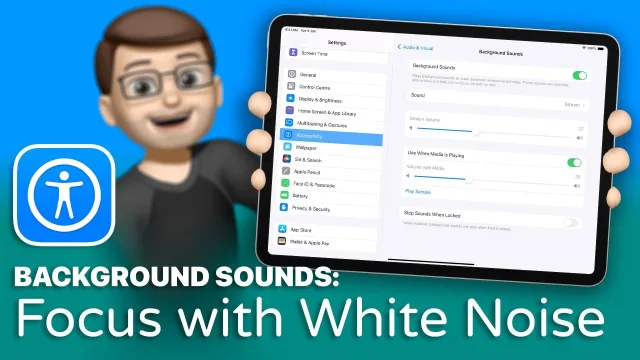
How to Set Up and Use Background Sounds on Your iPad
 2:20
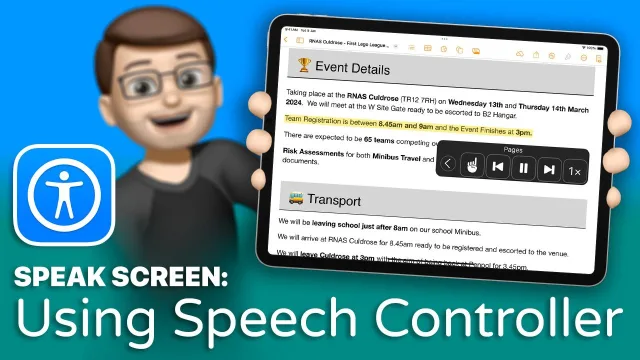
Using Speak Screen and Speech Controller on iPad
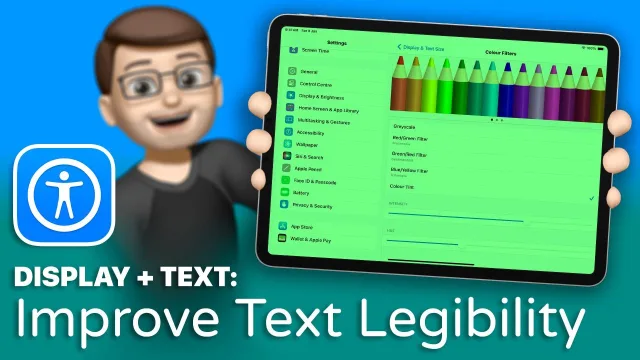 1:37
How to Use Bold Text and Colour Filters on iPad
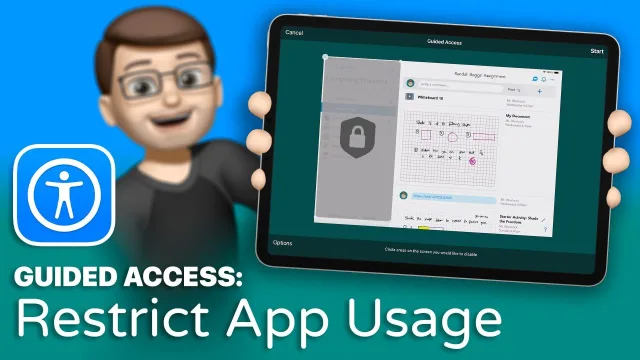 1:43
How to Use Guided Access on iPad
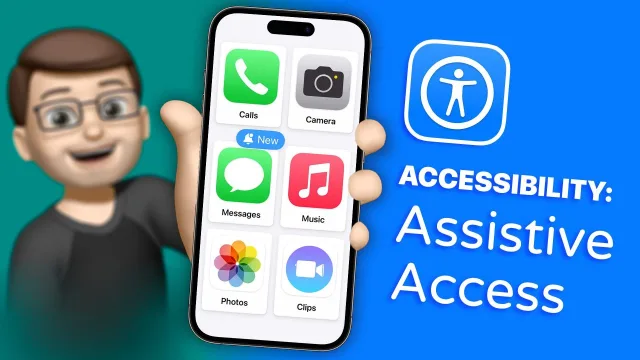 4:43
Simplify and Reduce Clutter on your iPhone with Assistive Access
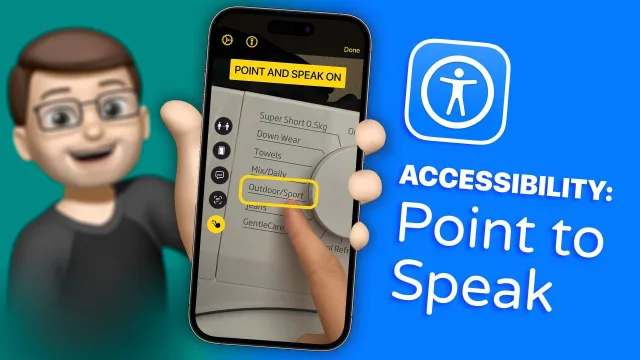 1:54
Using Point and Speak for iPhone
 1:52
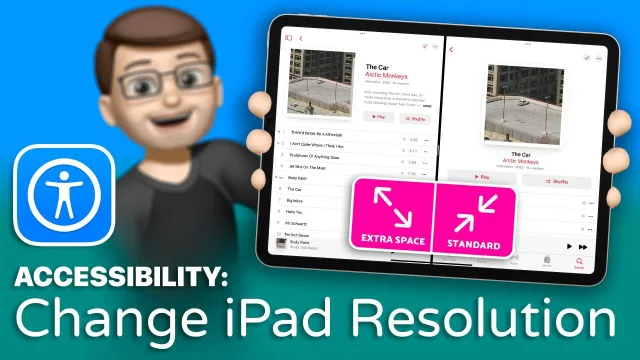
Change the Resolution of your iPad to Maximise Screen Space
 0:57
Enable a Start Up / Shut Down Chime on iPhone 14
 1:20
Using the new Enhanced Dictation on iOS 16
 2:08
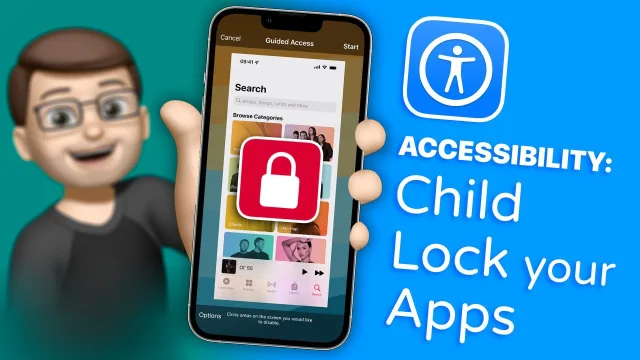
Use Guided Access to ‘Child-Lock’ your iPhone
 2:13
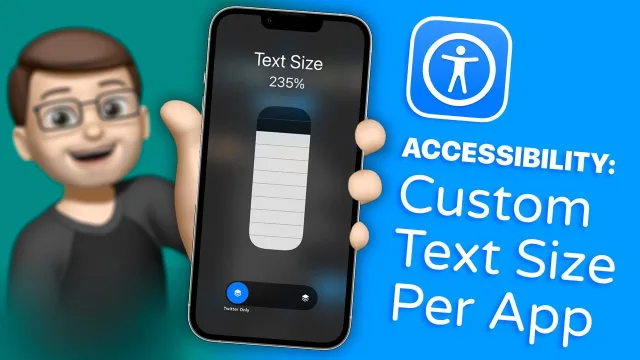
How to set a Custom Text Size per App
 2:24
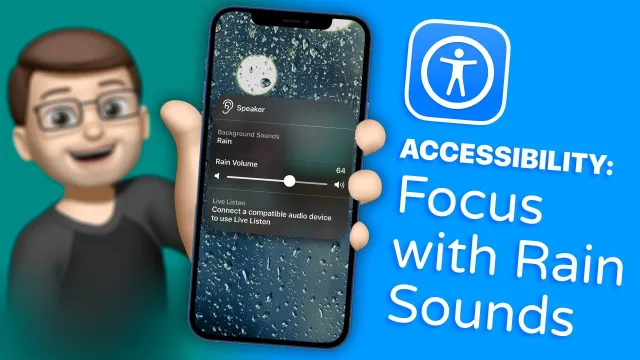
How to use Background Rain Sounds
 1:28
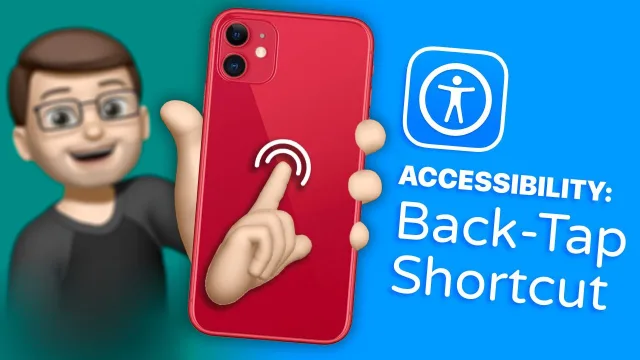
How to use ‘Back Tap’ to Control your iPhone by tapping it
 1:38
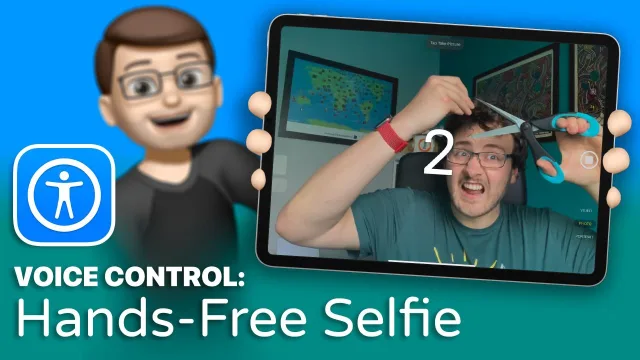
How to use Voice Control to take a “Hands-Free Selfie” on your iPhone or iPad
 1:31
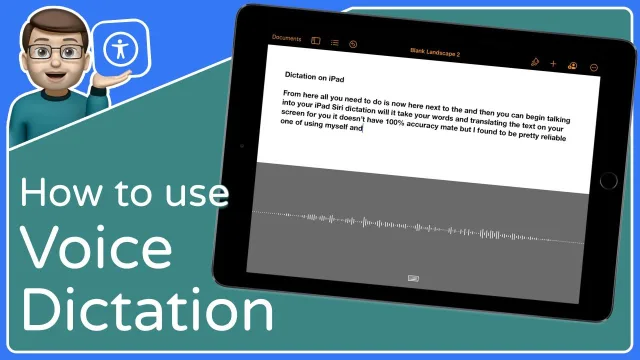
How to use Voice Dictation to transcribe text on iPad
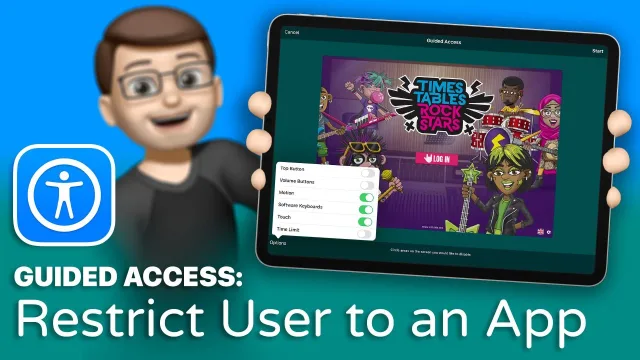 1:43
How to use Guided Access to restrict app usage on iPad
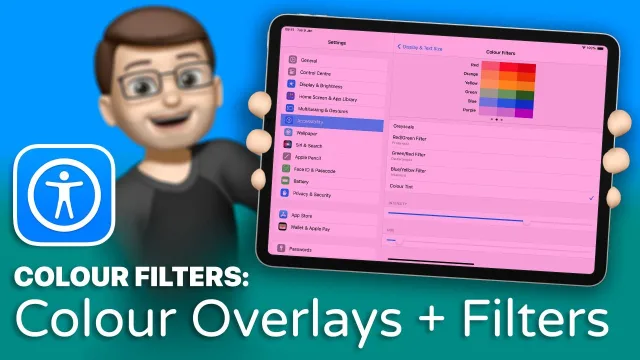 1:22
How to use On-Screen Colour Filters on your iPad
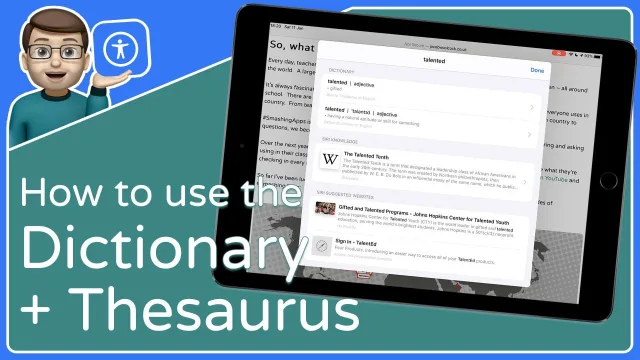 1:24
How to use the built in Dictionary and Thesaurus
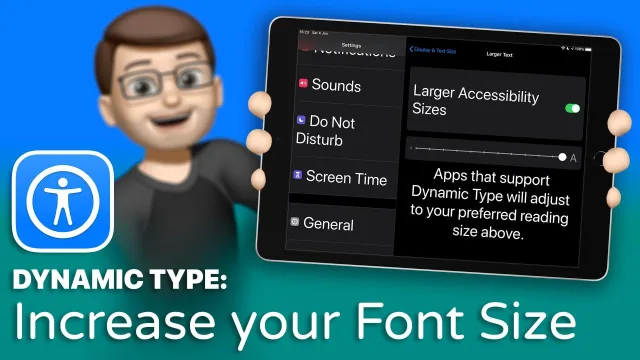 1:34
How to use Dynamic Type to Increase Text Size
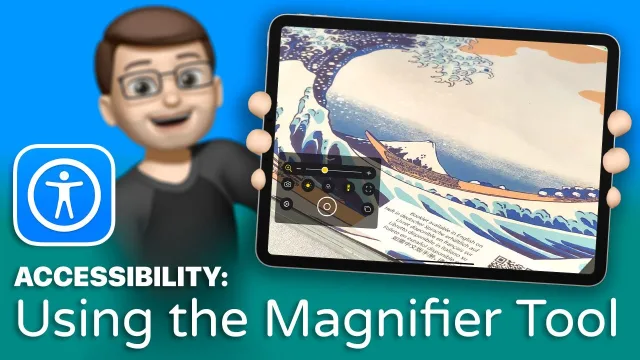 1:13
How to use the Built-In Magnifier Tool
Showing 8 of 20
Accessibility shows up in
All 10 topics ›



More apps like Accessibility
Library ›


Want more Accessibility tips?
Tell Jacob what you’d like to learn and he might make the next one.