
Keynote
The Keynote app is Apple's presentation software that enables users to create stunning and professional slideshows with ease. It offers a variety of templates, animations, and tools for designing impactful presentations, and supports seamless collaboration and syncing across Apple devices via iCloud.
21 QuickTips34 min of video

Newest · 1:27
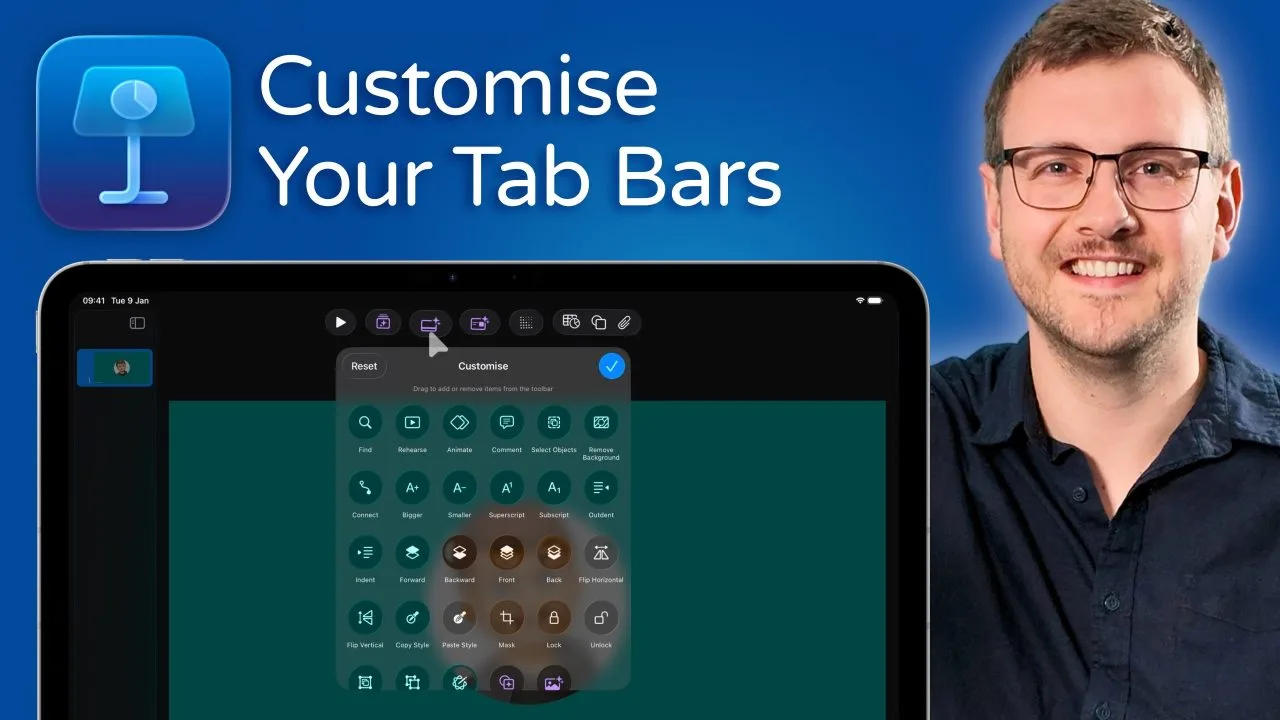
How to Customise Your Toolbar in Keynote, Numbers and Pages
The collection
Tips and tricks for Keynote
Open the collectionNewest
 1:27
How to Customise Your Toolbar in Keynote, Numbers and Pages
 3:15
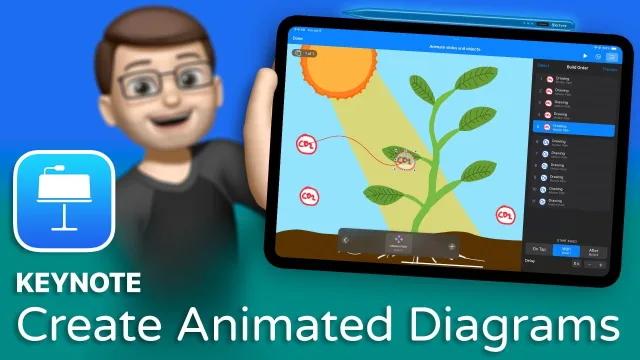
How to Draw and Create Animated Diagrams in Keynote
 1:39
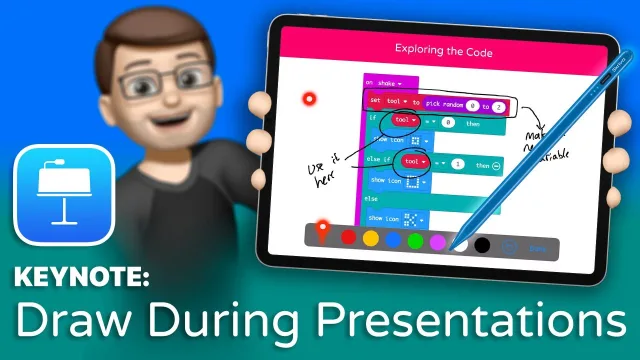
Using a Virtual Laser Pointer and Annotations during Keynote Presentations
 3:05
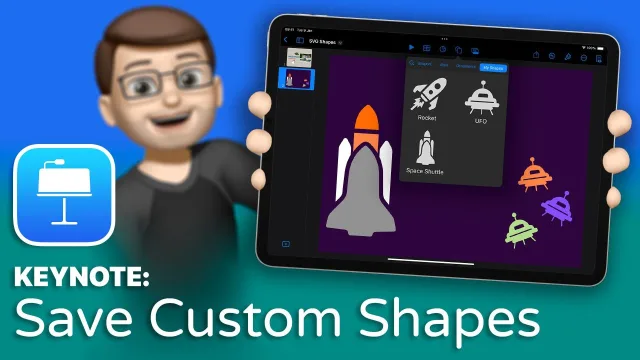
Create Custom Shapes using SVGs in Keynote
 1:44
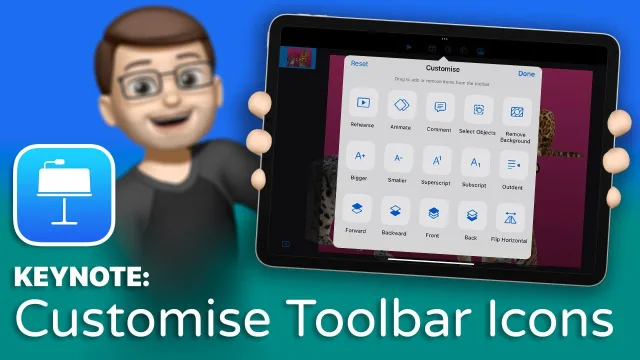
Maximise Productivity with Custom Toolbars in Keynote
 1:16
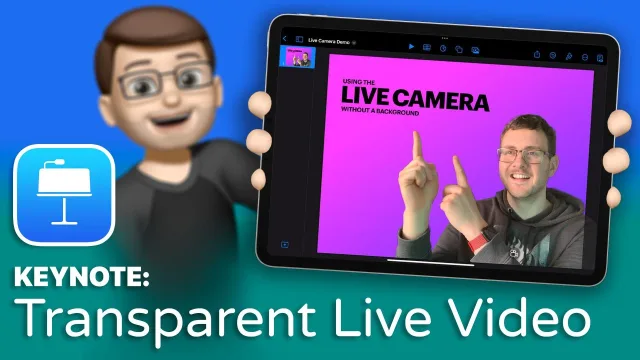
Transparent Backgrounds with Keynote Live Video
 2:39
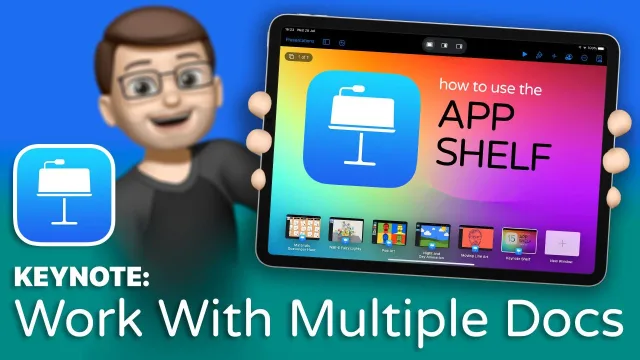
Open Multiple Keynote Documents at the Same Time with App Shelf
 2:32
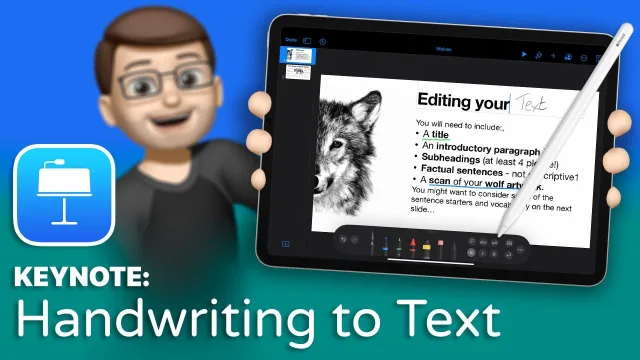
How to Convert your Handwriting to Typed Text with the Apple Pencil Scribble Tool
 1:39
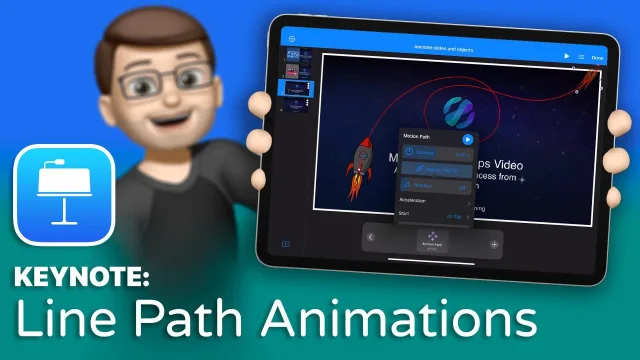
Use the Line Draw animation tool in Keynote to create simple but impressive animations
 1:53
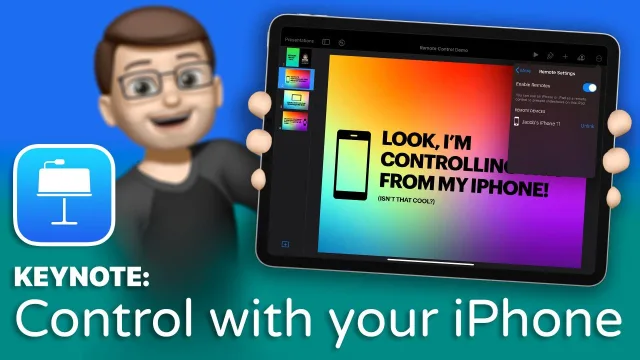
How to use an iPhone or Apple Watch to Remotely Control your Keynote Presentation on your iPad
 1:41
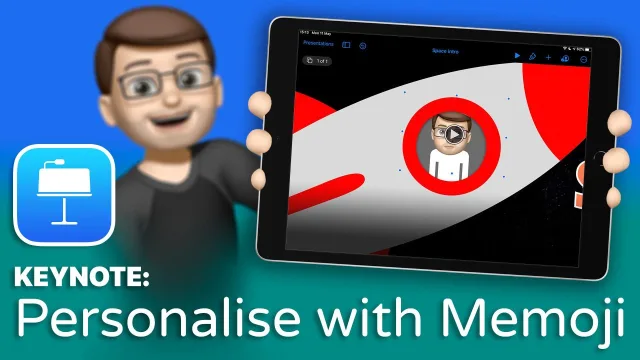
How to use Memoji to Easily Personalise Remote Teaching Videos
 1:17
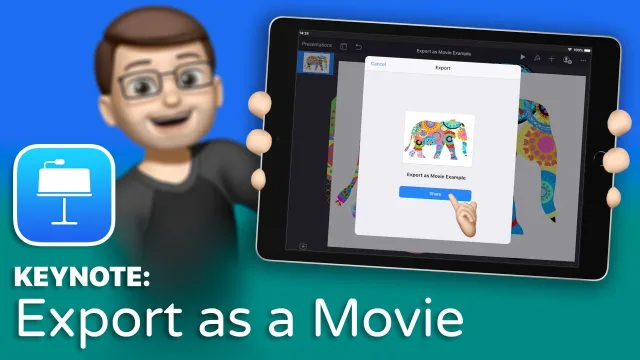
Save your Keynote Project as a Video File
Every Tip
1:27How to Customise Your Toolbar in Keynote, Numbers and Pages
3:15How to Draw and Create Animated Diagrams in Keynote
1:39Using a Virtual Laser Pointer and Annotations during Keynote Presentations
3:05Create Custom Shapes using SVGs in Keynote
1:44Maximise Productivity with Custom Toolbars in Keynote
1:16Transparent Backgrounds with Keynote Live Video
2:39Open Multiple Keynote Documents at the Same Time with App Shelf
2:32How to Convert your Handwriting to Typed Text with the Apple Pencil Scribble Tool
1:39Use the Line Draw animation tool in Keynote to create simple but impressive animations
1:53How to use an iPhone or Apple Watch to Remotely Control your Keynote Presentation on your iPad
1:41How to use Memoji to Easily Personalise Remote Teaching Videos
1:17Save your Keynote Project as a Video File
 1:15
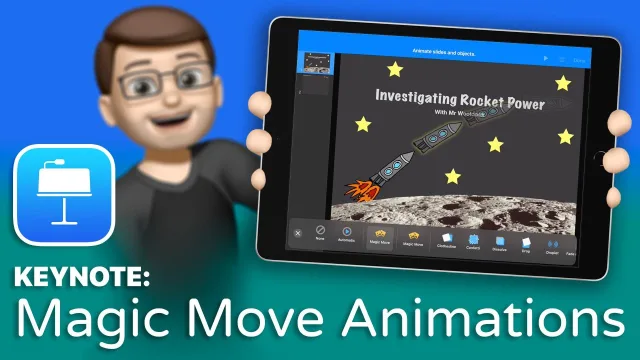
Create Animations with the Magic Move Transition
 1:15
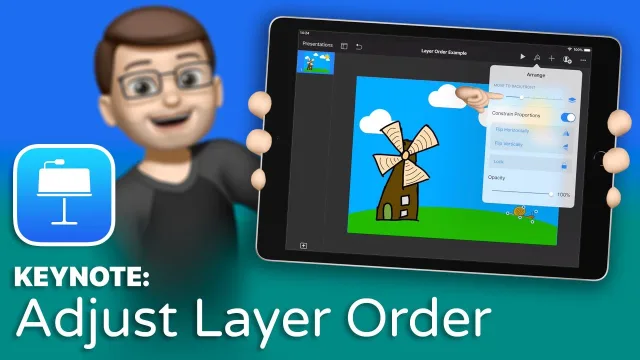
How to Change the Layer Order of Objects and Images
 1:13
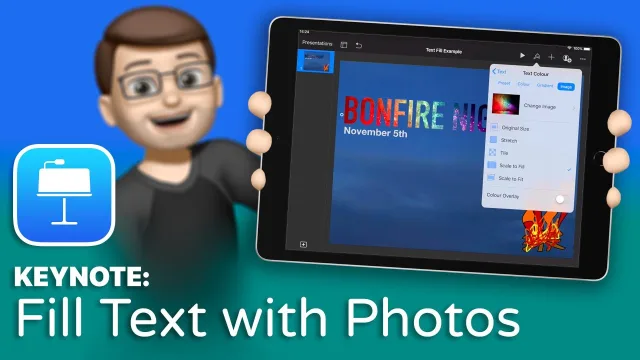
How to Fill Text and Titles with Photos
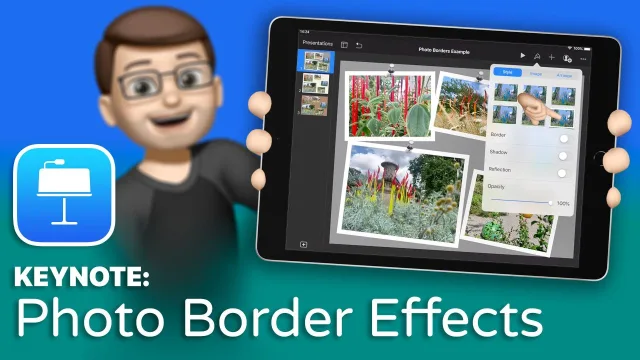 1:11
Using Borders to Enhance Photos
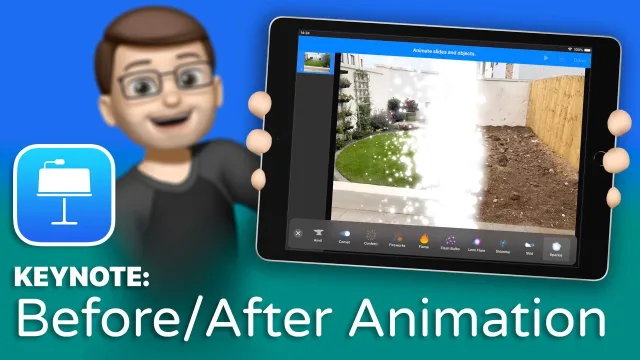 1:14
Creating Before & After Photo Effects
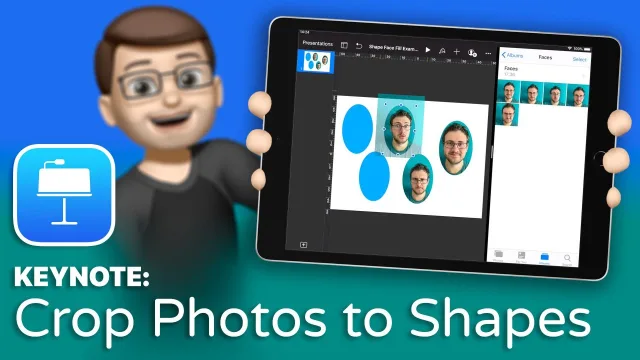 1:00
Quickly Reshape Your Photos using Symbols
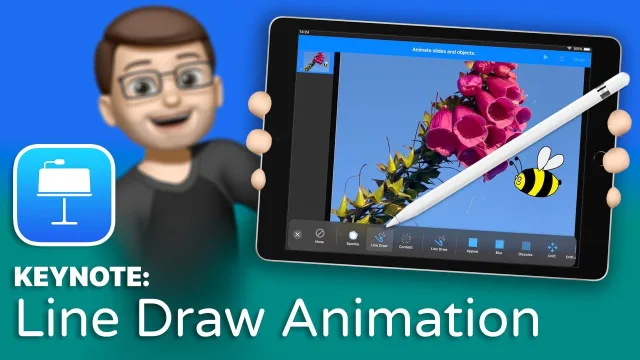 1:01
Make your Sketches Come to Life with Line Draw
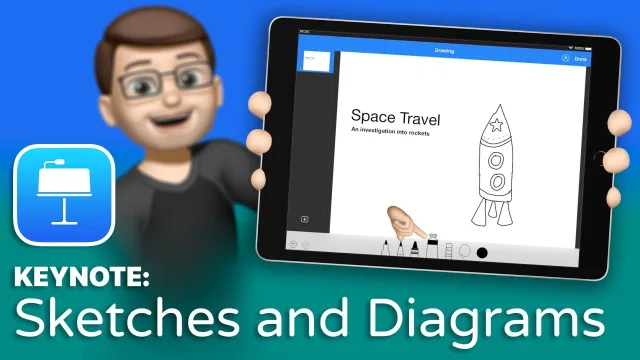 1:01
Insert your own Sketches and Diagrams in Keynote
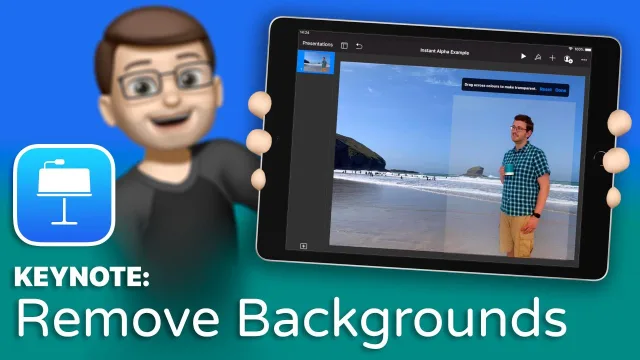 1:01
Using Instant Alpha to Remove Backgrounds from Images
Showing 8 of 21
Keynote shows up in
All 10 topics ›





More apps like Keynote
Library ›


Want more Keynote tips?
Tell Jacob what you’d like to learn and he might make the next one.