
tips and tricks for
Pages
Pages QuickTips for iPad, newest first: custom shapes, Apple Intelligence writing tools, inline feedback with Smart Annotations, Scribble, Mail Merge, collaboration and Presenter Mode.
10 QuickTips21 min
0 of 10 watched0%
Not watched yet
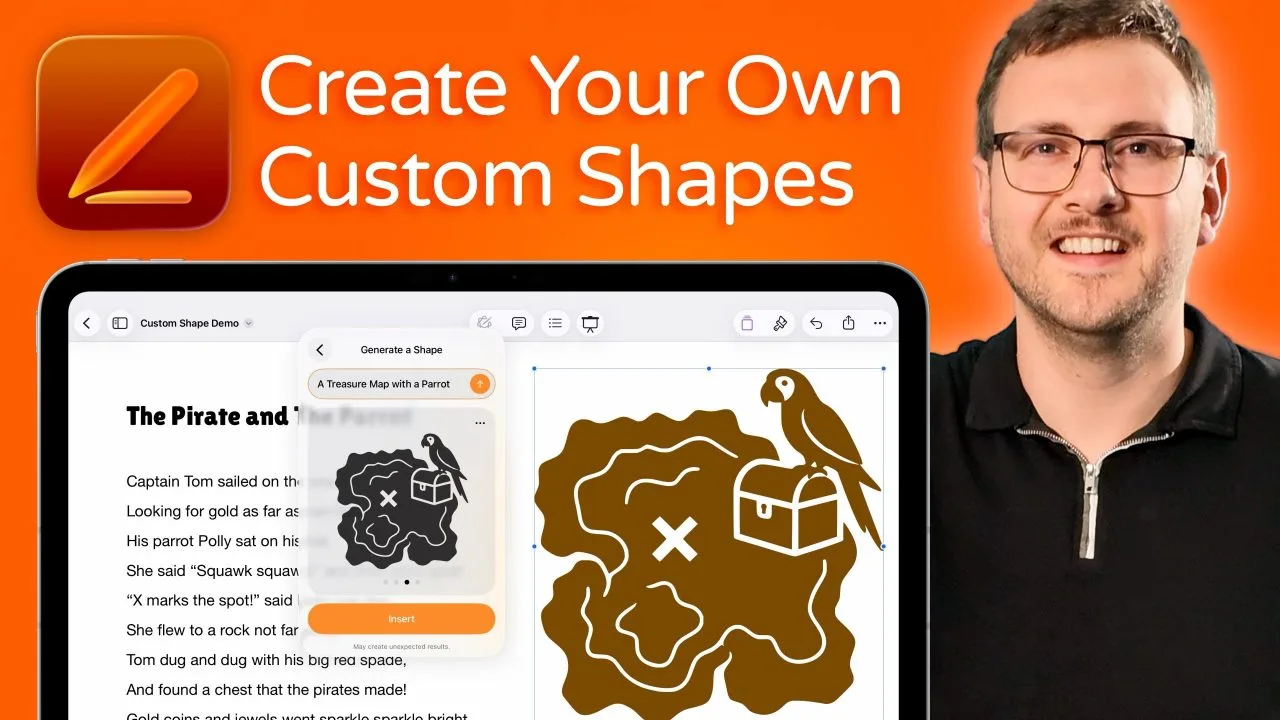
How to Generate Custom Shapes in Keynote, Numbers and Pages with AI
In this collection
- How to Generate Custom Shapes in Keynote, Numbers and Pages with AI
 1:46
- Using Apple Intelligence to Summarise Text and Make Bullet Points
 1:45
- Proofread and Rewrite Text Using Apple Intelligence
 1:46
- Using Smart Annotations for Inline Feedback in Pages
 2:14
- Handwriting to Text with the Scribble Tool on iPad
 2:06
- How to Open and Edit your Notes in the Pages App on iPad
 1:13
- How to use Mail Merge in Pages for iPad
 5:10
- How to Collaborate and Work Together on Documents in Pages
 2:04
- How to use Presenter Mode as a virtual Teleprompter
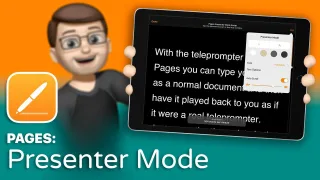 1:09
- How to use the Smart Annotation tools in the Pages App on iPad
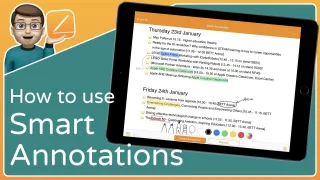 1:41
More collections
All collections › 109 QuickTips
what's new in
iOS 27
 52 QuickTips
what's new in
iOS 26
9 QuickTips
a complete guide to
Freeform

7 QuickTips
a complete guide to
Classroom

5 QuickTips
a complete guide to
Invites
 17 QuickTips
a complete guide to
Magma Maths

9 QuickTips
getting started with
Accessibility

22 QuickTips
a complete guide to