Control Center
The Control Center on iOS is a quick-access interface that allows users to toggle settings such as Wi-Fi, Bluetooth, and Airplane Mode, and access utilities like flashlight, calculator, and camera. It’s customisable, providing convenient control over frequently used functions and system settings without having to navigate through the full Settings menu.
10 QuickTips18 min of video
I use Control Center on
Newest · 1:39
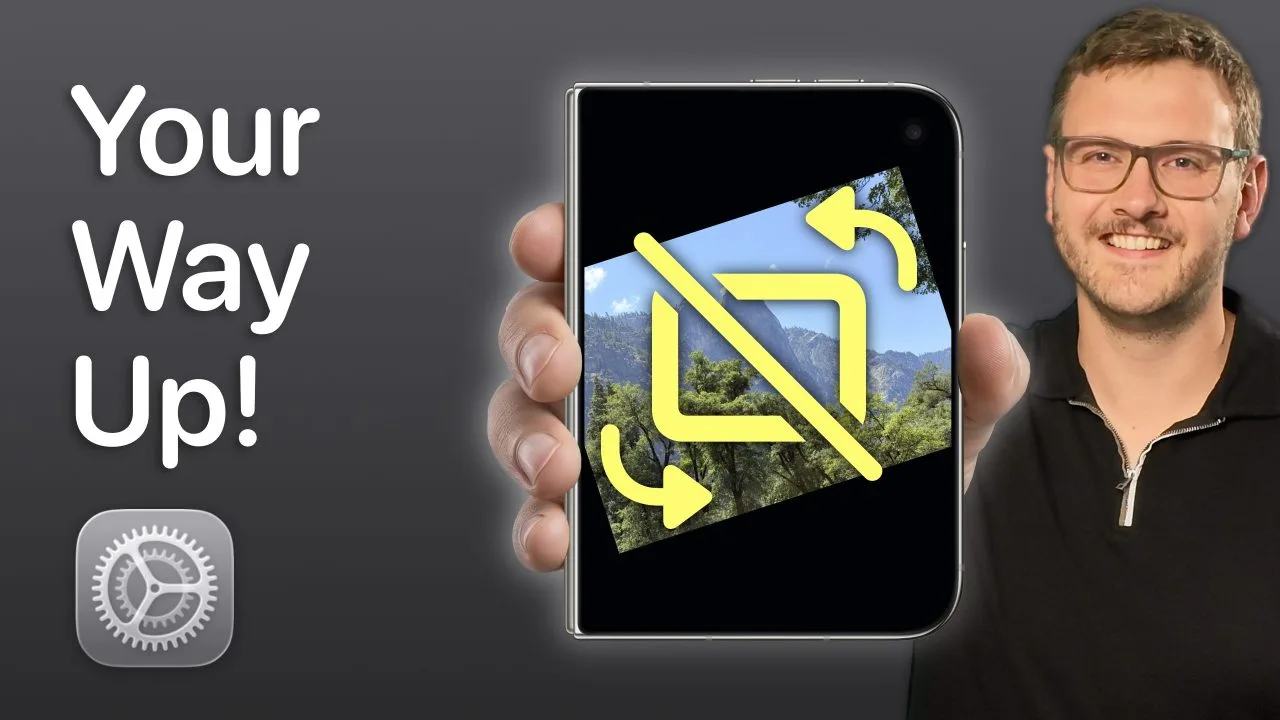
How to Lock Screen Rotation on iPhone Duo
Newest for iPhone
 1:39
How to Lock Screen Rotation on iPhone Duo
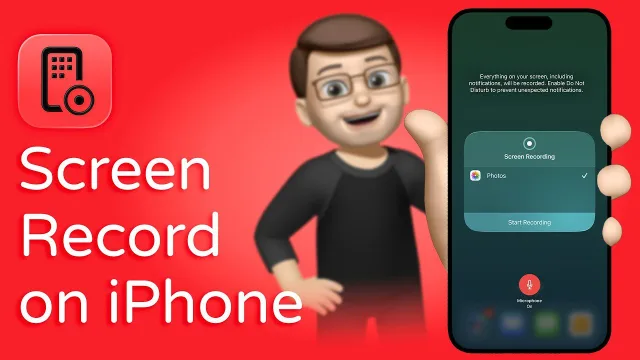 1:53
How to Record Your iPhone Screen
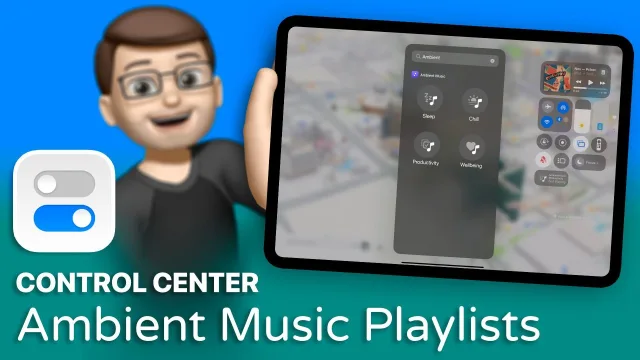 2:14
Start Focus or Sleep Playlists from Control Centre
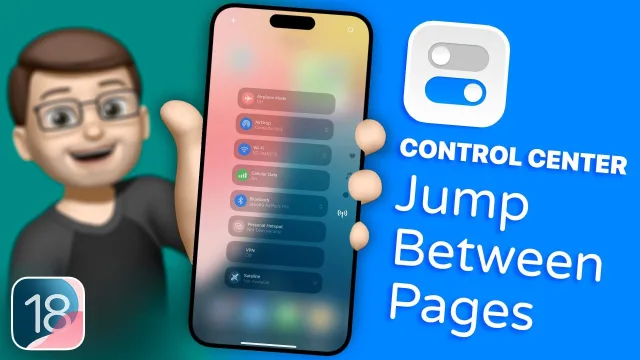 1:39
Three Tips to Quickly Move Between Pages in Control Center
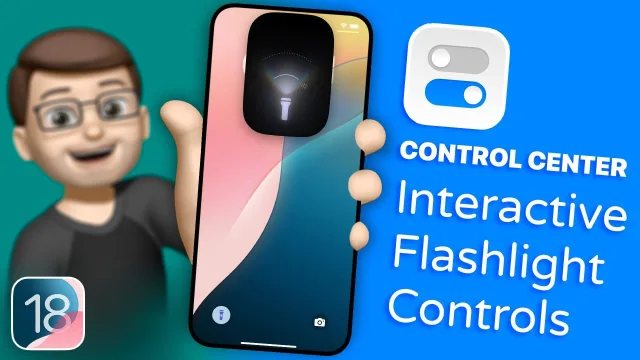 1:44
Make the Most of Your iPhone’s Flashlight
 2:17
Add and Organise Multiple Pages in Control Center
 1:29
Run Your Favourite Shortcuts from Control Center
 1:39
Personalise Control Center by Rearranging and Resizing Buttons
 1:50
Add and Remove Buttons and Controls
 1:06
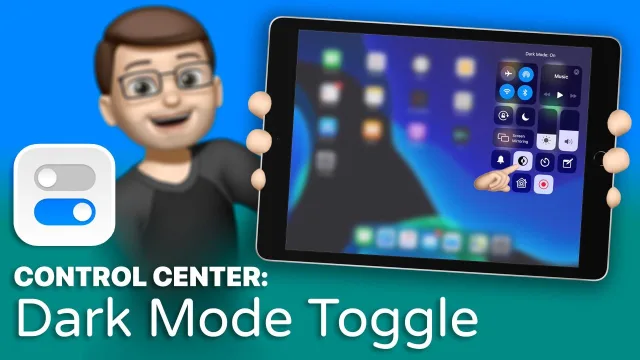
How to add a Dark Mode toggle to Control Center
Every iPhone Tip
1:39How to Lock Screen Rotation on iPhone Duo
1:53How to Record Your iPhone Screen
2:14Start Focus or Sleep Playlists from Control Centre
1:39Three Tips to Quickly Move Between Pages in Control Center
1:44Make the Most of Your iPhone’s Flashlight
2:17Add and Organise Multiple Pages in Control Center
1:29Run Your Favourite Shortcuts from Control Center
1:39Personalise Control Center by Rearranging and Resizing Buttons
1:50Add and Remove Buttons and Controls
1:06How to add a Dark Mode toggle to Control Center
Showing 8 of 8
Control Center shows up in
All 10 topics ›



More apps like Control Center
Library ›



Want more Control Center tips?
Tell Jacob what you’d like to learn and he might make the next one.