
Clock
The Clock app on iOS is a multifunctional timekeeping tool that includes features such as alarms, a world clock, a stopwatch, and a timer. It allows users to manage their time efficiently, set multiple alarms, track time zones around the world, and measure elapsed time for various activities.
8 QuickTips14 min of video


Newest · 2:18
Use HomeView as a Bedside Clock with Night Mode
Newest
 2:18
Use HomeView as a Bedside Clock with Night Mode
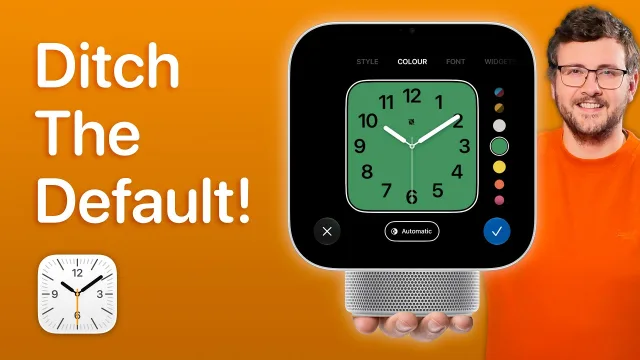 2:37
How to Customise the Faces on Apple HomeView
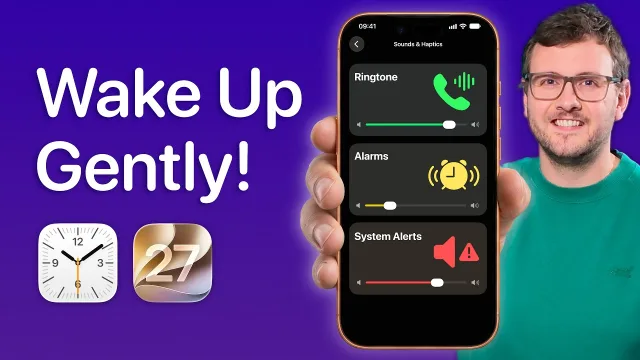 1:19
How to Set Alarm Volume Separately on iPhone in iOS 27
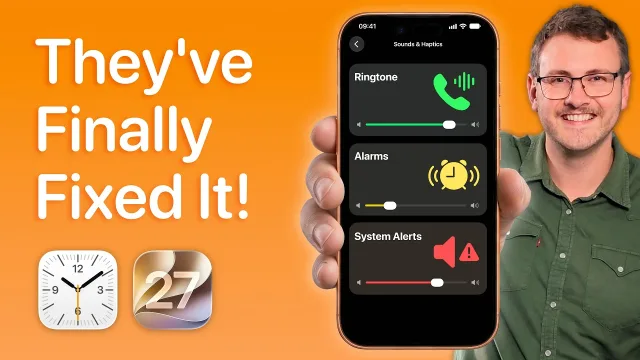 1:16
Set Separate Alarm and Ringtone Volumes in iOS 27
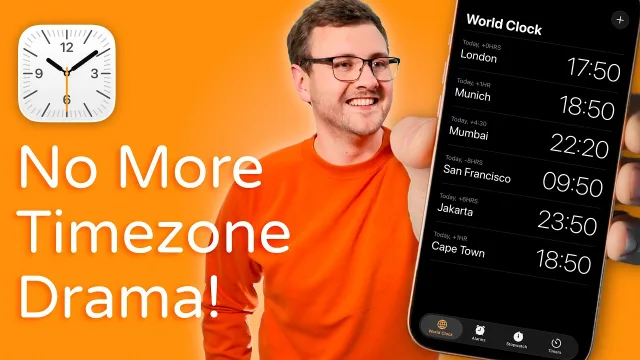 0:44
Add Cities to World Clock on iPhone
 1:44
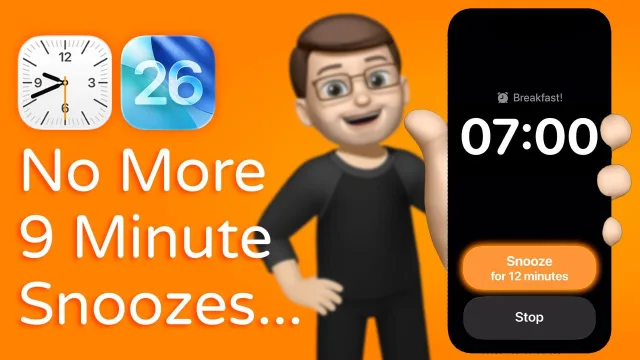
Change Snooze Timer to 1–15 Minutes on iPhone Alarm (iOS26 Public Beta)
 1:52
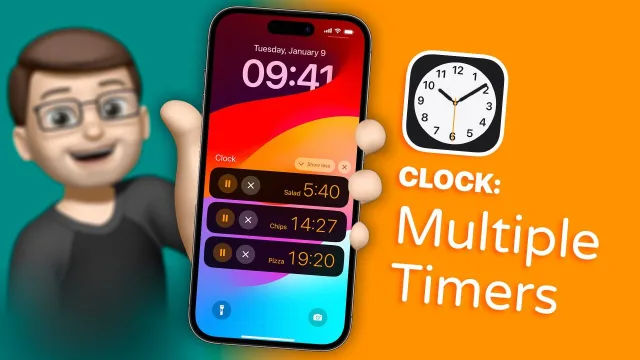
How to Set Up and Use Multiple Timers in the Clock App
 1:40
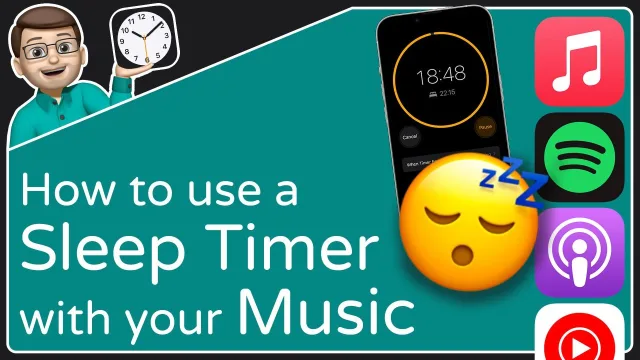
How to Set A Sleep Timer On Your iPhone
Every Tip
 2:18
Use HomeView as a Bedside Clock with Night Mode
2:37How to Customise the Faces on Apple HomeView
1:19How to Set Alarm Volume Separately on iPhone in iOS 27
1:16Set Separate Alarm and Ringtone Volumes in iOS 27
0:44Add Cities to World Clock on iPhone
1:44Change Snooze Timer to 1–15 Minutes on iPhone Alarm (iOS26 Public Beta)
1:52How to Set Up and Use Multiple Timers in the Clock App
1:40How to Set A Sleep Timer On Your iPhone
Showing 8 of 8
Clock shows up in
All 10 topics ›




More apps like Clock
Library ›

Want more Clock tips?
Tell Jacob what you’d like to learn and he might make the next one.